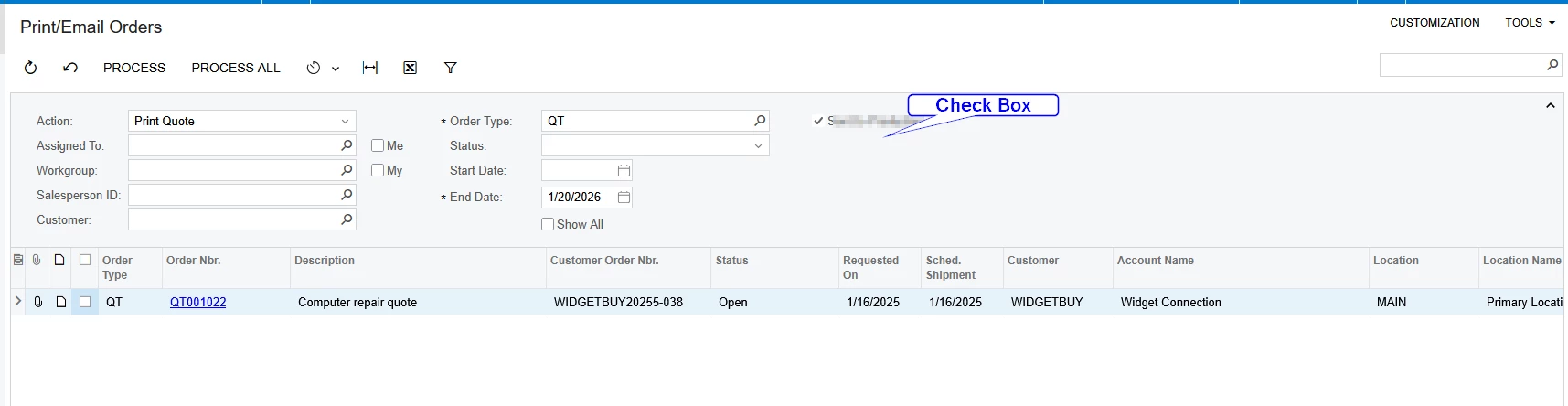
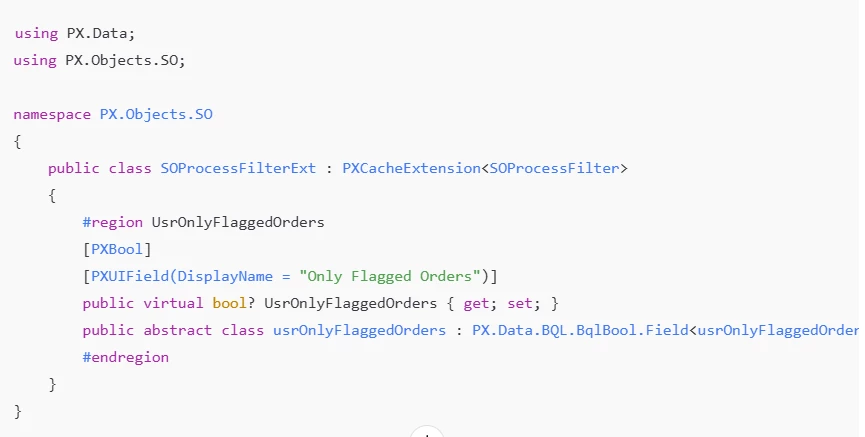
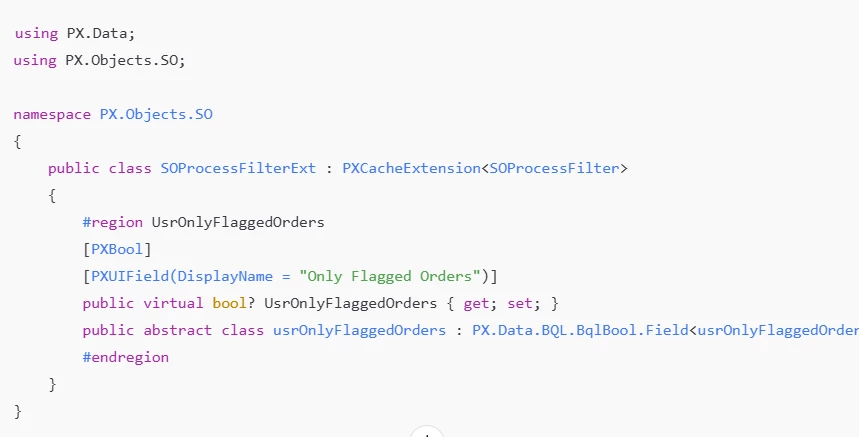
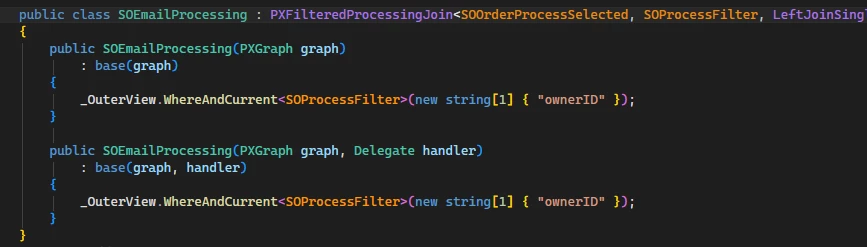
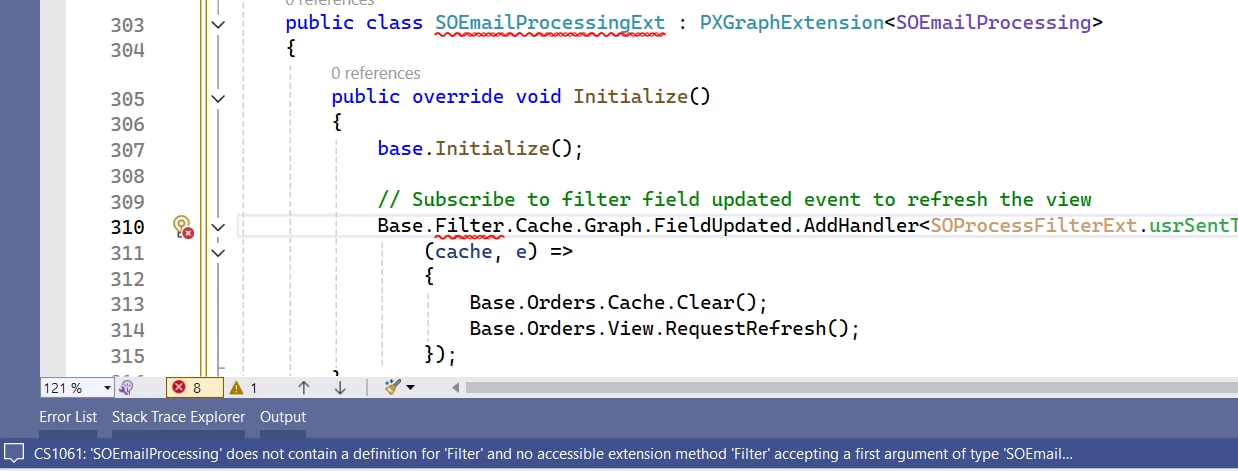
@SKV687 I checked it and below code is working fine. Please check from your end and confirm.
 public class SOEmailProcessing : PXFilteredProcessingJoin<SOOrderProcessSelected, SOProcessFilter,
        LeftJoinSingleTable<Customer, On<SOOrder.customerID.IsEqual<Customer.bAccountID>>>,
        Where<Brackets<SOOrderProcessSelected.behavior.IsEqual<SOBehavior.tR>.
                       Or<Match<Customer, AccessInfo.userName.FromCurrent>>>.
            And<SOOrderProcessSelected.orderDate.IsLessEqual<SOProcessFilter.endDate.FromCurrent>>.
            And<SOProcessFilter.startDate.FromCurrent.IsNull.
                Or<SOOrderProcessSelected.orderDate.IsGreaterEqual<SOProcessFilter.startDate.FromCurrent>>>.
            And<PX.SM.WorkflowAction.IsEnabled<SOOrderProcessSelected, SOProcessFilter.action>>.
            And<SOProcessFilter.showAll.FromCurrent.IsEqual<True>.
                Or<SOProcessFilter.action.FromCurrent.IsIn<
                        SOOrderProcess.WellKnownActions.SOOrderScreen.printSalesOrder,
                        SOOrderProcess.WellKnownActions.SOOrderScreen.printQuote,
                        SOOrderProcess.WellKnownActions.SOOrderScreen.printBlanket>.
                        And<SOOrderProcessSelected.printed.IsEqual<False>>>.
                Or<SOProcessFilter.action.FromCurrent.IsIn<
                    SOOrderProcess.WellKnownActions.SOOrderScreen.emailSalesOrder,
                    SOOrderProcess.WellKnownActions.SOOrderScreen.emailQuote,
                    SOOrderProcess.WellKnownActions.SOOrderScreen.emailBlanket>.
                    And<SOOrderProcessSelected.emailed.IsEqual<False>>>>>>
    {
        public SOEmailProcessing(PXGraph graph)
             : base(graph)
        {
            _OuterView.WhereAndCurrent<SOProcessFilter>(nameof(SOOrderProcessSelected.ownerID));
        }
        public SOEmailProcessing(PXGraph graph, Delegate handler)
            : base(graph, handler)
        {
            _OuterView.WhereAndCurrent<SOProcessFilter>(nameof(SOOrderProcessSelected.ownerID));

            bool? sentToProduction = graph.Caches<SOProcessFilter>().GetExtension<SOProcessFilterExt>(
                                      graph.Caches<SOProcessFilter>().Current)?.UsrSentToProduction;
            if (sentToProduction == true)
                _OuterView.WhereAnd<Where<SOOrderVFSentToProdExt.usrSentToProduction.IsEqual<True>>>();
            else
                _OuterView.WhereAnd<Where<SOOrderVFSentToProdExt.usrSentToProduction.IsEqual<False>.
                                Or<SOOrderVFSentToProdExt.usrSentToProduction.IsNull>>>();
        }
    }