Answer

Limit access to the User-Defined Fields

  • September 25, 2024
  • 4 replies
  • 172 views

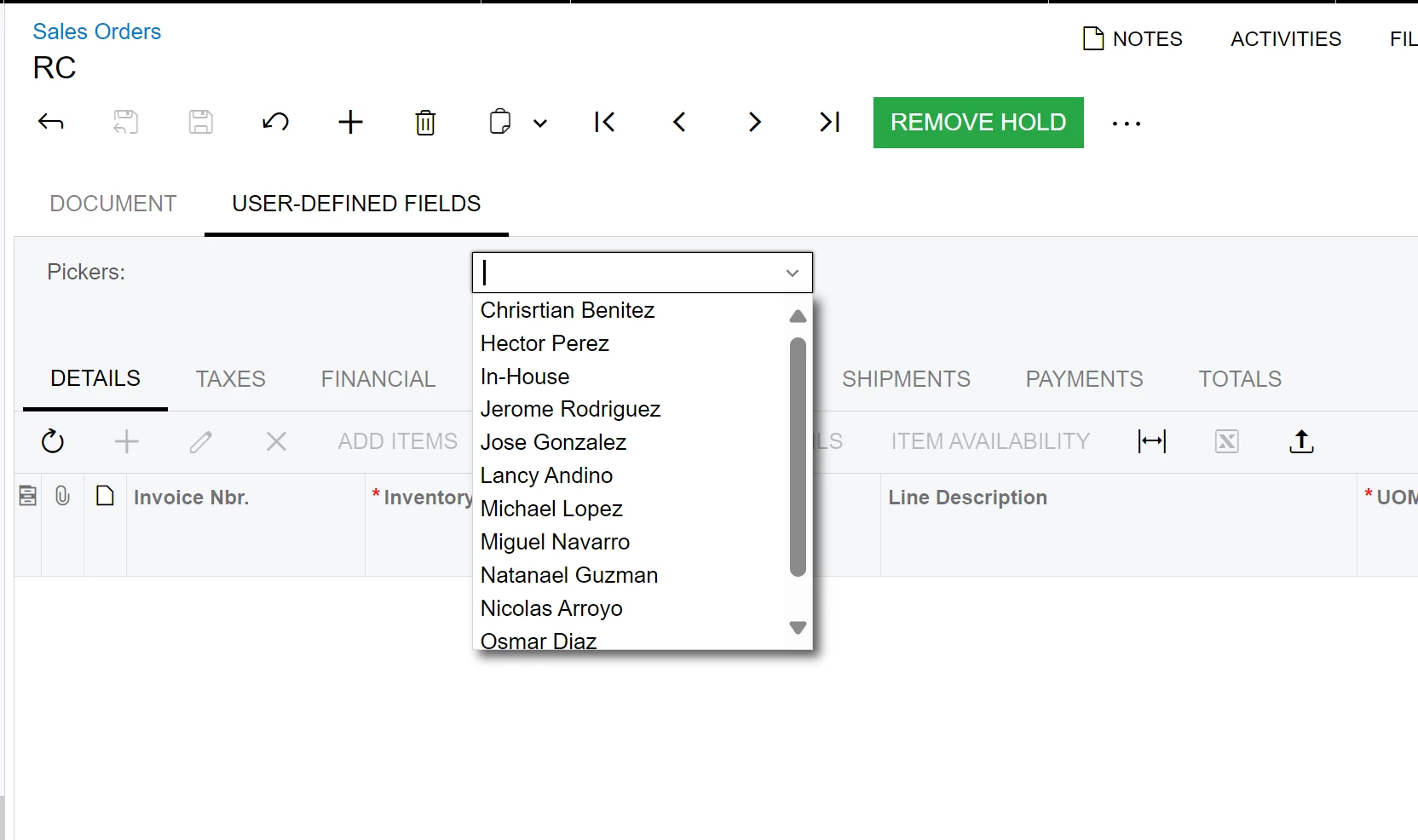
How can you limit the visibility of User-Defined Fields so that it doesn't appear on other companies?

I have companies XYZ and OMP but I don’t want to show in XYZ to OMP
 

Best answer by hdussa

Hello @alejandradiaz68 ,


The UDFs are limited to the Tenant. I would customize the Sales Order to meet the requirement and show/hide the UDFs by the current Company.


Hope this helps!

4 replies

hdussa
Jr Varsity I
Forum|alt.badge.img+1
  • Jr Varsity I
  • Answer
  • September 25, 2024

Hello @alejandradiaz68 ,


The UDFs are limited to the Tenant. I would customize the Sales Order to meet the requirement and show/hide the UDFs by the current Company.


Hope this helps!


  • Author
  • Jr Varsity II
  • September 26, 2024

Hello @alejandradiaz68 ,


The UDFs are limited to the Tenant. I would customize the Sales Order to meet the requirement and show/hide the UDFs by the current Company.


Hope this helps!

Thank you, but what about if I want to limited in the same tenant but different companies. Both companies have assigned an access role created specifically for those companies

There is some way to limited by Access right by screen or Role? 


hdussa
Jr Varsity I
Forum|alt.badge.img+1
  • Jr Varsity I
  • September 26, 2024

Hi @alejandradiaz68 ,


Please try the setting the role for the Attribute field as mentioned in the article below.

https://www.augforums.com/forums/everything-else/field-level-security-user-defined-fields-udf-vs-attributes/


Forum|alt.badge.img
  • Jr Varsity II
  • December 2, 2024

Hello, 

I know this was asked years ago, however I am currently running into the same issue. Right now we have three UDFs set up and I need to limit access to two of the three. I followed the link listed above, but none of our UDFs show up under Sales Orders - Sales Order. Anywhere else I can look? 

Thanks in advance!
Brent