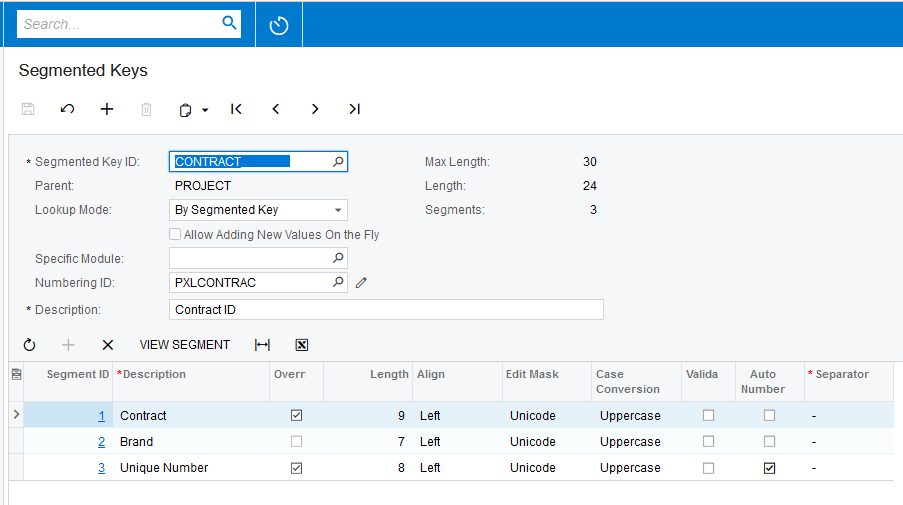
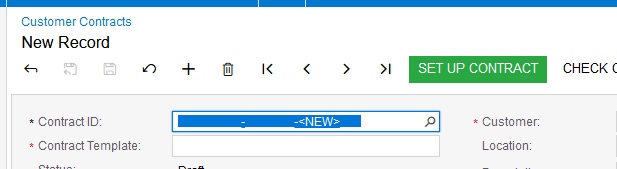
Hi, I’m struggling to insert a new Customer Contract record into Acumatica using code.
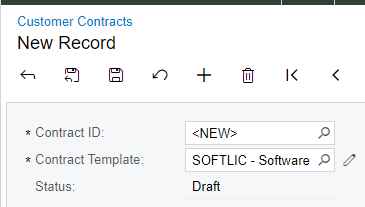
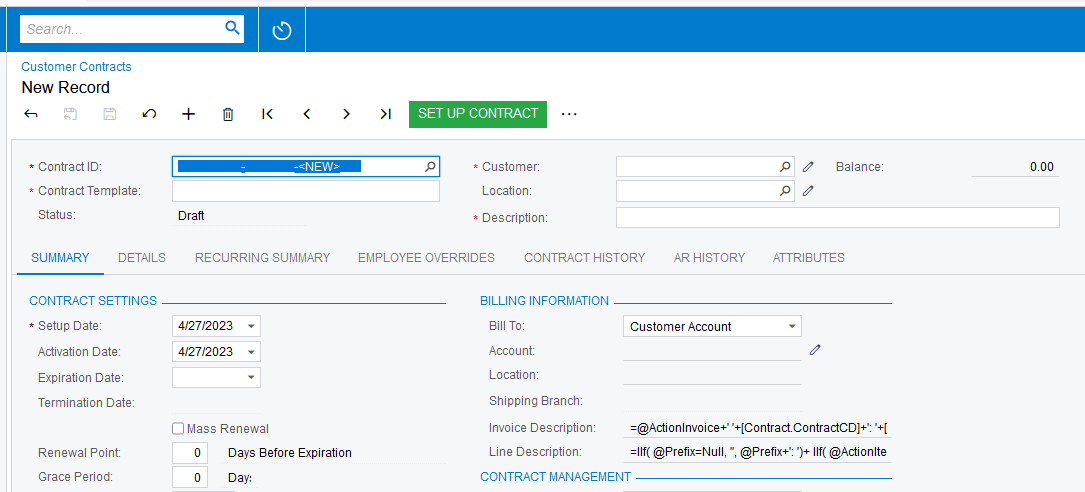
The screen is CT301000
Here is the screen shot:
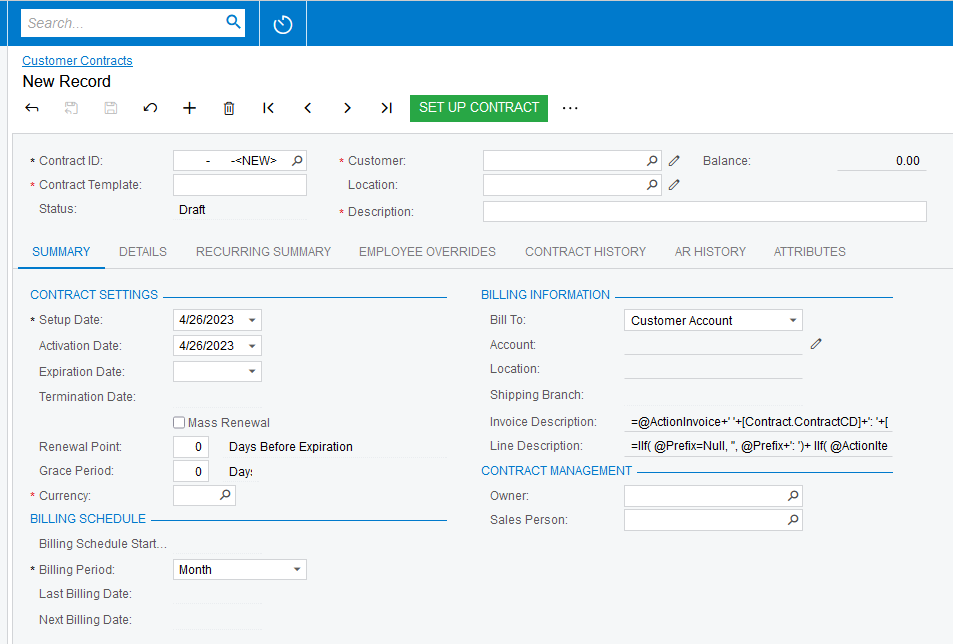
and here is the important part of the code I’m using with added comments
//create the graph
ContractMaint contractMaint = PXGraph.CreateInstance<ContractMaint>();
//create a new instance of the dac
Contract contract = (Contract)contractMaint.Contracts.Cache.CreateInstance();
//insert into the view
contract = contractMaint.Contracts.Insert(contract);
//set the contractCD, it's using a segmented key but I think this is the way to set the value
contract.ContractCD = "D        -D      -<NEW>   ";
contract = contractMaint.Contracts.UpdateCurrent();
//set the template id, update the contract record with contract template info
//t has a value of course
contract.TemplateID = t;
contract = contractMaint.Contracts.UpdateCurrent();
//set the customer id and update the contract record with customer info
//c has a value of course
contract.CustomerID = c;
contract = contractMaint.Contracts.UpdateCurrent();

try
{
    //persist the data to the database
	contractMaint.Contracts.Cache.Persist(PXDBOperation.Insert);
    //alternatively use PressSave
	//contractMaint.Actions.PressSave();
}
catch (Exception ex)
{
	string g = ex.Message;
}
When I run this code an error occurs on the Persists method.
The ex.message is “Error: Inserting 'Contract' record raised at least one error. Please review the errors.”
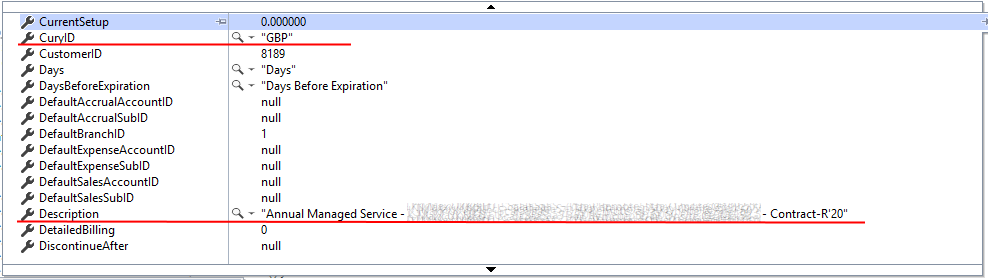
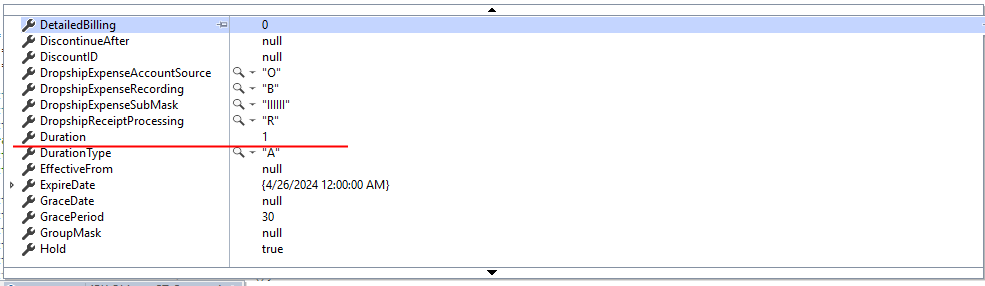
When I check the ex.InnerMessages in the watch window I see the following.
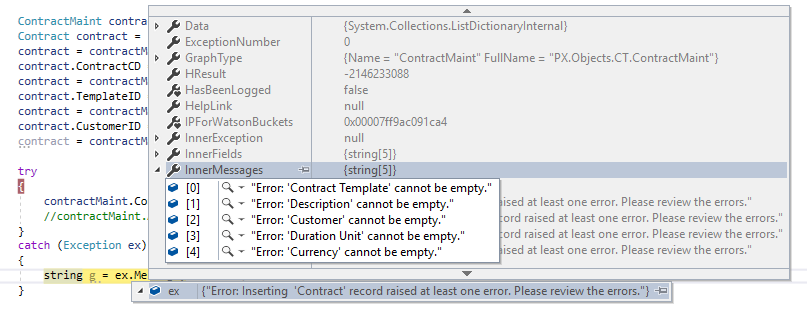
I’ve set the Contract Template and Customer fields, and I expected the update commands to set the Description, Duration and Currency fields. (which is what happens when I enter a Customer Contract using the UI).
Can anyone advise what I’m doing wrong?
Thanks