Answer

IN402000 Inventory Allocation - ViewDocument

  • July 25, 2023
  • 4 replies
  • 106 views

Forum|alt.badge.img

I am struggling getting the redirect from my results to the document for the Inventory Allocation page on mobile. I have found the command it needs to use (ViewDocument), but I get an error anytime I try to tap on the record.

Tracing the error, table name it is requesting is in the ASPX of the site, but I don’t know how to bring that in and tie it together.

Refer to pictures & code below:
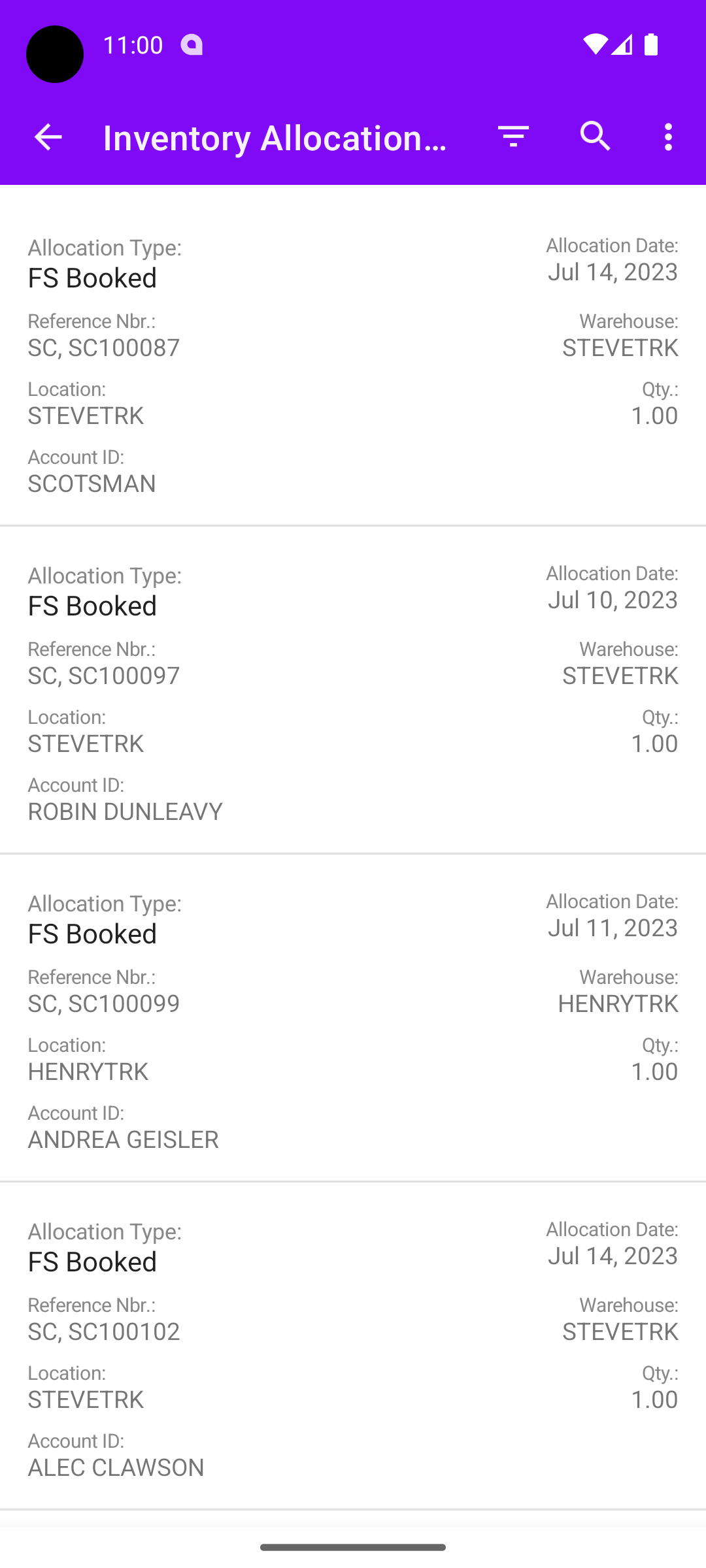
 

Allocation Details
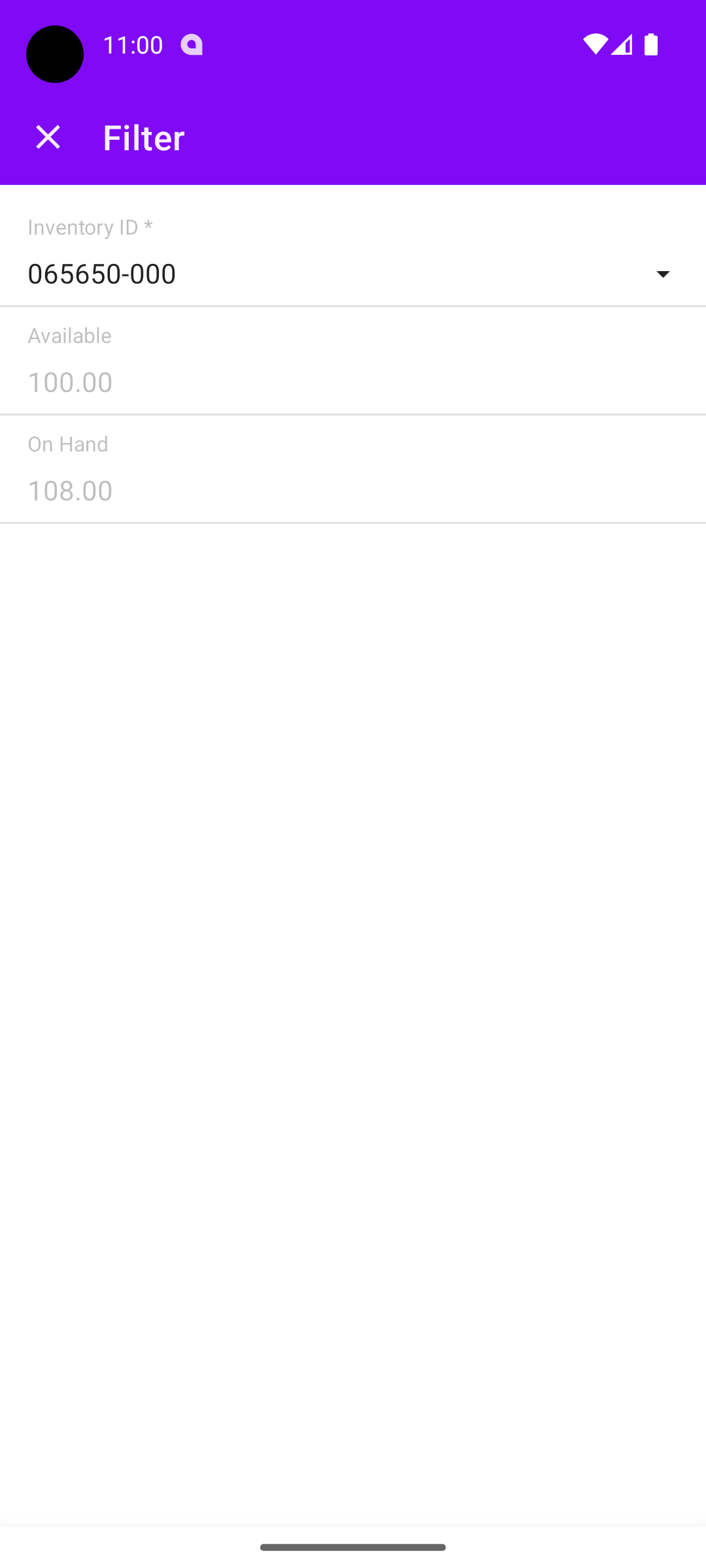
Filter for Allocation Details
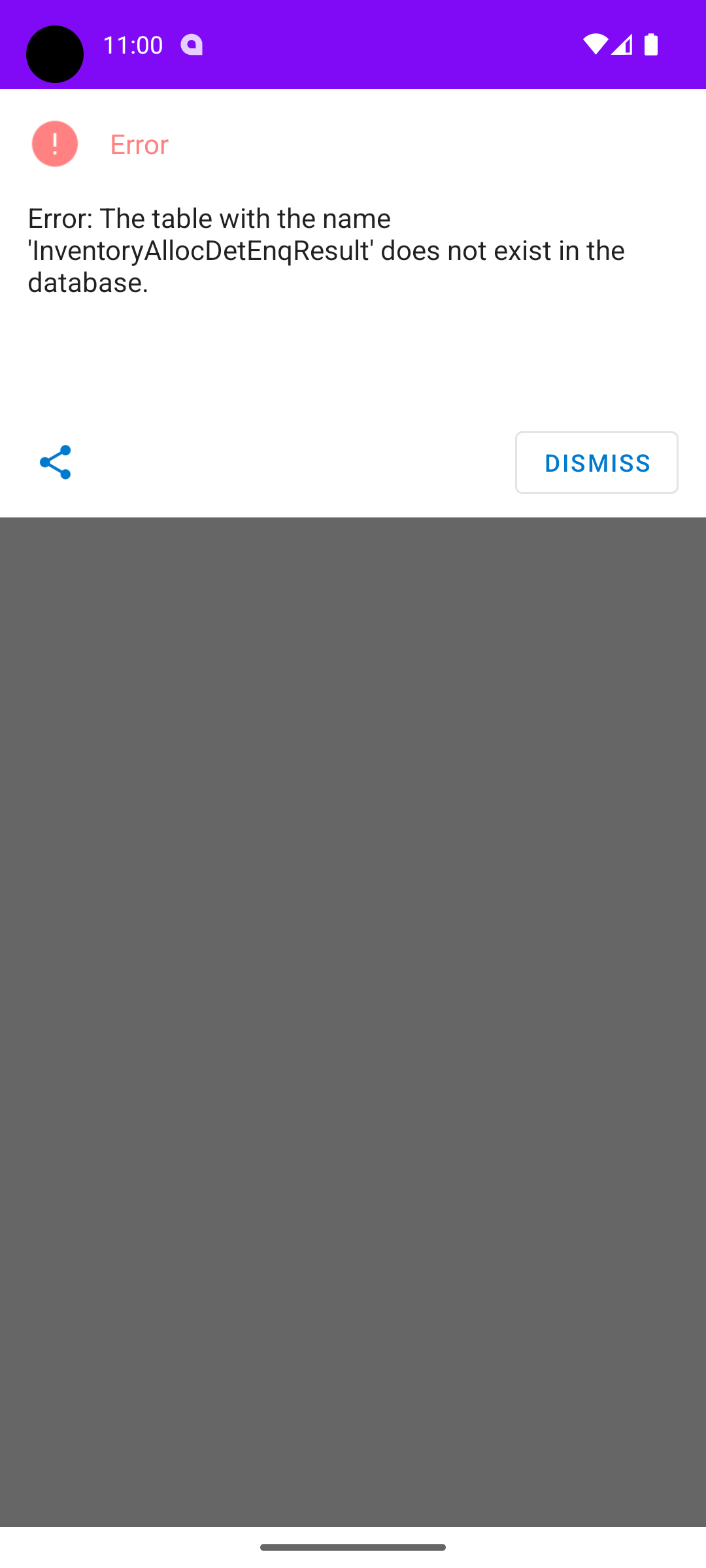
Error when I select a record on Allocation Details
add screen IN402000 {
type = FilterListScreen
add container "Selection"{
add field "InventoryID"{
selectorDisplayFormat = Key
}
add field "Available"
add field "OnHand"
# add field "Warehouse"
# add field "Location"
}
add container "ItemPlansAllocationDetails"{
add field "AllocationType"{
listDisplayFOrmat = CaptionValue
}
add field "AllocationDate"{
listDisplayFOrmat = CaptionValue
}
add field "ReferenceNbr"{
listDisplayFOrmat = CaptionValue
}
add field "Warehouse"{
listDisplayFOrmat = CaptionValue
}
add field "Location"{
listDisplayFOrmat = CaptionValue
}
add field "Qty"{
listDisplayFOrmat = CaptionValue
}
add field "AccountID"{
listDisplayFOrmat = CaptionValue
}
add containerAction "ViewDocument" {
syncLongOperation = true
behavior = void
redirect = true
}

add containerAction "ViewSummary" {
syncLongOperation = true
behavior = void
redirect = true
}
}
}

 

Best answer by Cesar Betances

Hi @rmillerKimball ,

Thank you for the information provided.

Reviewing this screen in specific the DAC InventoryAllocDetEncResult is unbound and ViewDocument button seems to redirect to different screens (SO, Shipment, etc). Please create a Support Case so we could review this into more details.

4 replies

Forum|alt.badge.img

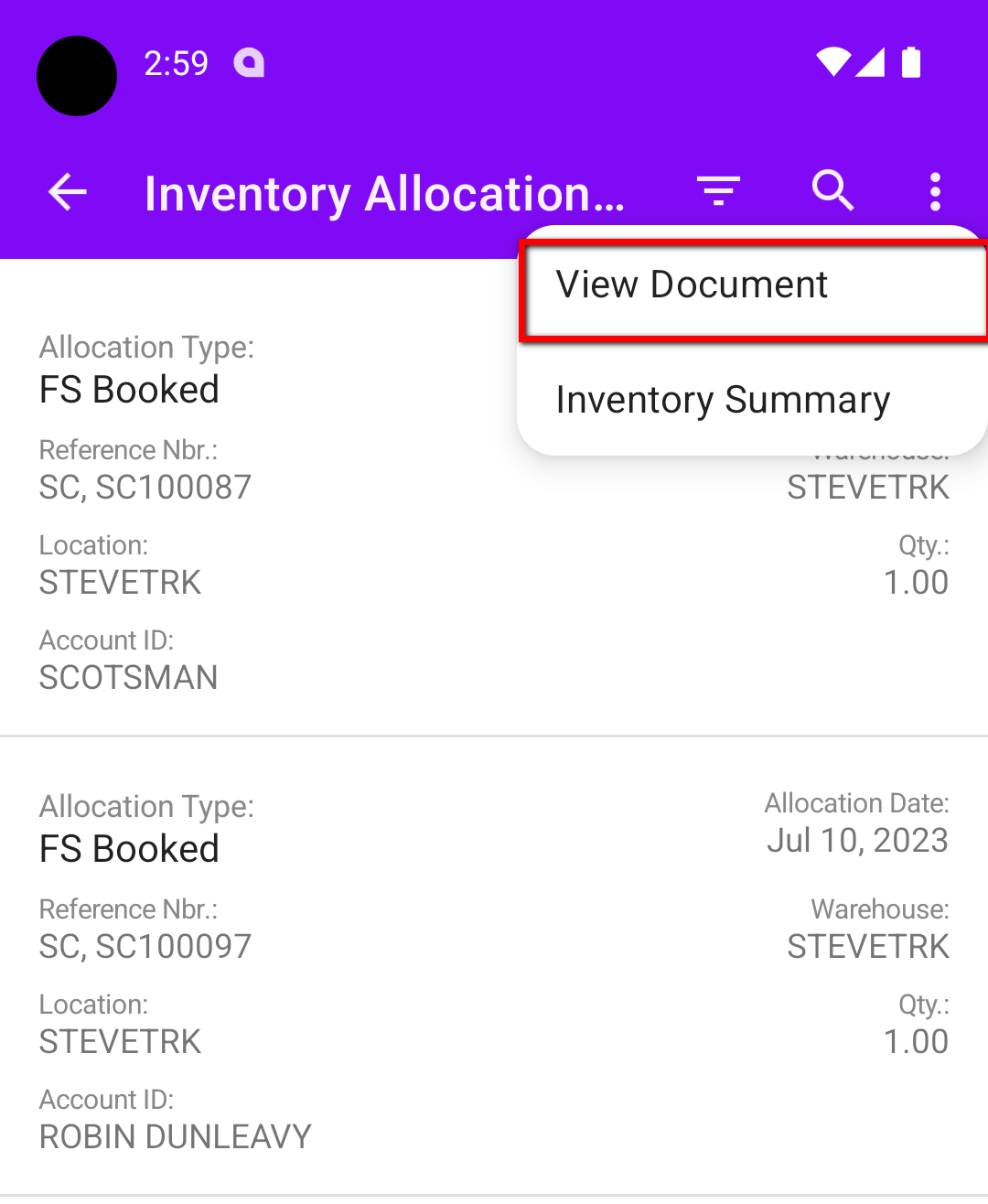
Update: Those containerActions are working, they are just in the 3 dot menu drop downs. However, when you select ViewDocument it only goes to the top record. I would like the ability to tap the record, and have it open the corresponding document. It is when you tap the record that the error appears.


Forum|alt.badge.img+2
  • Acumatica Moderator
  • July 25, 2023

Please note if that action redirects to another screen, that other screen must be also mapped in the Mobile application (Mobile Sitemap).

With containerAction you could also use behavior = Open and redirect = True:

 add containerAction "ViewDocument" {
      behavior = Open
      redirect = True
    }
You could review the msdl code of the FS403900 screen for guidance.

Another option is to use recordAction with redirect = true.
You could review the msdl code of the PR405020 screen for guidance.  
add recordAction "ViewDocument" {
      redirect = True
    }

Hope this helps.


Forum|alt.badge.img

@Cesar Betances Thank you for the response!

The screen I’m redirecting to is mapped, and the View Document redirect is working, just unfortunately, not as I intended. It is only working from the menu drop down instead of on the record tap, and only going to the top record listed when used.
 

Menu “View Document” only opens first listing.


I tried adding the recordAction, but still get the same error stated above ‘InventoryAllocDetEnqResult’ does not exist in the database.

All the other redirects I’ve used in the PL screens have used the redirect action EditDetail, which the recommended FS403900 screen has.

I’ll continue to dig around those suggested screens.


Forum|alt.badge.img+2
  • Acumatica Moderator
  • Answer
  • July 26, 2023

Hi @rmillerKimball ,

Thank you for the information provided.

Reviewing this screen in specific the DAC InventoryAllocDetEncResult is unbound and ViewDocument button seems to redirect to different screens (SO, Shipment, etc). Please create a Support Case so we could review this into more details.