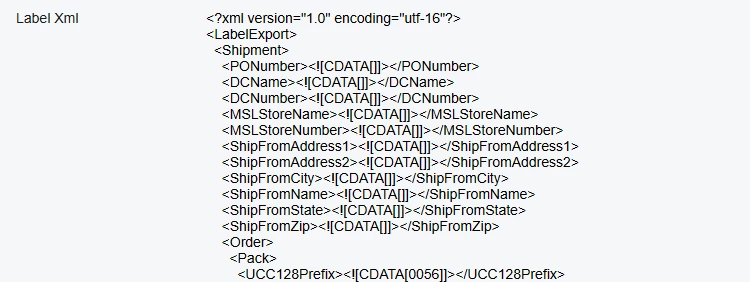
I got a text input in my customize screen, which was declared as multiple line input in classical UI page like:
<px:PXTextEdit TextAlign="Justify" TextMode="MultiLine" CommitChanges="True" Enabled="False" runat="server" ID="TeLogFile" Width="1200px" Height="900px" DataField="LabelXml" >
it will shows as a text area with a scroll bar, just like the Description area in this community website.
But after I convert this page to Modern UI, it now just shows like a normal text input control with single line, even I tried to use the grammar form the Modern UI document to declare it is multiple line input, it does not changed, here is how it is defined in Modern UI html and ts file:
html:
<field name="LabelXml" ></field>
ts:
@controlConfig({rows:75})
LabelXml : PXFieldState<PXFieldOptions.Disabled|PXFieldOptions.Multiline>;
And here is what it looks like in two different UI:
Classical:
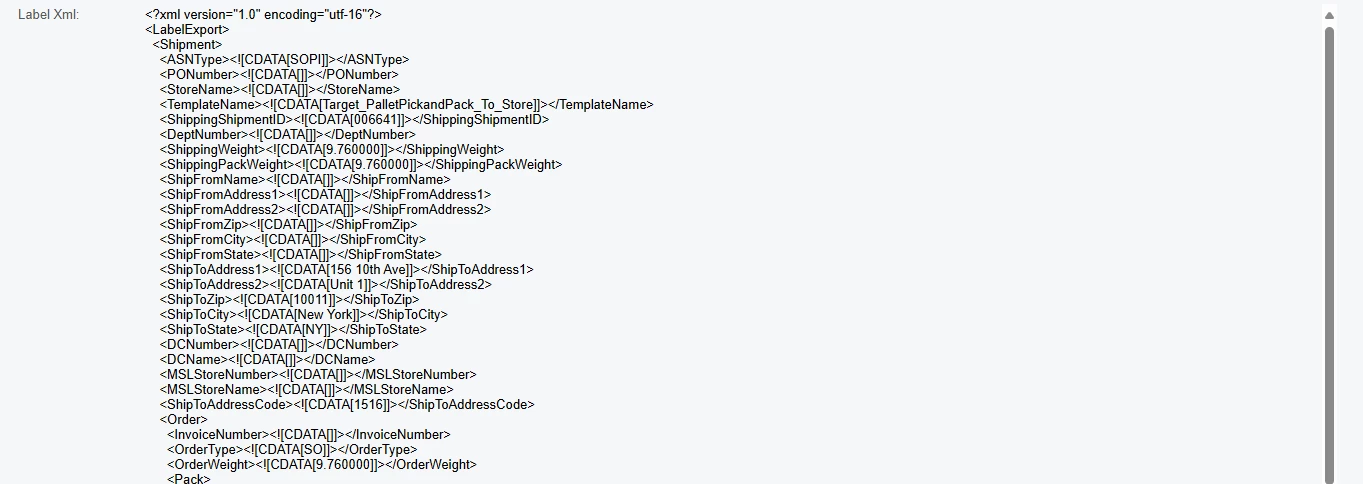
Modern:

If anyone knows how to make this multiple line control works, please let me know , thanks in advance.