I need to change the background color of rows on the Batch Payments screen (AP305000) based on a Boolean field added through an extension of the CABatchDetail DAC. I referred to a few community posts and attempted two different approaches, but neither worked as expected. I suspect the issue may be due to incorrect adaptation of the sample code to fit my specific requirement.
I just need to fix one of following or something else to achieve the requirement
Approach One: Adding a JS script.
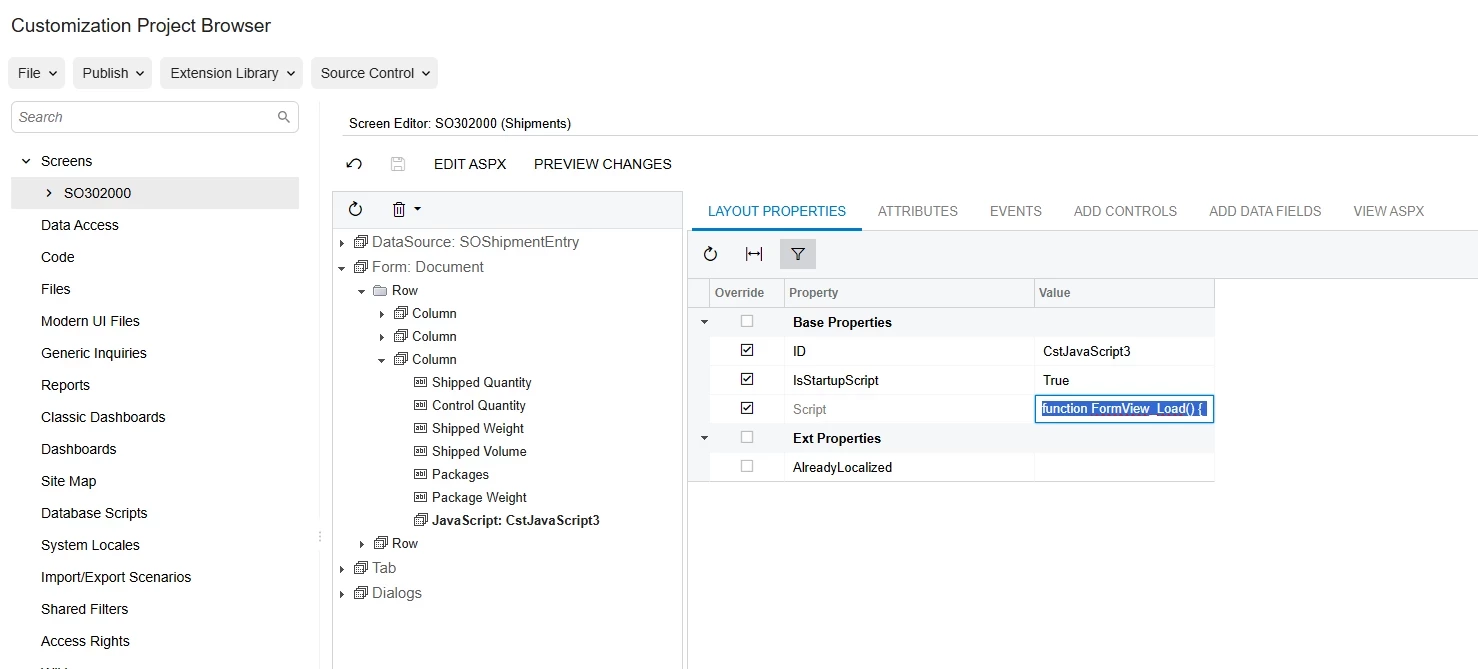
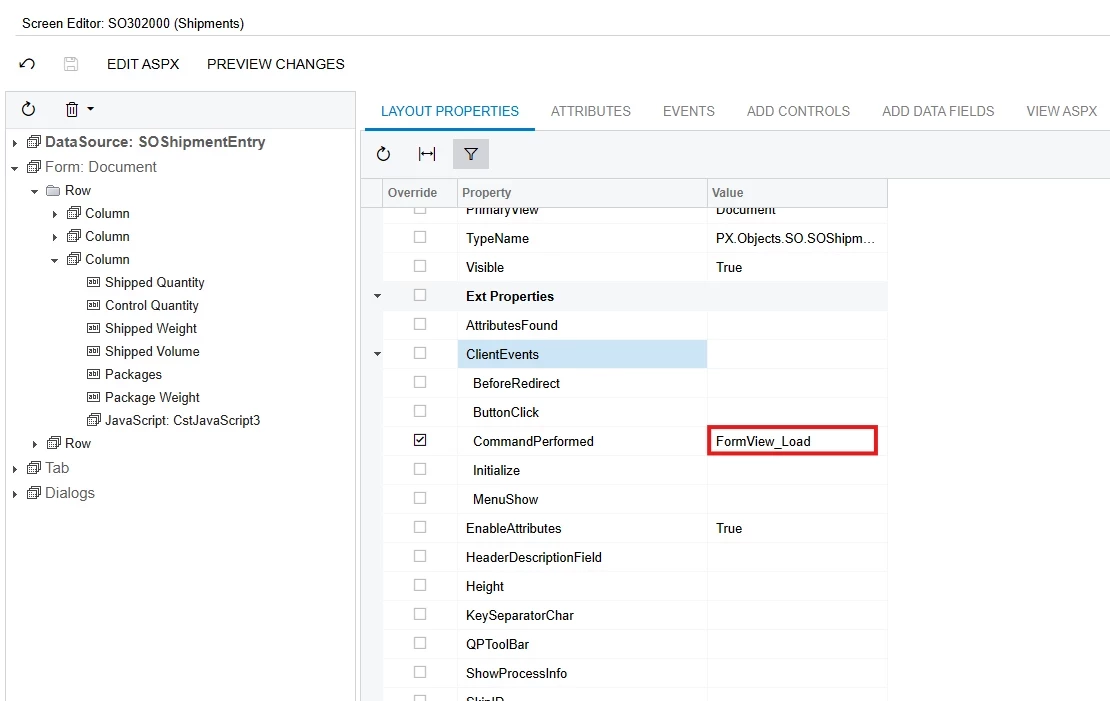
Following is JS script and related grid. I just add the following script in to the aspx file.
<asp:Content ID="cont3" ContentPlaceHolderID="phG" runat="Server">
	<script type="text/javascript">
		function HighlightLines() {
		if (px_all && px_all["grid"] && px_all["grid"].rows) {
		let lines = px_all["grid"].rows.items;
		for (let i = 0; i < lines.length; i++) {
			let currentLine = lines[i];
			if (!currentLine) continue;

			try {
				var isVendorVerified = currentLine.getCell("UsrIsVendorVerfied").getValue();

				if (isVendorVerified === true || isVendorVerified === "True" || isVendorVerified === "true") {
					currentLine.domElement.style.backgroundColor = '#D6F5D6'; // Light Green
				} else {
					currentLine.domElement.style.backgroundColor = '#F5D6D6'; // Light Red
				}

				currentLine.repaint();
			} catch (e) {
				console.log(e);
			}
		}
		}
		}
		</script>

	<px:PXGrid ID="grid" runat="server" Height="180px" AllowAutoHide="false" Width="100%" Caption="Payments" SkinID="Details" ActionsPosition="Top" SyncPosition="true" MarkRequired="Dynamic" RepaintColumns="true">
		<Levels>
			<px:PXGridLevel DataMember="BatchPayments">
				<RowTemplate>
					<px:PXLayoutRule runat="server" StartColumn="True" LabelsWidth="SM" ControlSize="XM" ></px:PXLayoutRule>
					<px:PXDropDown ID="edAPPayment__DocType" runat="server" DataField="OrigDocType" ></px:PXDropDown>
					<px:PXSelector ID="edAPPayment__RefNbr" runat="server" DataField="APPayment__RefNbr" ></px:PXSelector>
					<px:PXSegmentMask ID="edAPPayment__VendorID" runat="server" DataField="APPayment__VendorID" ></px:PXSegmentMask>
					<px:PXSegmentMask ID="edAPPayment__VendorLocationID" runat="server" DataField="APPayment__VendorLocationID" ></px:PXSegmentMask>
					<px:PXSelector ID="edAPPayment__CuryID" runat="server" DataField="APPayment__CuryID" ></px:PXSelector>
					<px:PXTextEdit ID="edAPPayment__DocDesc" runat="server" DataField="APPayment__DocDesc" ></px:PXTextEdit>
					<px:PXSelector ID="edAPPayment__PaymentMethodID" runat="server" DataField="APPayment__PaymentMethodID" ></px:PXSelector>
					<px:PXTextEdit ID="edAPPayment__ExtRefNbr" runat="server" DataField="APPayment__ExtRefNbr" ></px:PXTextEdit>
					<px:PXDateTimeEdit ID="edAPPayment__DocDate" runat="server" DataField="APPayment__DocDate" Enabled="False" ></px:PXDateTimeEdit>
					<px:PXNumberEdit ID="edAPPayment__CuryOrigDocAmt" runat="server" DataField="APPayment__CuryOrigDocAmt" ></px:PXNumberEdit>
					<px:PXDateTimeEdit ID="edAPRegisterAlias__DocDate" runat="server" DataField="APRegisterAlias__DocDate" Enabled="False" ></px:PXDateTimeEdit>
					<px:PXTextEdit ID="edAddendaPaymentRelatedInfo" runat="server" DataField="AddendaPaymentRelatedInfo" ></px:PXTextEdit>
				</RowTemplate>
				<Columns>
					<px:PXGridColumn DataField="OrigDocType" Type="DropDownList" ></px:PXGridColumn>
					<px:PXGridColumn DataField="APPayment__RefNbr" LinkCommand="ViewAPDocument" ></px:PXGridColumn>
					<px:PXGridColumn DataField="APPayment__VendorID" ></px:PXGridColumn>
					<px:PXGridColumn DataField="APPayment__VendorLocationID" ></px:PXGridColumn>
					<px:PXGridColumn DataField="APPayment__DocDate" ></px:PXGridColumn>
					<px:PXGridColumn DataField="APPayment__Status" ></px:PXGridColumn>
					<px:PXGridColumn DataField="APPayment__CuryID" ></px:PXGridColumn>
					<px:PXGridColumn DataField="APPayment__DocDesc" ></px:PXGridColumn>
					<px:PXGridColumn DataField="APPayment__PaymentMethodID" ></px:PXGridColumn>
					<px:PXGridColumn DataField="APPayment__ExtRefNbr" ></px:PXGridColumn>
					<px:PXGridColumn DataField="APPayment__CuryOrigDocAmt" TextAlign="Right" ></px:PXGridColumn>
					<px:PXGridColumn DataField="APRegisterAlias__DocDate" ></px:PXGridColumn>
					<px:PXGridColumn DataField="AddendaPaymentRelatedInfo" SyncVisibility="true" ></px:PXGridColumn>
					<px:PXGridColumn DataField="UsrEftsurePaymentVerification" Width="220" />
					<px:PXGridColumn DataField="UsrEftsureReason" Width="280" />
					<px:PXGridColumn DataField="UsrIsVendorVerfied" Width="60" /></Columns>
			</px:PXGridLevel>
		</Levels>
		<CallbackCommands>
            <Refresh RepaintControlsIDs="form" CommitChanges="true" />
        </CallbackCommands>
		<ActionBar DefaultAction="ViewAPDocument">
			<Actions>
				<AddNew Enabled="False" />
			</Actions>
			<CustomItems>
Approach Two: Via Page_Load
I added following code to my graph extension and it didn’t show any compilation error. When I debugged it the row variable always null
        public override void Initialize()
        {
            Page page = HttpContext.Current?.Handler as PXPage;
            if (page != null)
            {
                page.Load += Page_Load;
            }
        }

        private void Page_Load(object sender, EventArgs e)
        {
            Page page = (Page)sender;
            PXStyle rowStyle = new PXStyle();
            rowStyle.BackColor = System.Drawing.Color.FromArgb(232, 252, 255);
            page.Header.StyleSheet.CreateStyleRule(rowStyle, page, ".CssCurentRowStyle");

            PXStyle rowStyleEditing = new PXStyle();
            rowStyleEditing.BackColor = System.Drawing.Color.White;
            page.Header.StyleSheet.CreateStyleRule(rowStyleEditing, page, ".CssCurentRowStyleEditing");

            PXStyle cellStyleEditing = new PXStyle();
            cellStyleEditing.BackColor = System.Drawing.Color.FromArgb(255, 255, 220);
            page.Header.StyleSheet.CreateStyleRule(cellStyleEditing, page, ".CssCurentCellStyleEditing");

            PXStyle cellStyleLastCost = new PXStyle();
            cellStyleLastCost.BackColor = System.Drawing.Color.FromArgb(255, 217, 179);
            page.Header.StyleSheet.CreateStyleRule(cellStyleLastCost, page, ".CssCurentCellStyleLastCost");

            PXStyle cellStyleHeaderCurrent = new PXStyle();
            cellStyleHeaderCurrent.BackColor = System.Drawing.Color.FromArgb(232, 252, 255);
            page.Header.StyleSheet.CreateStyleRule(cellStyleHeaderCurrent, page, ".GridMain.Dash .GridRow.CssStyleHeaderCurrent");

            PXStyle cellStyleHeaderPreview = new PXStyle();
            cellStyleHeaderPreview.BackColor = System.Drawing.Color.FromArgb(255, 255, 220);
            page.Header.StyleSheet.CreateStyleRule(cellStyleHeaderPreview, page, ".GridMain.Dash .GridRow.CssStyleHeaderPreview");


            PX.Web.UI.PXGrid grdProfitBreakupByLine = (PX.Web.UI.PXGrid)ControlHelper.FindControl("grid", page);
            if (grdProfitBreakupByLine != null)
            {
                grdProfitBreakupByLine.RowDataBound += (object grdsender, PXGridRowEventArgs erdb) =>
                {
                    var row = erdb.Row.DataItem as CABatchDetail;
                    var rowExt = row.GetExtension<CABatchDetailEftsureExt>();
                    if (rowExt == null) { return; }

                    erdb.Row.Style.CssClass = rowExt.UsrIsVendorVerfied == true ? "CssCurentCellStyleLastCost" : "CssCurentCellStyleEditing";

                };
            }
        }