Solved

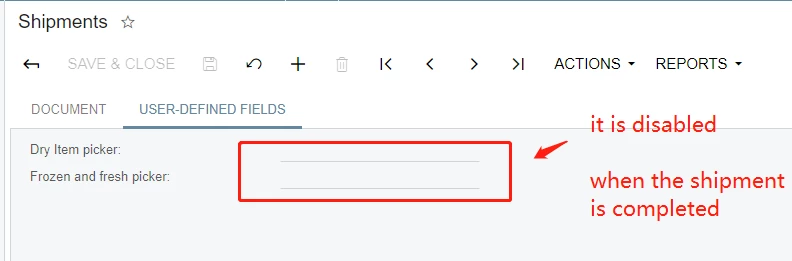
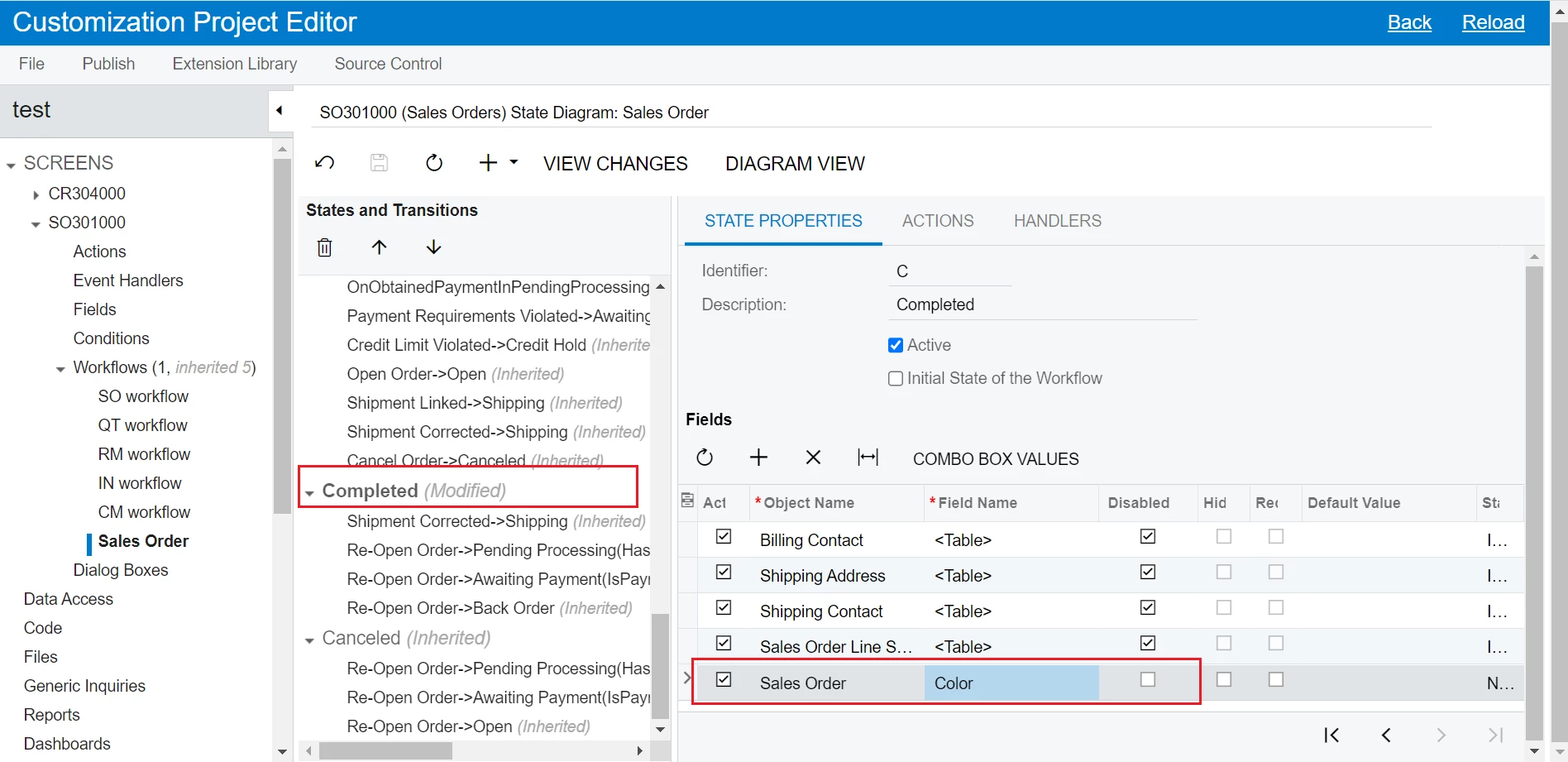
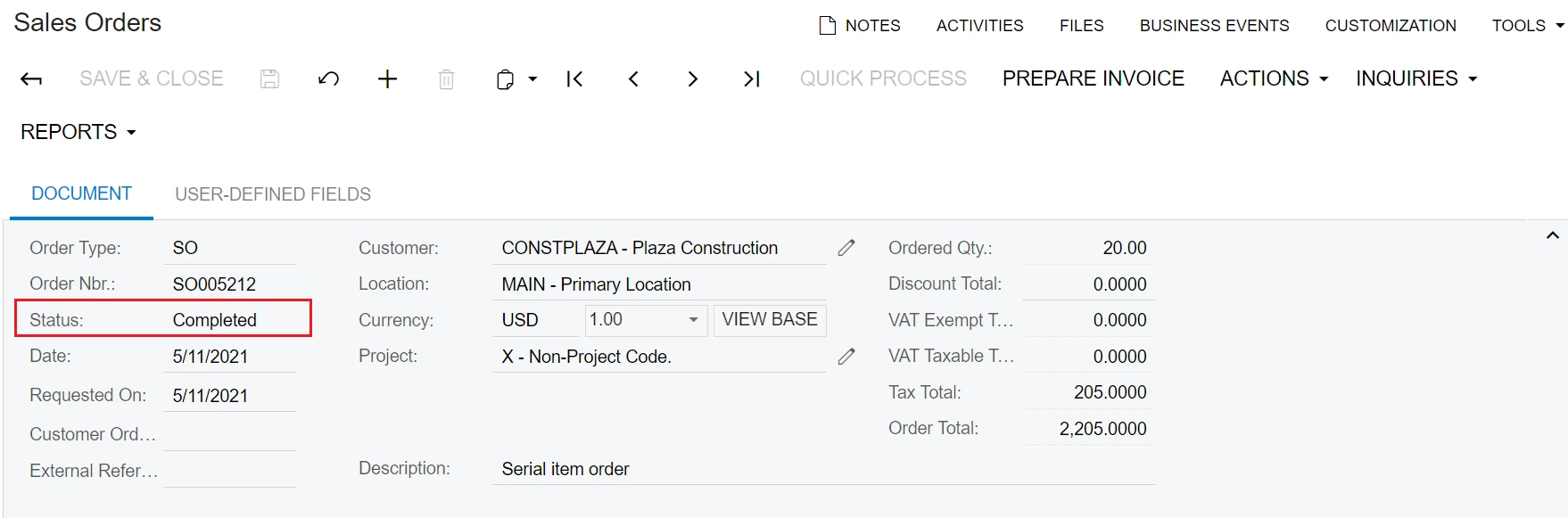
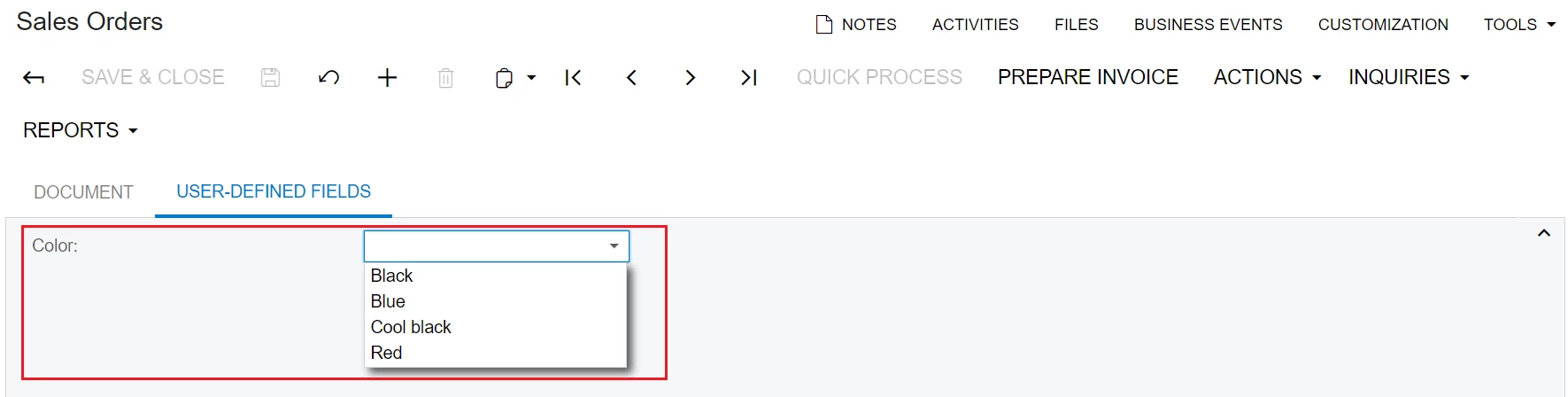
How to enable the user defined fields even when the whole document is completed?

  • May 6, 2021
  • 28 replies
  • 4051 views

Show first post

28 replies

lauraj46
Captain II
Forum|alt.badge.img+9
  • Captain II
  • June 24, 2025

Does anyone have a code sample or guidance to enable user-defined fields on the Receipts screen?  I have tried through workflow but no luck.


Joe Schmucker
Captain II
Forum|alt.badge.img+3

Hi ​@lauraj46 I don’t think I have ever gotten this scenario to work in a no-code effort.

Here is how I do it in VS.  Note that you can do this code (adapted to your screen) in the Project Editor.  You do not require VS to do this, it’s just easier for me.

namespace PX.Objects.CS
{
// Acuminator disable once PX1016 ExtensionDoesNotDeclareIsActiveMethod extension should be constantly active
public class BranchMaint_Extension : PXGraphExtension<PX.Objects.CS.BranchMaint>
{
protected void BranchBAccount_RowSelected(PXCache cache, PXRowSelectedEventArgs e)
{
var row = (BranchBAccount)e.Row;
if (row == null) return;
Base.BAccount.Cache.AllowUpdate = true;

PXUIFieldAttribute.SetEnabled<BAccountExt.usrOwnershipGroup>(cache, row, true);
PXUIFieldAttribute.SetEnabled<BAccountExt.usrDistricts>(cache, row, true);
PXUIFieldAttribute.SetEnabled<BAccountExt.usrAcquisitionDate>(cache, row, true);
}
}
}

you have to enable update to the cache.  Then enable the fields you want enabled.

Hope this helps.


lauraj46
Captain II
Forum|alt.badge.img+9
  • Captain II
  • June 25, 2025

@Joe Schmucker ,

This is the final code worked for me.  It enabled all of the user defined fields on the Receipts screen, which is fine in my scenario.  

 public class INReceiptEntry_Extension : PXGraphExtension<PX.Objects.IN.INReceiptEntry>
  {
    #region Event Handlers
   protected void INRegister_RowSelected(PXCache cache, PXRowSelectedEventArgs e)
        {          
            Base.receipt.Cache.AllowUpdate = true;
       }
    #endregion​

Thanks again for the help!

Laura