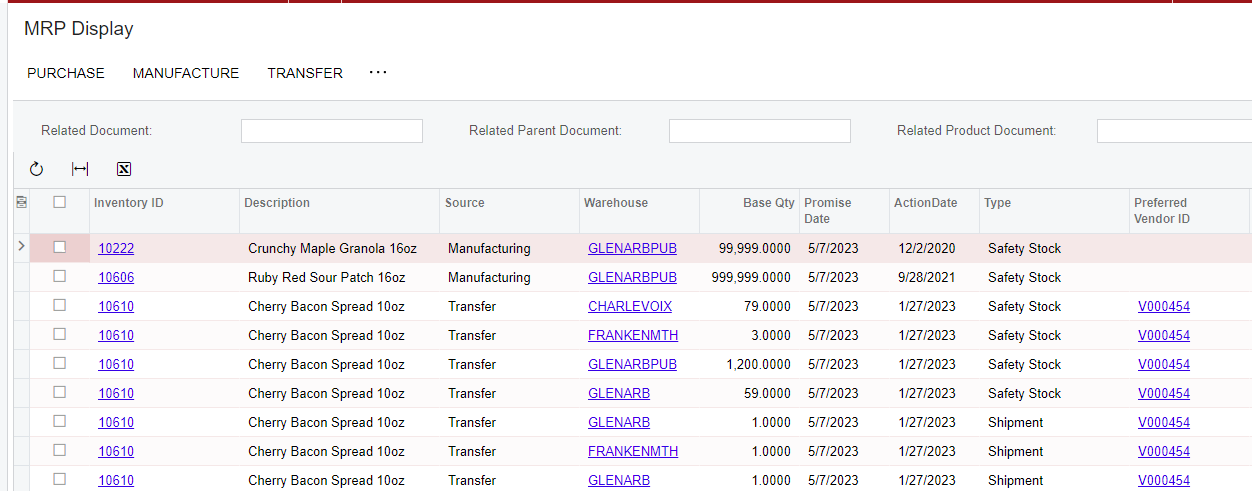
Is it possible to create a default sorting option for a screen such as “MRP Display”?
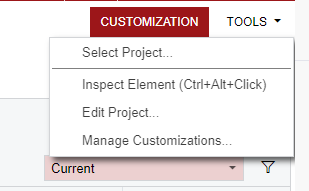
The customization tab in the top right shows it’s not a generic inquiry, so I can’t edit it that way. I guess I’m not familiar with what the difference would be here, because it looks very similar to a GI.
Thanks!
Best answer by Patrick Chen
Hello, you are correct that this is an inquiry page which is a traditional aspx page and not a GI. Most Inquiry pages have the capability to add filters to the grid, however this one does not. In order to add that capability, you’d need to create a graph extension and override the main view adding a [PXFilterable] attribute.
Hello, you are correct that this is an inquiry page which is a traditional aspx page and not a GI. Most Inquiry pages have the capability to add filters to the grid, however this one does not. In order to add that capability, you’d need to create a graph extension and override the main view adding a [PXFilterable] attribute.