Answer

How to create settings screen (Only one record per tenant)?

  • November 19, 2024
  • 9 replies
  • 94 views

Forum|alt.badge.img

I wants to create settings screen which should contains only one record per tenant.

Database structure done and save also work.

But I don’t want next previous button or selection.

My layout is 
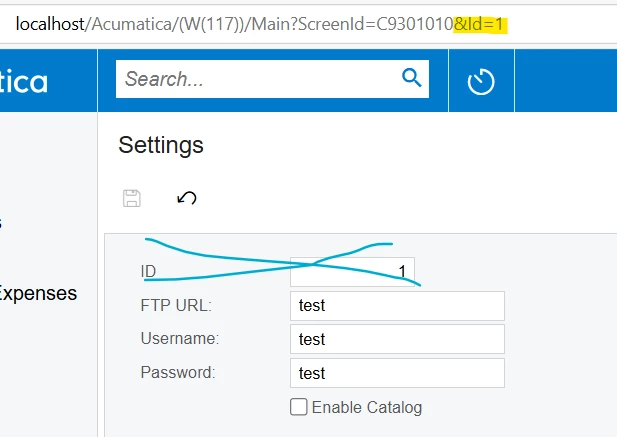
 

In graph only three lines
public PXSave<UsrCustomTable> Save;
public PXCancel<UsrCustomTable> Cancel;

public SelectFrom<UsrCustomTable>.View MasterView;

How can I select default 1st entry ?

 

Best answer by bjani23

I scrap this screen and create custom data provider for this.

This data provider read files from FTP.

But we do not have a strong error handling for this. Additionally after import event not triggered.

9 replies

darylbowman
Captain II
Forum|alt.badge.img+15

Look how PXSetup is used in a graph like SOSetupMaint. This is a view type specifically designed for what you are attempting.


darylbowman
Captain II
Forum|alt.badge.img+15

Sorry, misinformation. PXSetup is used in other graphs to select the only record in SOSetup.

I’m confused if your problem is on the setup screen or if you’re trying to use the setup record on another screen.


Forum|alt.badge.img
  • Author
  • Jr Varsity III
  • November 19, 2024

Sorry, misinformation. PXSetup is used in other graphs to select the only record in SOSetup.

I’m confused if your problem is on the setup screen or if you’re trying to use the setup record on another screen.

Ok. Thanks for help.

I will check how to use PXSetup in above screen.


Forum|alt.badge.img
  • Author
  • Jr Varsity III
  • November 22, 2024

Sorry, misinformation. PXSetup is used in other graphs to select the only record in SOSetup.

I’m confused if your problem is on the setup screen or if you’re trying to use the setup record on another screen.

I change my view from public SelectFrom<UsrCustomTable>.View MasterView; to public PXSetup<UsrFCB2B> MasterView


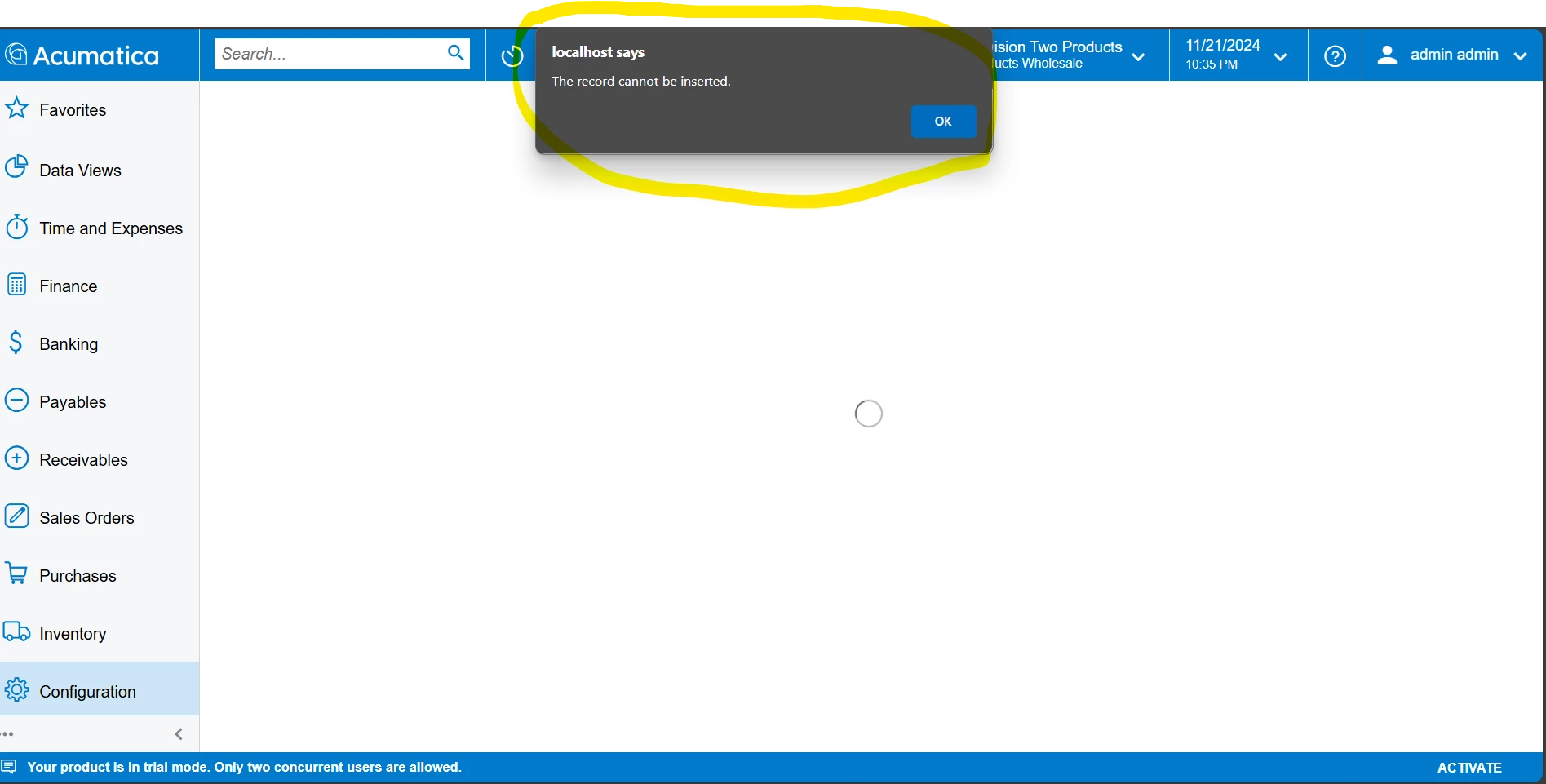
It gives me an error when we open the page.


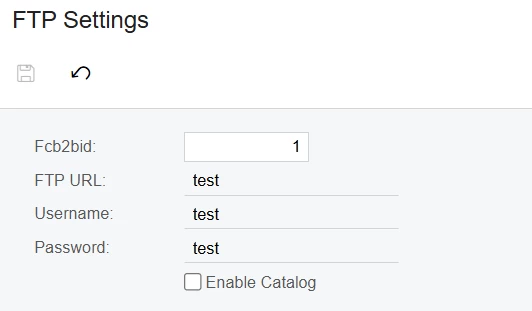
Ad fields are read only only primary key is editable.
 

Can you tell me what type of changes are required?


DipakNilkanth
Pro III
Forum|alt.badge.img+13

Hi ​@bjani23,

If you want to create a screen which should contains only one record per tenant.

You can add company ID column to your database table and make the Company ID as a primary key, So it will save the one record for each tenant. You can check for any Setup screen database schema. e.g. APSetup,ARSetup.

Hope, it helps!


Forum|alt.badge.img
  • Author
  • Jr Varsity III
  • November 22, 2024

Hi ​@bjani23,

If you want to create a screen which should contains only one record per tenant.

You can add company ID column to your database table and make the Company ID as a primary key, So it will save the one record for each tenant. You can check for any Setup screen database schema. e.g. APSetup,ARSetup.

Hope, it helps!

Ok. CompanyID is there I just need remove ID from table.


DipakNilkanth
Pro III
Forum|alt.badge.img+13

Hi ​@bjani23,

If you want to create a screen which should contains only one record per tenant.

You can add company ID column to your database table and make the Company ID as a primary key, So it will save the one record for each tenant. You can check for any Setup screen database schema. e.g. APSetup,ARSetup.

Hope, it helps!

Ok. CompanyID is there I just need remove ID from table.

Make Company as a Primary Key.


darylbowman
Captain II
Forum|alt.badge.img+15

@bjani23 I understood that was already working. As I corrected myself, PXSetup would be used on other screens to select and use the single record.


Forum|alt.badge.img
  • Author
  • Jr Varsity III
  • Answer
  • December 6, 2024

I scrap this screen and create custom data provider for this.

This data provider read files from FTP.

But we do not have a strong error handling for this. Additionally after import event not triggered.