Answer

How to change print settings on Invoices with Projects link to it

  • November 12, 2025
  • 8 replies
  • 75 views

Forum|alt.badge.img

When printing AR Invoice with a project link to it, the system routes me to ProInvoice/Memo (pm641000) form. How do I change the setting to be able to print the regular AR Invoice form (Invoice/Memo - AR641000) for invoices with projects link to it?


I have tried going into Mailing & Printing settings of Project Preferences, but the AR Invoice is not available to select. Any ideas how to change this please?
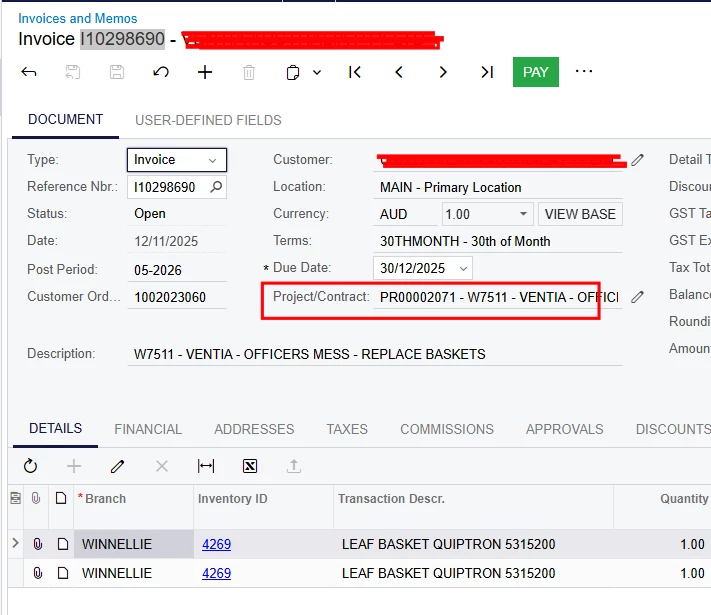
 

Printed form:
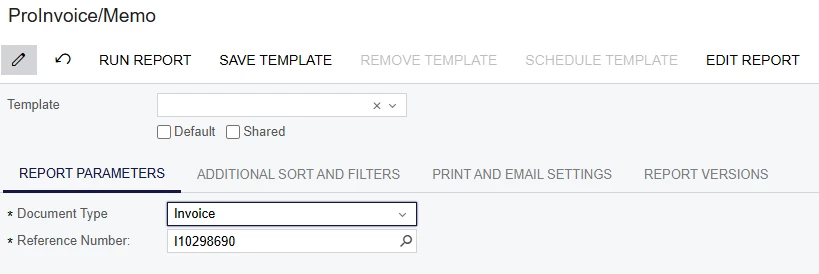
 

I want the below to be printed:
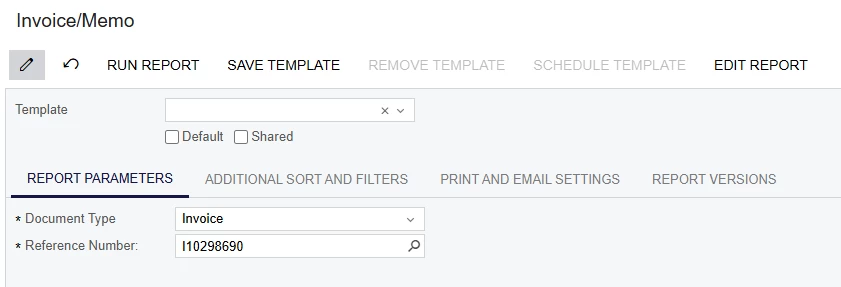
 

Best answer by aleksandrsechin

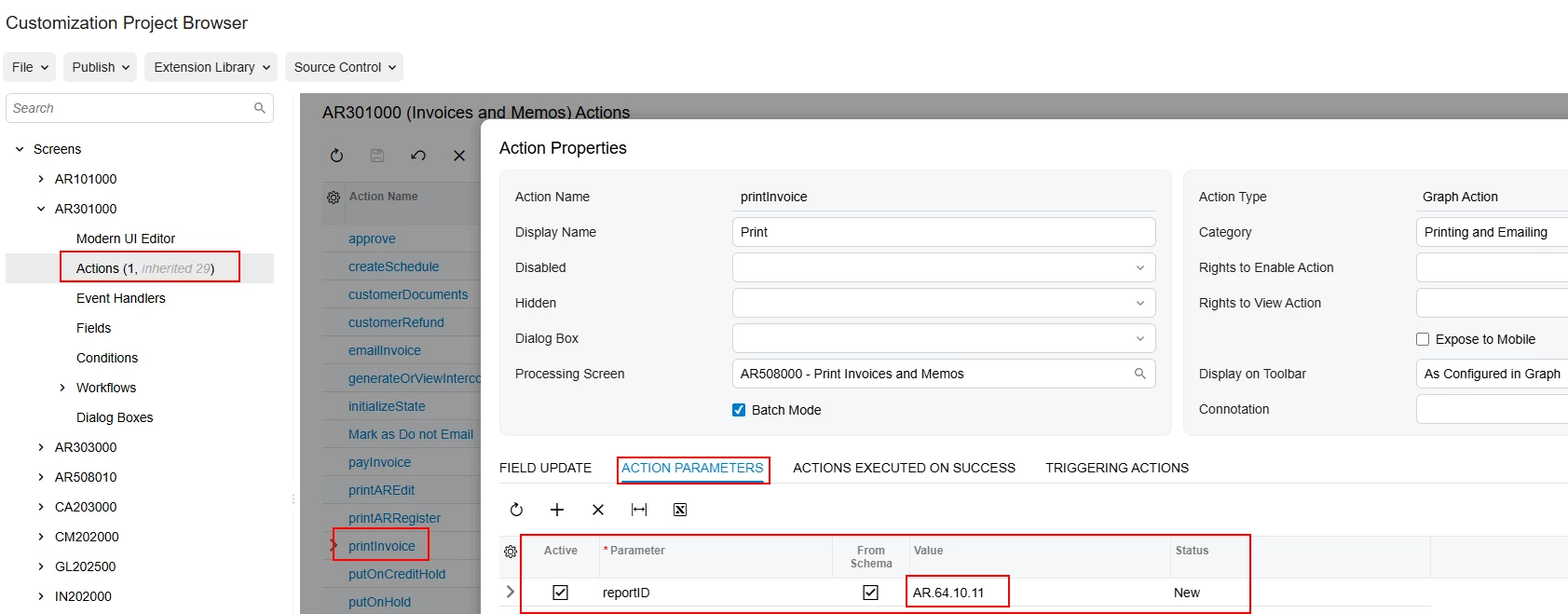
Have you tried specifying the action parameter like this?


8 replies

bwhite49
Captain II
Forum|alt.badge.img+10
  • Captain II
  • November 12, 2025

For some reason, in order to add a report to a module's preferences screen, the screen ID needs to start with the module ID. If you want to add a report to the Sales Order Module for example, you will need to rename the form to start with SO. So SO641000 would be available on the sales order preferences screen, but not the AR preferences screen.

That said. The easiest thing might be add a 2nd action to the screen to print the 2nd form. See if this video helps you out 


Forum|alt.badge.img+3
  • Jr Varsity I
  • Answer
  • November 12, 2025

Have you tried specifying the action parameter like this?


Forum|alt.badge.img
  • Author
  • Freshman I
  • November 12, 2025

For some reason, in order to add a report to a module's preferences screen, the screen ID needs to start with the module ID. If you want to add a report to the Sales Order Module for example, you will need to rename the form to start with SO. So SO641000 would be available on the sales order preferences screen, but not the AR preferences screen.

That said. The easiest thing might be add a 2nd action to the screen to print the 2nd form. See if this video helps you out 


Thanks, I will try this later!


Forum|alt.badge.img
  • Author
  • Freshman I
  • November 12, 2025

Have you tried specifying the action parameter like this?


Do I have to create a new customisation?


Forum|alt.badge.img+3

For this purpose, yes, I think so.


Forum|alt.badge.img
  • Author
  • Freshman I
  • November 12, 2025

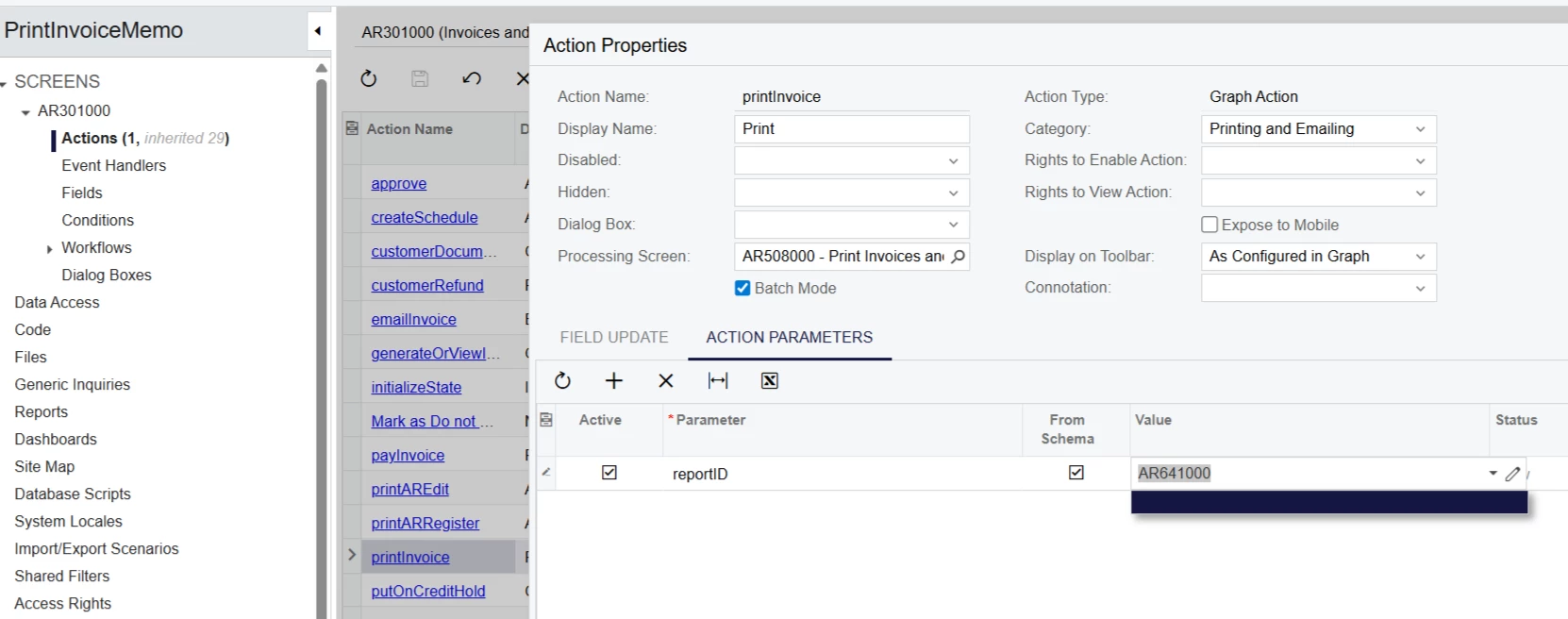
Hi ​@aleksandrsechin - It did not work unfortunately. Is it because the Processing screen is AR508000 - Print Invoices and Memos? Also, the screen ID of my Invoice/Memo form is AR641000 (MYOB Acumatica - Australian) which is currently setup as below:


Forum|alt.badge.img+3

@MarkD ,
 

As I can see, you’ve specified the ID incorrectly — it’s missing the dots (“.”).

Check my example: the value must be in the following exact format — AR.64.10.00
(not AR641000 and not =AR.64.10.00).

I’ve double-checked it, and it redirects successfully to the report ID I specified — so it should work for you as well.
Additionally, make sure you have published your customization.


Forum|alt.badge.img
  • Author
  • Freshman I
  • November 16, 2025

Thanks ​@aleksandrsechin and ​@bwhite49 - Both works, so both are best answers. I will just tag one for everyone’s reference. Many thanks for your help!