Solved

How to add partially allocated SOShipLineSplit via code?

  • August 7, 2024
  • 4 replies
  • 131 views

Forum|alt.badge.img

Good afternoon fellow developers,

I’d like to get assistance from community with the customization of the SO Shipment.

I need to add SOShipLineSplit with partial allocation - identical to what I am doing via LINE DETAILS dialog (see on screenshot)
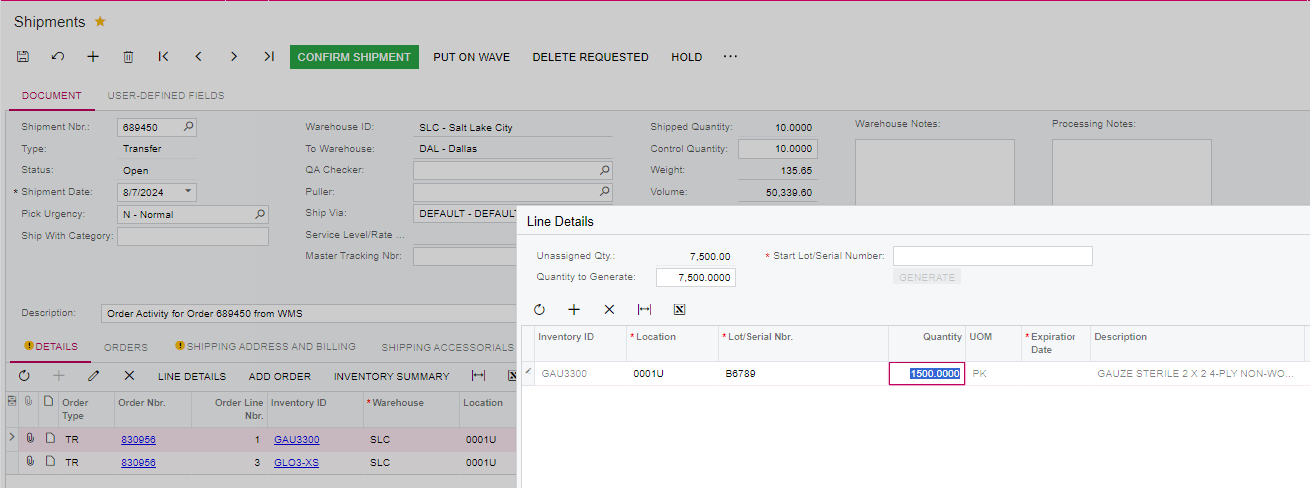
 

Doing it via below code (with Qty set to 1,500.00) actually creates SOShipLineSplit, but it is always fully allocated, and Qty that I provided gets ignored.


I’ll appreciate any recommendations


Best regards,

Andrey

Best answer by abaranovhs

Sorry, found the code in the customization that threw this logic off.

Will mark as resolved

4 replies

Forum|alt.badge.img
  • Author
  • Jr Varsity III
  • Answer
  • August 7, 2024

Sorry, found the code in the customization that threw this logic off.

Will mark as resolved


Chris Hackett
Community Manager
Forum|alt.badge.img
  • Acumatica Community Manager
  • August 7, 2024

Thank you for sharing your solution with the community @abaranovhs!


stevejames
Freshman I
  • Freshman I
  • January 6, 2025

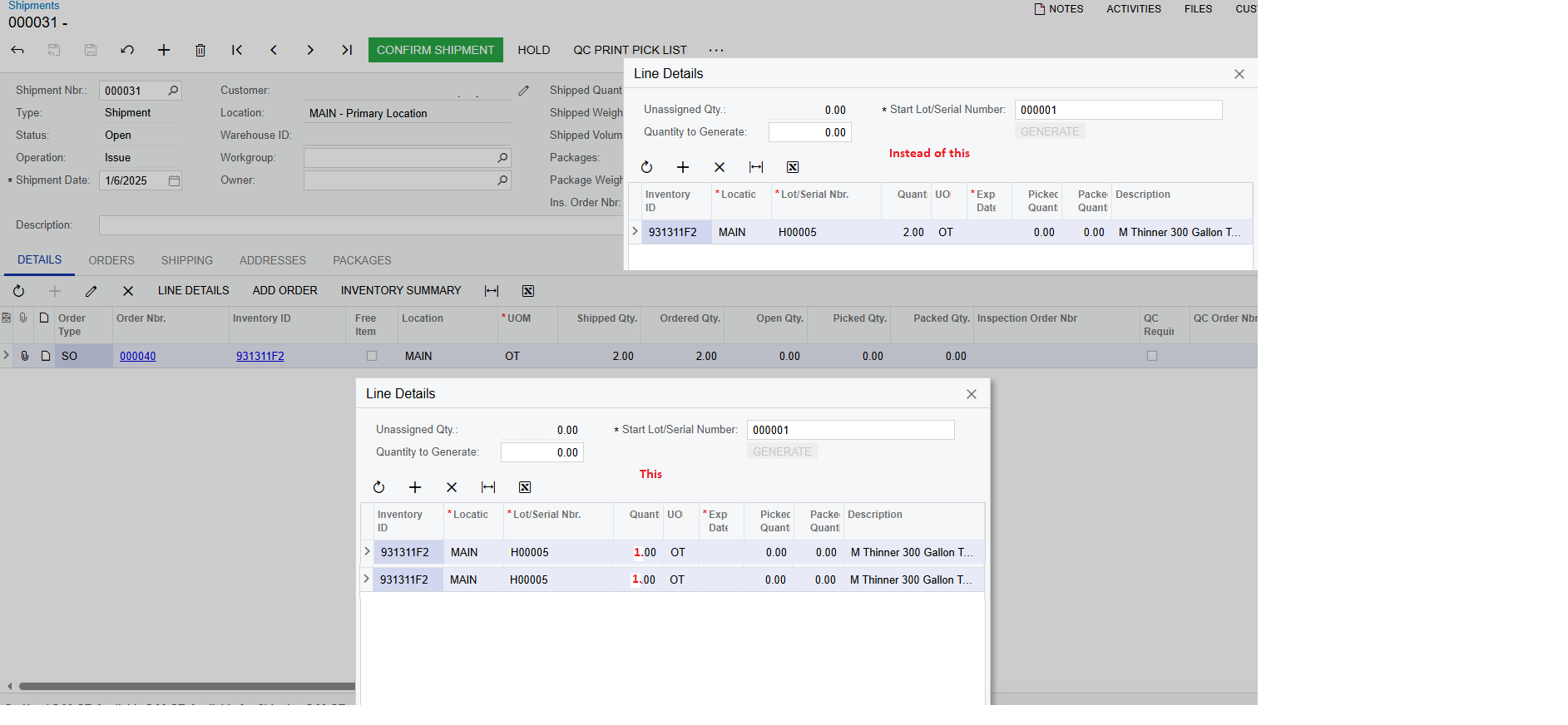
@abaranovhs when were you creating the soShipLineSplit Record? I have a requirement to create a single soShipLineSplit record for each line quantity. 


Forum|alt.badge.img
  • Author
  • Jr Varsity III
  • January 22, 2025

@abaranovhs when were you creating the soShipLineSplit Record? I have a requirement to create a single soShipLineSplit record for each line quantity. 


Hi Steve,

We have integration between Warehouse and Acumatica, and when product is picked in the Warehouse for the shipment, this generates a call to Acumatica creating a SOShipLineSplit line with the LotSerialNbr and Qty picked. And the code which creates this line is in our customization.

So in my situation if I had to work on such requirement, I would be able to do so - by building a code that takes Qty on the input and generates as many SOShipLineSplit records as many Qty units.