I want to add a new button to the PO302020 – Receive and Put Away screen, but I’m unable to do so due to the complex behavior of its graph.
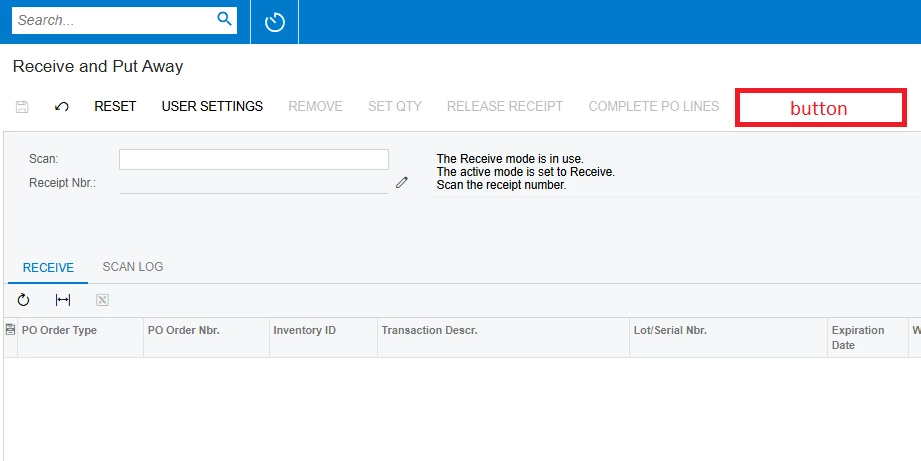
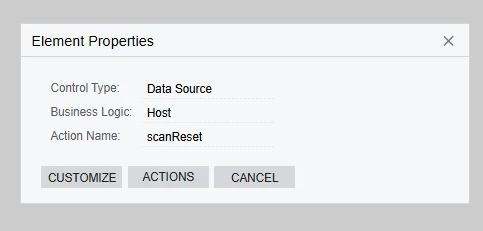
The graph of this screen is defined as a Host, but if I try to create an action the same way as for other screens, nothing happens — the action does not appear on the screen.
using PX.BarcodeProcessing;
using PX.Data;
using System.Collections;
using static PX.Objects.IN.WMS.INScanReceive;

namespace TestNamespace
{
    public class ReceivePutAwayExt : PXGraphExtension<Host>
    {
        public PXAction<ScanHeader> Test;
        [PXButton(CommitChanges = true)]
        [PXUIField(DisplayName = "Test Button", MapEnableRights = PXCacheRights.Select, MapViewRights = PXCacheRights.Select)]
        protected virtual IEnumerable test(PXAdapter adapter)
        {
            return adapter.Get();
        }
    }
}
In my opinion, this is because the Host is not a regular graph; it inherits from another class, which adds actions in a way that is not typical for Acumatica.
namespace PX.Objects.IN.WMS
{
    public class INScanReceive : INScanRegisterBase<INScanReceive, INScanReceive.Host, INDocType.receipt>
    {
        public class Host : INReceiptEntry
        {
        }
Has anyone had experience adding actions to screens that work in this manner?