Answer

How to add attribute as custom field in detail line section of PO screen

  • February 13, 2024
  • 4 replies
  • 673 views

Forum|alt.badge.img

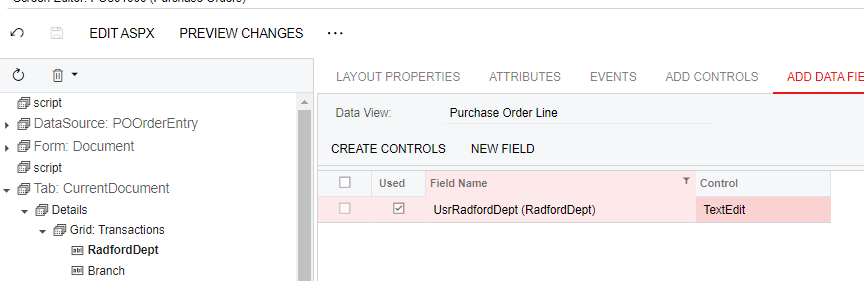
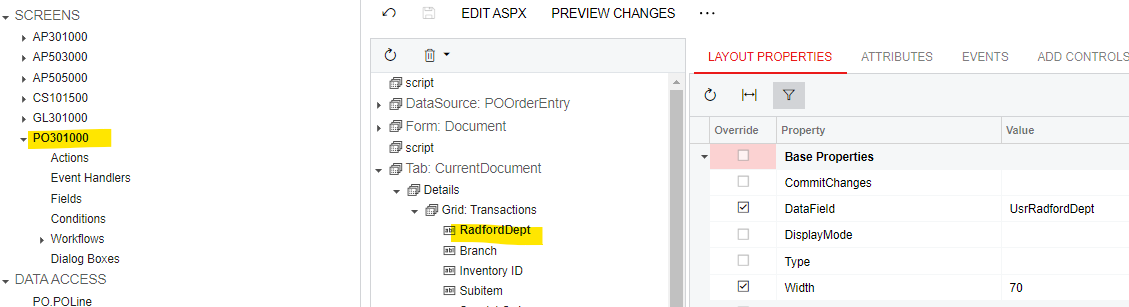
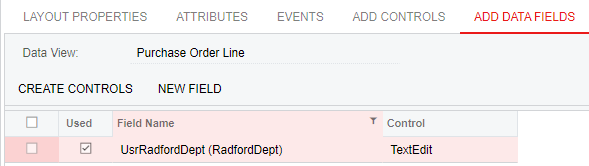
Hello! I am trying to add a selector attribute to the detail line section of the Purchase Order screen but am having some trouble. I figured out how to add the new field, however I am unsure of how to link the attribute to it. This is as far as I have gotten. Can someone please tell me what I need to do next? Also, when I try to save the Control as “Selector” it reverts back to “TextEdit” so not sure I am taking the correct steps.


Best answer by Giri K

@ashleyb you need to add PXSelector attribute to field in DAC.

4 replies

Naveen Boga
Captain II
Forum|alt.badge.img+19
  • Captain II
  • February 13, 2024

@ashleyb  Have you selected the CONTROL as SELECTOR in the ADD DATA FIELDS tab?


Forum|alt.badge.img
  • Author
  • Varsity II
  • February 13, 2024

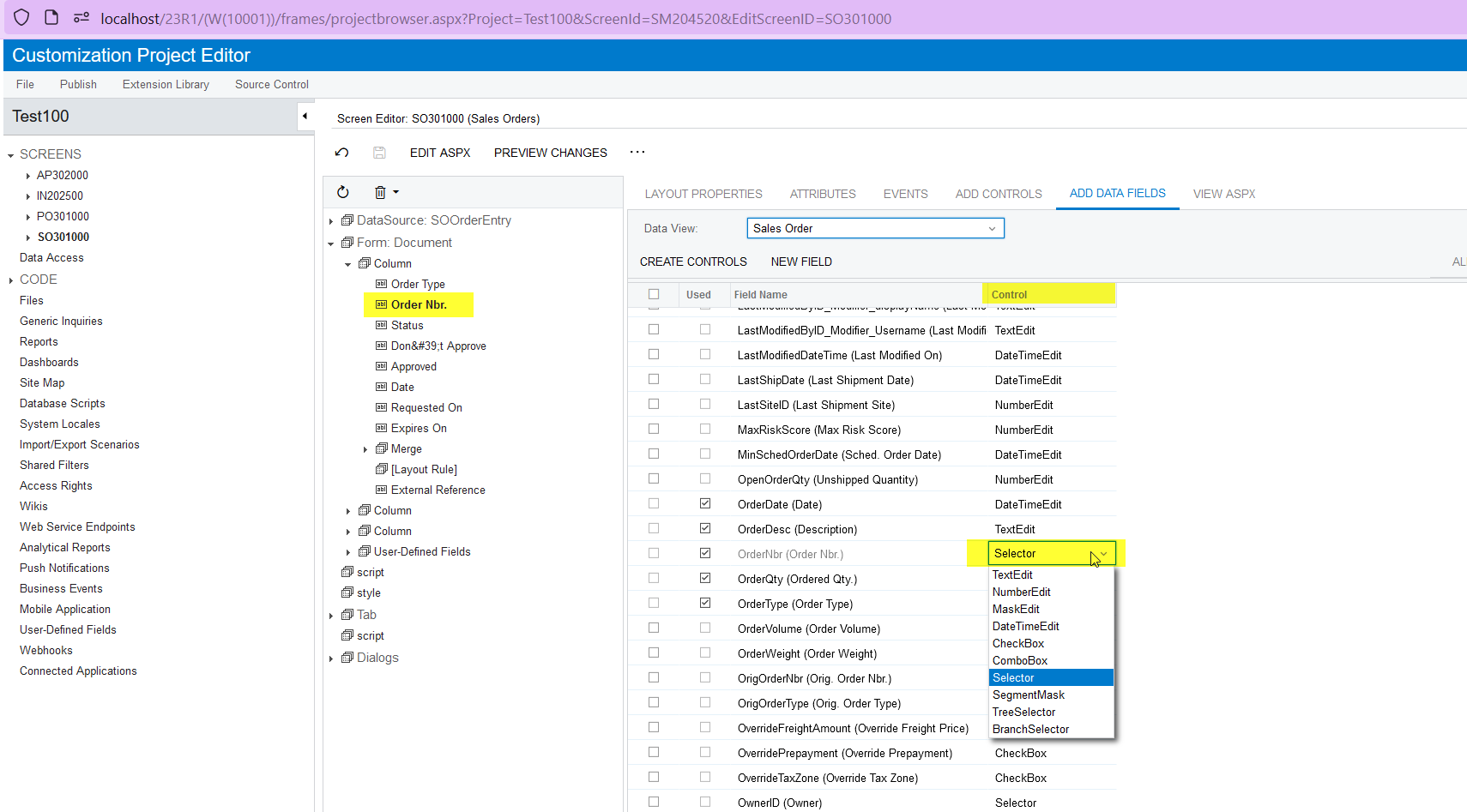
HI @Naveen Boga yes, every time I try to select it and hit save, it reverts back to “TexEdit”:


Forum|alt.badge.img+1
  • Pro I
  • Answer
  • February 14, 2024

@ashleyb you need to add PXSelector attribute to field in DAC.


Naveen Boga
Captain II
Forum|alt.badge.img+19
  • Captain II
  • February 14, 2024

@ashleyb  As suggested by Giri, Your DAC should be decorated with the PXSelector Attribute like below otherwise it will change it to TextEdit.

Here is the example for your reference.


    #region InventoryID   
[PXInt()]
[PXUIField(DisplayName = "Inventory ID")]
[PXSelector(typeof(Search<InventoryItem.inventoryID>), new Type[] { typeof(InventoryItem.inventoryCD), typeof(InventoryItem.descr) },
SubstituteKey = typeof(InventoryItem.inventoryCD))]
public virtual int? InventoryID { get; set; }
public abstract class inventoryID : IBqlField { }
#endregion