Hi everyone,
I’m now trying to do some modifications to the original screen without directly change it. I have defined a lot actions in the Graph ext, and I can see those actions if I choose to directly add the action definition in original ts file, but I need to keep those changes separately for further update.
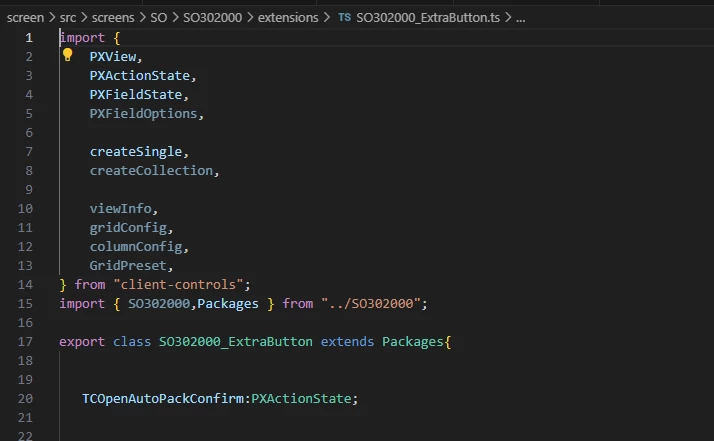
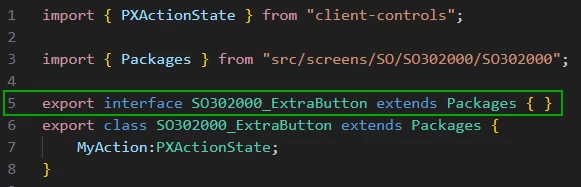
I tried to declare a new export class in an extension ts file and let it extends from the origin export class, but it did not work and I just can not see the action button here.
Please let know if my idea is feasible or not? If it is feasible, how should I correct my code ?
Screenshots about my current Code:
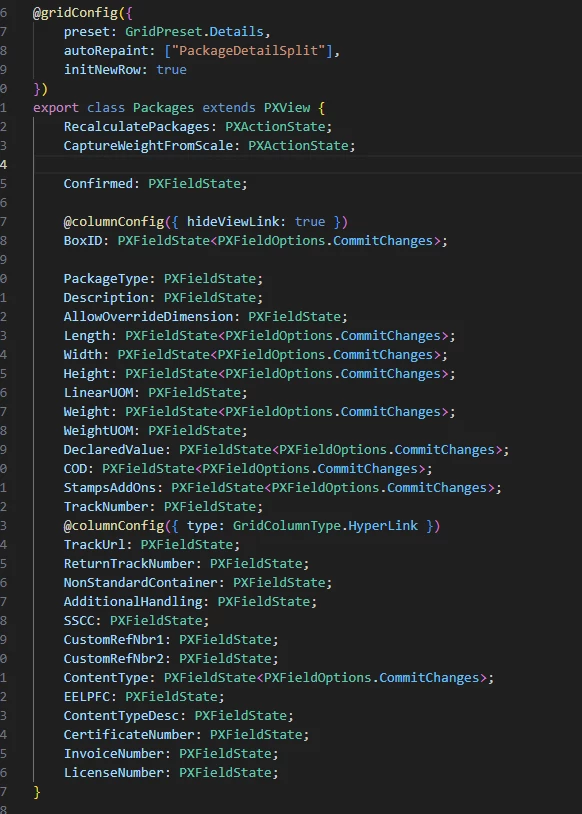
Original Grid setting(Shipment Package):
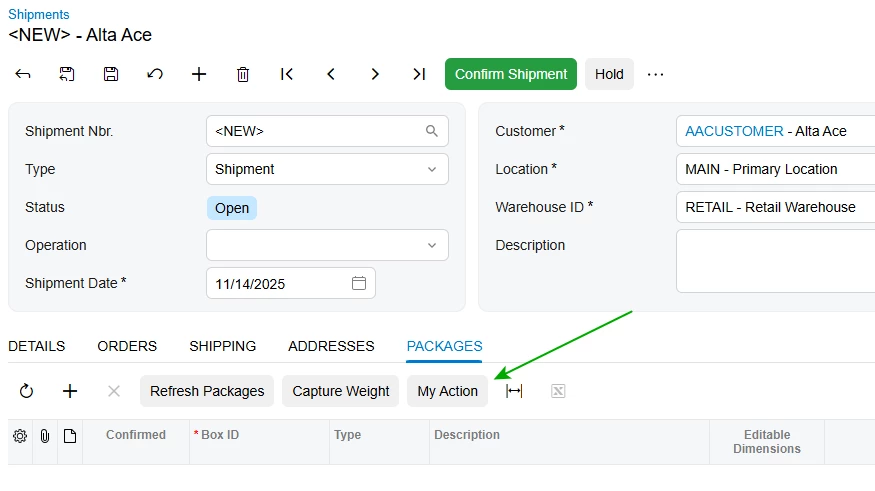
If I add my action on above class, it will shows in the Grid toolbar as expected:
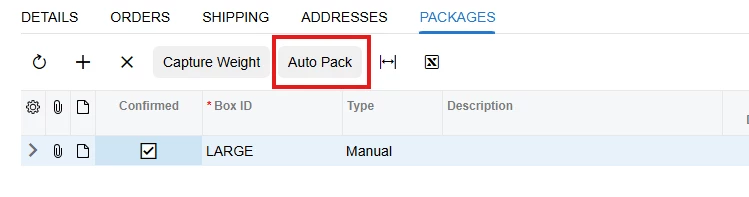
But if I choose to add my action in a new extension ts file in the extension folder of this screen like below, this button will not show up: