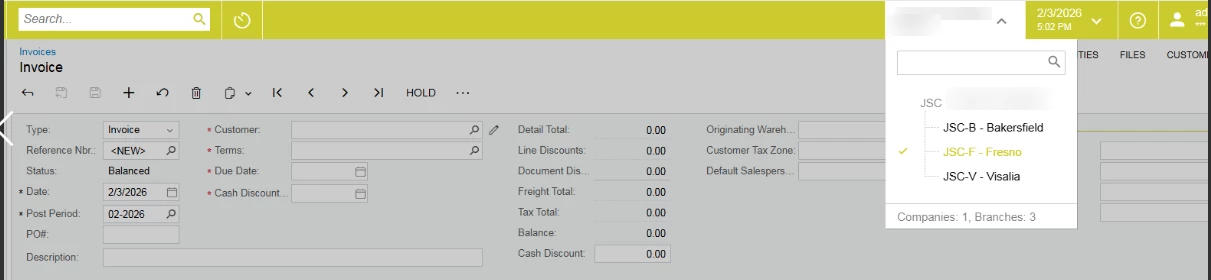
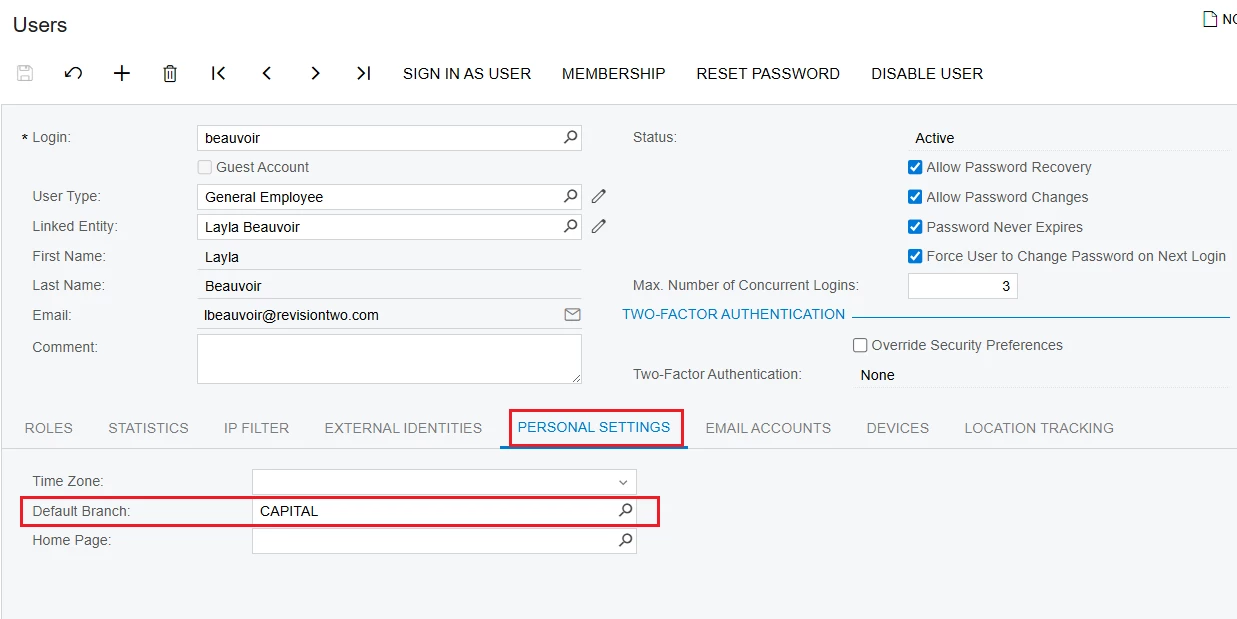
@nhatnghetinh Thank you for your answer. I want to do it without user restrictions for specific reasons. With a default branch assigned, the user can switch between branches, which does not work for me.
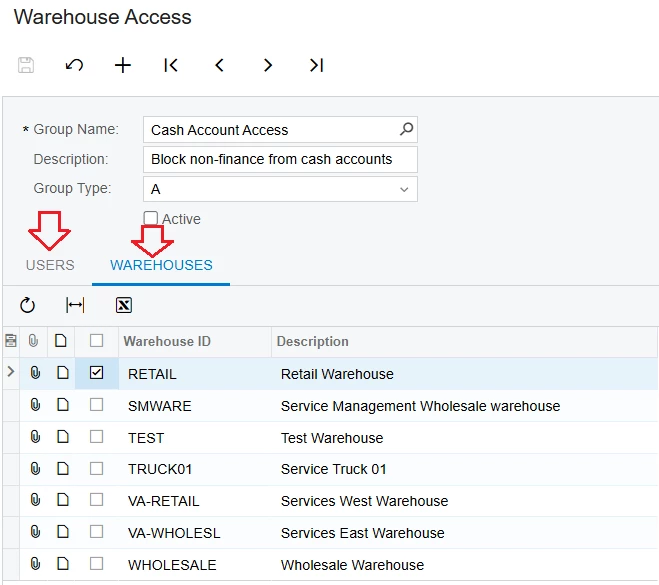
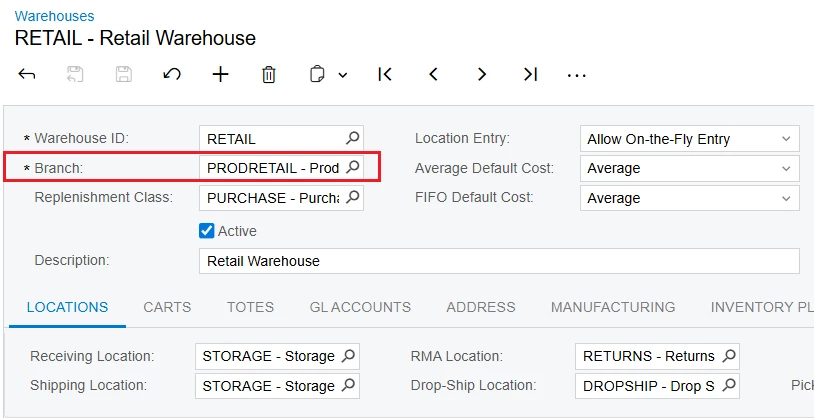
1/. Because each Warehouse in Acumatica is tied to a Branch, you can use "Warehouse Access" screen to restrict users from accessing Branches through the Warehouse.
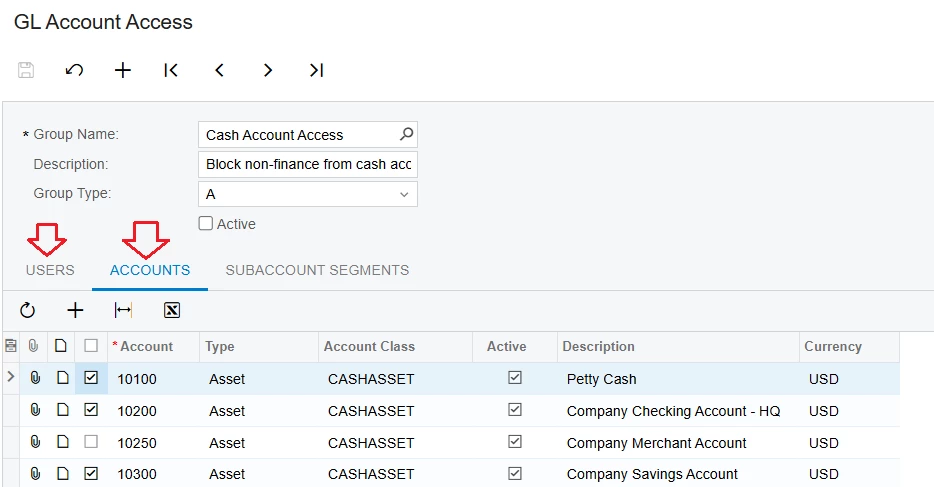
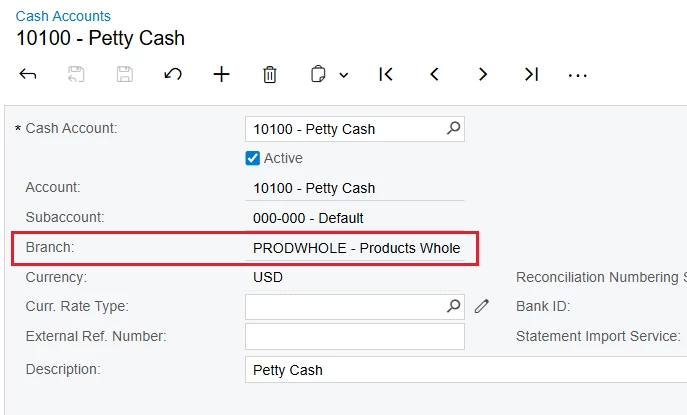
2/. And because each Cash Account in Acumatica is required to be linked to a Branch, you can use the "GL Account Access" feature to restrict users from accessing Branches through Cash Accounts.
3/. You can also restrict users from accessing Customer, Vendor, and Inventory from restricted Branches using the "Customer Access," "Vendor Access," or “Inventory Item Access” screens.
@nhatnghetinh This is the reason: I don’t want to use restrictions. If I restrict it by branch, I won’t be able to select warehouses or cash accounts from other branches. I want each user to have only one branch, but still be able to select all warehouses.
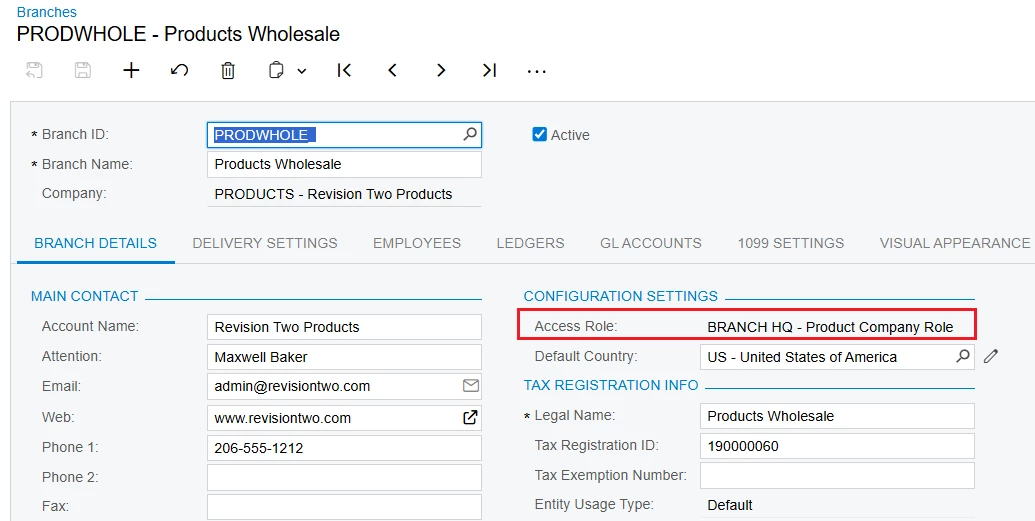
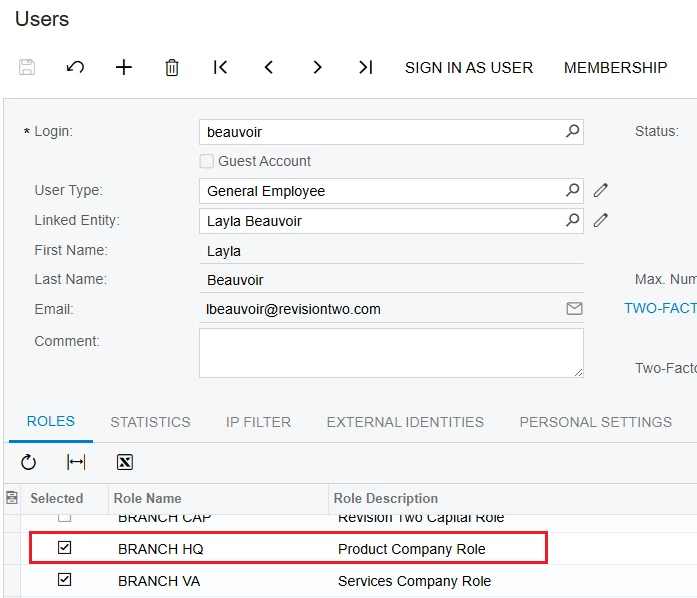
@mos11 This can be achieved by mapping the user account to specific branches. You can either revoke permissions for other branches or explicitly grant access only to the required branches
You can implement a customization to enforce development logic that restricts branch access on transaction screens.
For example, in the User setup, you can add a custom field called “Branch Access” (True/False).
If Branch Access = False for a user, the system will restrict them from changing the Branch on transaction screens such as Sales Orders, Purchase Orders, and other relevant documents.
This can be achieved by working with the development team to implement logic that disables or validates the Branch field based on the user’s setting.
Customizing all screens is not recommended initially. As a first phase, it is best to apply this logic only to limited and critical transaction screens, and then extend it further if required.