There are a few ways you can handle this depending on how strict you want the restriction to be.
If you simply want to prevent the user from editing the Branch field under certain conditions, you can control it at the UI level in the graph using RowSelected:
throw new PXSetPropertyException("Branch cannot be changed under current conditions.");
}
}
That ensures the change is blocked at the business logic level.
If the restriction is role-based rather than condition-based, you may also want to consider access rights or branch restrictions at the user role level instead of customization.
So the best approach depends on:
Is this purely UI behavior?
Or must it be enforced at system level?
For critical controls, I would recommend using FieldVerifying to ensure it cannot be bypassed.
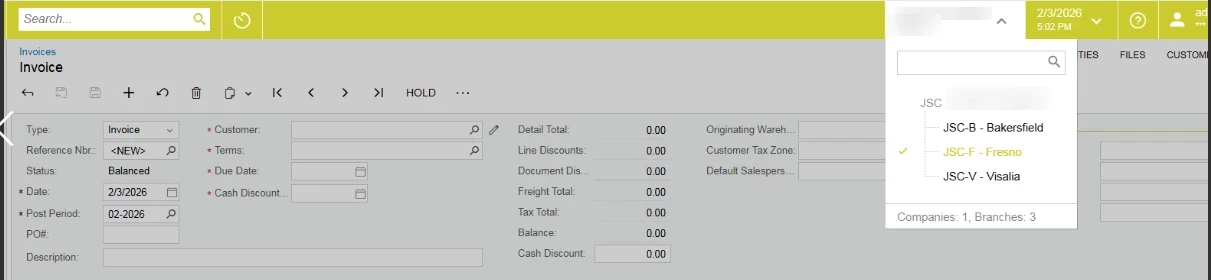
Thanks for clarifying — since you're referring to the system branch selector in the top-right corner (the branch context switch), that isn’t something that should be controlled via customization code.
The branch dropdown is driven by user access rights and branch restrictions. If you want to prevent a user from switching to certain branches, you should configure:
The branches assigned to the user
Role-based access rights
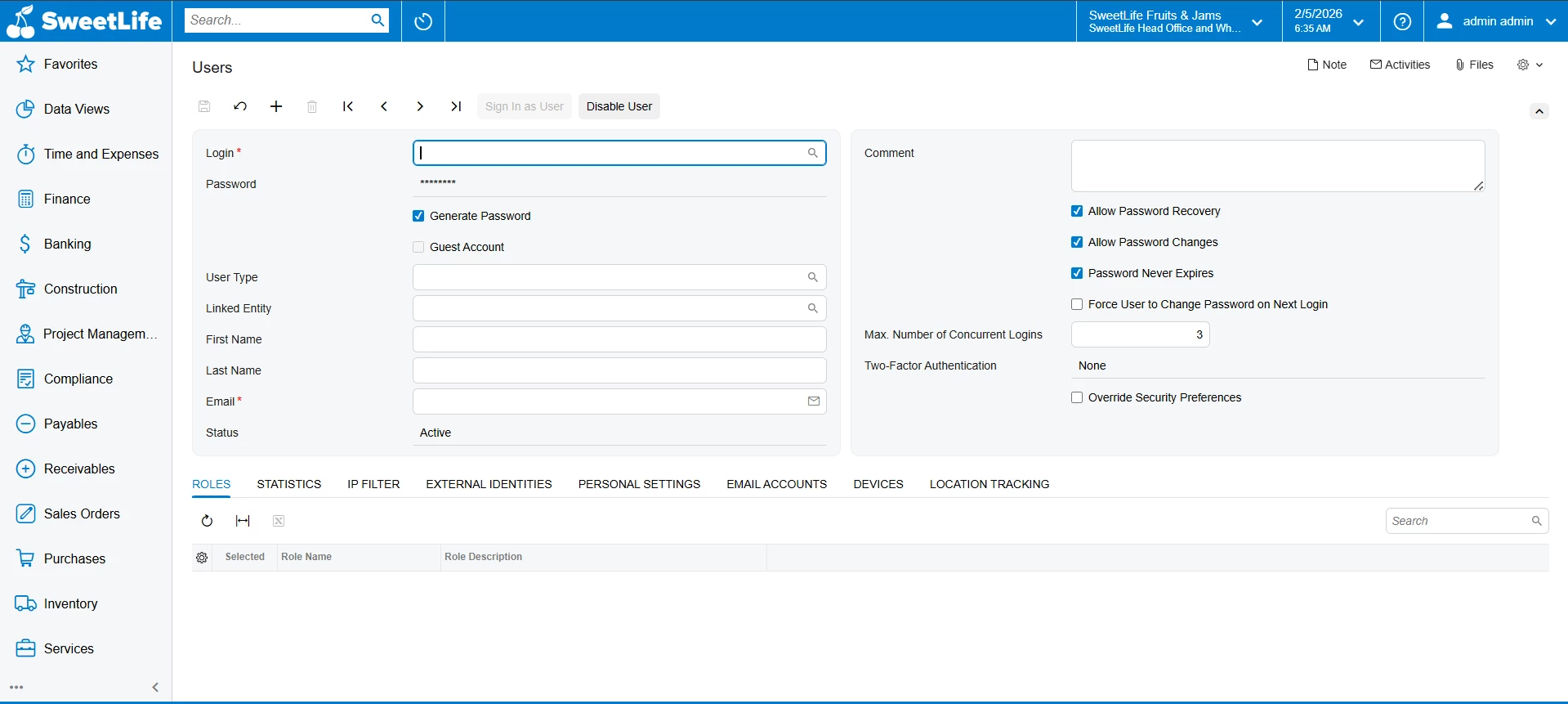
Branch access settings under Users (SM201010)
A user can only switch to branches they have access to. So the proper way to restrict this is by adjusting branch access/security configuration rather than writing customization logic.
If your requirement is conditional (for example, prevent switching branches only under certain transaction states), that would be more complex and would typically require reviewing the business process, since the branch selector is designed as a system-level context control.