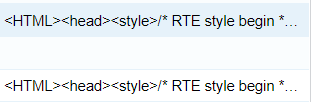
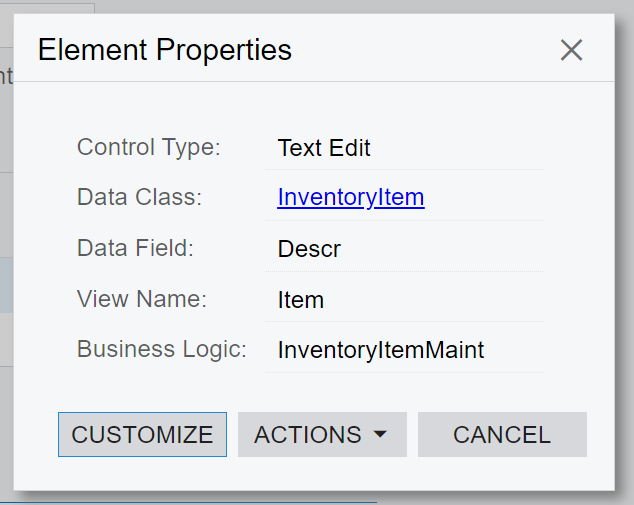
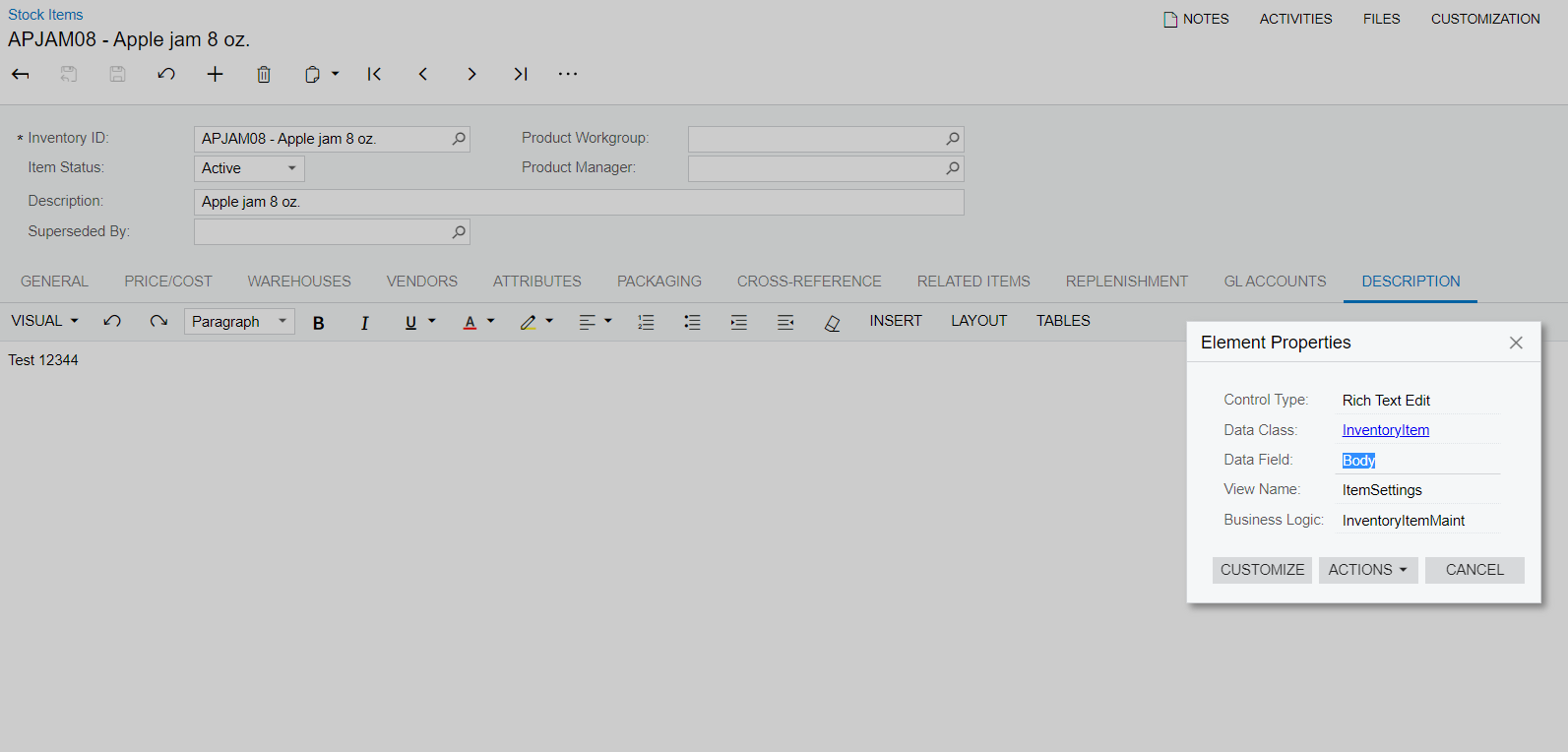
@Fernando Amadoz Thanks for the idea. However I code as follows to get the description text only by replacing html syntax and other unnecessary words.
if(item != null)
{
rowExt.UsrRRP = Convert.ToDecimal(item.RecPrice);
rowExt.UsrWeight = item.BaseItemWeight.ToString();
rowExt.UsrVolume = item.BaseItemVolume.ToString();
//Set Description field value
if (item.Body != null)
{
string HTMLCode = item.Body;
// Remove new lines since they are not visible in HTML
HTMLCode = HTMLCode.Replace("\n", " ");
// Remove tab spaces
HTMLCode = HTMLCode.Replace("\t", " ");
// Remove multiple white spaces from HTML
HTMLCode = Regex.Replace(HTMLCode, "\\s+", " ");
// Remove HEAD tag
HTMLCode = Regex.Replace(HTMLCode, "<head.*?</head>", ""
, RegexOptions.IgnoreCase | RegexOptions.Singleline);
// Remove any JavaScript
HTMLCode = Regex.Replace(HTMLCode, "<script.*?</script>", ""
, RegexOptions.IgnoreCase | RegexOptions.Singleline);
// Replace special characters like &, <, >, " etc.
StringBuilder sbHTML = new StringBuilder(HTMLCode);
// Note: There are many more special characters, these are just
// most common. You can add new characters in this arrays if needed
string[] OldWords = {" ", "&", """, "<",
">", "®", "©", "•", "™","'"};
string[] NewWords = { " ", "&", "\"", "<", ">", "�", "�", "�", "�", "\'" };
for (int i = 0; i < OldWords.Length; i++)
{
sbHTML.Replace(OldWords[i], NewWords[i]);
}
// Check if there are line breaks (<br>) or paragraph (<p>)
sbHTML.Replace("<br>", "\n<br>");
sbHTML.Replace("<br ", "\n<br ");
sbHTML.Replace("<p ", "\n<p ");
var text = System.Text.RegularExpressions.Regex.Replace(
sbHTML.ToString(), "<[^>]*>", "");
rowExt.UsrItemDescription = text;
}