Answer

Having Strange Data Issues in Sales Demo and in Customizations using Sales Demo Data

  • October 13, 2023
  • 4 replies
  • 54 views

Forum|alt.badge.img

This is 2022 R2 : Build 22.215.0056

I am having all kinds of weird things happening in the data of the Sales Demo that I do not understand.

Issue #1: (With No Customizations Published) 

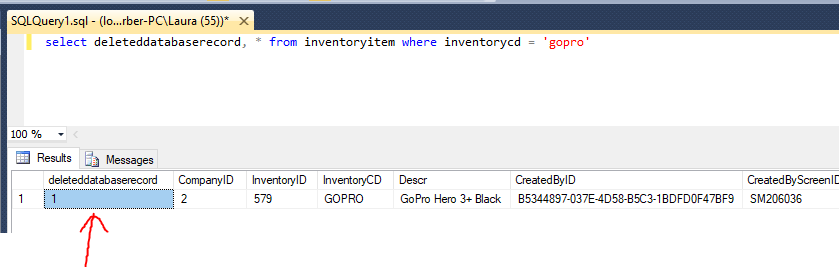
When I look in the database file (Using SQL Manager) I see that there is a stock inventory Item named: “GoPro”
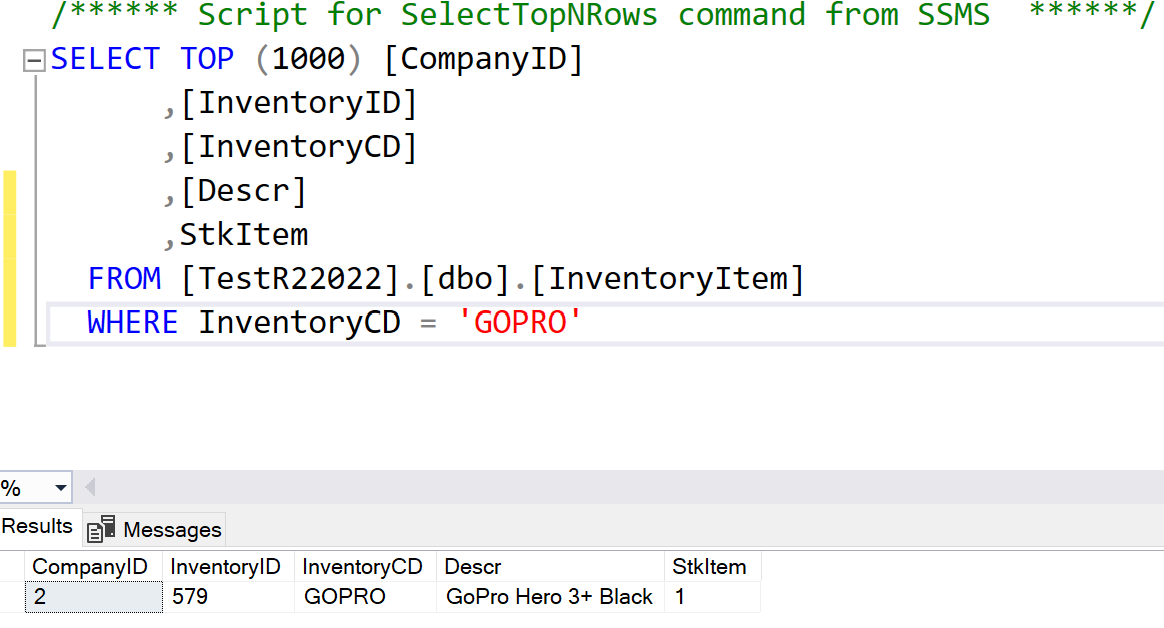
 

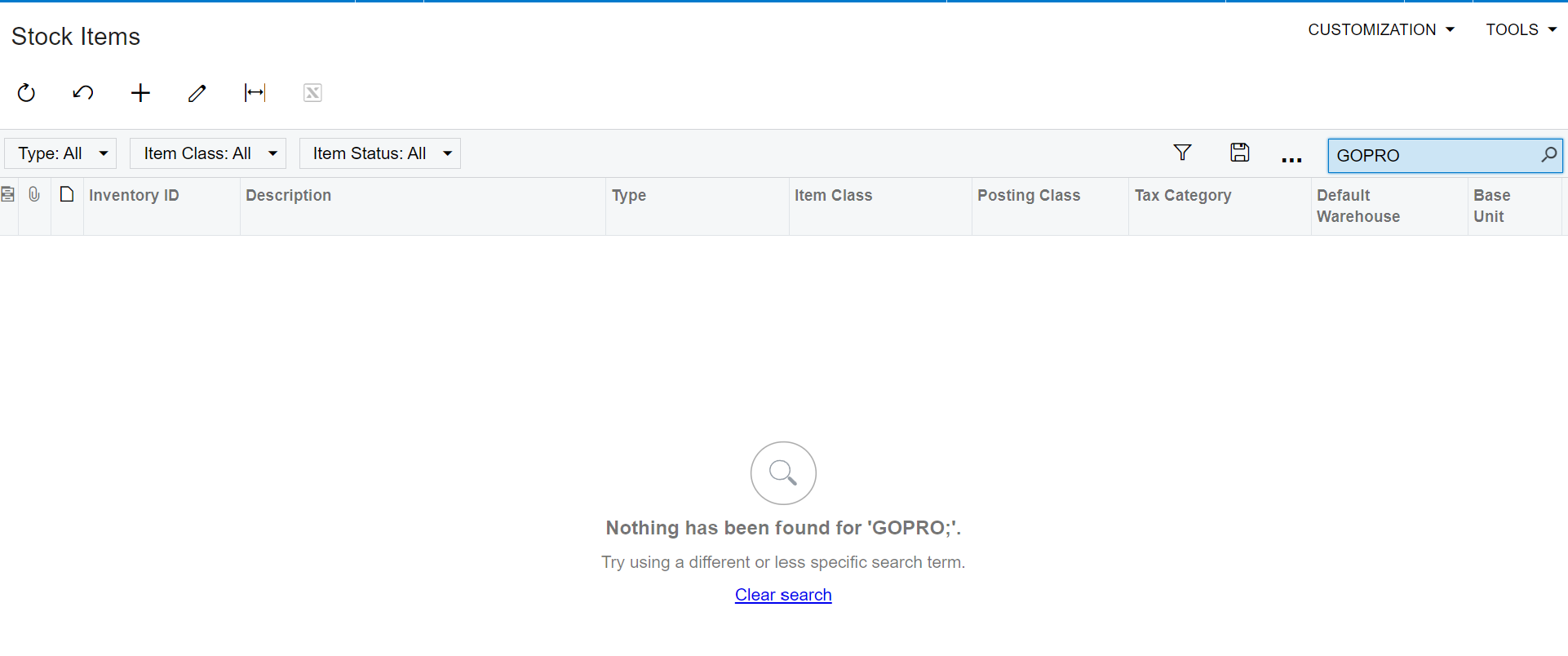
But when I search for it in the IIS Application, it is not found:
 

Issue #2

I have extended the DAC for InventoryItem to add a field: UsrASGDescX -- it is an extended description field. I would like to also search by this field in Inventory Lookup on Sales Order. 

This is the definition of my field in the DAC:

 #region UsrASGDescX
[PXString]
[PXUIField(DisplayName = "Extended Description")]

public virtual string UsrASGDescX { get; set; }
public abstract class usrASGDescX : PX.Data.BQL.BqlString.Field<usrASGDescX> { }
#endregion

I have created a GI which allows me to see the extended data fields:

I go to the inventory Item AALEGO500 -- since I can see it in the SQL Server AND the IIS Application. I set the Extended field in SQL SERVER:
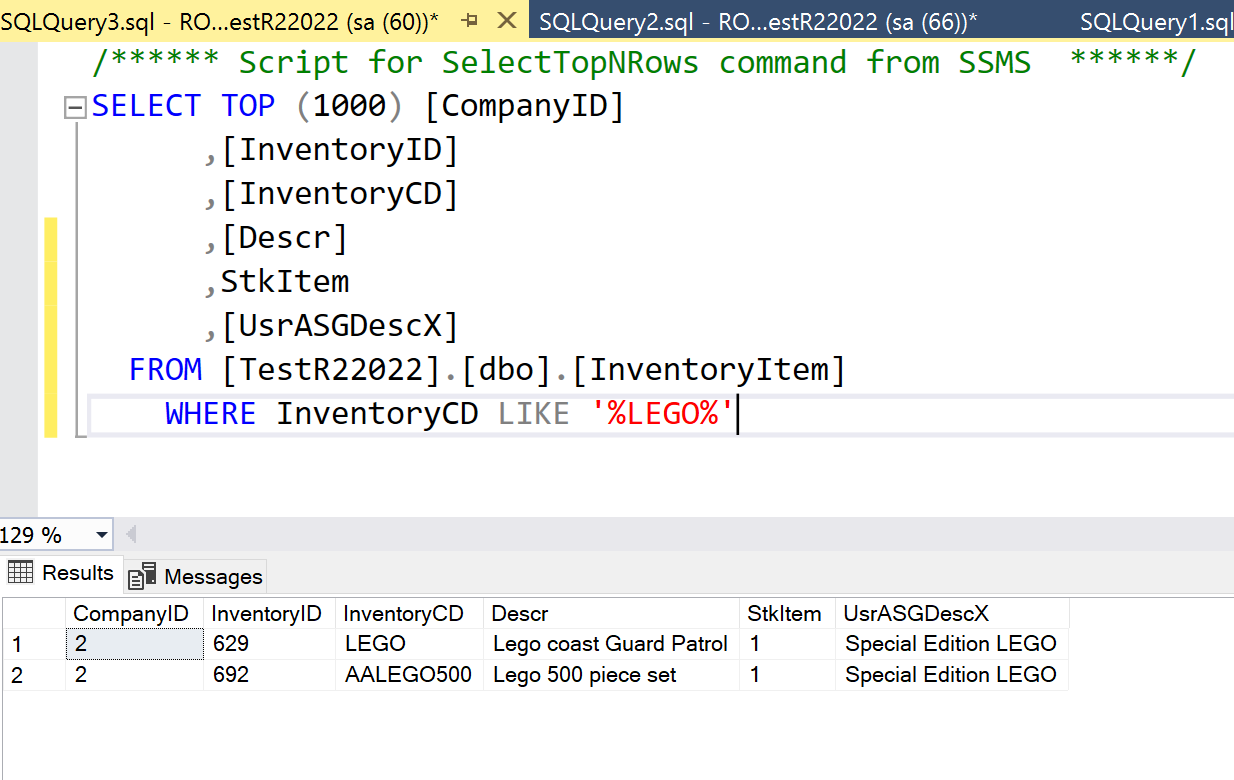
I run my GI, and I see the record OK, but the extended field is empty (Same InventoryID, but no extended field data):
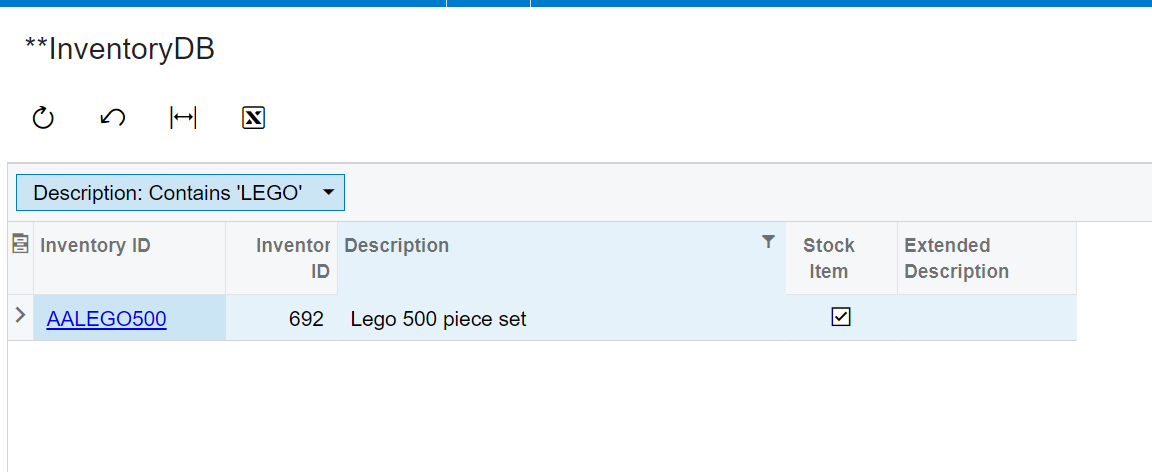
So, I can add the column in the GI. But, here’s another weird thing, if I try to add it as a field and select it in the Results Tab of the GI, the field does not show up:
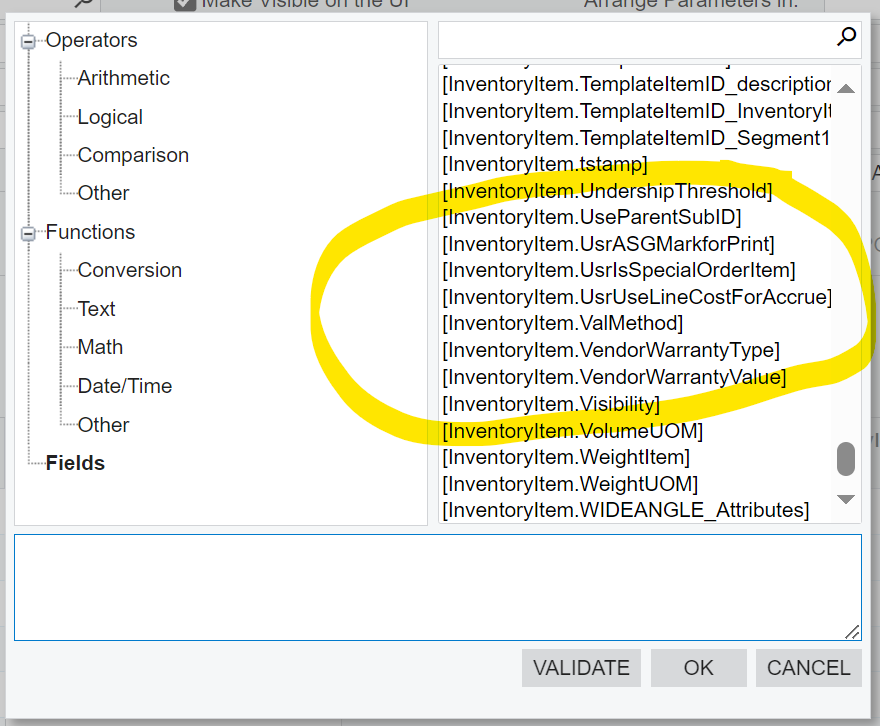


So I have no idea how I can test this. (And I have tried it in other customers systems, and get similar weirdness… I just figure that using the stock sales demo data is a better place to start.)


Any ideas on this???

 

Best answer by Django

Your custom field should probably be

[PXDBString]

and not

[PXString]

if you plan to store/retrieve the extended description in/from the database itself.

I’m guessing that you created the field in the table and populated it with SQL.

4 replies

Laura03
Captain II
Forum|alt.badge.img+19
  • Captain II
  • October 13, 2023

Hello @mjgrice32 ,

I can answer the first question:  GOPRO is a Deleted record that is visible in SQL and no longer visible in the user interface:

Deleted Database Record


Forum|alt.badge.img+7
  • Captain II
  • Answer
  • October 13, 2023

Your custom field should probably be

[PXDBString]

and not

[PXString]

if you plan to store/retrieve the extended description in/from the database itself.

I’m guessing that you created the field in the table and populated it with SQL.


Forum|alt.badge.img
  • Author
  • Varsity I
  • October 13, 2023

Hello @mjgrice32 ,

I can answer the first question:  GOPRO is a Deleted record that is visible in SQL and no longer visible in the user interface:

Deleted Database Record


I knew it would be something like that! Thank you!


Forum|alt.badge.img
  • Author
  • Varsity I
  • October 13, 2023

Your custom field should probably be

[PXDBString]

and not

[PXString]

if you plan to store/retrieve the extended description in/from the database itself.

I’m guessing that you created the field in the table and populated it with SQL.

Aaaaah! Nice catch! That’s what I get for programming at 2am. I’ll change it and see if that makes the difference. THANK YOU!