Answer

GI showing sent emails with number of attachments

  • October 12, 2023
  • 6 replies
  • 116 views

joshatsbp
Freshman II
Forum|alt.badge.img

Hi there,


I want to create a GI that shows all set emails along with a column for the number of attachments. It’s looking like I need to join the email table to NoteDoc, but it doesn’t look like this is just a PK relationship. Can anyone guide me on how to set up that join or redirect me to the correct kind of join?

Once joined, I think I can just do a count on NoteDoc to find the tally. Is that correct?

Best answer by joshatsbp

Hey @Chris Hackett . I solved the problem that required this GI but in a different fashion. Unfortunately, none of the solutions here panned out.

6 replies

darylbowman
Captain II
Forum|alt.badge.img+15

My minimal investigation suggests NoteDoc.NoteID = SMEmail.RefNoteID


joshatsbp
Freshman II
Forum|alt.badge.img
  • Author
  • Freshman II
  • October 13, 2023

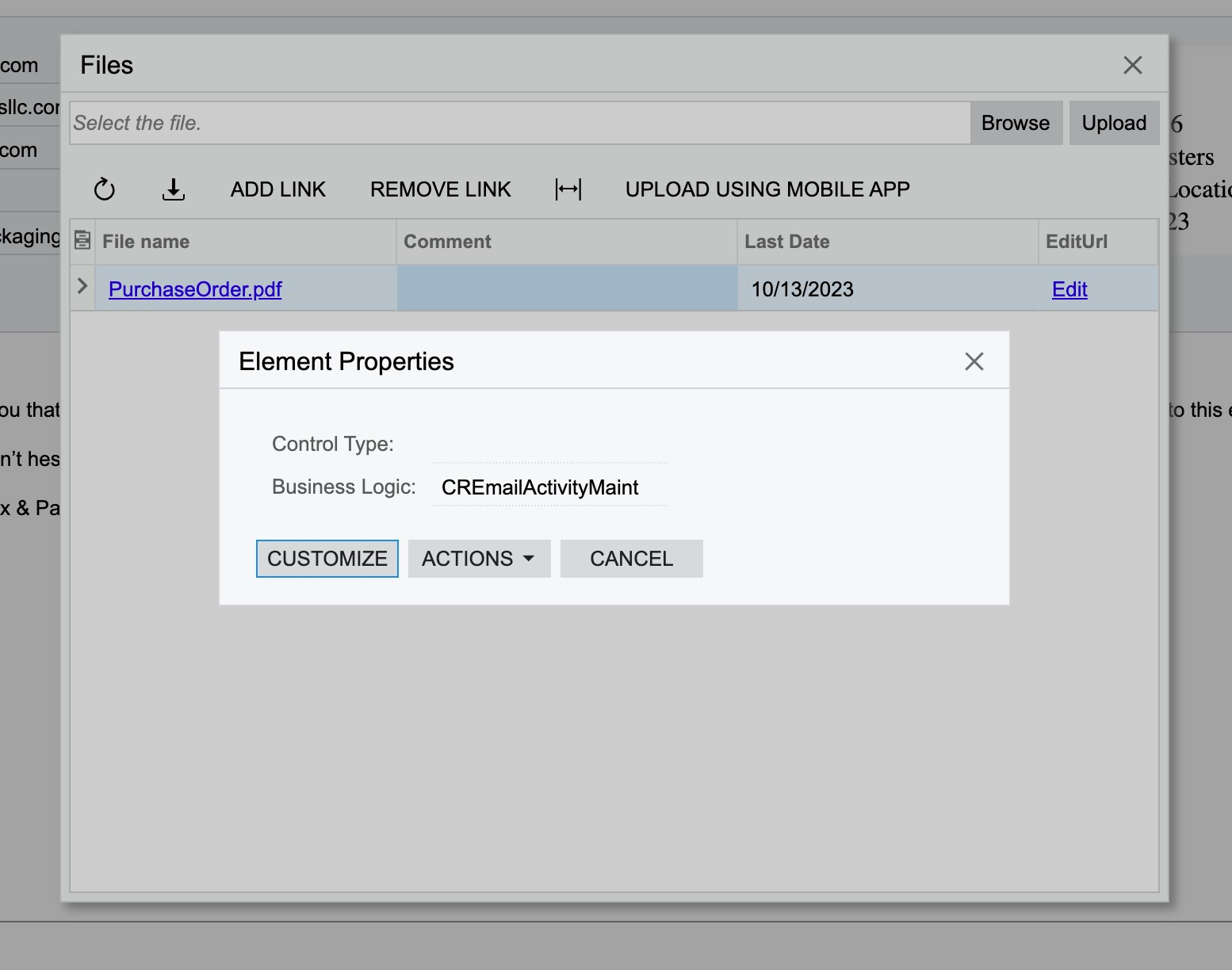
Thanks @darylbowman . It doesn’t look like joining to NoteDoc is the right path. Files are stored in UploadFile it seems. Inspection of files attached to an email lead me to CREmailActivityMaint (not a DB table). I’m struggling to figure out how to join emails to files. Any other thoughts. 

Btw, I also tried CRActivity, but that doesn’t seem to be the path either. 


darylbowman
Captain II
Forum|alt.badge.img+15

No, I think you’re right.

SMEmail.RefNoteID = NoteDoc.NoteID

NoteDoc.FileID = UploadFile.FileID  


You’re right that NoteDoc is not where the files are stored, but I believe Count(NoteDoc.FileID) would correctly return the number of files.


The element inspector thingy doesn’t really work on the Files dialog.


joshatsbp
Freshman II
Forum|alt.badge.img
  • Author
  • Freshman II
  • October 16, 2023

Thanks @darylbowman . Unfortunately, that didn’t do it either. I’m seeing 0’s and 2’s where there should be 1’s. I found another way to solve my immediate problem. I’d still be interested in knowing how to do this, though, if you or anyone else has a solution. My GI is attached.


Chris Hackett
Community Manager
Forum|alt.badge.img
  • Acumatica Community Manager
  • November 29, 2023

Hi @joshatsbp were you able to find a solution? Thank you!


joshatsbp
Freshman II
Forum|alt.badge.img
  • Author
  • Freshman II
  • Answer
  • November 30, 2023

Hey @Chris Hackett . I solved the problem that required this GI but in a different fashion. Unfortunately, none of the solutions here panned out.