Answer

Filter Project Task Selector to Show Only 'Active' and 'In Planning' Tasks on Employment Time Card Screen

  • May 28, 2025
  • 3 replies
  • 101 views

Forum|alt.badge.img+1

Hello Community,

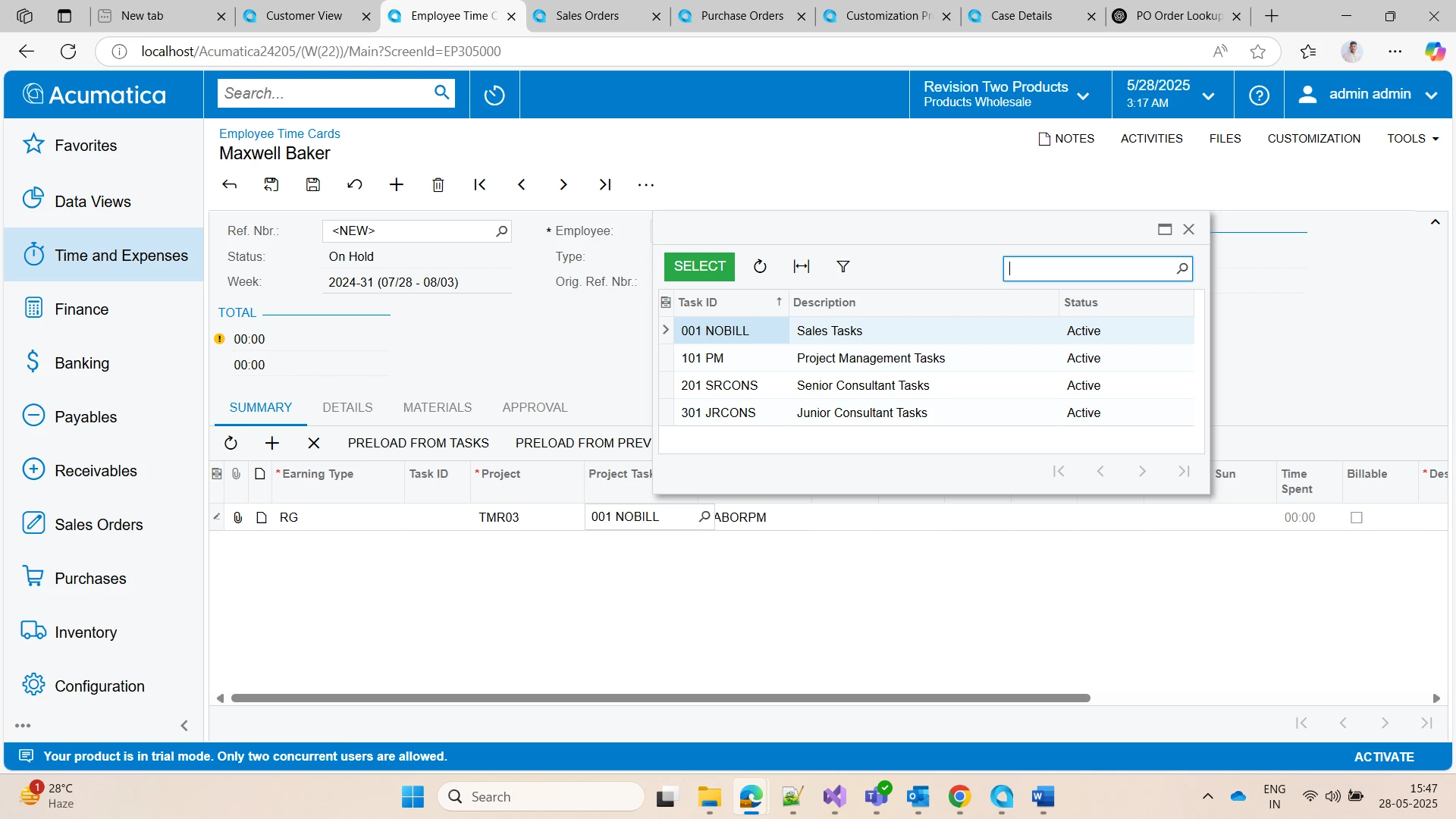
On the Employment Time Card screen, I want to filter the Project Task selector field to display only records with the status 'Active' or 'In Planning'.

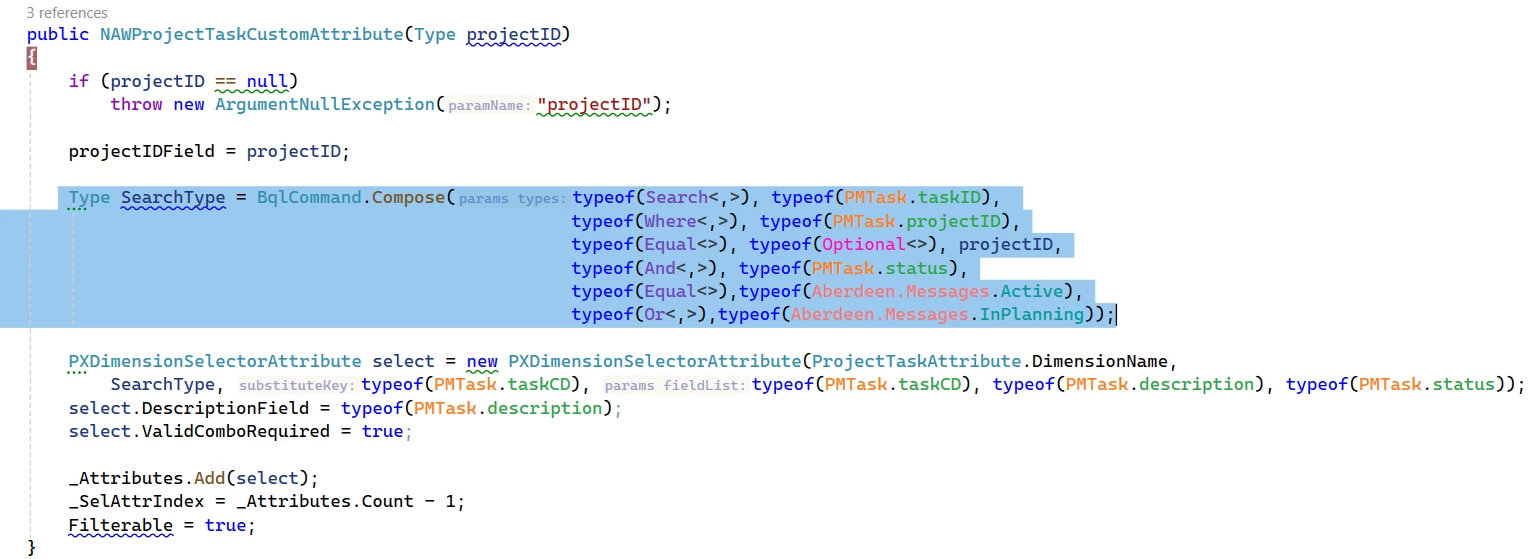
I attempted this by overriding the base class and customizing the attribute. Below is a snippet of what I tried, where I attempted to add a condition to the generic type query:
public ProjectTaskCustomAttribute(Type projectID)
{
if (projectID == null)
throw new ArgumentNullException("projectID");

projectIDField = projectID;

Type SearchType = BqlCommand.Compose(typeof(Search<,>), typeof(PMTask.taskID),
typeof(Where<,>), typeof(PMTask.projectID),
typeof(Equal<>), typeof(Optional<>), projectID,
typeof(And<,>), typeof(PMTask.status),
typeof(Equal<>),typeof(Aberdeen.Messages.Active),
typeof(Or<,>),typeof(Aberdeen.Messages.InPlanning));

PXDimensionSelectorAttribute select = new PXDimensionSelectorAttribute(ProjectTaskAttribute.DimensionName,
SearchType, typeof(PMTask.taskCD), typeof(PMTask.taskCD), typeof(PMTask.description), typeof(PMTask.status));
select.DescriptionField = typeof(PMTask.description);
select.ValidComboRequired = true;

_Attributes.Add(select);
_SelAttrIndex = _Attributes.Count - 1;
Filterable = true;
}
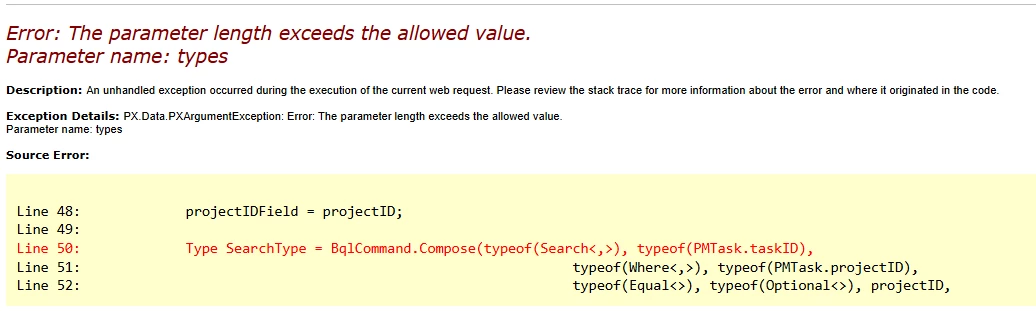
However, this code didn't work as expected, and I'm encountering issues.

Has anyone implemented this or can guide me on the this?

Thanks in advance!

Best answer by svwk05

Thanks for the details, ​@meganfriesen37 ​@josiahl64 . That was helpful!

I was able to resolve the issue by implementing the below logic:

Type SearchType = BqlCommand.Compose(typeof(Search<,>), typeof(PMTask.taskID),
typeof(Where<,,>), typeof(PMTask.projectID), typeof(Equal<>), typeof(Optional<>), projectID,
typeof(And<,>), typeof(PMTask.status), typeof(In3<,>), typeof(SOLineEnhancements.Messages.Active), typeof(SOLineEnhancements.Messages.InPlanning));


3 replies

meganfriesen37
Captain II
Forum|alt.badge.img+12

 Have you looked at the default behaviour of the Visibility Settings on the Projects / Tasks?

https://help.acumatica.com/(W(2))/Help?ScreenId=ShowWiki&pageid=97a58591-40d8-4edf-a9ad-896d633d6980

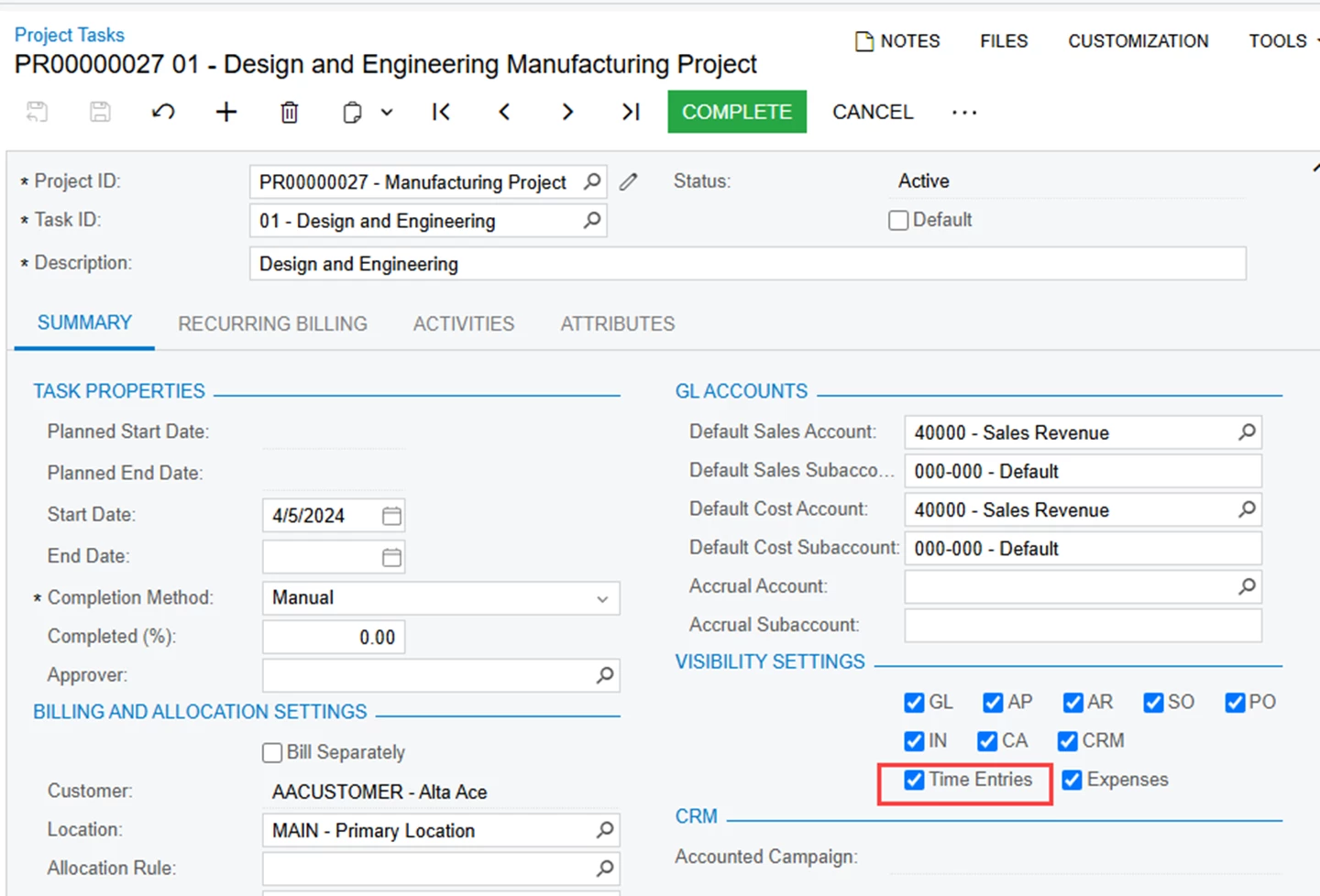
Time Entries

A check box that indicates whether transactions entered on the Employee Time Cards (EP305000) and Employee Time Activities (EP307000) forms can be associated with the task. If you select this check box, users can select the task in documents, and the release of these documents automatically updates the task data.


Forum|alt.badge.img+1
  • Jr Varsity I
  • May 29, 2025

If the solution above does not work, you could consider using a PXRestrictor attribute with the conditions you are trying to implement alongside the base attribute, as that may be simpler to execute


Forum|alt.badge.img+1
  • Author
  • Semi-Pro III
  • Answer
  • May 30, 2025

Thanks for the details, ​@meganfriesen37 ​@josiahl64 . That was helpful!

I was able to resolve the issue by implementing the below logic:

Type SearchType = BqlCommand.Compose(typeof(Search<,>), typeof(PMTask.taskID),
typeof(Where<,,>), typeof(PMTask.projectID), typeof(Equal<>), typeof(Optional<>), projectID,
typeof(And<,>), typeof(PMTask.status), typeof(In3<,>), typeof(SOLineEnhancements.Messages.Active), typeof(SOLineEnhancements.Messages.InPlanning));