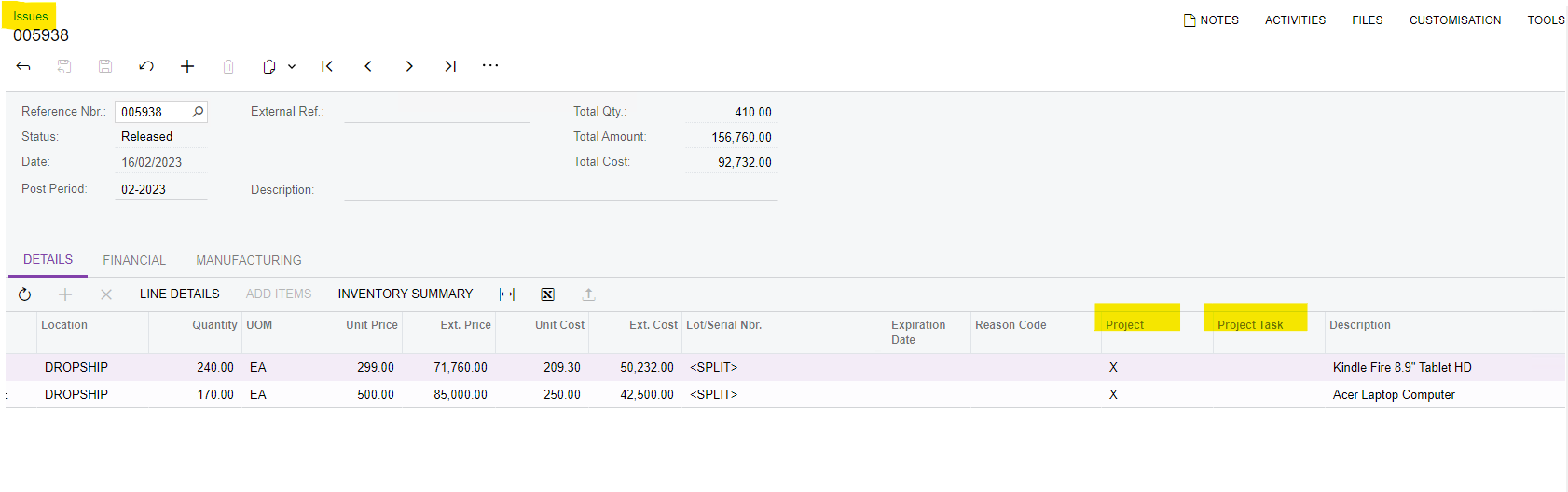
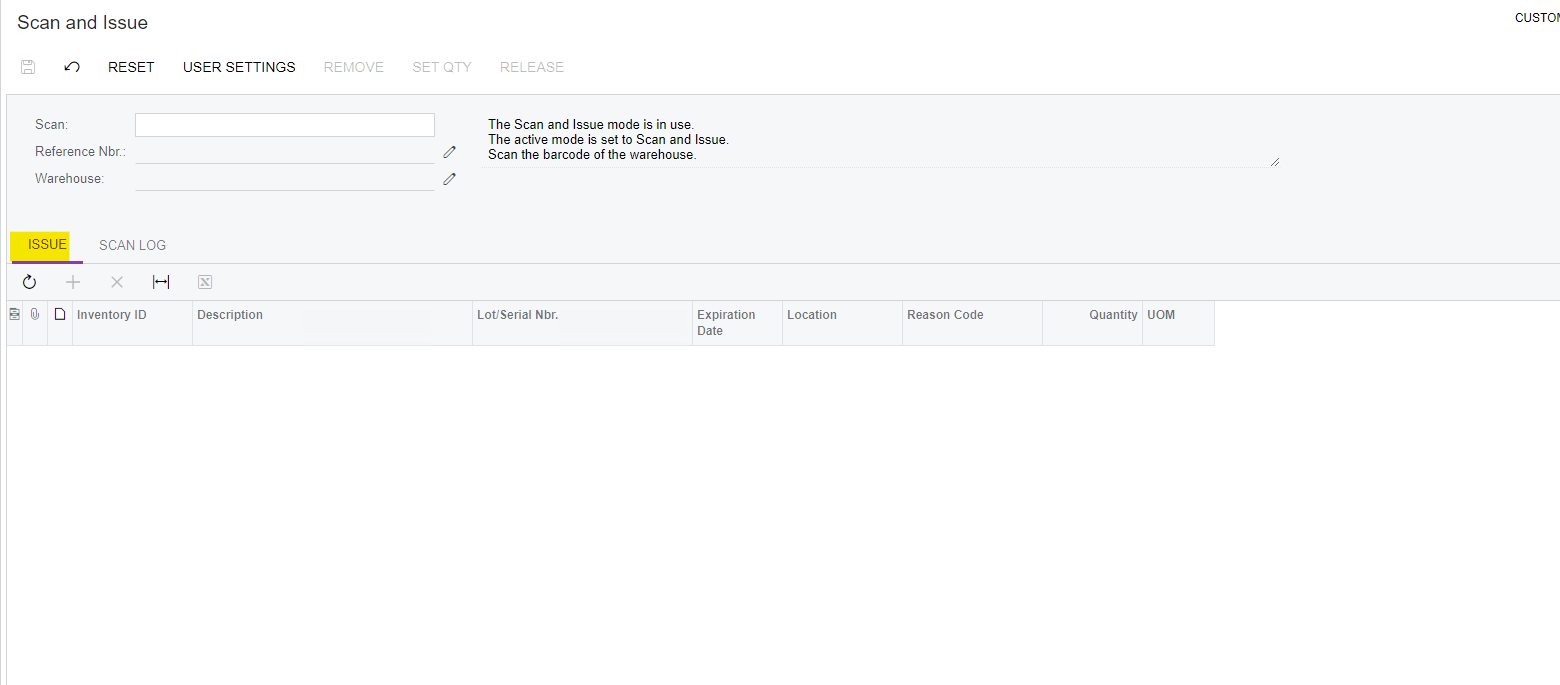
Hi I need to copy the values in issues screen (Project and Project Task) to the scan and issue issue screen because they are not exposed to this screen by default.
These fields also need to be exposed via mobile app end as well, how can I modify the mobile app screen to include these additional fields?
Any help would be appreciated, thank you!
Best answer by noorula77
Hi @TharidhiP , @SamMemar ,
To implement this customization:
Create a new customization project in Acumatica
Add the DAC extension (IssueExt) to add the Project and Project Task fields
Add the Graph extension (ScanIssueEntryExt) to handle copying the values
Modify the mobile site map to expose the fields in the mobile app
For the mobile app customization:
Go to Configuration → Mobile Application
Open the Scan Issue screen configuration
Add the custom fields (UsrProjectID and UsrProjectTaskID) to the form
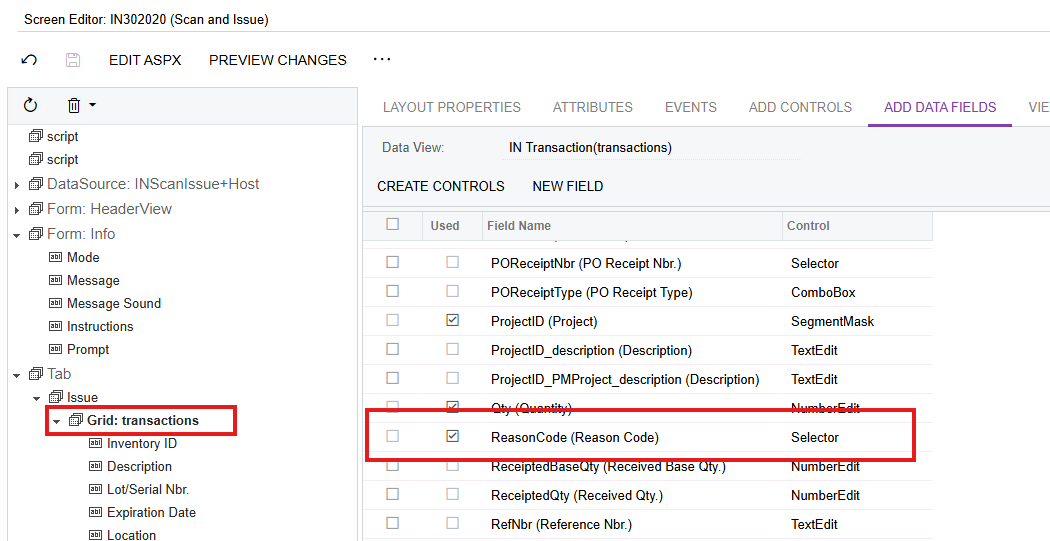
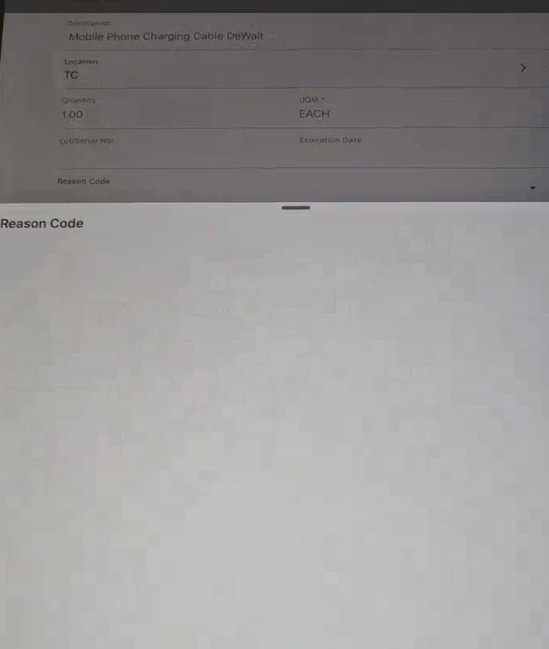
Hi all, I have managed to implement the exposure of fields as below and face one issue.
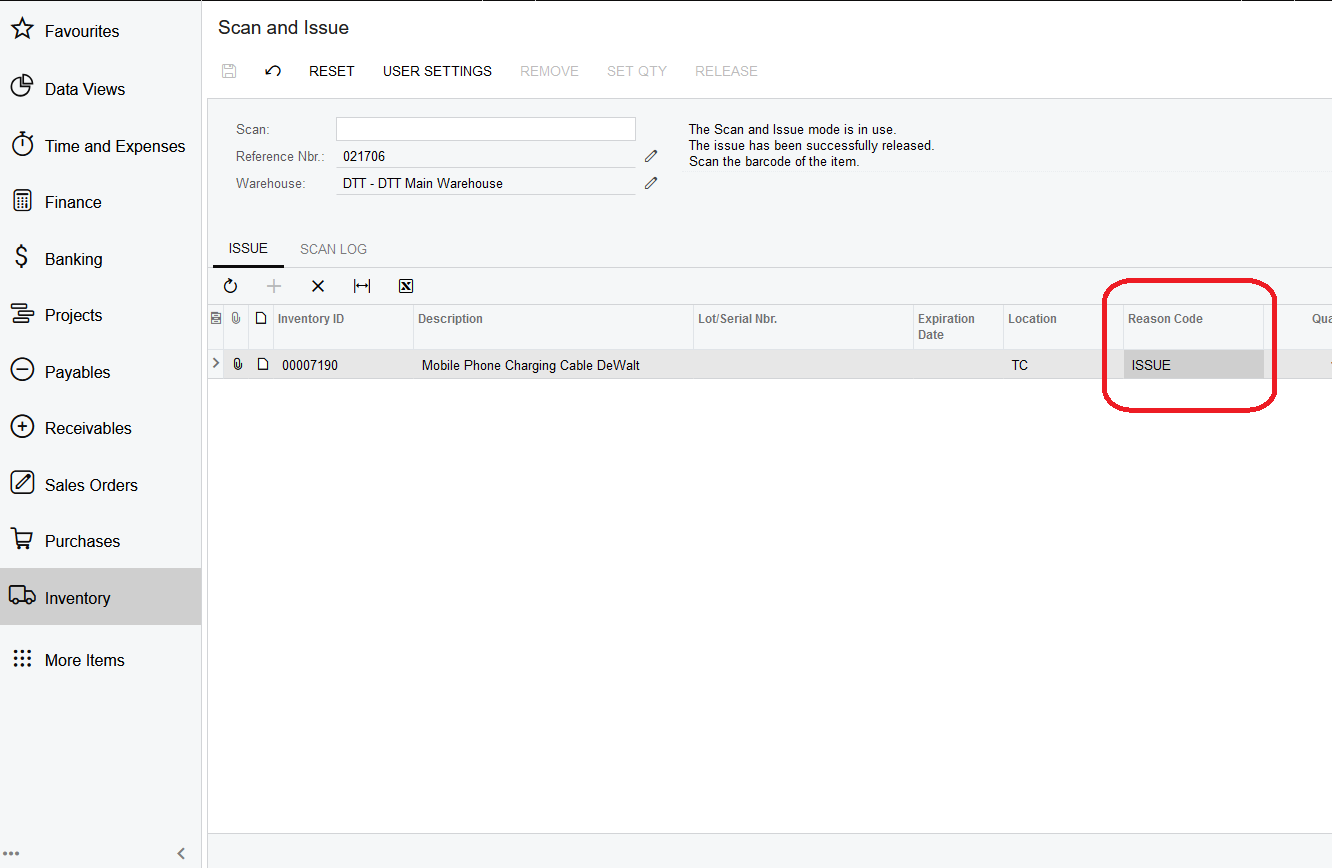
The reason code was already available as a field to expose on the web screen. The only issue is that the reason codes gets populated, but it adds the reason code automatically as a default code without showing the selector.
Moreover I have exposed this same field to the mobile screen and don’t see any selector values.
Hi @noorula77 thank you for the suggestion, so for the web screen in order to avoid default reason codes getting populated I need to set required to false as well?