


I am trying to create a Transfer but keep getting error”:
GL Error: The financial period cannot be specified because the branch has not been specified in the Branch box.'
However I am setting the branch. Below is a screenshot of my code.
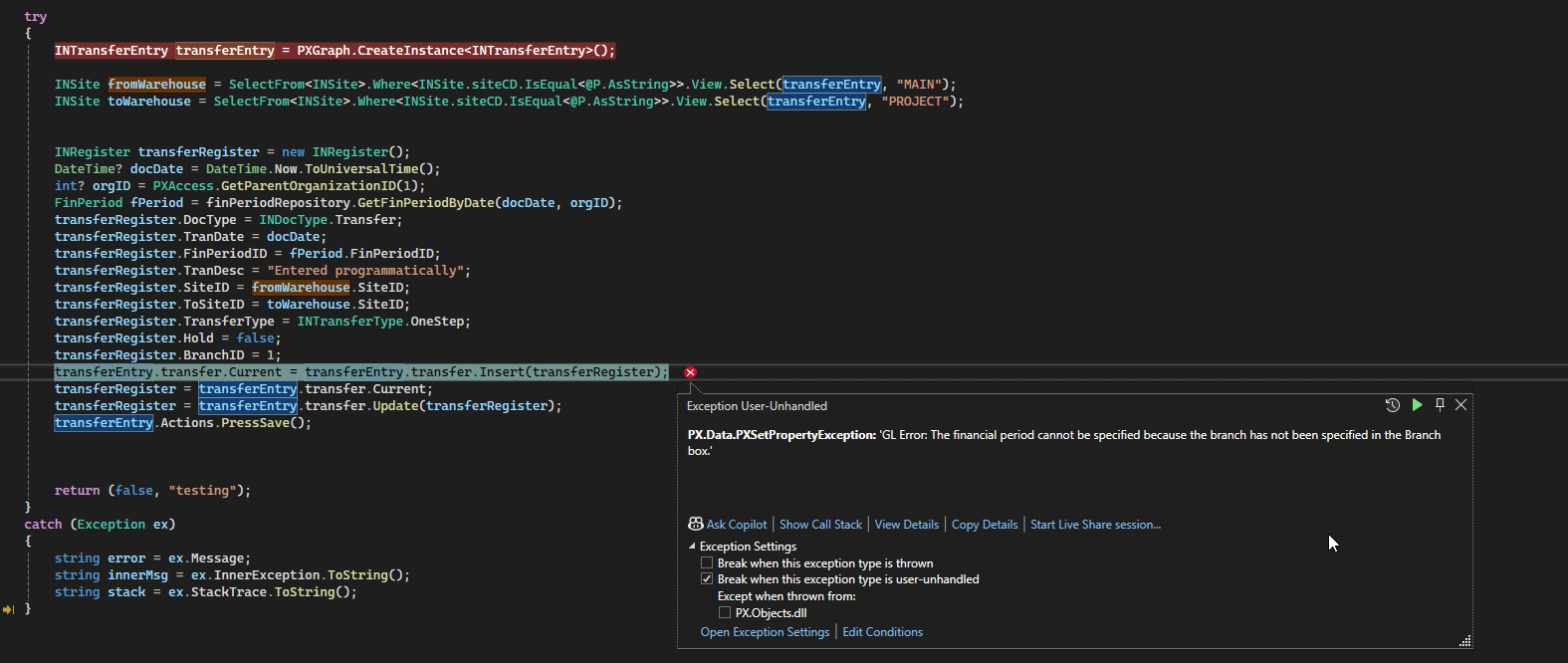
                INTransferEntry transferEntry = PXGraph.CreateInstance<INTransferEntry>();

                INSite fromWarehouse = SelectFrom<INSite>.Where<INSite.siteCD.IsEqual<@P.AsString>>.View.Select(transferEntry, "MAIN");
                INSite toWarehouse = SelectFrom<INSite>.Where<INSite.siteCD.IsEqual<@P.AsString>>.View.Select(transferEntry, "PROJECT");

                DateTime? docDate = DateTime.Now.ToUniversalTime();
                int? orgID = PXAccess.GetParentOrganizationID(1);
                FinPeriod fPeriod = finPeriodRepository.GetFinPeriodByDate(docDate, orgID);


                INRegister transferRegister = (INRegister)transferEntry.transfer.Cache.Insert();

                INRegister transferRegister = new INRegister();
                DateTime? docDate = DateTime.Now.ToUniversalTime();
                int? orgID = PXAccess.GetParentOrganizationID(1);
                FinPeriod fPeriod = finPeriodRepository.GetFinPeriodByDate(docDate, orgID);
                transferRegister.DocType = INDocType.Transfer;
                transferRegister.TranDate = docDate;
                transferRegister.FinPeriodID = fPeriod.FinPeriodID;
                transferRegister.TranDesc = "Entered programmatically";
                transferRegister.SiteID = fromWarehouse.SiteID;
                transferRegister.ToSiteID = toWarehouse.SiteID;
                transferRegister.TransferType = INTransferType.OneStep;
                transferRegister.Hold = false;
                transferRegister.BranchID = 1;
                transferEntry.transfer.Current = transferEntry.transfer.Insert(transferRegister);
                transferRegister = transferEntry.transfer.Current;
                transferRegister = transferEntry.transfer.Update(transferRegister);
                transferEntry.Actions.PressSave();
I can use the exact same detail when doing this from UI and there’s no issue saving it.
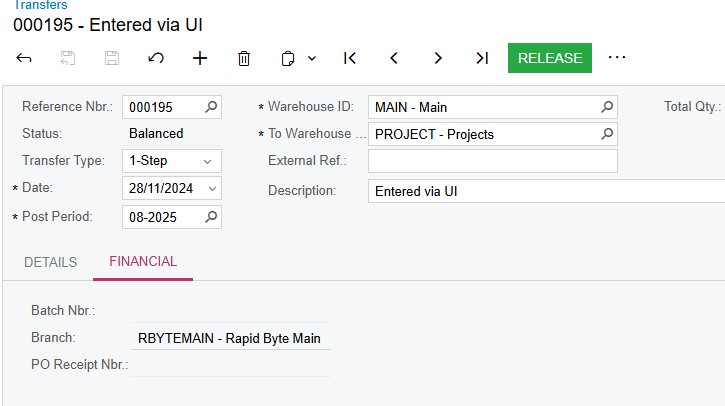
From the UI, the Branch is readonly and only gets set when choosing the Warehouse ID.
Trying it a different way and getting the same error and this right after setting the branch.
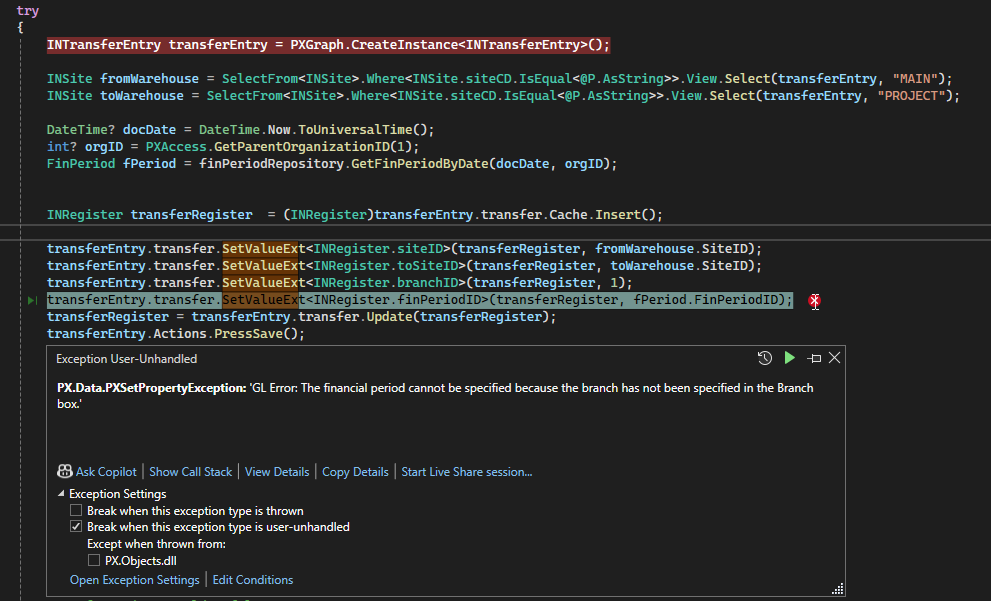
                INTransferEntry transferEntry = PXGraph.CreateInstance<INTransferEntry>();

                INSite fromWarehouse = SelectFrom<INSite>.Where<INSite.siteCD.IsEqual<@P.AsString>>.View.Select(transferEntry, "MAIN");
                INSite toWarehouse = SelectFrom<INSite>.Where<INSite.siteCD.IsEqual<@P.AsString>>.View.Select(transferEntry, "PROJECT");

                DateTime? docDate = DateTime.Now.ToUniversalTime();
                int? orgID = PXAccess.GetParentOrganizationID(1);
                FinPeriod fPeriod = finPeriodRepository.GetFinPeriodByDate(docDate, orgID);


                INRegister transferRegister  = (INRegister)transferEntry.transfer.Cache.Insert();

                transferEntry.transfer.SetValueExt<INRegister.siteID>(transferRegister, fromWarehouse.SiteID);
                transferEntry.transfer.SetValueExt<INRegister.toSiteID>(transferRegister, toWarehouse.SiteID);
                transferEntry.transfer.SetValueExt<INRegister.branchID>(transferRegister, 1);
                transferEntry.transfer.SetValueExt<INRegister.finPeriodID>(transferRegister, fPeriod.FinPeriodID);
                transferRegister = transferEntry.transfer.Update(transferRegister);
                transferEntry.Actions.PressSave();
What am I doing wrong here?





