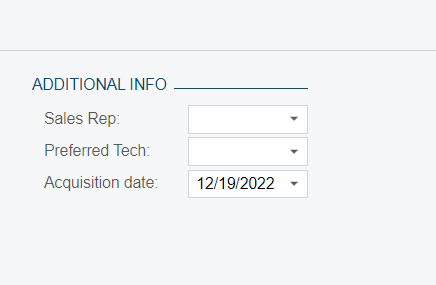
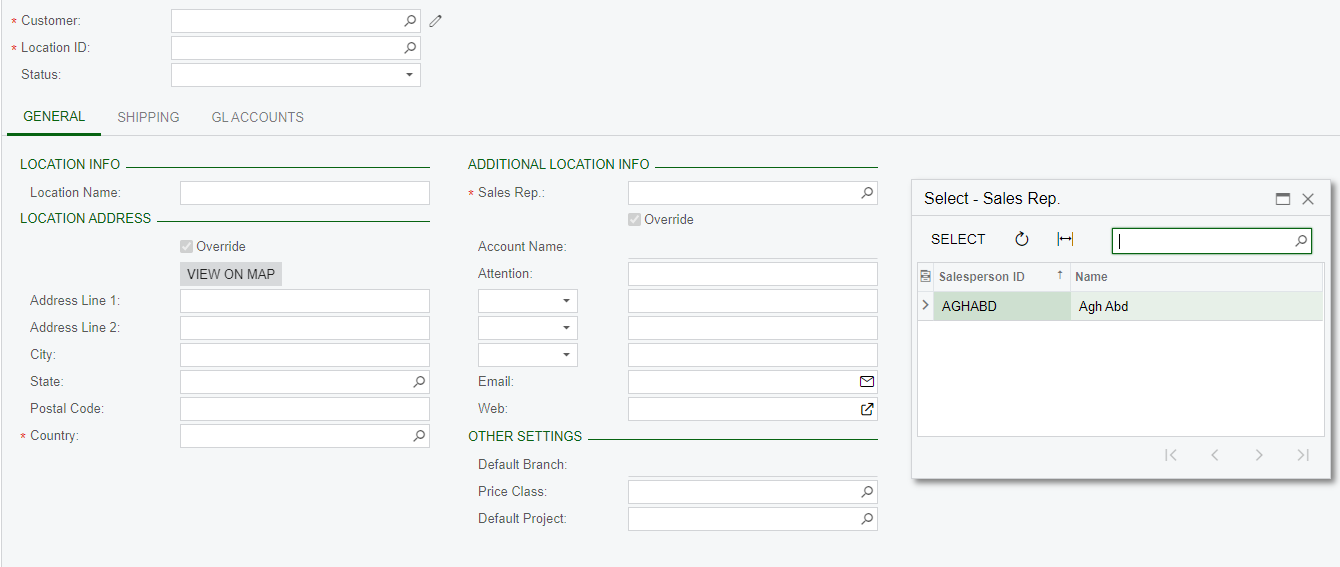
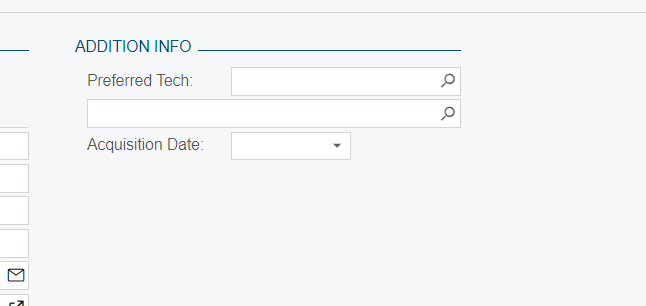
I have added the below dropdown in the customer location screen(AR303020) and the dropdown should have the sales Rep names from Salesperson screen.
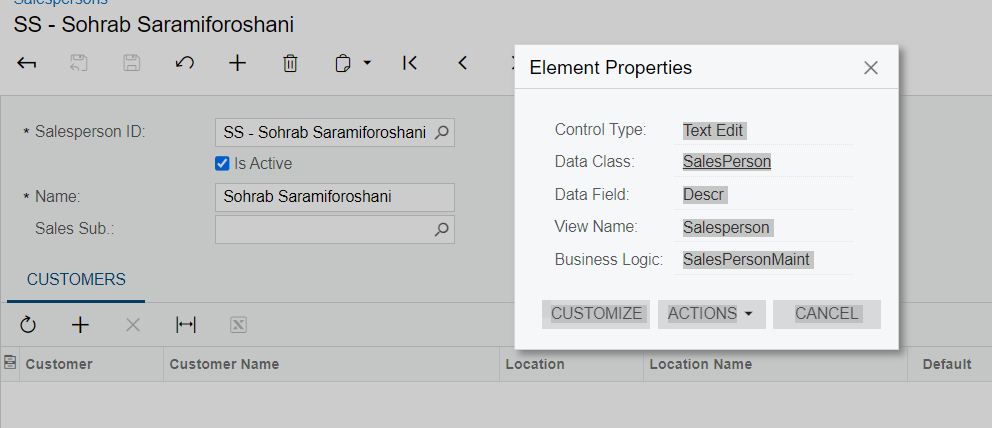
drop down should contain the below list. DAC name is SalesPerson,
can someone help how to write the code for this.
Best answer by aaghaei
@sujithra
Dropdowns are suggested when you have a fixed number of values that don’t change. When you have a dynamic list you will need to use a selector control as @Fernando Amadoz had mentioned. Step by step you will need to:
Dropdowns are suggested when you have a fixed number of values that don’t change. When you have a dynamic list you will need to use a selector control as @Fernando Amadoz had mentioned. Step by step you will need to:
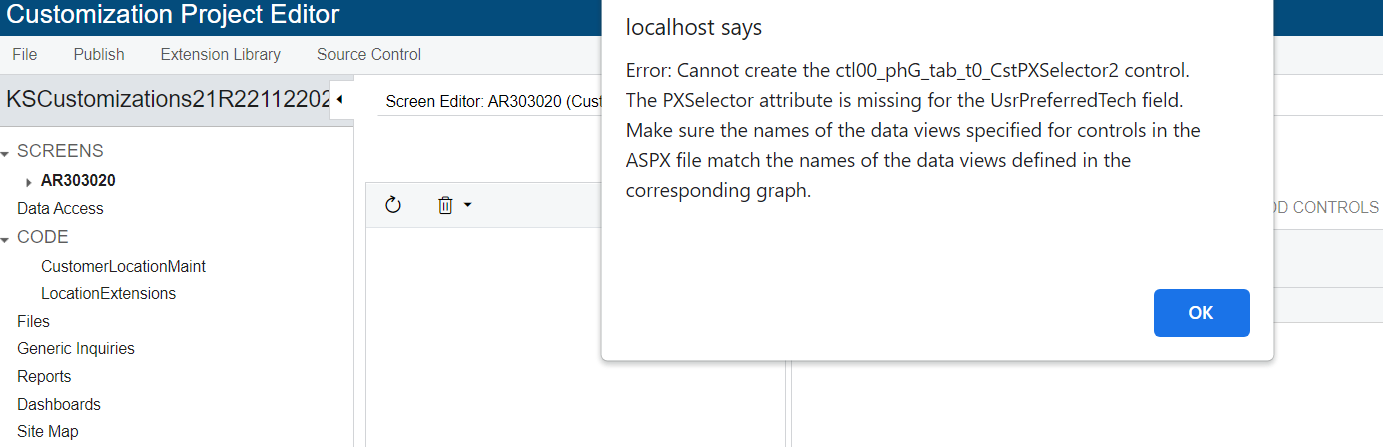
@aaghaei, am trying to add one more custom field but Now am getting error .
Preview looks lik this.
And my code is,
using PX.Data.ReferentialIntegrity.Attributes; using PX.Data; using PX.Objects.AP; using PX.Objects.AR; using PX.Objects.CA; using PX.Objects.CR.MassProcess; using PX.Objects.CR.Workflows; using PX.Objects.CR; using PX.Objects.CS; using PX.Objects.GL; using PX.Objects.IN; using PX.Objects.PO; using PX.Objects.SO; using PX.Objects.TX; using PX.Objects; using System.Collections.Generic; using System; using PX.Data.BQL.Fluent; using PX.Data.BQL;
namespace PX.Objects.CR { public sealed class LocationExt : PXCacheExtension<PX.Objects.CR.Location> { public static bool IsActive() => true; #region UsrPreferredTech [PXDBInt] [PXUIField(DisplayName="Preferred Tech")] public int? UsrPreferredTech { get; set; } public abstract class usrPreferredTech : PX.Data.BQL.BqlInt.Field<usrPreferredTech> { } #endregion
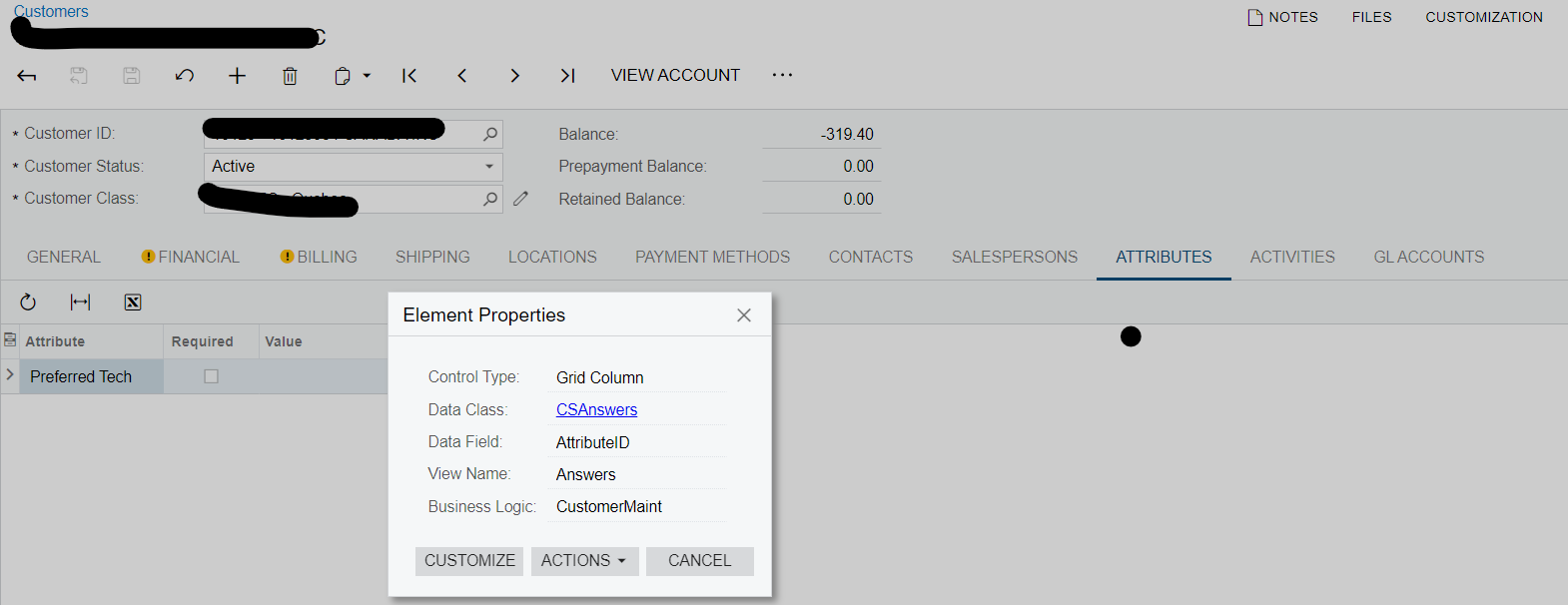
@sujithra the “Attributes” are a little bit more complicated as they are not created on the “Main Records” in your case customers.
I suggest create a new question that other more experienced community members also have a look as usually they don’t look into the posts with lengthy threads and multiple issues/questions. If you like, tag me as well and I will try to have a look this weekend or overnight.
Also please provide the info about the Attributes (ID, Name, Type, …) preferably screenshots from “Attributes” screen itself and Customer attributes tab.