Question

Custom code in 26R1 Self Service Portal has changed

  • July 22, 2026
  • 11 replies
  • 103 views

Joe Schmucker
Captain II
Forum|alt.badge.img+3

I am migrating a 25R1 Self Service Portal to 26R1. 

I have the main site running in 26R1 with my customizations.

I installed the portal against my 26R1 database.  I created a new VS project and copied in my code from the 25R1 stuff.  It is all kinds of broken.  The PX.Objects.SP is gone.  

I added PX.Objects.Portals.dll into my project and it resolved some of the bad references.

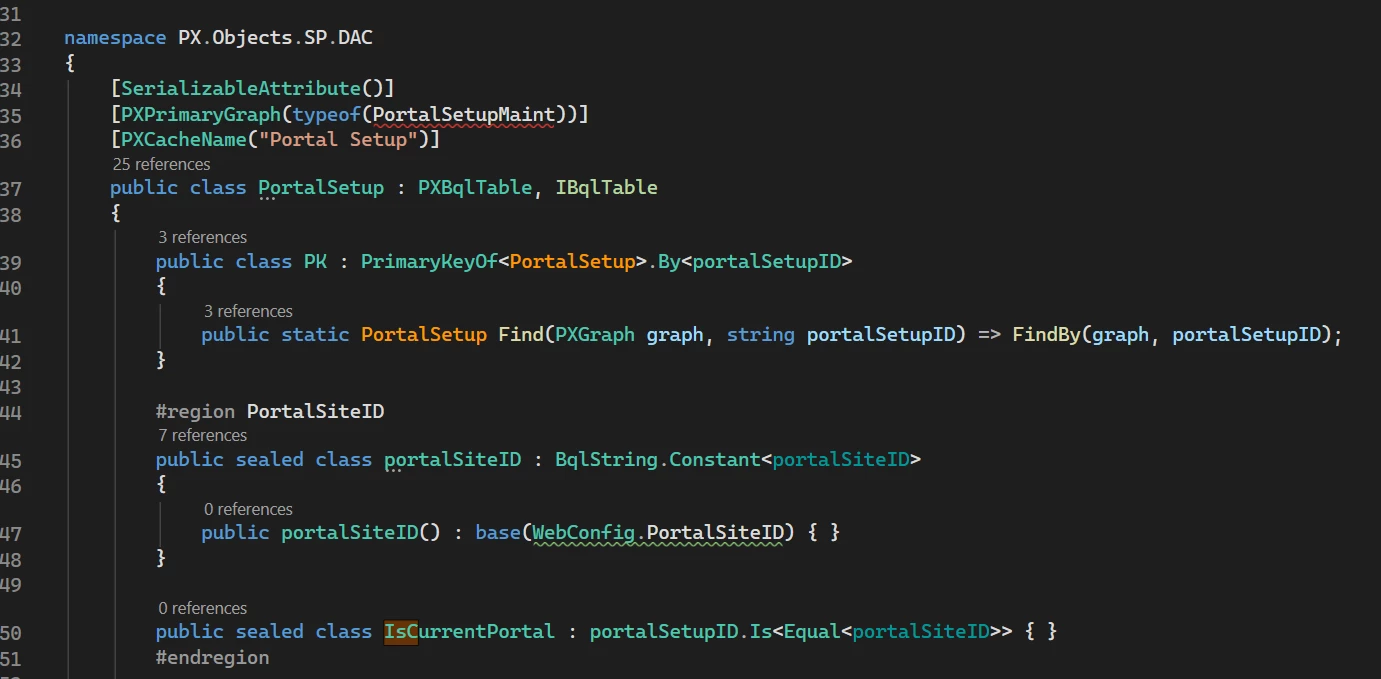
Does anyone know what assembly I need for PortalSetup?



I also used SP.Objects.IN.Descriptor.  That is missing too.

Is there some reference material as to what I need to do to fix my bad references?  Sorry if it is something I should know about already, but I am not able to find anything.

11 replies

Forum|alt.badge.img+3
  • Captain I
  • July 23, 2026

@Joe Schmucker 

I checked in my 26R1 environment, and PX.Objects.SP.DAC.PortalSetup is present. Could you check if the required portal assembly is referenced correctly in your project?


Joe Schmucker
Captain II
Forum|alt.badge.img+3
  • Author
  • Captain II
  • July 23, 2026

Hi ​@SaiKrishnaV  Thanks for looking into this for me.  I don’t have the PX.Objects.SP dll in my bin folder.


I also used SP.Objects.IN.Descriptor.  That is missing too.

I am going to re-install a new site and see if it shows up.  


Forum|alt.badge.img+3
  • Captain I
  • July 24, 2026

@Joe Schmucker thanks for your update. Just to confirm, which Acumatica version are you currently using? I am trying to determine whether this behavior is specific to a particular build.


Joe Schmucker
Captain II
Forum|alt.badge.img+3
  • Author
  • Captain II
  • July 24, 2026

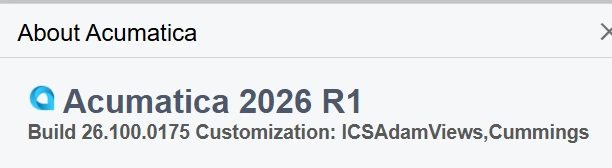
@SaiKrishnaV , I am on 26R1-26-100-0175.


KrunalDoshi
Varsity III
Forum|alt.badge.img+6
  • Varsity III
  • July 24, 2026

Hi ​@Joe Schmucker 

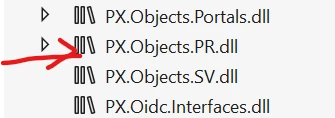
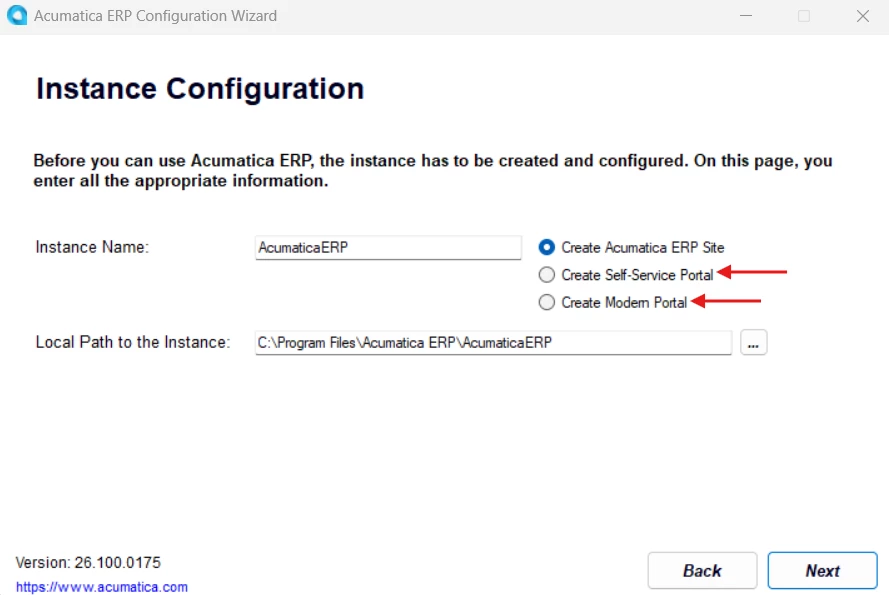
There seems to be two different portal installation with 26R1, 1 is normal portal where you can enable MUI and another one is completely Modern Portal. It looks like things have changed in Modern Portal. I do not see SP.Objects.dll in Modern Portal. However, PX.Objects.PR.dll exists in both.

Hope this helps you analyze your issue further.


Forum|alt.badge.img

@Joe Schmucker Hi,
 

I have setup SP for 26R1, which is working fine for me.

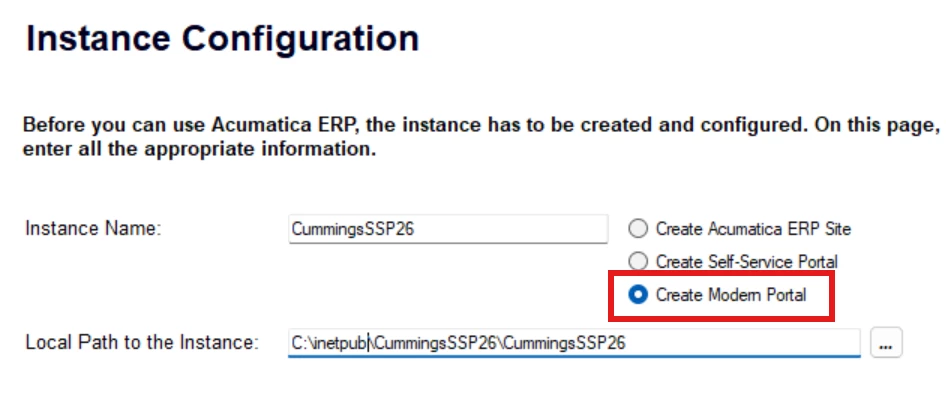
While creating I selected “Create Modern Porta” option in setup.


Make sure your ERP instance and portal has to be same Build version


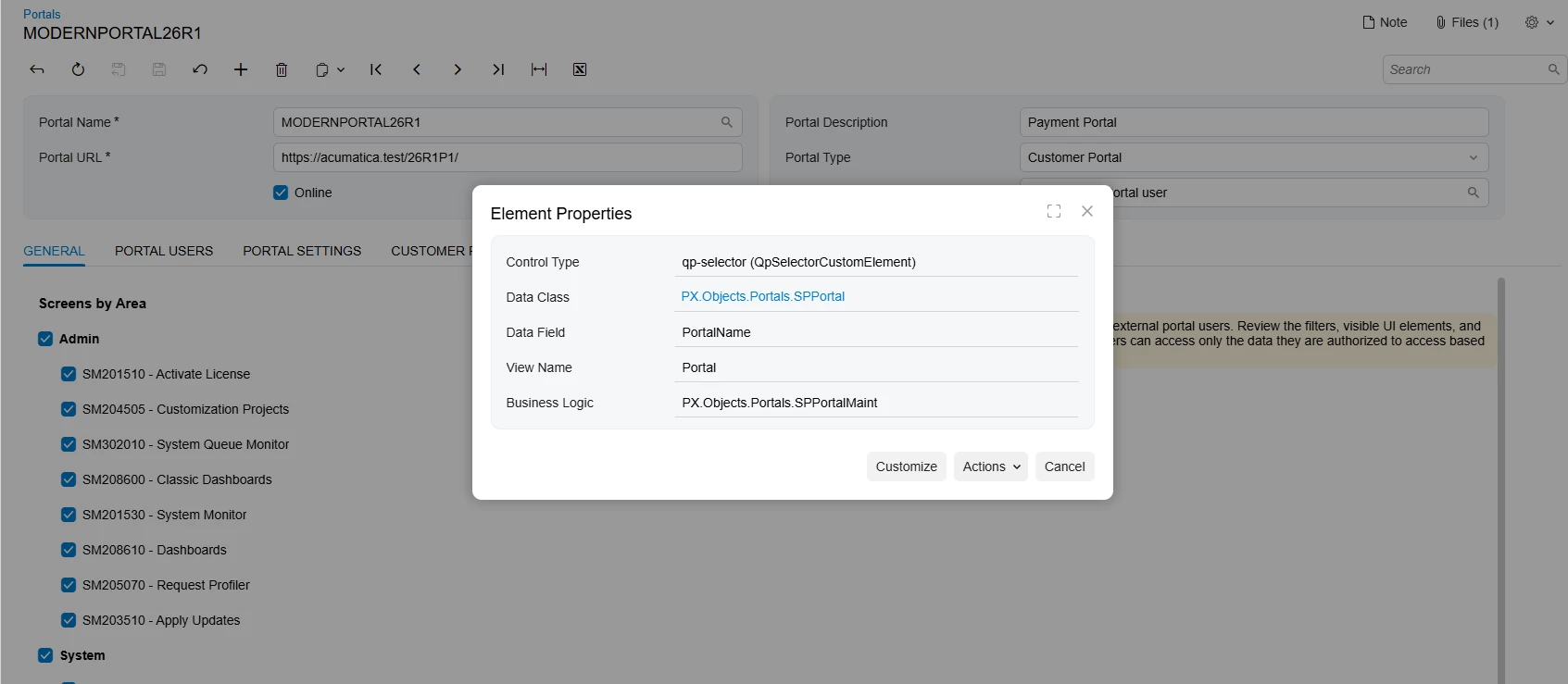
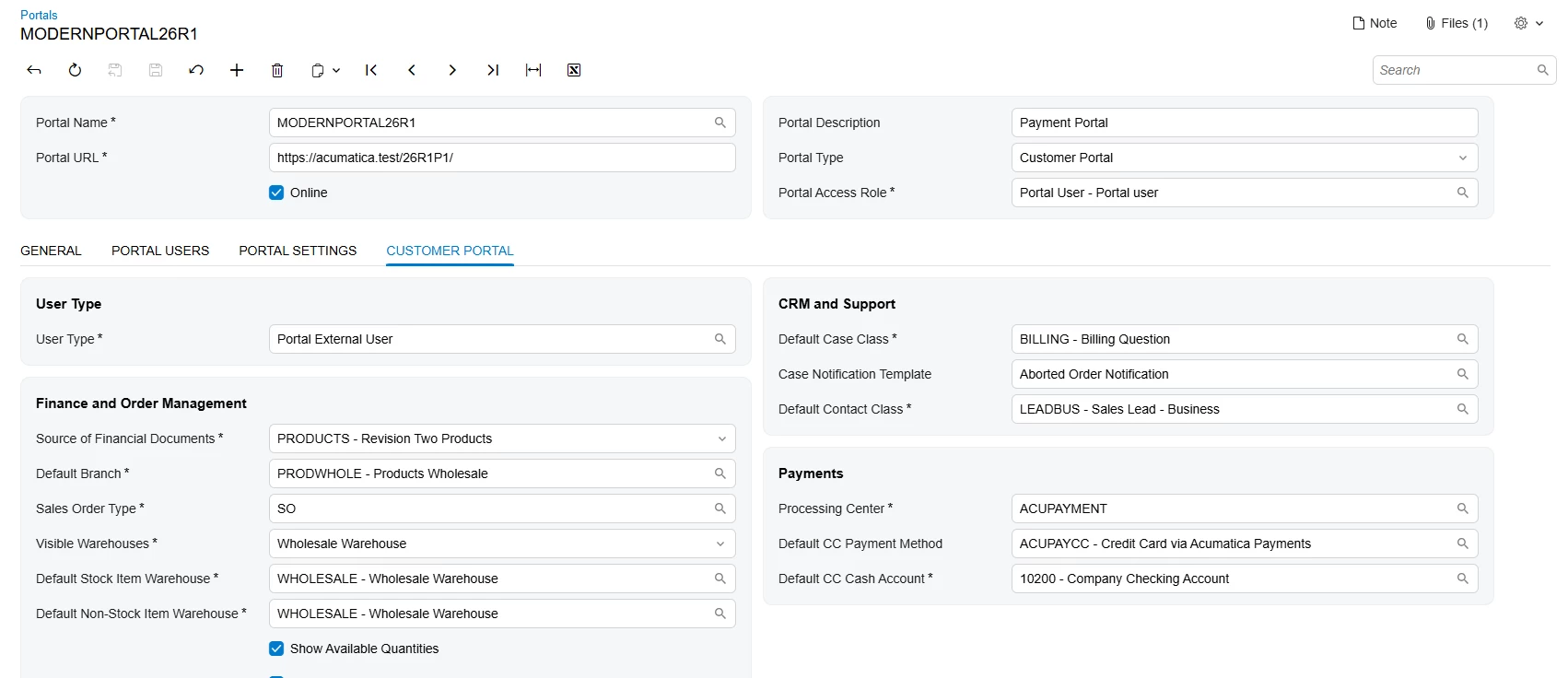
below is the portal settings page in ERP :


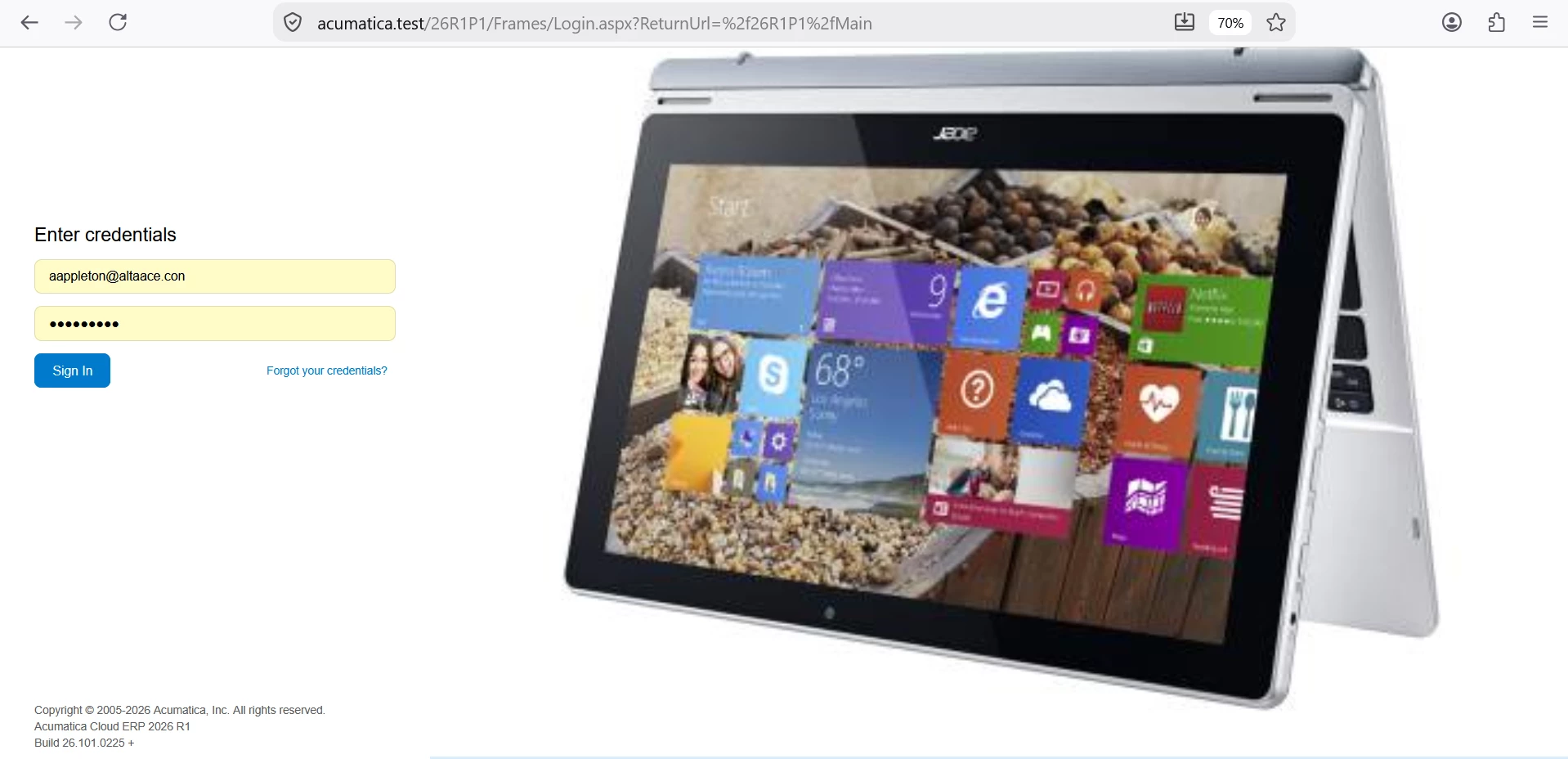
Portal Login page:


Joe Schmucker
Captain II
Forum|alt.badge.img+3
  • Author
  • Captain II
  • July 27, 2026

@Srinivas Kota Indeed!  I missed this!

I deleted the CummingsSSP26 site (portal).

Installed the portal again choosing Create Modern portal.

When I open the site I get an error:


The site is on 26.100.0175


The feature is enabled


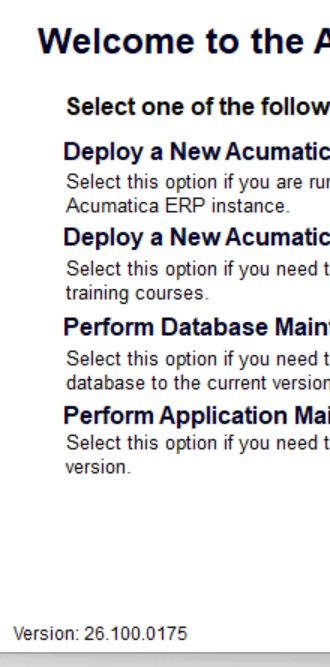
I am using the installer for the same version:

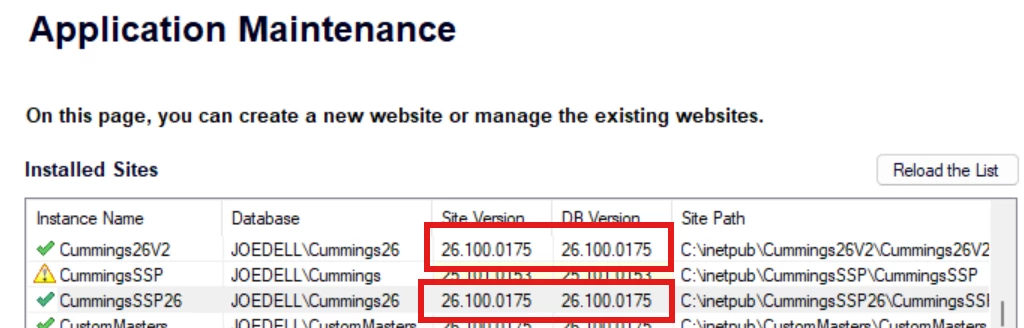
The site and the portal are on the same version and the same DB version.


I deleted the portal again.  This time I installed it not using the modern UI option.  I did an upgrade to the portal site, hoping it would change it to MUI.  

I can open the portal, but it is not MUI.  I went to Portal Preferences to see if there was an option to use MUI, but that screen is empty.  I am logged in as Admin.

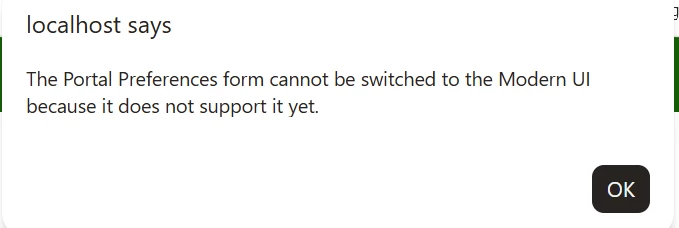
In the Portal Preferences I tried to switch to MUI and got this error.  So I am assuming I am still using the non-MUI portal.

I deleted the portal.  Installed it again with the correct option selected to use MUI.

I restarted IIS.

Same error occurs.


Should I submit a support request?  


Forum|alt.badge.img

@Joe Schmucker Hi,


Have you configured below screen(SP701000) in ERP? If not please complete it and try.


Joe Schmucker
Captain II
Forum|alt.badge.img+3
  • Author
  • Captain II
  • July 27, 2026

@Srinivas Kota That screen doesn’t exist in my ERP instance.  It exists in the Portal instance.

I cannot find anything in ERP to do configuration for the Portal.  Should I?

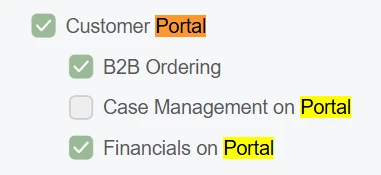
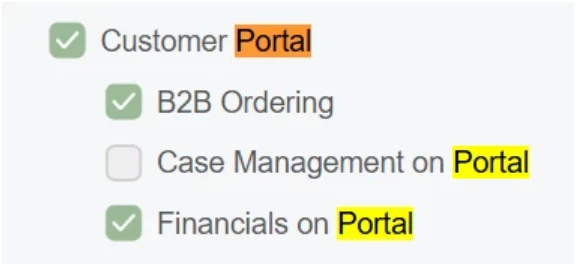
I ensured that the feature is enabled in ERP


The feature is enabled


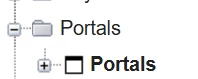
I also ensured I have access to the “Portals” screen:


If I install the portal as the non mui type, the portal opens.  So I can only assume that the portal is setup properly in ERP.

I spun up a new portal using the non mui option and it works fine. 

I tried to open SP701000 in the non-mui portal and it takes me back to screen 000000.

The data is from a sandbox site for my customer.  Maybe there is some issue in the sandbox as it was migrated from 25R1 to 26R1.

FYI, I also upgraded my site to build 26.101.0225 but it made no difference.

I am going to submit a support ticket with Acumatica for this.  I appreciate your help with this.


Joe Schmucker
Captain II
Forum|alt.badge.img+3
  • Author
  • Captain II
  • July 27, 2026

EDIT:  The screen SP701000 IS in the site map.  Maybe I do not have rights to open it.

As noted above, I think I have rights to the “portals”.  Maybe there is some other place I need to check but I don’t see anything.


Joe Schmucker
Captain II
Forum|alt.badge.img+3
  • Author
  • Captain II
  • July 30, 2026

In my MUI portal instance, the SP.Objects.dll was NOT copied to the bin folder.  I found the file in the installer folder and manually copied it.  I was able to get my code to compile in 26R1 after some editing.

I did an install of the portal using the non-MUI option.  The file was copied to the bin folder.

I noticed a remark in the source code (SPPayInvoiceMaint graph):

//TODO: should be renamed to PortalSetup once we fix the error of conflicting names

Maybe that is the issue, but I think it is just that the installer doesn’t copy the dll to the bin folder of the portal.

I will submit a ticket with support.