Answer

adding filter settings to a form.

  • February 14, 2023
  • 5 replies
  • 829 views

Michael Ndungi
Varsity I
Forum|alt.badge.img

hello everyone,

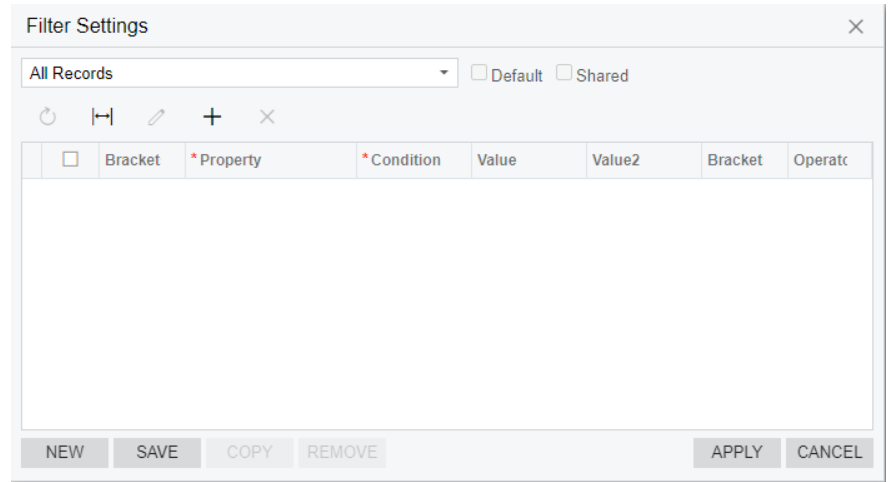
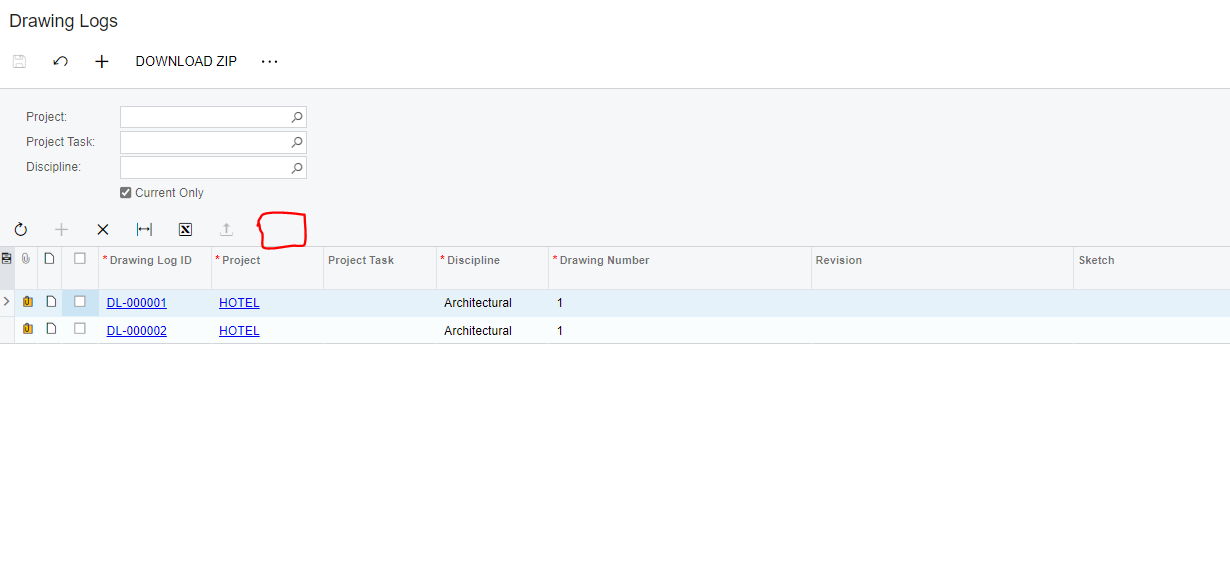
kindly assist, would like to add filter settings on the form below in the specified area.

this will enable me to save my filters and also share the filters.
 

filter settings:


kindly assist please

Best answer by andriikravetskyi35

Hello,

you need add PXFilterable attribute to the View object, like this:


        [PXFilterable]
        public SelectFrom<INCompliance>

.Where<INCompliance.inventoryID.IsEqual<InventoryItem.inventoryID.FromCurrent»

.View ComplianceView;

5 replies

andriikravetskyi35
Jr Varsity I
Forum|alt.badge.img+1

Hello,

you need add PXFilterable attribute to the View object, like this:


        [PXFilterable]
        public SelectFrom<INCompliance>

.Where<INCompliance.inventoryID.IsEqual<InventoryItem.inventoryID.FromCurrent»

.View ComplianceView;


Michael Ndungi
Varsity I
Forum|alt.badge.img
  • Author
  • Varsity I
  • February 14, 2023

Hello,

you need add PXFilterable attribute to the View object, like this:


        [PXFilterable]
        public SelectFrom<INCompliance>

.Where<INCompliance.inventoryID.IsEqual<InventoryItem.inventoryID.FromCurrent»

.View ComplianceView;


Sorry, where exactly should I add this?


Naveen Boga
Captain II
Forum|alt.badge.img+19
  • Captain II
  • February 14, 2023

Hi @development93  In your screen GRID VIEW should be decorated with [PXFilterable] like below.


 [PXFilterable]

public PXSelect<GRIDDAC> ViewName;


andriikravetskyi35
Jr Varsity I
Forum|alt.badge.img+1

Michael Ndungi
Varsity I
Forum|alt.badge.img
  • Author
  • Varsity I
  • February 16, 2023

Thank you all, Everyone here’s right.✅