Answer

Adding a User Defined Field that is on the Location form to the Customer form - Location Tab/Grid

  • June 13, 2022
  • 5 replies
  • 644 views

stevejames
Freshman I

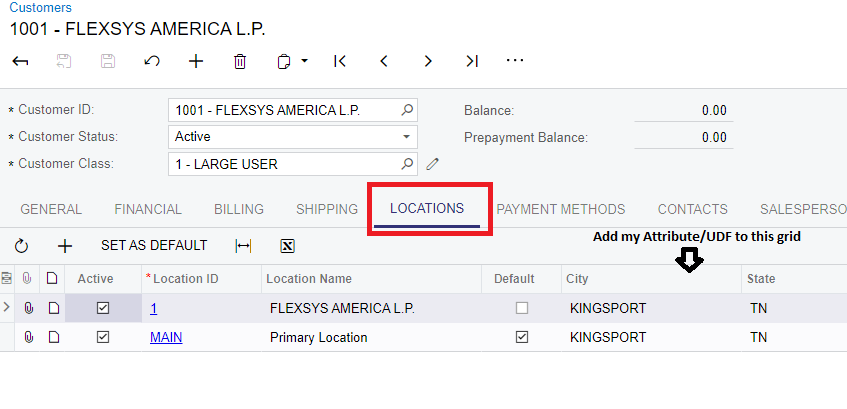
Can someone point me in the direction of adding a user defined field to the location tab of the customer form. I added a user defined field to the location form, but it is not available to add to the location grid on the customer form.

Best answer by markusray17

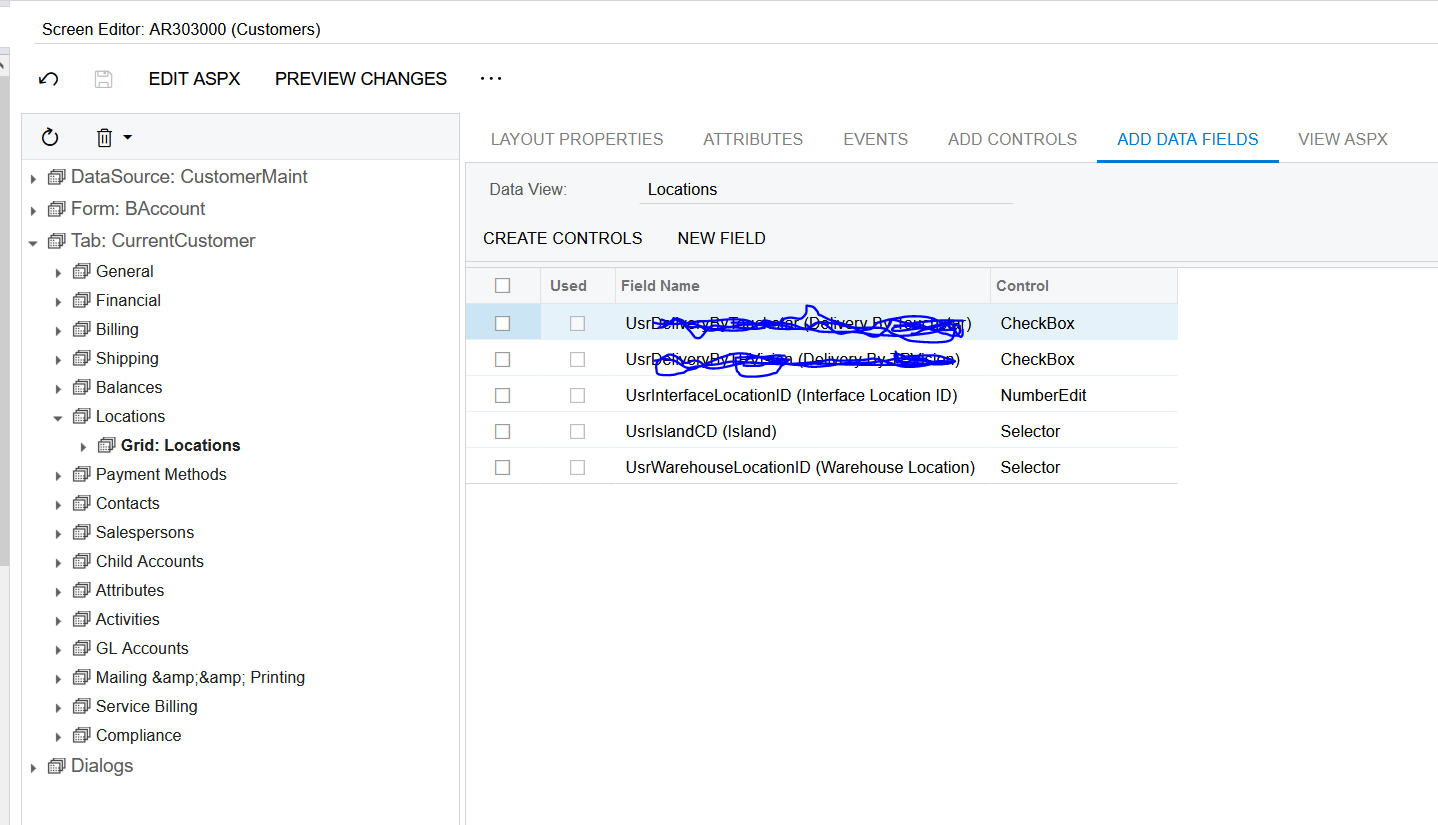
T190 Training covers how to create a custom field. The customization editor makes it fairly easy if you add a DAC under the Data Access section you can click the Create New Field button and it will add both the cache extension and the Database Script to create the column. Once you publish that you can add it to screen using the screen editor. 

5 replies

Forum|alt.badge.img

Hi Steve,

Can you provide more details like the DAC you have added the custom field to and how you are trying to add the field on to the Customer form - Locations grid? I do have some similar custom fields added to Location DAC and they are available on the Customer form as well. If your custom field is added to a different DAC on the Customer Locations form, then the corresponding Locations view on the Customer form may need to be modified. 


stevejames
Freshman I
  • Author
  • Freshman I
  • June 13, 2022

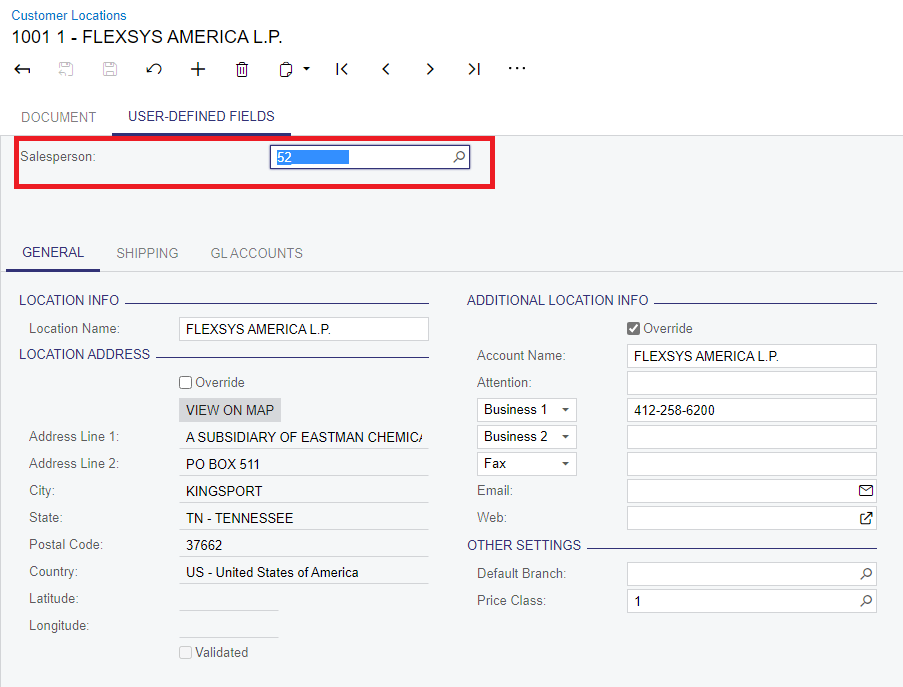
I created an Attribute for Salesperson and added it to the Customer Locations for as a user defined field.
 

Add the Attribute/UDF to this grid I added to the locations screen.


Forum|alt.badge.img

Ok I see you have added the custom field as a User-Defined Fields, the limitation of which is it can be added only to the header of the form and it gets added as a tab and you don’t have an option to reposition it or add it to grids. In this case, I’d advise you to add the custom field to the DAC using Customization. UDFs are based on Attributes and the values get stored in a different place.


stevejames
Freshman I
  • Author
  • Freshman I
  • June 13, 2022

Thank You!, can you point me in the direction of adding it to the DAC?


Forum|alt.badge.img+5
  • Jr Varsity II
  • Answer
  • June 13, 2022

T190 Training covers how to create a custom field. The customization editor makes it fairly easy if you add a DAC under the Data Access section you can click the Create New Field button and it will add both the cache extension and the Database Script to create the column. Once you publish that you can add it to screen using the screen editor.