Answer

add a new field to new screen

  • May 12, 2025
  • 4 replies
  • 119 views

Forum|alt.badge.img

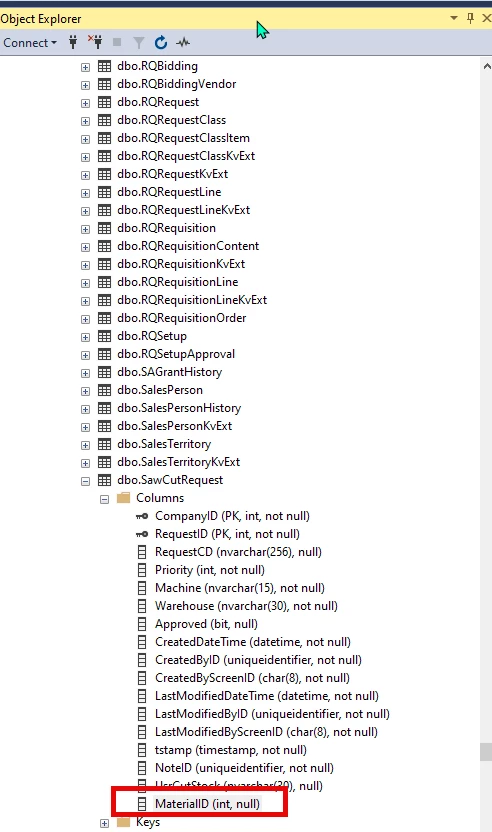
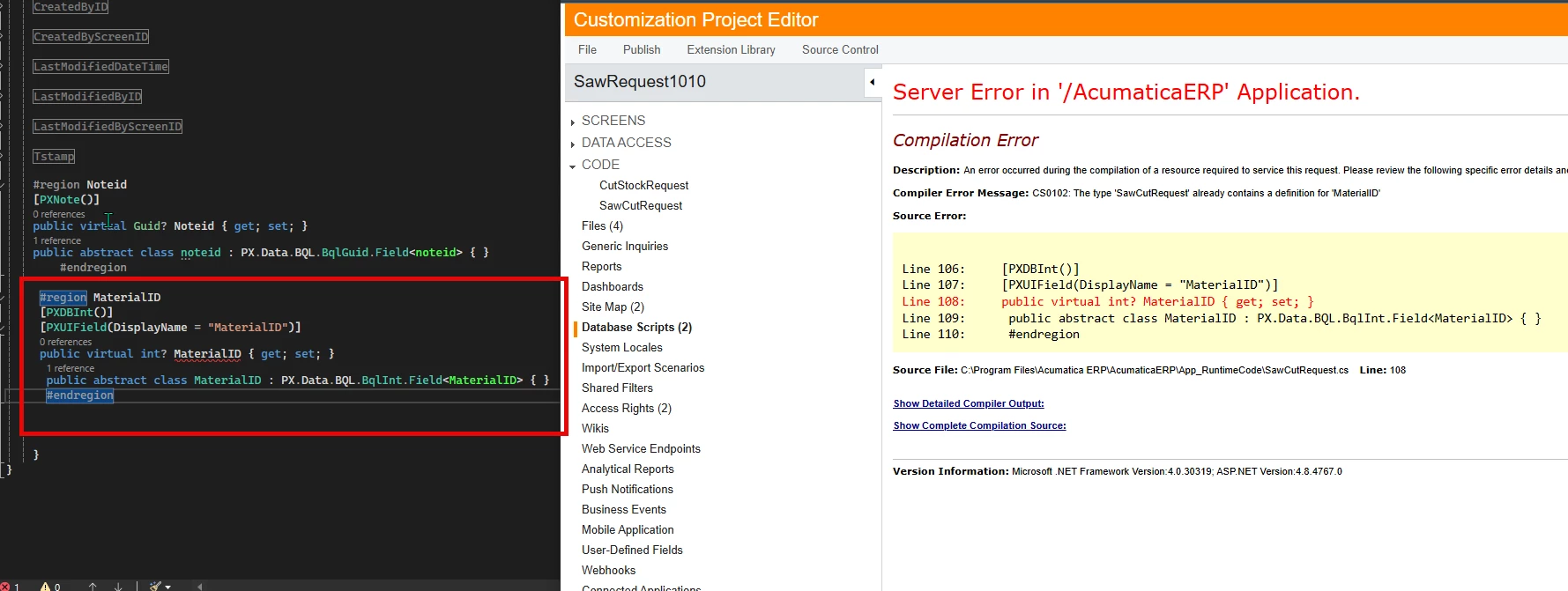
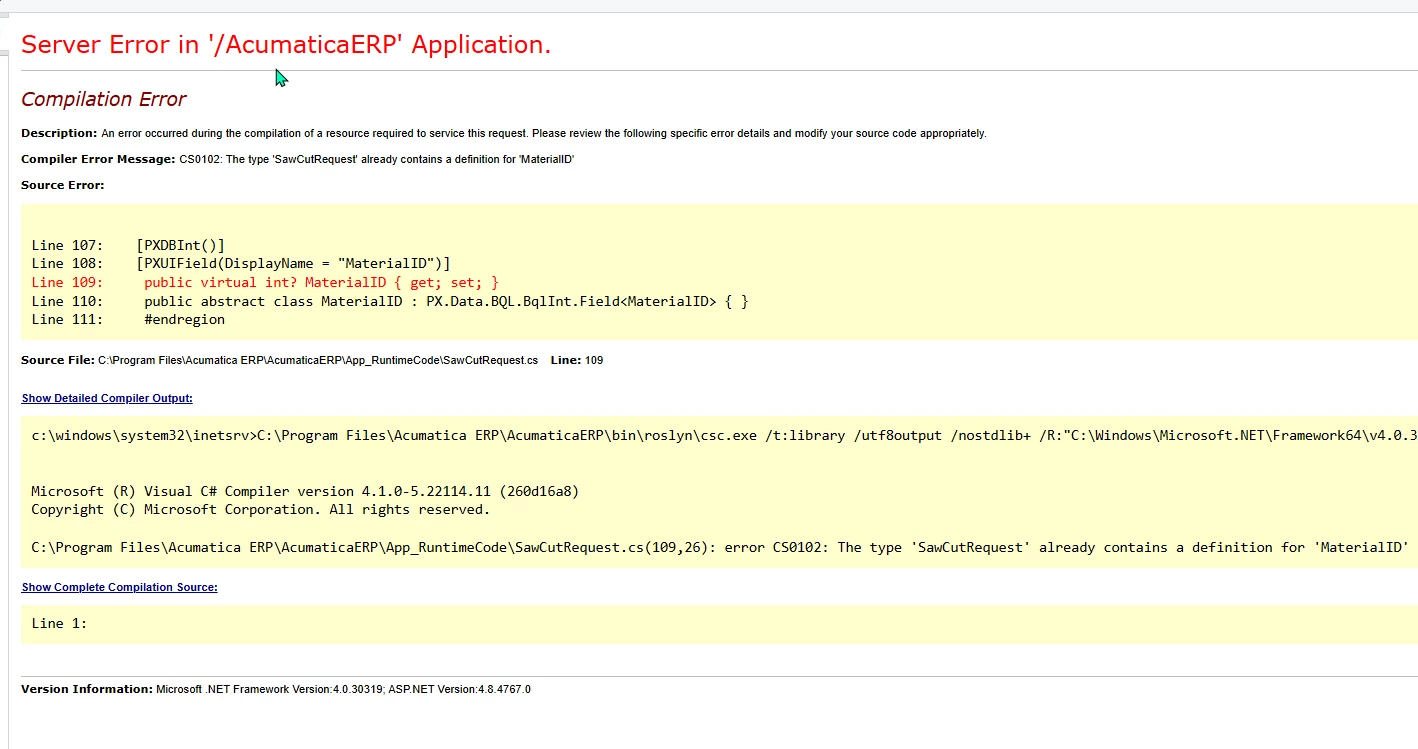
I created a simple new screen. Its pretty much the same as the T210 screen from the open university with some different field names. I reviewed it with my team in my local test environment and they want to add another field to it. i added it to the sql table and then tried adding it to the DAC and it errors out saying that the table already contains a definition for that field. error message CS0102. is it possible to add a field to this DAC after publishing, or will i have to start over? i can add the field using “add a field” in the customization project and it contains USR at the front, but when i do it that way, it wouldnt let me use that field in the field updated event where i was adding information for the other fields. i tried adding it to the DAC in visual studio and in the customization project. Can someone tell me what i am doing wrong?
 

Best answer by darylbowman

You’re getting that specific error because your type name is the same as the property name. The type name should be lowercase:

#region MaterialID
[PXDBInt]
[PXUIField(DisplayName = "MaterialID")]
public virtual int? MaterialID { get; set; }
public abstract class materialID : PX.Data.BQL.BqlInt.Field<materialID> { }
#endregion


4 replies

darylbowman
Captain II
Forum|alt.badge.img+15

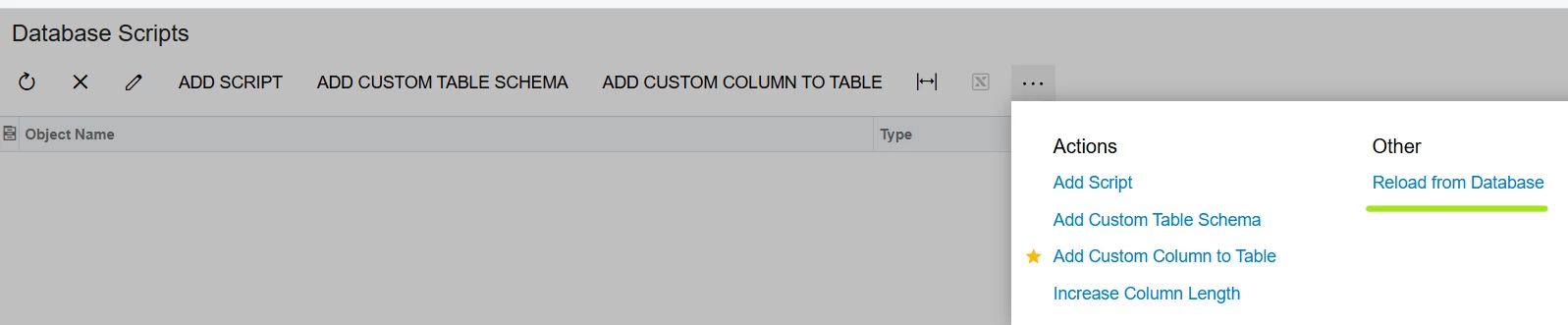
You should add the field to the SQL table manually (from SSMS) and then update your Customization Project table schema:


Forum|alt.badge.img
  • Author
  • Varsity III
  • May 12, 2025

@darylbowman That was one of the first things I tried. The field is already there in ssms. I Tired again to hit reload again and then i added the information to the dac (In VS and tried in customization project), and saved it and this is what i get when i open the customization project for it again. Do i maybe need to publish again after hitting reload and then add it to the DAC?


darylbowman
Captain II
Forum|alt.badge.img+15
  • Answer
  • May 12, 2025

You’re getting that specific error because your type name is the same as the property name. The type name should be lowercase:

#region MaterialID
[PXDBInt]
[PXUIField(DisplayName = "MaterialID")]
public virtual int? MaterialID { get; set; }
public abstract class materialID : PX.Data.BQL.BqlInt.Field<materialID> { }
#endregion


Forum|alt.badge.img
  • Author
  • Varsity III
  • May 12, 2025

@darylbowman That was it! Thank you very much!