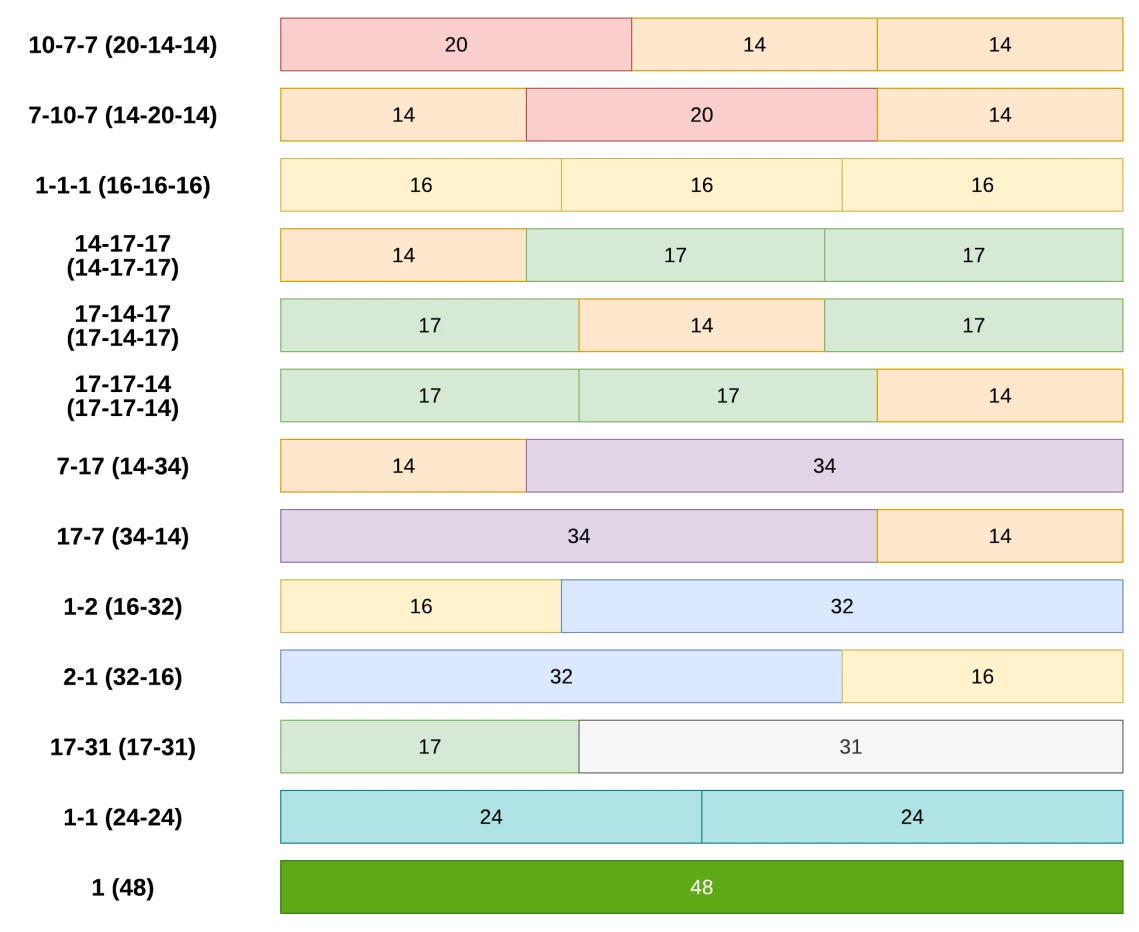
Has anyone added more than three columns to Acumatica Modern UI form. It seems we only have som pre-defined templates that we can select from that supports a maximum of three columns as per the Modern UI Development guide.


 +10
+10Has anyone added more than three columns to Acumatica Modern UI form. It seems we only have som pre-defined templates that we can select from that supports a maximum of three columns as per the Modern UI Development guide.
Best answer by Vignesh Ponnusamy
Hi
You can modify the template like below to add more columns,
<qp-template name="1-1-1" ...>
  <div slot="A">...</div>
  <div slot="B">...</div>
  <qp-template slot="C" name="1-1">
    <div slot="A">...</div>
    <div slot="B">...</div>
  </qp-template>
</qp-template>
This should provide analog template with name “2-2-1-1”. As per my discussion with our engineering team, it is not recommended to go over more than 3 column template. Good Luck.!
Enter your E-mail address. We'll send you an e-mail with instructions to reset your password.