Solved

Set decimal for UDF in customization projects

  • October 21, 2024
  • 8 replies
  • 93 views

Forum|alt.badge.img

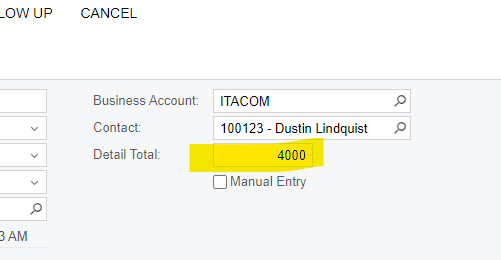
Hi! I created a field in customization project for the Task screen. How can I set decimal for this field to two decimals, so it looks like this: 4,000.00?
 

Best answer by darylbowman

Or if I could have it show up like AcctCD - AccountName? 
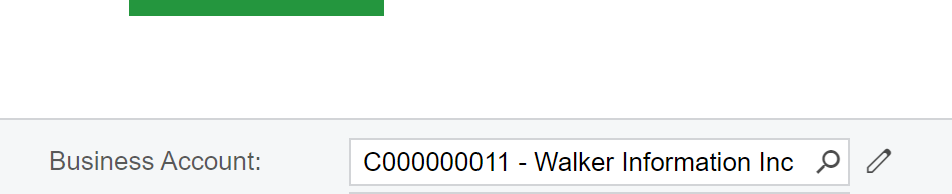
What it looks like in the Opportunities screen. I would like this field in the Task screen to look the same. 


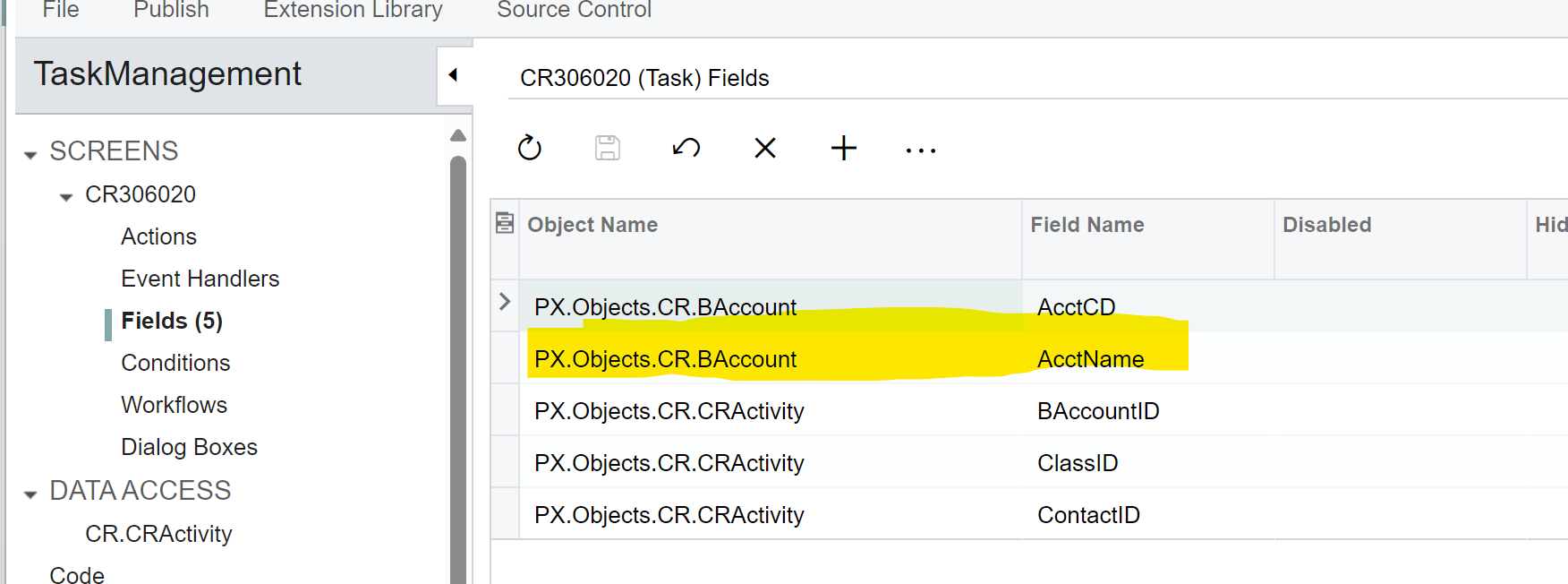
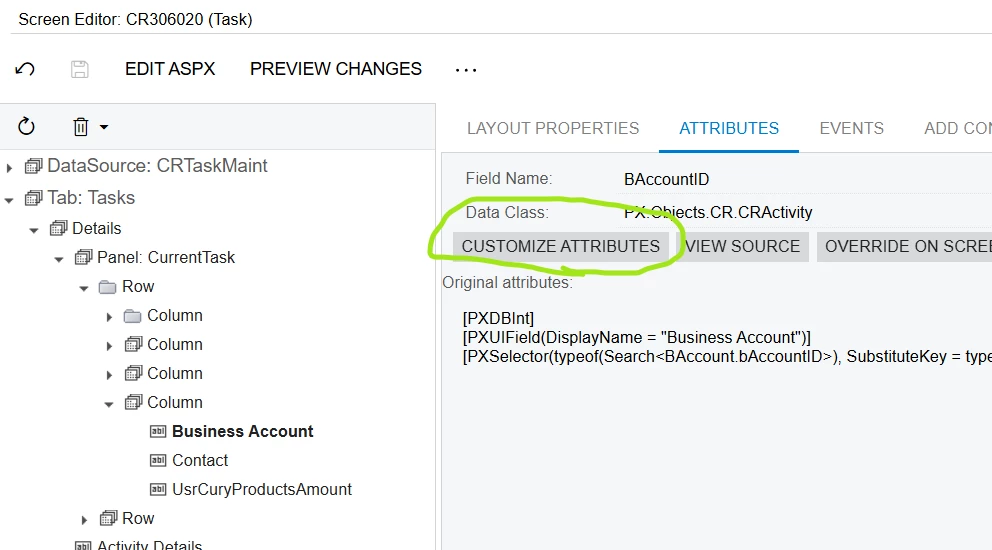
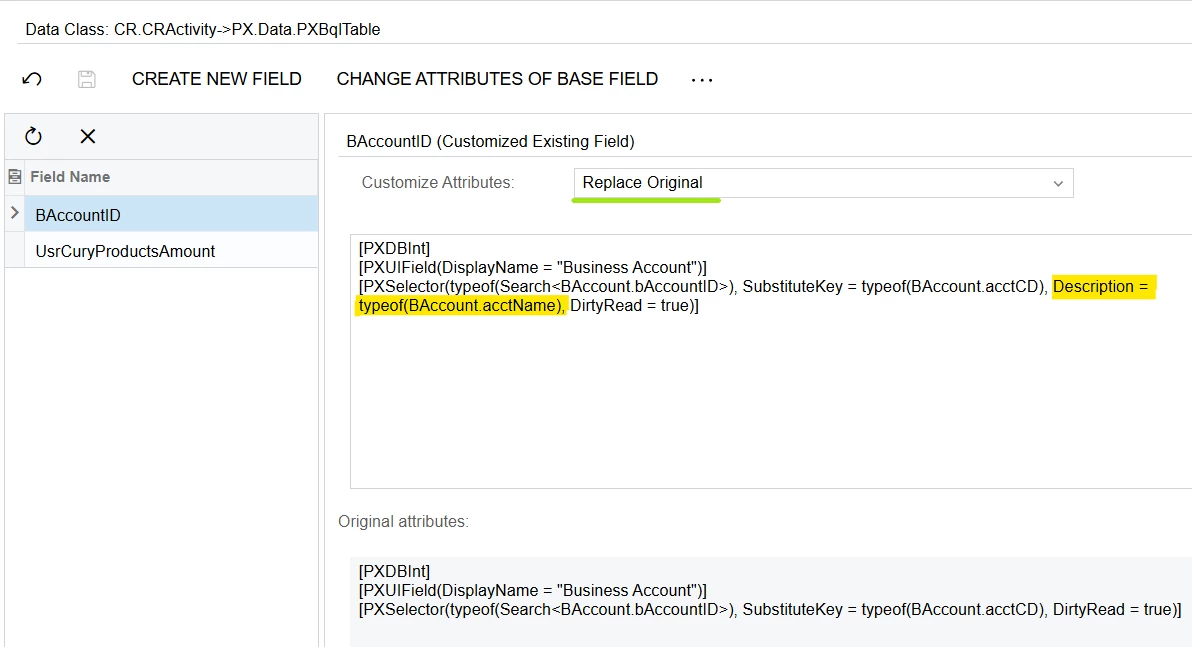
Yes, you can change the Selector definition on the BAccountID field to include Description = typeof(BAccount.acctName):
 

8 replies

darylbowman
Captain II
Forum|alt.badge.img+15

A screenshot of the code in the package would be helpful. If you added it via ‘Data Access’, then a screenshot of the code that was automatically generated for that field.

Did you create the field as a decimal or an int?


Forum|alt.badge.img
  • Author
  • Semi-Pro III
  • October 21, 2024

HI @darylbowman 

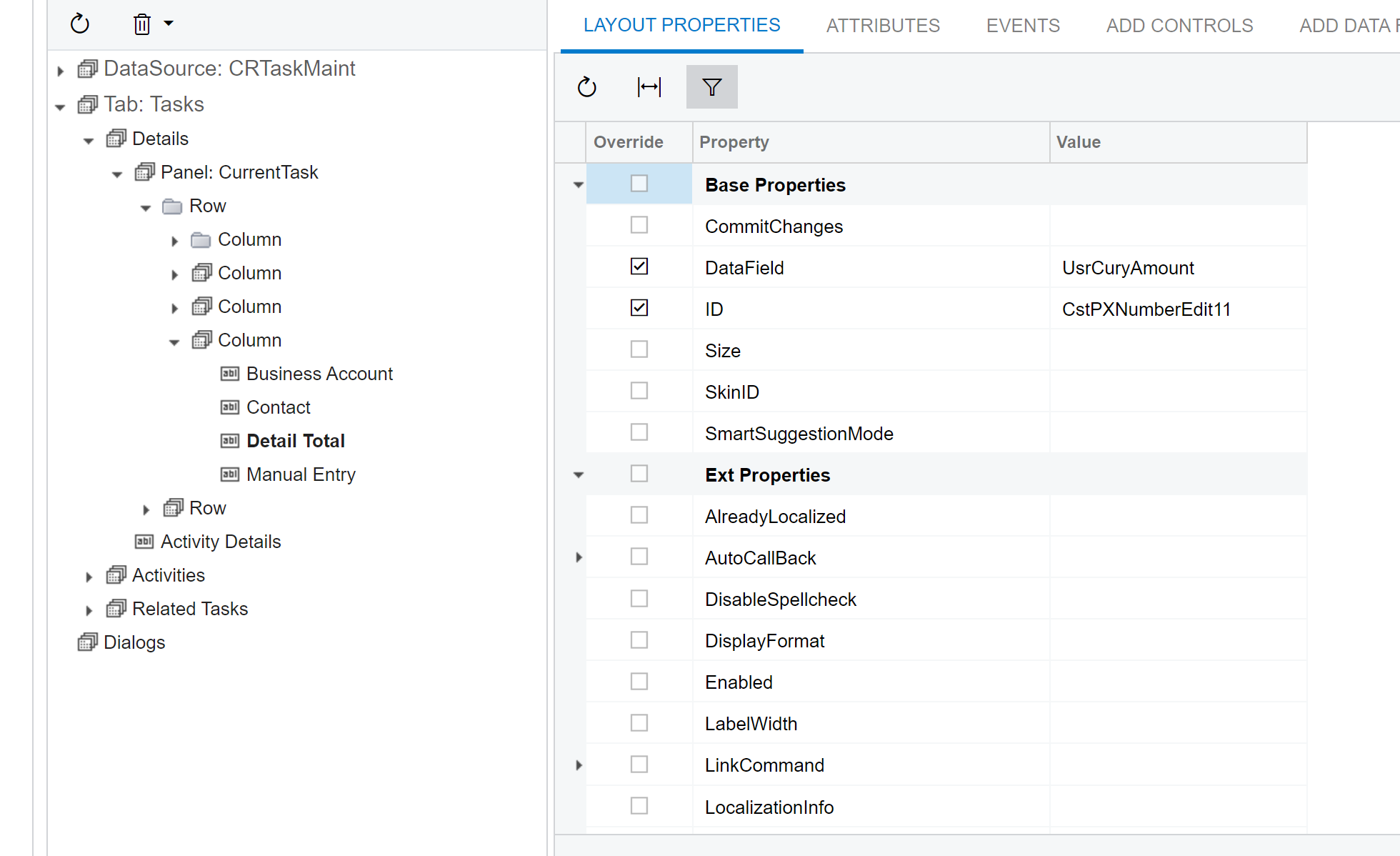
I added via ‘add new field’ in customization. No codes or anything. I created it as a NumberEdit. Thanks!


darylbowman
Captain II
Forum|alt.badge.img+15

Could you attach the customization?


Forum|alt.badge.img
  • Author
  • Semi-Pro III
  • October 22, 2024

@darylbowman I have attached the zip below.

Another question that came up with this project is I’m trying to add Business account and account name to the task screen. I was able to add business account from the Activity(Tasks) Data View. Since AcctName field is in a different DAC, I couldn’t find it in the activity data view when I try to add field. Do you know if there is a way to add data view? 


The only two data views I can choose from are Activity(Tasks), and TimeActivity


Or if I could have it show up like AcctCD - AccountName? 

What it looks like in the Opportunities screen. I would like this field in the Task screen to look the same. 

Thanks!


Chris Hackett
Community Manager
Forum|alt.badge.img
  • Acumatica Community Manager
  • December 31, 2024

Hi ​@jzhu were you able to find a solution? Thank you!


DipakNilkanth
Pro III
Forum|alt.badge.img+13

Hi ​@jzhu,

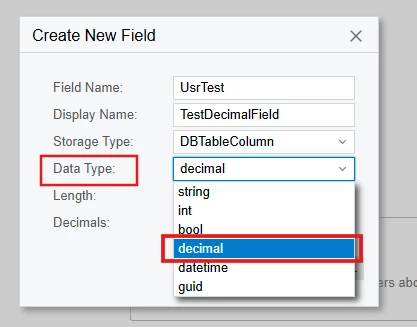
You need to select the Data type as decimal not int then only it will take decimals.
 

Hope, it helps!


darylbowman
Captain II
Forum|alt.badge.img+15
  • December 31, 2024

I apologize for missing the fact that you replied to this.

As I suspected, you created the field as an int instead of a decimal. You can run a script to remove it and recreate it as a decimal as Dipak illustrated. If it is already being used in a production instance, you could run a SQL script to convert it, but it would be more complicated.


darylbowman
Captain II
Forum|alt.badge.img+15
  • Answer
  • December 31, 2024

Or if I could have it show up like AcctCD - AccountName? 

What it looks like in the Opportunities screen. I would like this field in the Task screen to look the same. 


Yes, you can change the Selector definition on the BAccountID field to include Description = typeof(BAccount.acctName):