Hi guys,
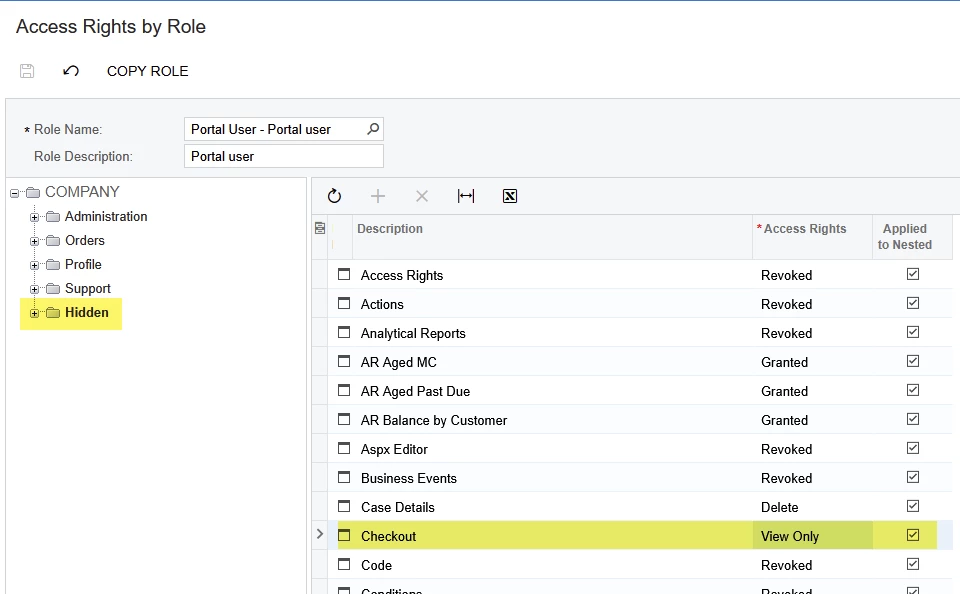
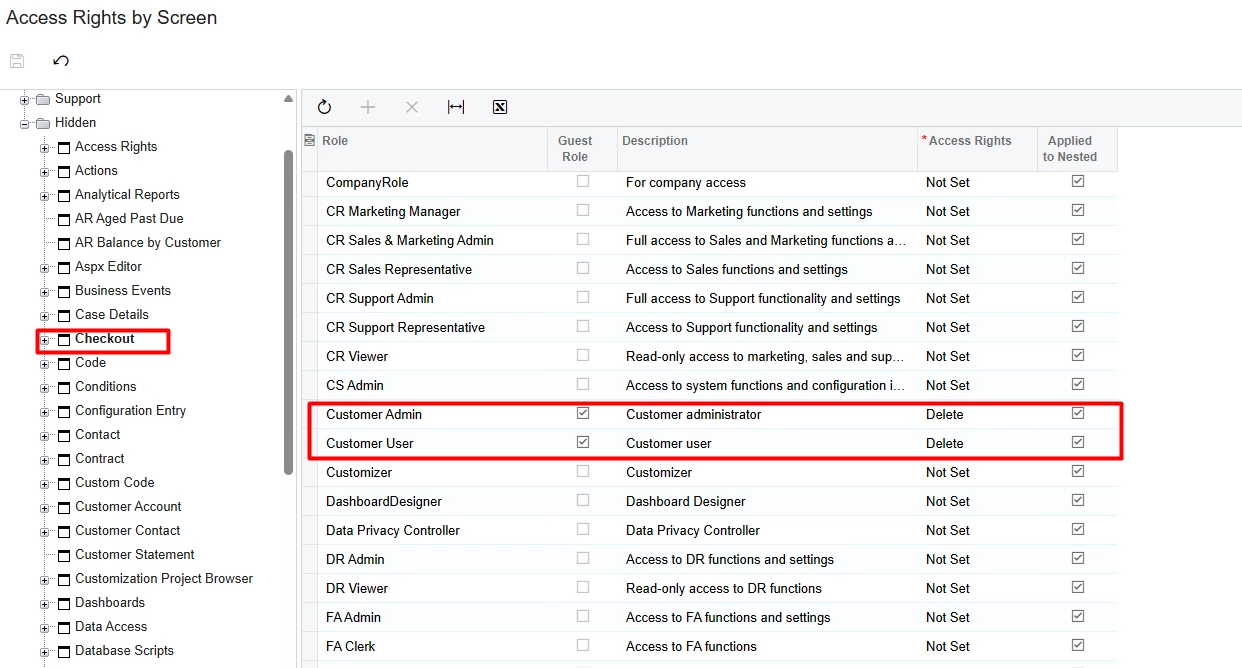
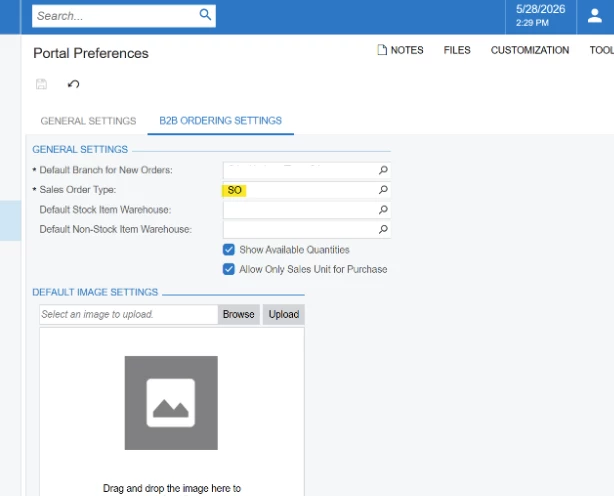
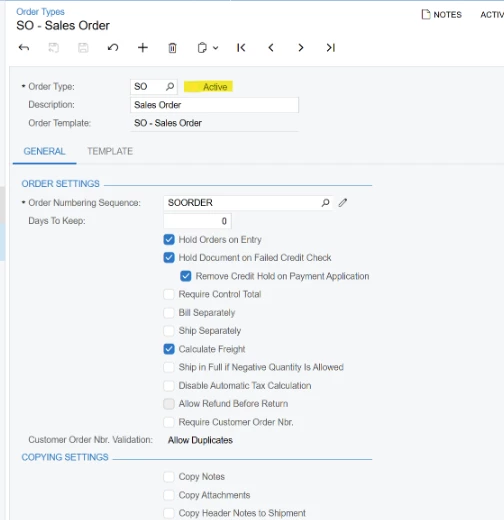
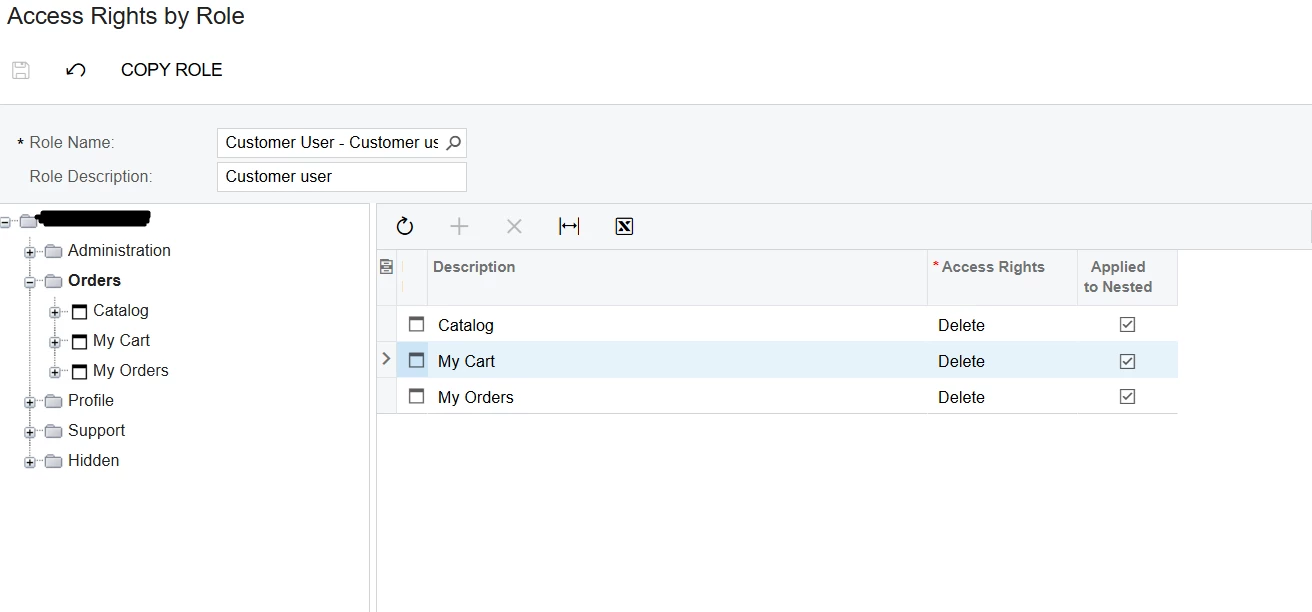
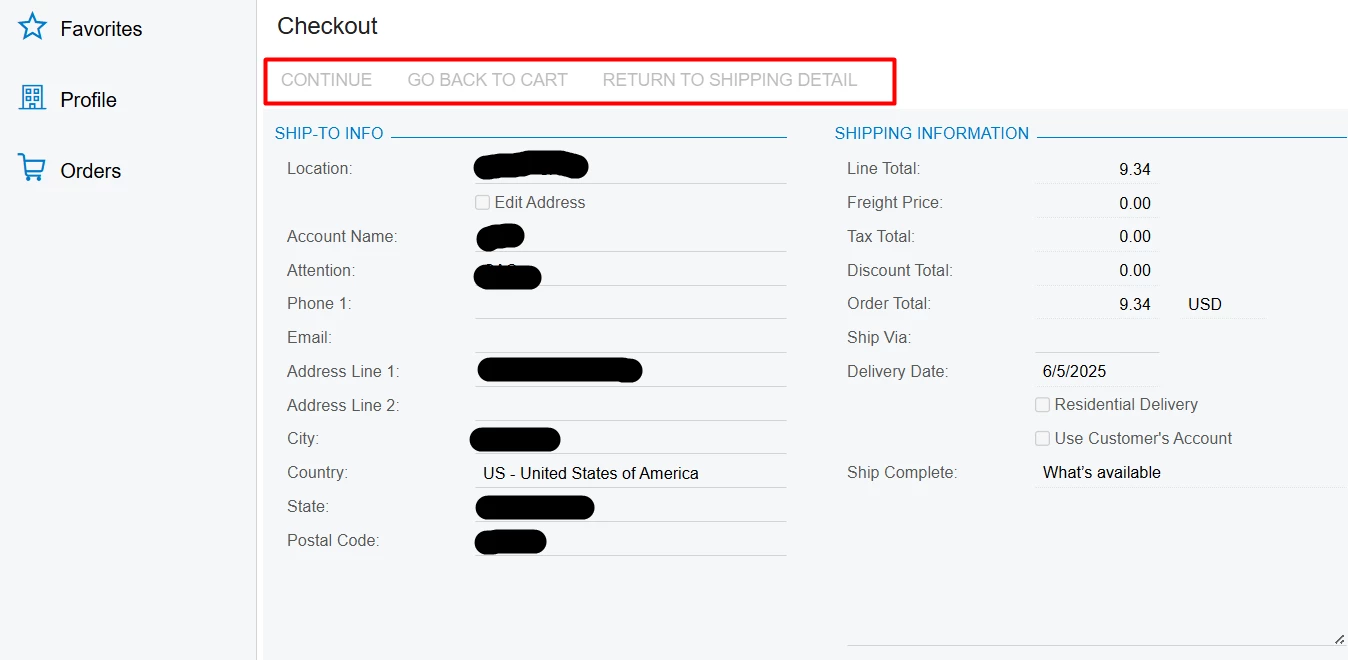
I just can’t figure out the issue. I follow the guide to set up the self-service portal. The user can’t checkout because of the buttons can’t click. I checked every steps and access rights. Anyone give me a hit? Thank you.
Hi guys,
I just can’t figure out the issue. I follow the guide to set up the self-service portal. The user can’t checkout because of the buttons can’t click. I checked every steps and access rights. Anyone give me a hit? Thank you.
No account yet? Create an account
Enter your E-mail address. We'll send you an e-mail with instructions to reset your password.