Answer

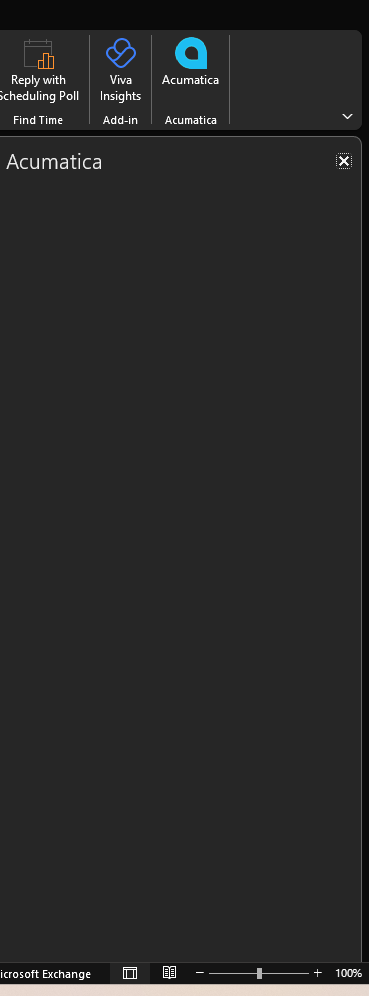
Outlook Plugin - Blank

  • March 26, 2025
  • 7 replies
  • 751 views

Forum|alt.badge.img

Hello -


I have see topics discussing the outlook plugin being blank, but the resolutions have not helped. My plugin used to work and now does not. I have removed the add-in, reinstalled it. Closed, opened, restarted. I have one other person where this is the case as well. Most others seem to work fine.


Any thoughts? 


Best answer by suebrown

Can check this post:  


7 replies

Forum|alt.badge.img
  • Jr Varsity III
  • Answer
  • March 26, 2025

Can check this post:  


Forum|alt.badge.img
  • Author
  • Varsity I
  • March 27, 2025

@suebrown Thank you. This worked and we are back up and running.


  • Freshman I
  • May 2, 2025

Hey there,

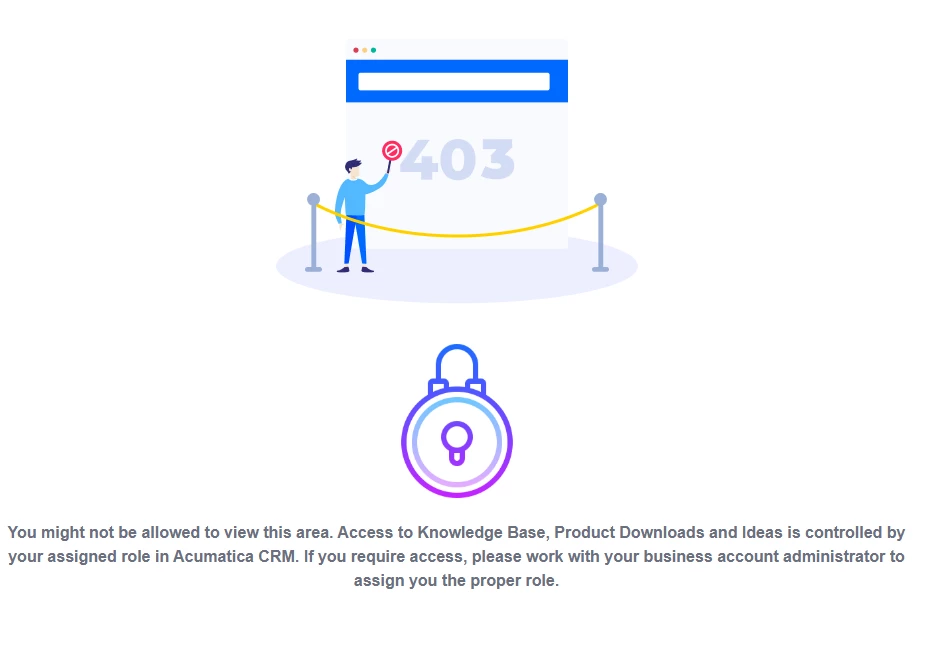
I’m getting this error when I click the article, any thoughts?


Thank you!


Mike.


Forum|alt.badge.img
  • Jr Varsity III
  • May 2, 2025

@Mikej  -- that’s probably a question for ​@Chris Hackett since it’s an article in the community so you should be able to see it.


Forum|alt.badge.img
  • Author
  • Varsity I
  • May 2, 2025

@Mikej Mine did the same until I logged into the community forum. It works for me. The below is what I followed and worked fine for my users. I still have one who has some intermittent issues, but everyone else seems to be ok.


On April 4, 2024, Microsoft announced the deprecation of legacy authentication tokens used by the Acumatica Add-In for Outlook.

Starting 17th February, 2025, legacy authentication tokens tokens are deprecated and will be turned off across Microsoft 365 tenants. As a result, users can no longer use the Acumatica Add-In for Outlook due to one of the following issues:

  • The add-in displays a blank screen.
  • The add-in shows the following error: "Get token error. Status = failed. Error: [object Object]"


Root cause


This is a known issue in all versions of Acumatica ERP.


Solution


We are currently working on a permanent solution for this issue.


Workaround


To perform these instructions, you need to have administrator access permissions to your Microsoft 365.

As a temporary workaround, administrators can re-enable legacy authentication tokens via PowerShell. For detailed instructions, refer to Microsoft’s official documentation.


Chris Hackett
Community Manager
Forum|alt.badge.img
  • Acumatica Community Manager
  • May 2, 2025

Hi ​@Mikej - You are signed in with a guest account which doesn’t have access to customer an partner community areas. You would need to work with you business account admin/support to add your account to your business account in Acumatica CRM. 


  • Freshman I
  • May 30, 2025

Just wondering if there is any update on this issue.  The plugin is an important part of our everyday workflow and not having it is causing severe work slowdowns.  None of the previously provided workarounds are viable for our environment.