Answer

Emails sync to contact, don't show at top level of Activities on a customer 2024R1 Build 24.121.0004

  • August 20, 2025
  • 4 replies
  • 91 views

ccannavo30
Freshman II

I just want to confirm the EXPECTED behavior of a synced email. 

  1. The email syncs to the CONTACT record on the account.
  2. If that email appears on multiple records in Acumatica the email will not sync to any of them as it doesn’t know where to put it.
  3. The email only shows in the ACTIVITES on the record it syncs to - and NOT in the Activities on the top level of the Customer account
  4. There is no native way for users to see ALL The emails they have synced into the system.

Anyone? Am i getting this correctly? And if so - can we have a feature request for #2 so my sales team has a way to see the emails they have synced? 

Best answer by ccannavo30

@Chris Hackett Not natively, however - if you use the Outlook Custom plugin the user can log email activities directly into Acumatica and they do show at the top level! My team was excited about this.

The users have to be set up as Native Users to use the Outlook Custom App. KB article here: Using the Acumatica Add-In for Outlook

4 replies

Forum|alt.badge.img
  • Varsity I
  • August 23, 2025

Can you post a example in screenshots.


For the sales activities listing there is a GI which says sales activities or activities listing I have attached it. This is a standard GI which captures it based on business account. Usually if the email has been sent from a contact it should sync back to the same contact.

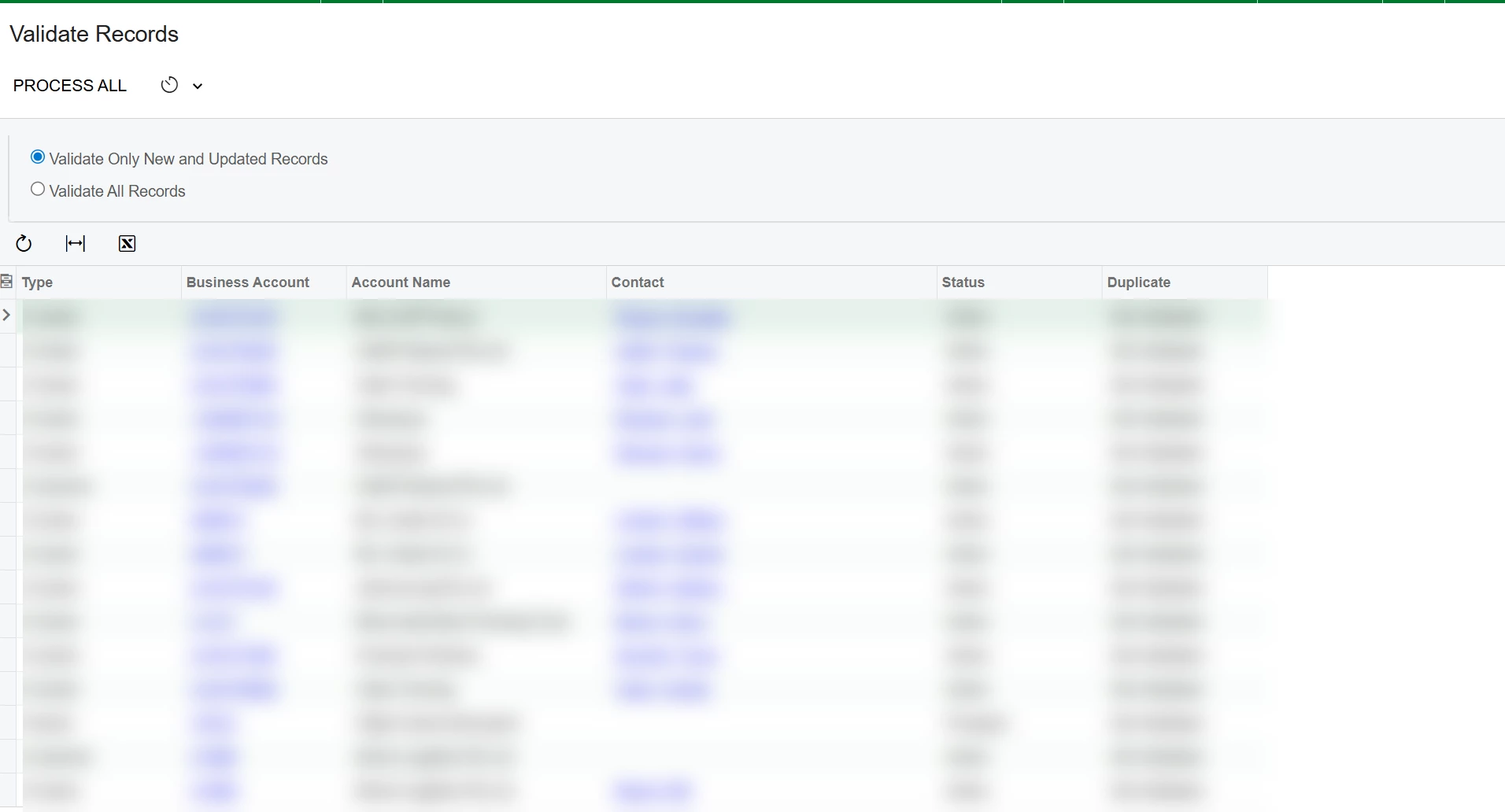
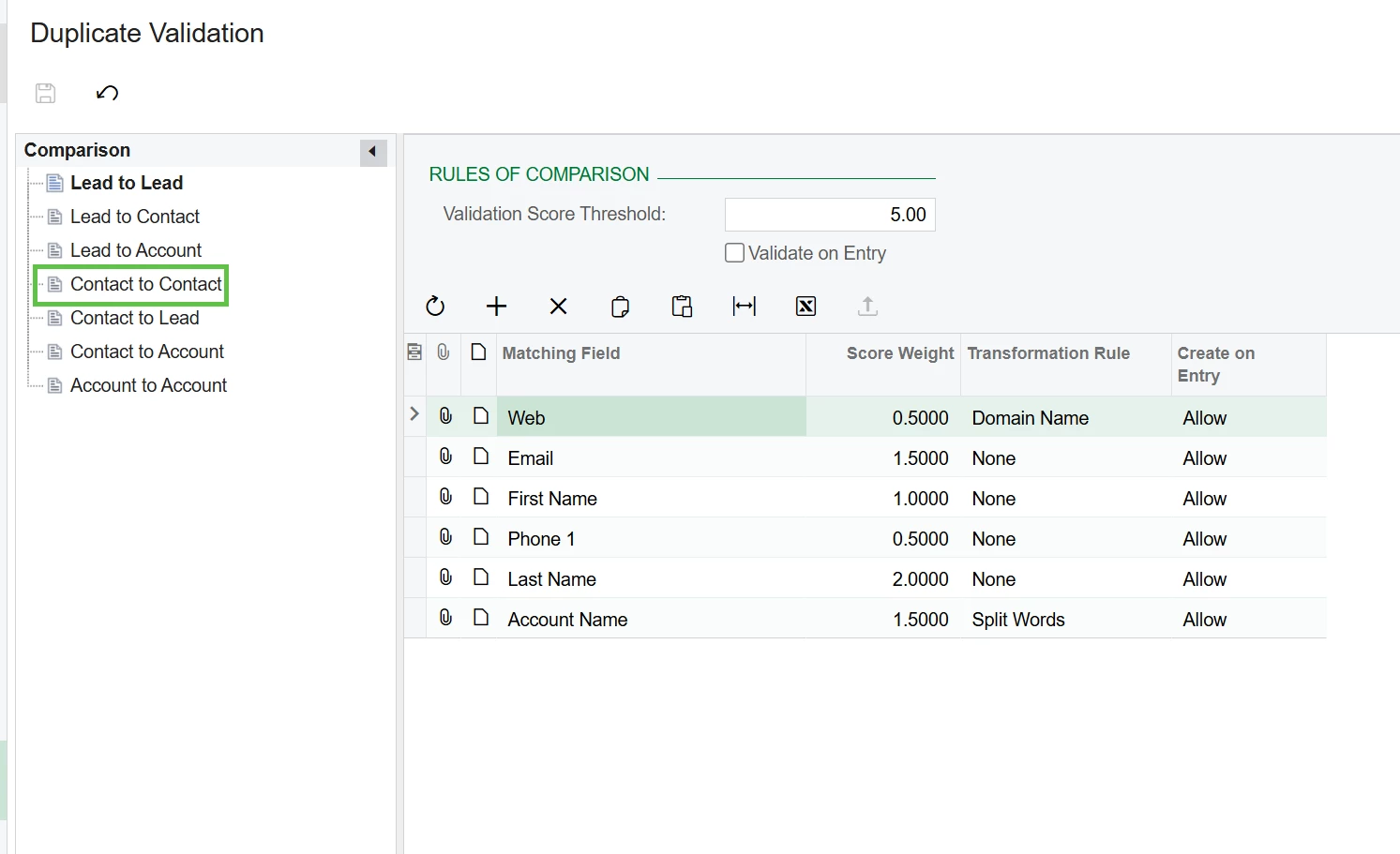
In case of duplicates contact/business account I suggest running duplicate record validation. This will allow you to take decision which one to merge and which one inactivate.

Hope the below helps


If there are a lot of false positive I suggest assign correct weights to each records from 


ccannavo30
Freshman II
  • Author
  • Freshman II
  • August 26, 2025

Thanks! I should have clarified, we don’t email in Acumatica. We sync emails from Outlook. 


Chris Hackett
Community Manager
Forum|alt.badge.img
  • Acumatica Community Manager
  • September 26, 2025

Hi ​@ccannavo30 were you able to find a solution? Thank you!


ccannavo30
Freshman II
  • Author
  • Freshman II
  • Answer
  • September 26, 2025

@Chris Hackett Not natively, however - if you use the Outlook Custom plugin the user can log email activities directly into Acumatica and they do show at the top level! My team was excited about this.

The users have to be set up as Native Users to use the Outlook Custom App. KB article here: Using the Acumatica Add-In for Outlook