Answer

Emails replying to Automated Messages not Creating Cases

  • October 28, 2025
  • 3 replies
  • 36 views

sarahbibelhausen
Freshman II

We have an info@ email address that is routed to create cases. That same email also sends our daily invoices to customers. However, when the customer responds to a system email coming from info@ (e.g. invoice email), Acumatica is attaching the reply to the invoice screen and not creating a case. 


How do we get the replies to create cases?

Best answer by jhouser

It won't work, because outgoing email has a tag so reply is associated with original email, not a "new" email that should create a case. 

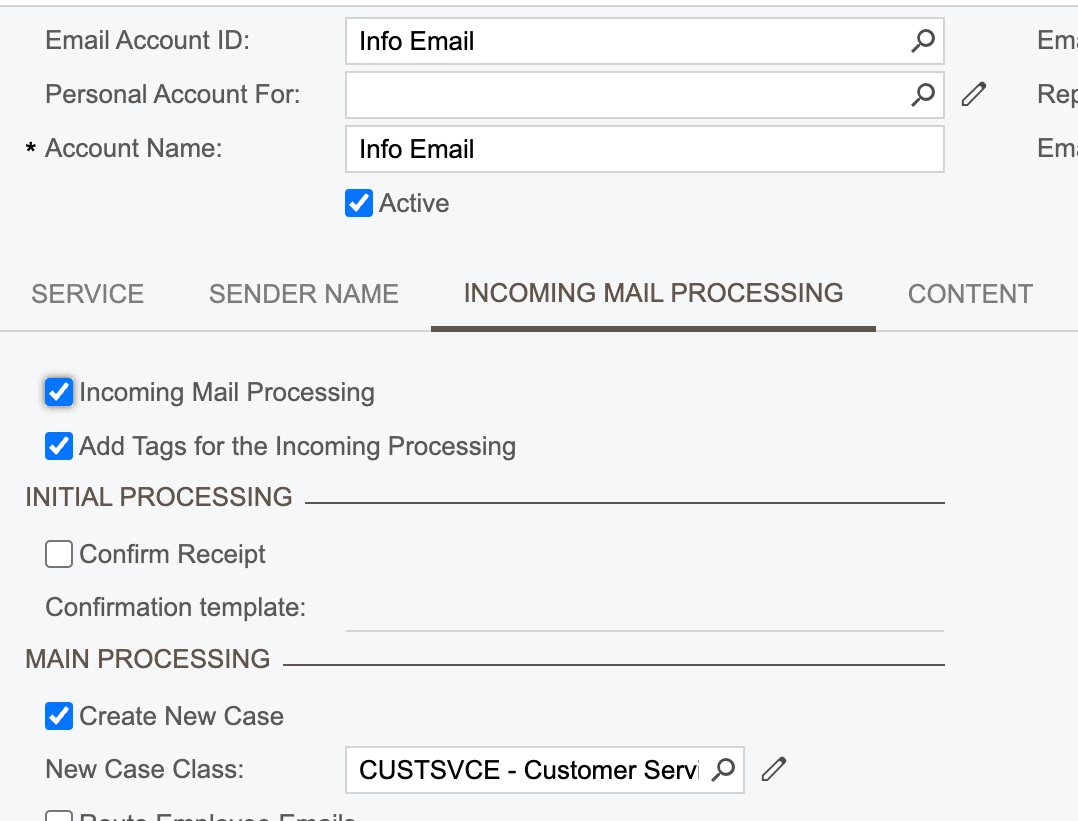
What you could do is send invoices from a different email account. On the separate email account, clear the "Add Tags" box and set Info Email as the reply address. Invoice email will have no tag, so when their reply goes to Info Email it will be treated as a new email and create a case. 

3 replies

Manikanta Dhulipudi
Captain II
Forum|alt.badge.img+15

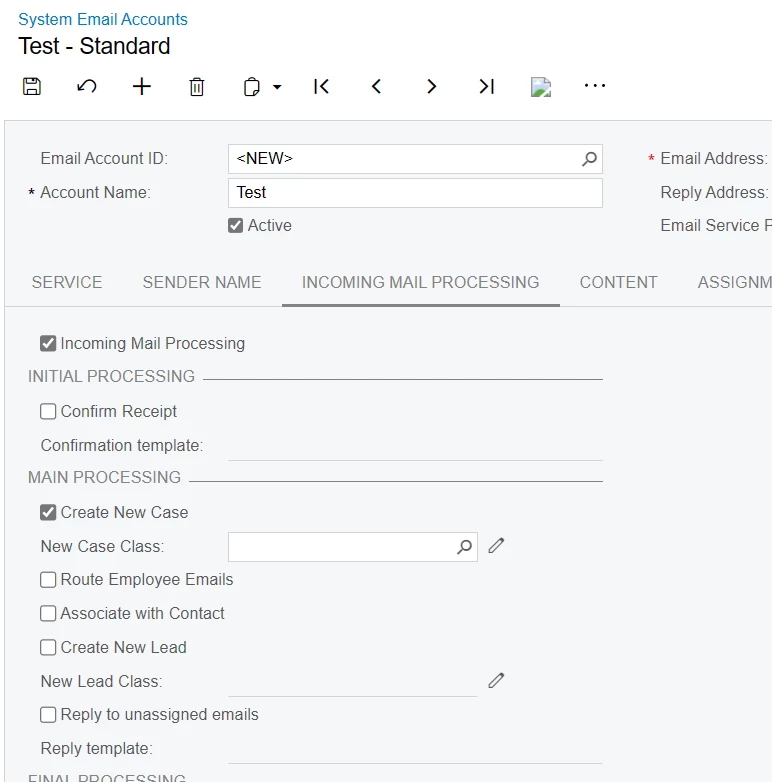
@sarahbibelhausen Do you below configuration to create cases?


sarahbibelhausen
Freshman II

Yeah this is our email configuration for incoming mail. 


jhouser
Captain II
Forum|alt.badge.img+6
  • Captain II
  • Answer
  • October 28, 2025

It won't work, because outgoing email has a tag so reply is associated with original email, not a "new" email that should create a case. 

What you could do is send invoices from a different email account. On the separate email account, clear the "Add Tags" box and set Info Email as the reply address. Invoice email will have no tag, so when their reply goes to Info Email it will be treated as a new email and create a case.