Solved

Web Service Endpoints API Create Record for custom DAC in Acumatica.

  • July 23, 2025
  • 3 replies
  • 94 views

Hi everyone,
I’m currently working with Acumatica and trying to expose a custom table via REST API. I created a custom API entity and endpoint, but the API Create Record doesn't work.

I'm using 
  Post {{url}}/entity/webOrderTaxComparison/22.200.001/webOrderTaxComparison/Save
  Body:
  
  {
  "Entity": {
        "WebOrderTaxComparisonID": { "value": 2 },
        "WebOrderID": { "value": "WEB006" },
        "AcuOrderID": { "value": "ACB006" },
        "AcuTaxTotal": { "value": 95.50 },
        "WebTaxTotal": { "value": 95.75 }
    }
}

  
  or 
  
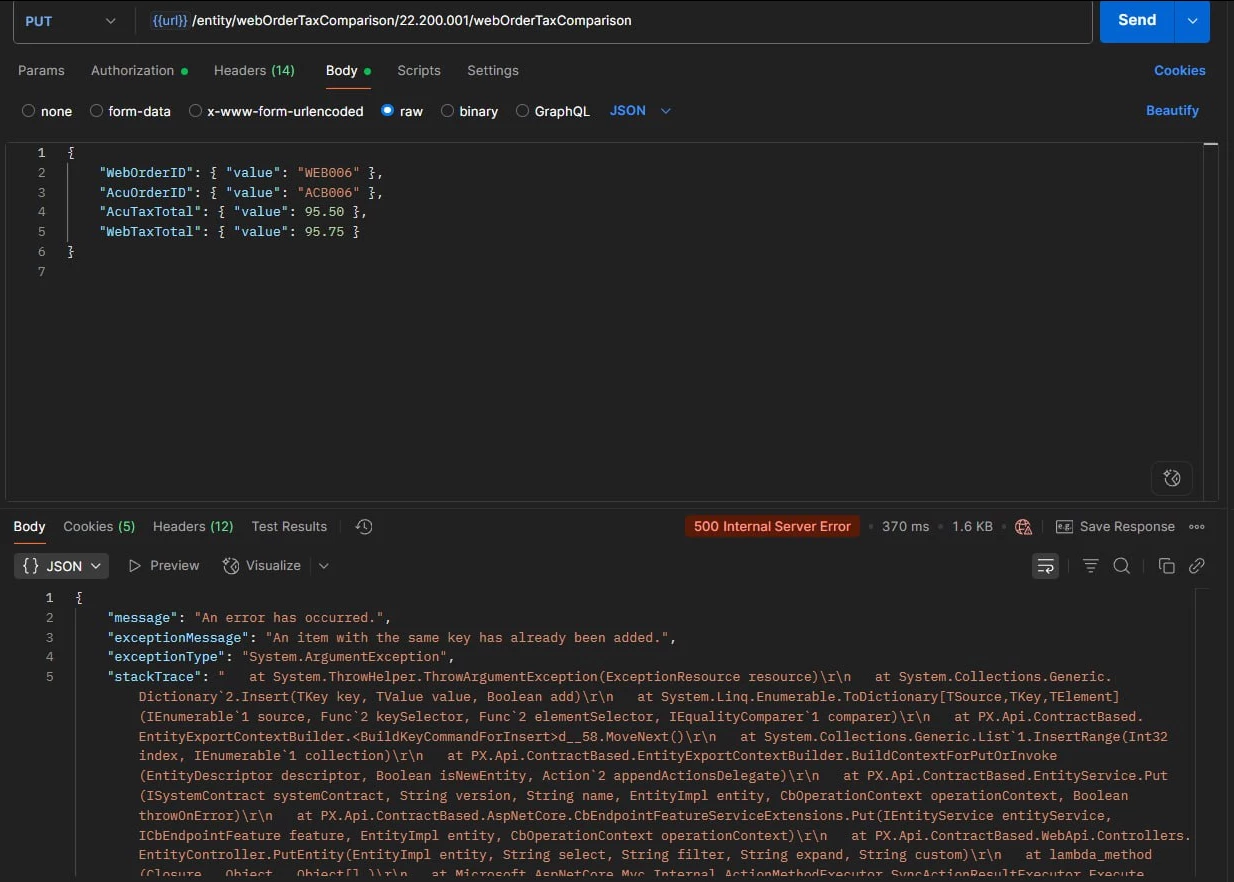
  Put {{url}}/entity/webOrderTaxComparison/22.200.001/webOrderTaxComparison
  Body:
  {
        "WebOrderTaxComparisonID": { "value": 2 },
        "WebOrderID": { "value": "WEB006" },
        "AcuOrderID": { "value": "ACB006" },
        "AcuTaxTotal": { "value": 95.50 },
        "WebTaxTotal": { "value": 95.75 }
    }
  
  response issue is:
  "message": "An error has occurred.",
    "exceptionMessage": "Sequence contains more than one matching element",
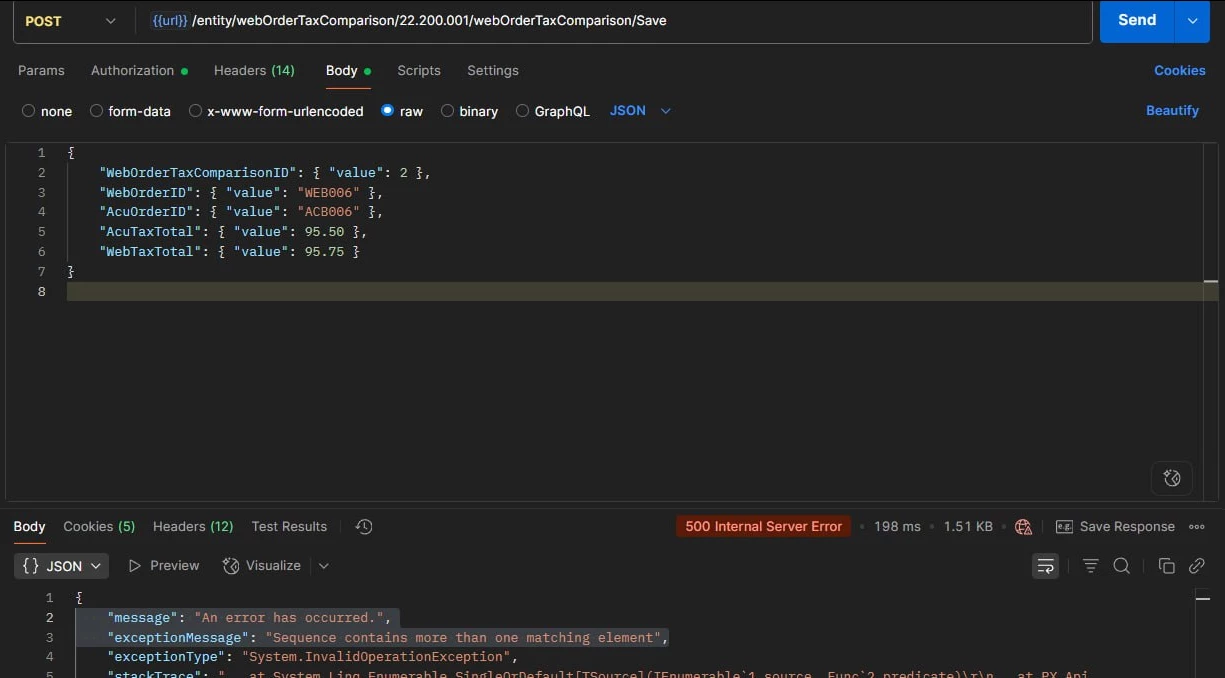
However, I delete "webordertaxcomParisonid": {"Value": 2},
  Then do not Create Record it has the problem:
  
  "message": "An error has occurred.",
    "exceptionMessage": "An item with the same key has already been added.",
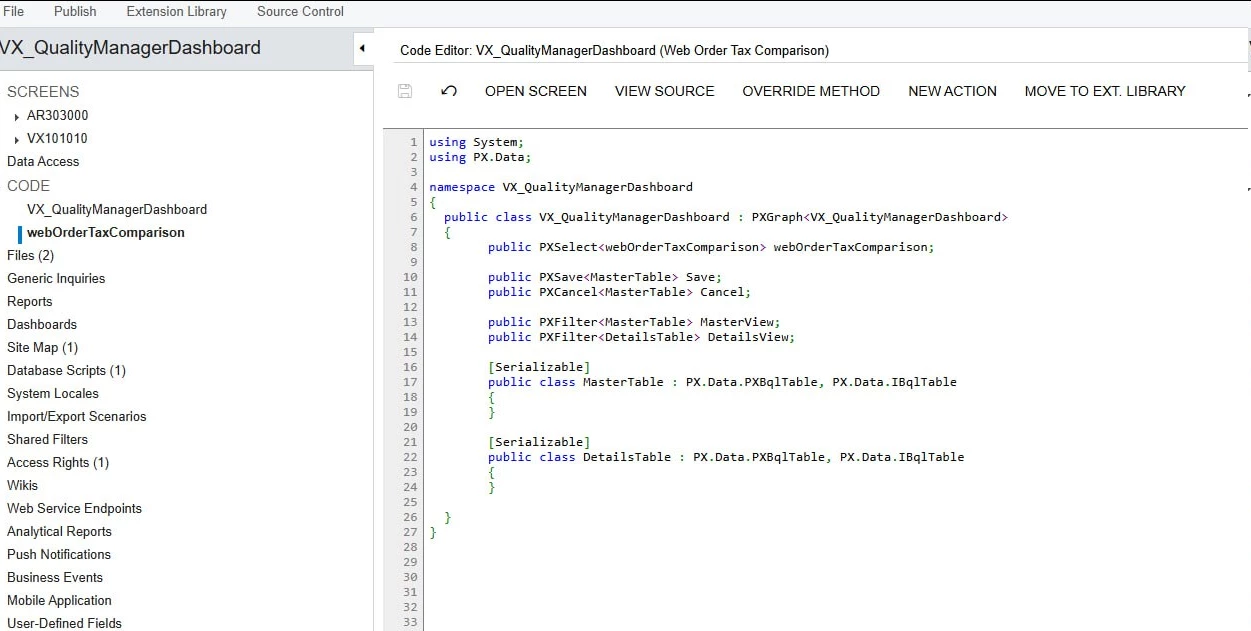
My custom graph:
And the DAC:
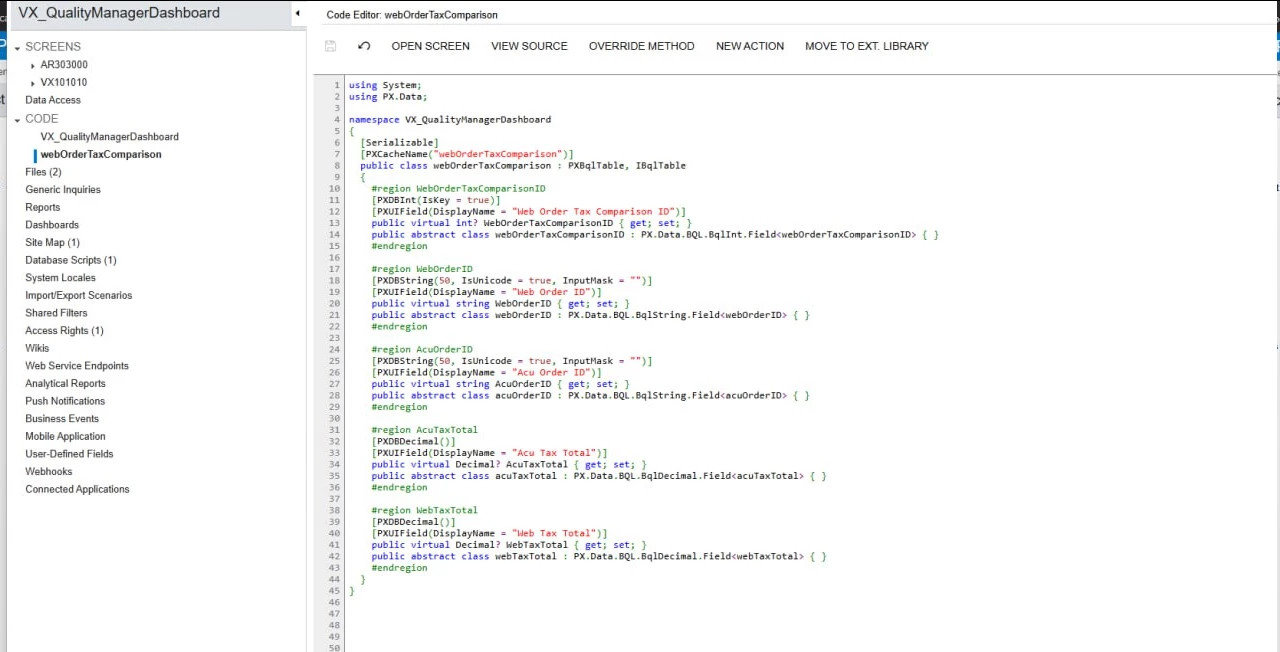
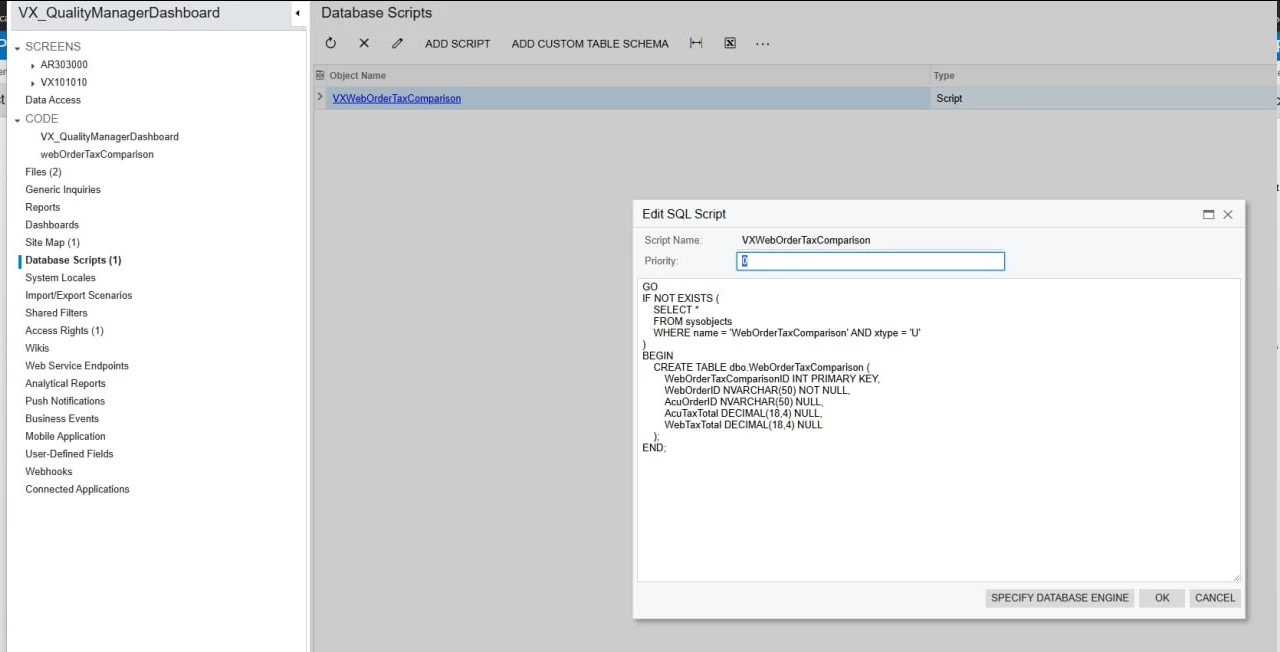
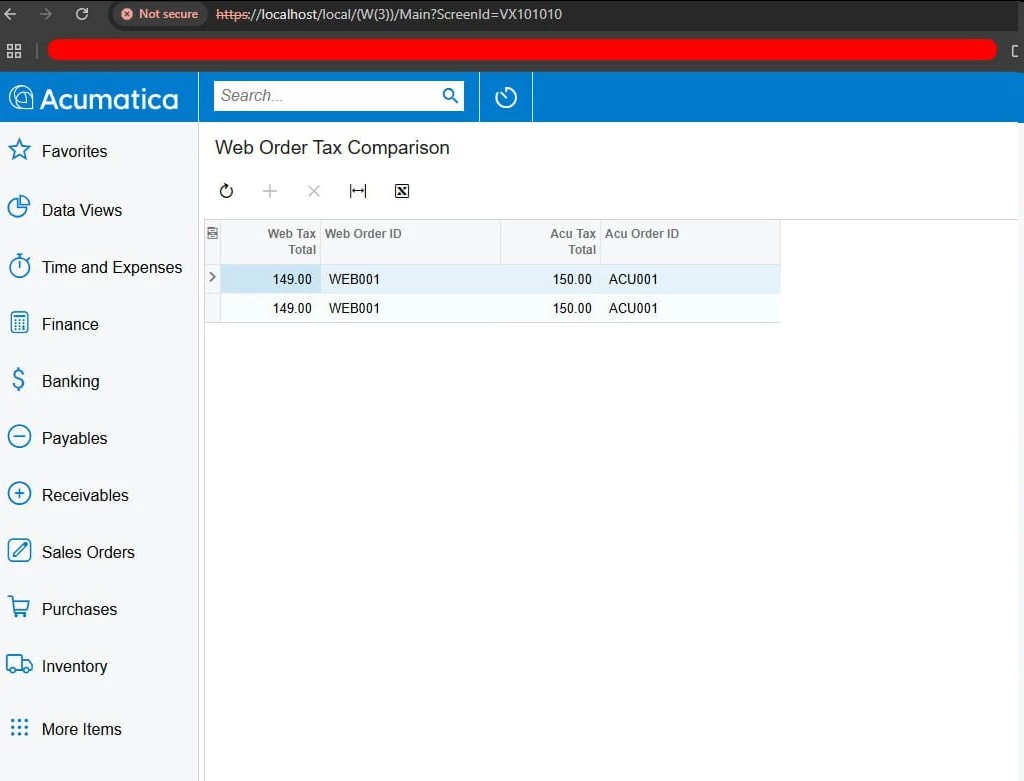
My custom screen VX101010
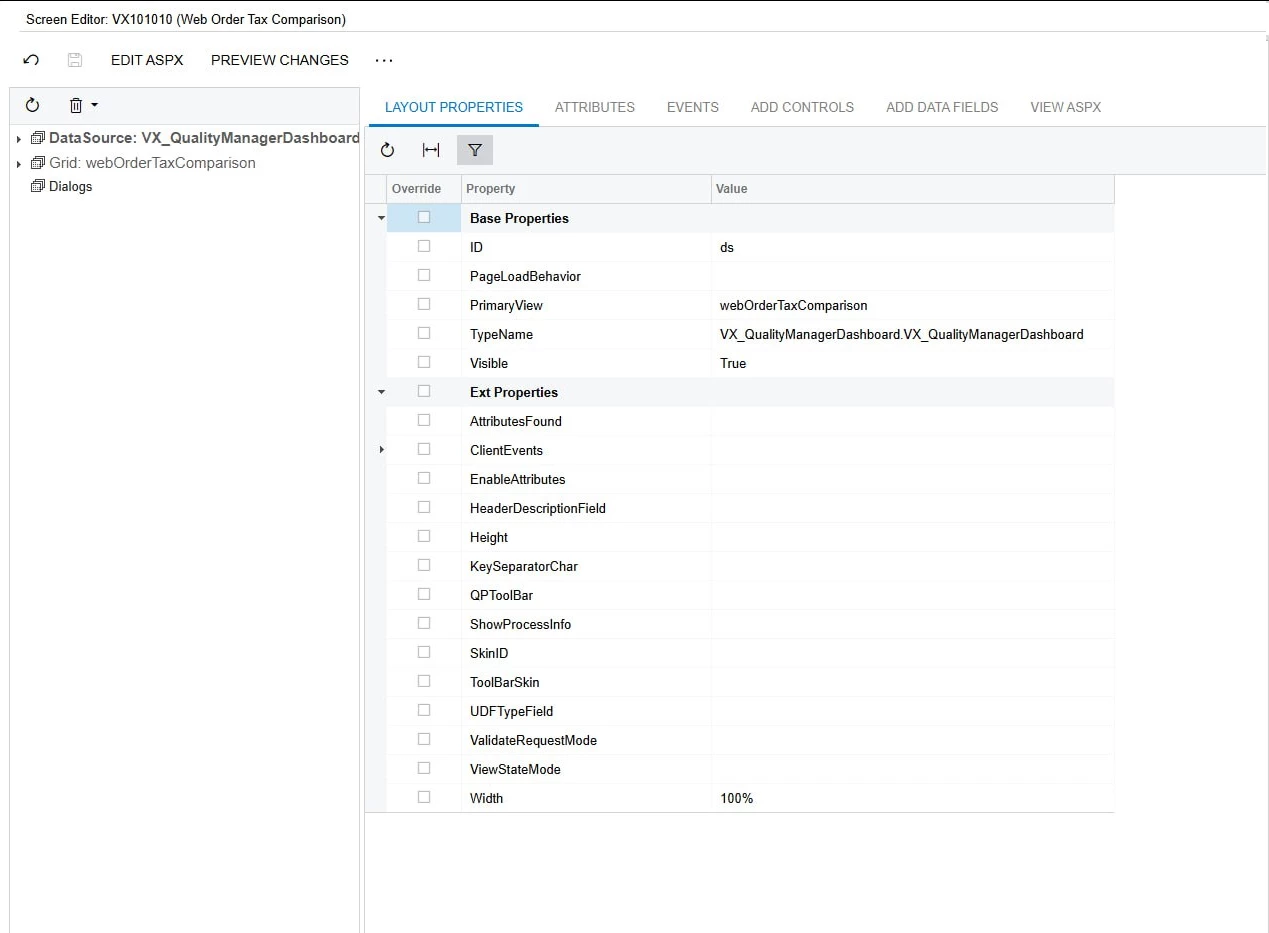
A custom REST API endpoint,

Since I created a separate custom API endpoint and manually mapped the fields, is there anything else I need to do for Acumatica to API Create Record works ?

  Any tips would be greatly appreciated!

Best answer by jinin

Hi ​@PhatPham ,

First, remove any unwanted code from the graph. I noticed that the DACs related to the master and child tables are still present. Please remove them if they are not required.

Also, update the Save and Cancel actions to reference your DAC name. Verify the .aspx file to ensure the correct view is being used.

Please try with a PUT request. The POST method is generally used when triggering actions, whereas PUT is used for Insert/updates.

If it’s still not working, please share the customization package here so I can review it and provide further assistance.


3 replies

Forum|alt.badge.img+1
  • Semi-Pro III
  • July 23, 2025

@PhatPham 

Please update your DAC to declare a [PXDBIdentity] column for the auto-increment primary key if you plan to insert multiple records.
Also, avoid using /Save at the end of the URL when making a POST request — instead, use the base entity endpoint directly. Then try the request again.
Hope is helps!!!


jinin
Pro I
Forum|alt.badge.img+11
  • Pro I
  • Answer
  • July 23, 2025

Hi ​@PhatPham ,

First, remove any unwanted code from the graph. I noticed that the DACs related to the master and child tables are still present. Please remove them if they are not required.

Also, update the Save and Cancel actions to reference your DAC name. Verify the .aspx file to ensure the correct view is being used.

Please try with a PUT request. The POST method is generally used when triggering actions, whereas PUT is used for Insert/updates.

If it’s still not working, please share the customization package here so I can review it and provide further assistance.


  • Author
  • Freshman II
  • July 29, 2025

Hi ​@PhatPham ,

First, remove any unwanted code from the graph. I noticed that the DACs related to the master and child tables are still present. Please remove them if they are not required.

Also, update the Save and Cancel actions to reference your DAC name. Verify the .aspx file to ensure the correct view is being used.

Please try with a PUT request. The POST method is generally used when triggering actions, whereas PUT is used for Insert/updates.

If it’s still not working, please share the customization package here so I can review it and provide further assistance.


Thank you still my problem was resolved