Answer

Use for Project group in "Projects" screen

  • May 28, 2025
  • 3 replies
  • 107 views

Hi there,


We just updated our Acumatica version and I’m trying to figure out what the “Project group” is for in the Projects screen. I can’t find anything in Acumatica Resources.


Could you let me know how we should use it please?


Thank you! 


Best answer by joelhoffman

Hi ​@AP13 , the functionality was released with our 2023 R2 version to help with additional restrictions and project visibility.

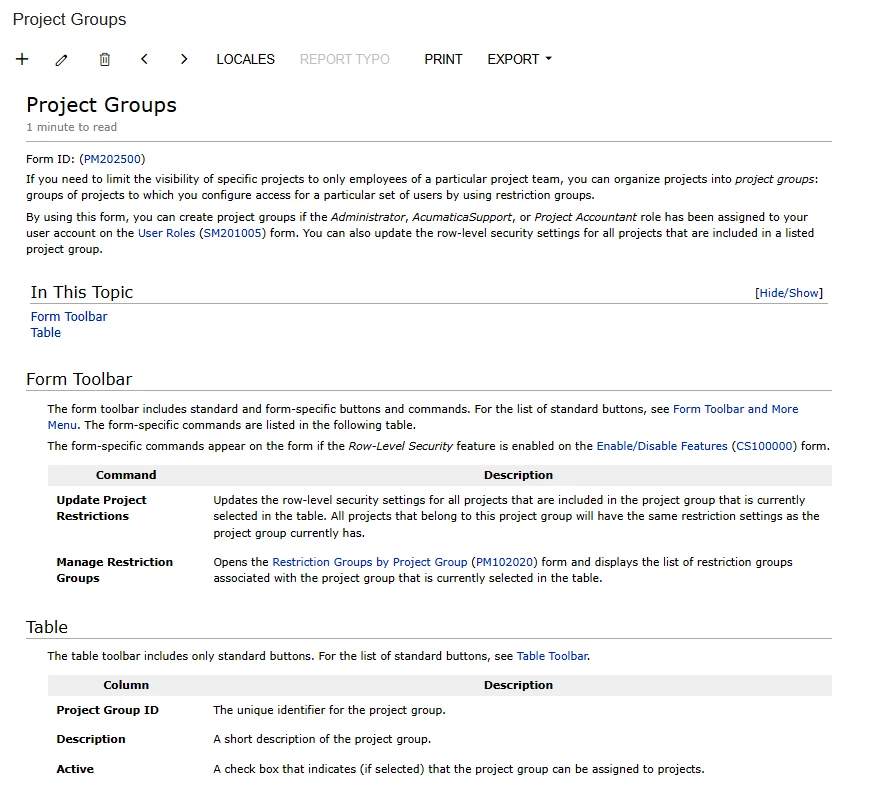
I’ve attached the portion of the initial release notes, which may provide you with more insight.

Thanks.


3 replies

DipakNilkanth
Pro III
Forum|alt.badge.img+13

Hi ​@AP13,

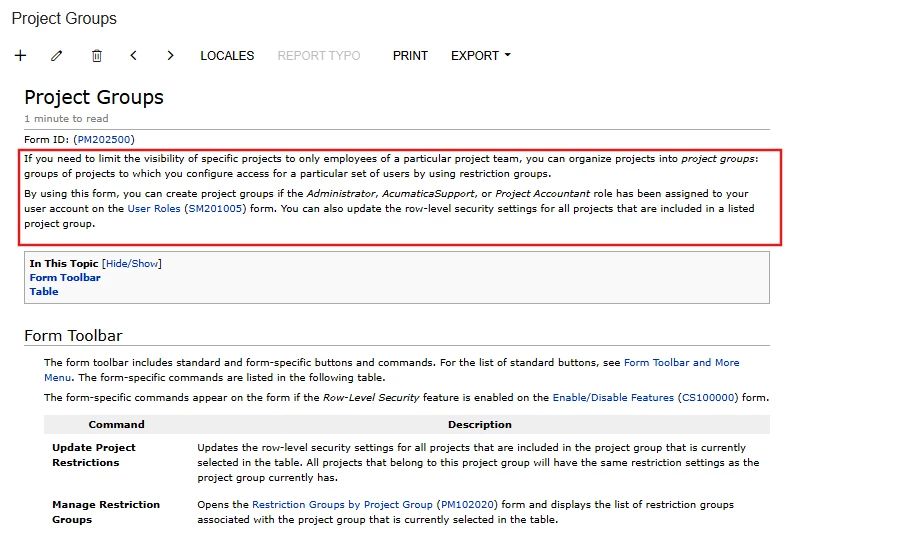
When you need to limit the visibility of specific projects to only employees of a particular project team. You can organize projects into project groups: groups of projects to which you configure access for a particular set of users by using restriction groups. 
 

Hope, it helps!


mike.gillum
Acumatica Moderator
Forum|alt.badge.img+2
  • Acumatica Moderator
  • May 28, 2025

@AP13,

Project Groups are used to limit the visibility of specific projects to only employees of a particular project team. Here is a screen grab from the Help screen:


joelhoffman
Acumatica Moderator
Forum|alt.badge.img+2
  • Acumatica Moderator
  • Answer
  • May 28, 2025

Hi ​@AP13 , the functionality was released with our 2023 R2 version to help with additional restrictions and project visibility.

I’ve attached the portion of the initial release notes, which may provide you with more insight.

Thanks.