



We plan on using the Time and Material billing rule in the near future for our Cost+ projects. We already set up everything (billing rule, rate tables, etc.). After doing some testing, I find it takes a lot of time to create a pro forma invoice.
My question is : Do you have any tips to make it more efficient, since we expect a very high volume of transactions? (+/- 500 cost transactions per pro forma invoice)
- In the “Time and material” tab of the pro forma, is there any way to select multiple lines at once? (either to delete them or to change their statut to “write-off”?)
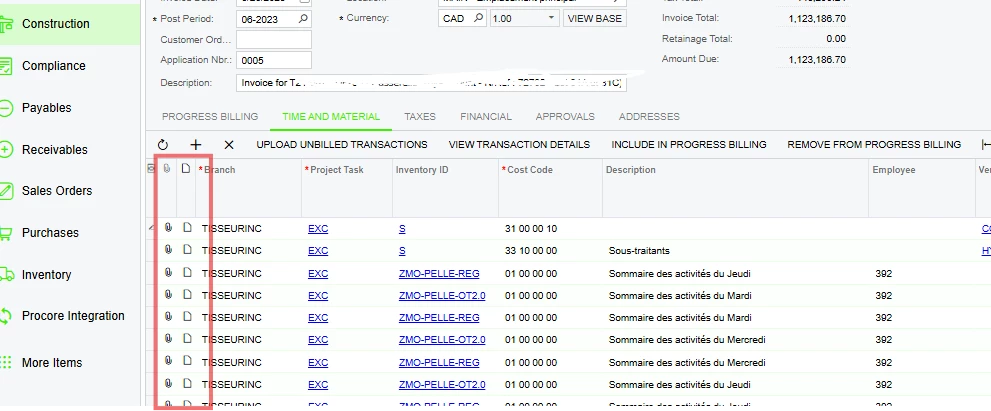
- I notice that we can “Export to Excel” the transactions from the “Time and material” tab of the proforma. I was hoping we could extract the datas in Excel and upload it back after making some changes (for example, update the status or unit price). My conclusion is that there’s not much data we can upload from the Excel, which would be very helpful.
- Related to #2, when we extract the transactions to change some datas through the Excel file and we upload it back, the datas are all mixed up between the lines.
- It takes a very long time to process when we click on “Run billing”. I don’t know if it’s only the case for us or not. I fear that for high volume projects we will lose a lot of time trying to simply process the pro forma.
Please let me know if you have any advice regarding these issues, and what has been your experience regarding Time and Material billing rule for high volume of transactions. Thanks in advance!

