Question

Insert 'Load Records from File' on Document Templates screen

  • September 27, 2023
  • 6 replies
  • 315 views

Forum|alt.badge.img

Hi there,

I want to import data using excel file into Document Template.
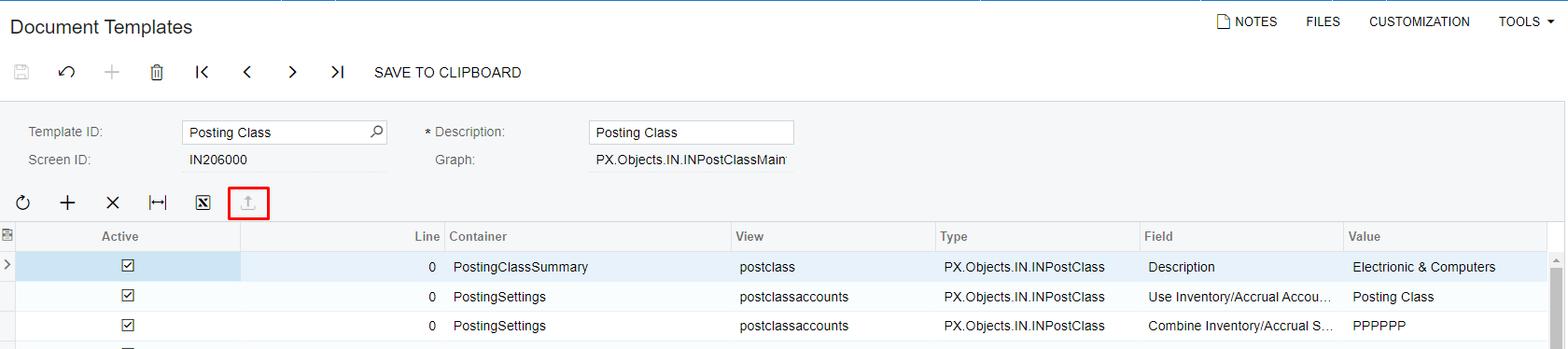
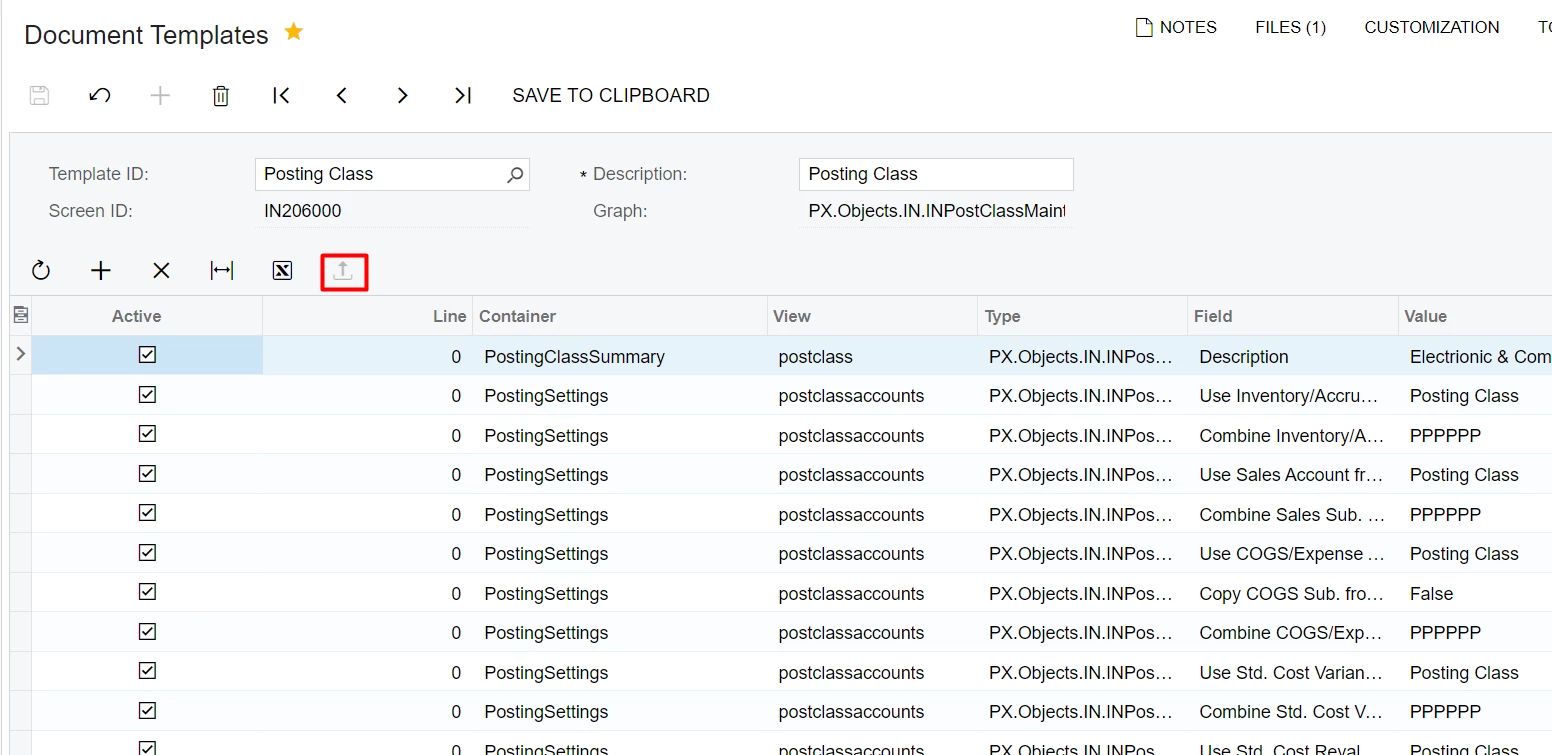
So, I trying to setup 'Load Records from File' button on screen SM209020 (Document Templates)


I click upload for Excel but nothing happen ?

ScreenId=SM209020 > tab Tasks ( Allow upload = true)


https://stackoverflow.com/questions/45048040/nothing-happen-after-click-upload-excel/45059835#45059835
 

I have looked at this link. However, I still do not understand clearly about the public place PXSelectJoin<PMTask,....
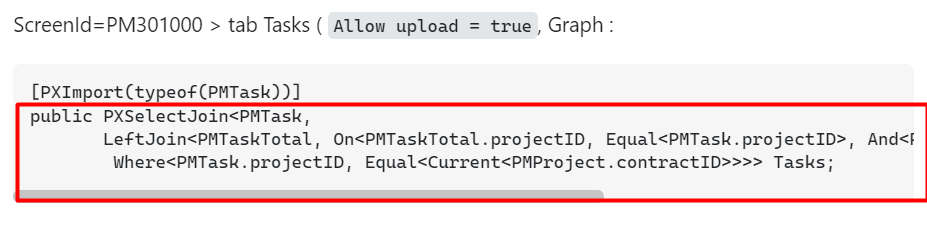
Please help me understand the problem I am having?

6 replies

Heidi Dempsey
Community Manager
Forum|alt.badge.img+3
  • Community Manager
  • September 29, 2023

@phat  please enter a case so we can investigate this further for you.


Forum|alt.badge.img
  • Author
  • Freshman I
  • October 2, 2023

Hi He

@phat  please enter a case so we can investigate this further for you.

Hi @Heidi Dempsey 

I want to Insert 'Load Records from File' on Document Templates.However, the 'Load Records from File' button is disabled.


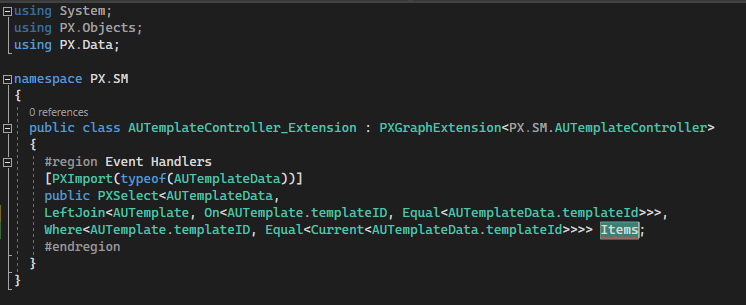
Here is my code

using System;
using PX.Objects;
using PX.Data;
  
namespace PX.SM
{
  public class AUTemplateController_Extension : PXGraphExtension<PX.SM.AUTemplateController>
  {
    #region Event Handlers
    [PXImport(typeof(AUTemplateData))]
    public PXSelect<AUTemplateData, 
    LeftJoin<AUTemplate, On<AUTemplate.templateID, Equal<AUTemplateData.templateId>>>,
    Where<AUTemplate.templateID, Equal<Current<AUTemplateData.templateId>>>> Items;
    #endregion
  }
}


My code it is not working. How can i fix it ?


Forum|alt.badge.img
  • Author
  • Freshman I
  • October 2, 2023

I updated the code but it still doesn't work.

       [PXImport(typeof(AUTemplateData))]
       public PXSelect<AUTemplateData, AUTemplate, Where<AUTemplate.templateID, Equal<Current<AUTemplateData.templateId>>>,
       OrderBy<Asc<AUTemplate.templateID, Asc<AUTemplateData.active, Asc<AUTemplateData.line, Asc<AUTemplateData.container, 
               Asc<AUTemplateData.view, Asc<AUTemplateData.rowType, Asc<AUTemplateData.field, Asc<AUTemplateData.view >>>>>>>>> Items;


david.harris
Acumatica Moderator
Forum|alt.badge.img
  • Acumatica Support Team Lead
  • October 2, 2023

@phat - does this act the same with no customizations published on the site? 

If so I agree with @Heidi Dempsey the best course of action would be to create a support case so we can investigate and find a root cause. 


Forum|alt.badge.img
  • Author
  • Freshman I
  • October 3, 2023

@phat - does this act the same with no customizations published on the site? 

If so I agree with @Heidi Dempsey the best course of action would be to create a support case so we can investigate and find a root cause. 

Hi @david.harris 
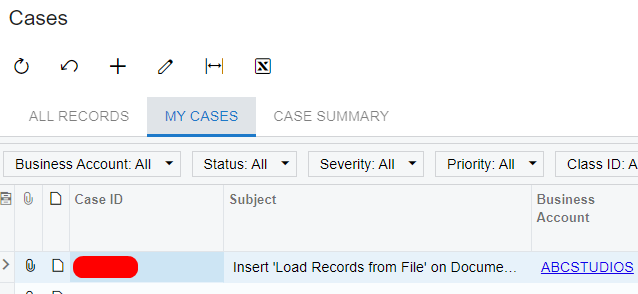
I have created a case in my problem.


Thank you


DipakNilkanth
Pro III
Forum|alt.badge.img+13

Hi ​@phat,

Do you have any update on this?

How did you resolve the issue? I’m experiencing the same problem on the Bank Deposits (CA305000) screen. Please let me know if you received any solution from support.

Thanks!