



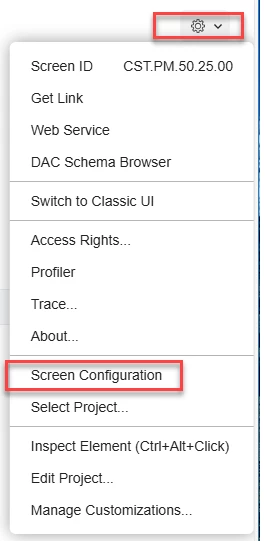
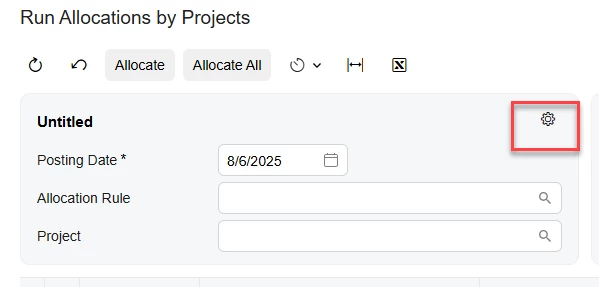
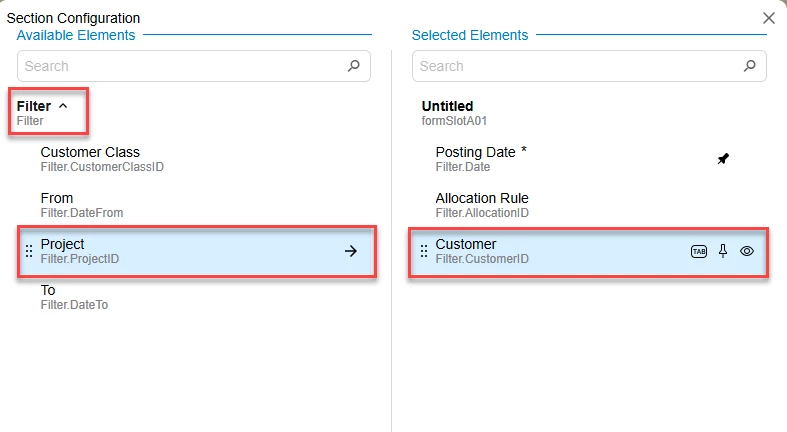
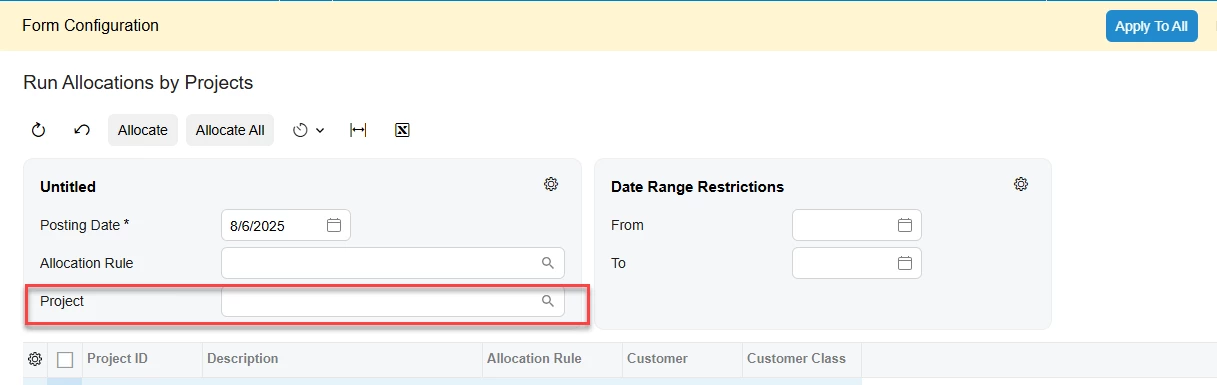
I am not sure why the parameter to search by project was removed. I run allocations individually by project to check the actuals against my calculated amounts. It just doesn’t make sense if the title is run allocations by project why would you get rid of the ability in the parameter to pull by the project. I am aware that I can search on the Project Id column but it was easier to have it on the top Pulling by customer is not as useful. Typically with construction there aren’t multiple projects for one customer.
In the latest version 2025 R1, the parameter to search by project at the top under run allocations by project. Anyone having issues with this.?


Login to the community
No account yet? Create an account
Social Login
Login with your Acumatica accountEnter your E-mail address. We'll send you an e-mail with instructions to reset your password.