

Answer

Unable to Create Custom Button in Screen Editor (SO301000)

  • September 26, 2025
  • 1 reply
  • 35 views

I’m trying to add a custom Cancel button on the Sales Orders screen (SO301000) using the Customization Project Editor.

Steps I took:

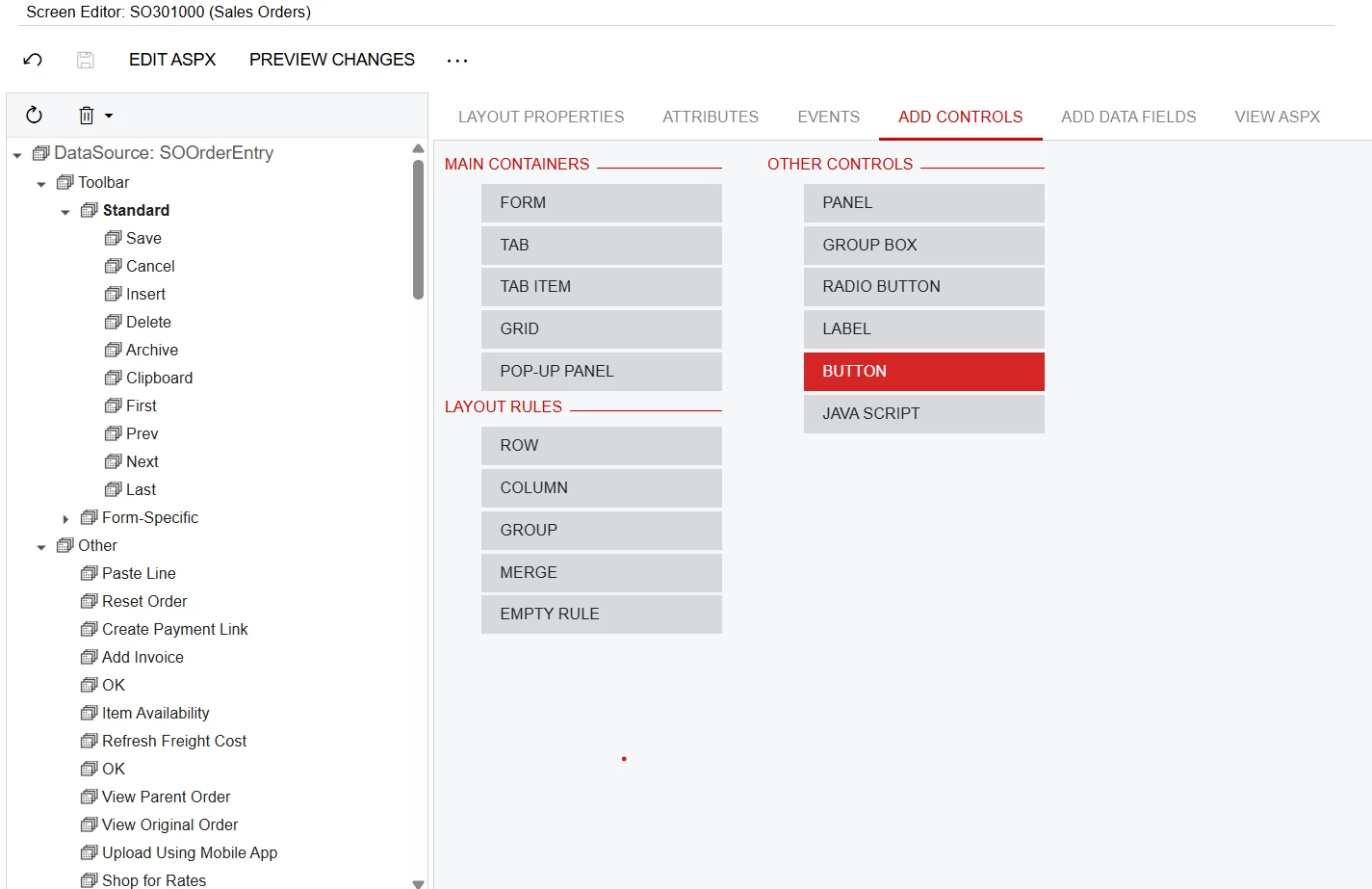
  • Opened the project → Screen Editor → SO301000

  • Expanded DataSource: SOOrderEntry → Toolbar → Standard

  • Tried Add Controls → Button under the Standard toolbar

Issue:
When I drag/drop or select “Button,” nothing shows up in the tree (the button doesn’t get created).

Has anyone faced this before? Am I missing a step to actually insert the new button into the toolbar?

Best answer by Abhishek Niikam

Hello ​@rmore49 

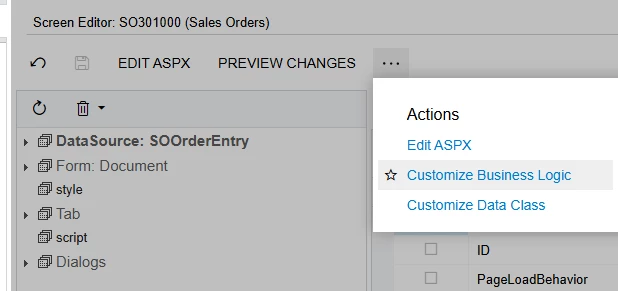
To add a Custom Cancel button in Sales Orders (SO301000):

1. Extend the Sales Order graph (SOOrderEntry):

public class SOOrderEntry_Extension : PXGraphExtension<SOOrderEntry>
{
public PXAction<SOOrder> customCancel;

[PXButton(CommitChanges = true)]
[PXUIField(DisplayName = "Custom Cancel")]
protected virtual IEnumerable CustomCancel(PXAdapter adapter)
{
//add your logic
Base.Clear(); // reloads record and discards unsaved changes
return adapter.Get();
}
}


3. Publish customization.

I hope it helps!


1 reply

Forum|alt.badge.img+2
  • Jr Varsity II
  • Answer
  • September 26, 2025

Hello ​@rmore49 

To add a Custom Cancel button in Sales Orders (SO301000):

1. Extend the Sales Order graph (SOOrderEntry):

public class SOOrderEntry_Extension : PXGraphExtension<SOOrderEntry>
{
public PXAction<SOOrder> customCancel;

[PXButton(CommitChanges = true)]
[PXUIField(DisplayName = "Custom Cancel")]
protected virtual IEnumerable CustomCancel(PXAdapter adapter)
{
//add your logic
Base.Clear(); // reloads record and discards unsaved changes
return adapter.Get();
}
}


3. Publish customization.

I hope it helps!
