I have spent a lot of time searching for a solution to this, but I’m stuck. Microsoft’s habit of continually changing things doesn’t help any of us. I’ve been working with MS Graph for a lot of years, and it never ceases to frustrate me.
I am trying to configure email in Acumatica using Microsoft Office 365. I followed the steps in the documentation, and it works perfectly when I’m sending from the user I’m logged in as.
My struggle is coming from trying to send from another mailbox. I’ve tried both shared and licensed mailboxes, and I cannot get either to work.
When I attempt to send an email from the Shared mailbox, this message is returned:
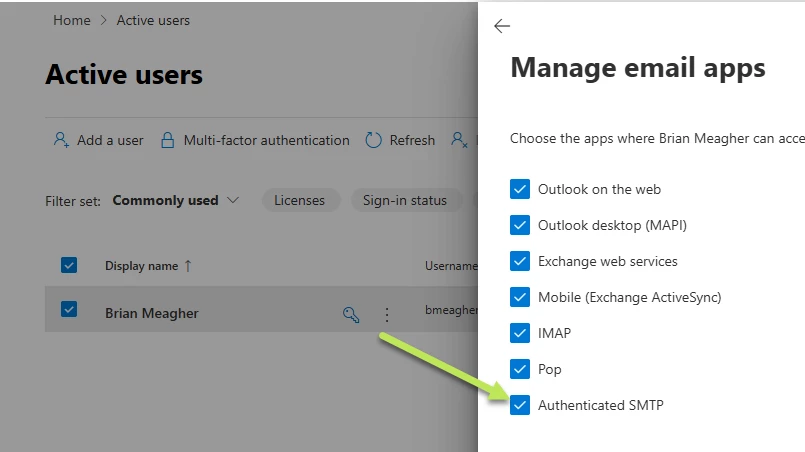
The mail send has failed. 535-5.7.139 Authentication unsuccessful, SmtpClientAuthentication is disabled for the Tenant. Visit https://aka.ms/smtp_auth_disabled for more information.
When I attempt to send an email from the Licensed mailbox, this message is returned:
The email cannot be sent because the account you signed in with does not have permission for using the email address specified in the system email account on the System Email Accounts (SM204002) form.
I am able to send from either account using the MS Graph Explorer:
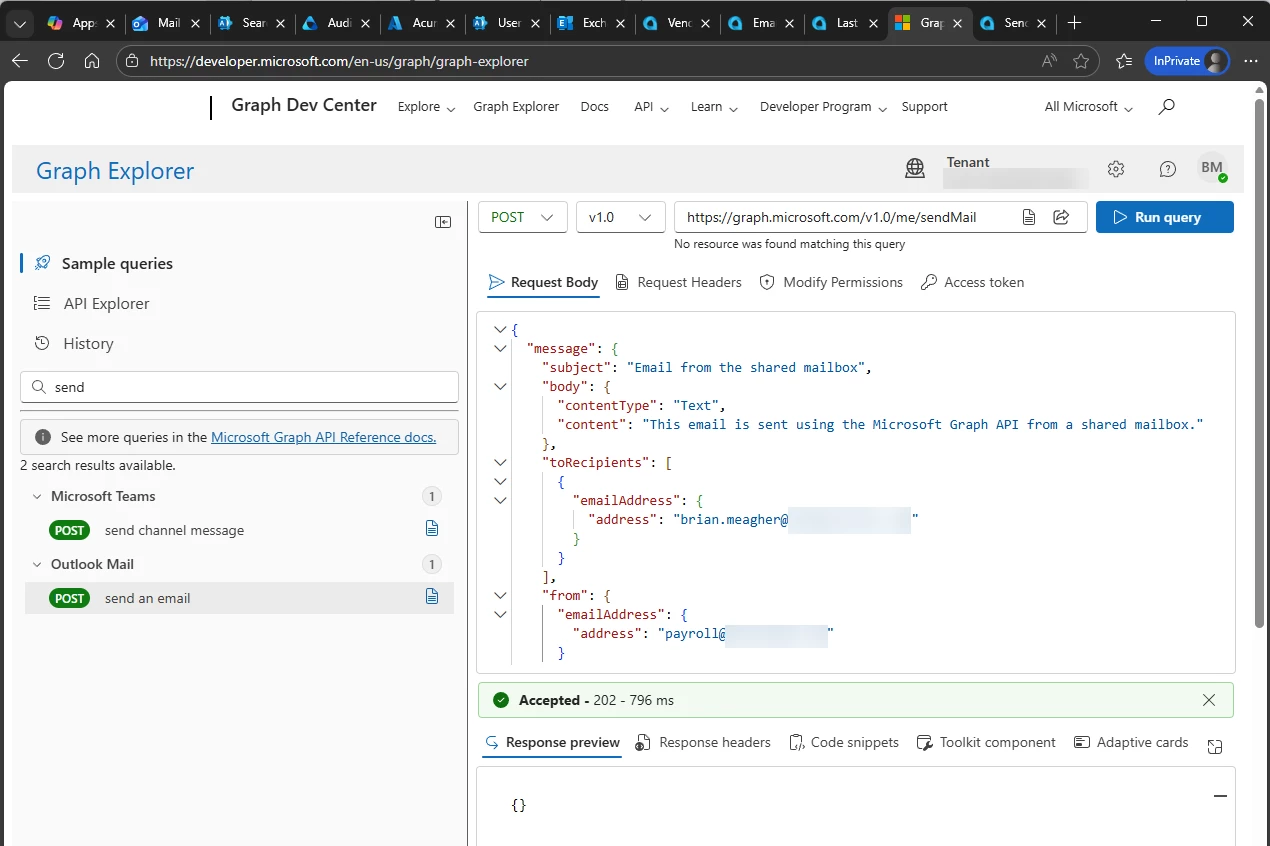
The business use case is simple: employee payroll direct deposit forms should be “from” the payroll@company.com mailbox, and Invoices should be from accounting@company.com.
Has anyone encountered this and resolved it? Please tell me I’m missing something really simple.
Thanks - Brian