Question

Release Invoice for Customer in Credit Hold Status

  • May 7, 2025
  • 6 replies
  • 136 views

Forum|alt.badge.img

I cannot find the appropriate configuration that would allow us to release invoices for sales orders that pre-dated the credit hold. We want to avoid fulfilling new sales orders entered against a customer with a credit hold, but we still want to bill them for product already provided. I have tried the this option in Accounts Receivable Preferences:

Hold Document on Failed Credit Check

A check box that indicates (if selected) that new invoices and memos are placed on hold and cannot be released for customers that failed the credit check. If the check box is not selected, new documents can be saved and processed regardless of the credit check result, although the system warns users about customers that failed their credit check.


I have tried this option in Sales Order Preferences:

Hold Invoices on Failed Credit Check

A check box that indicates (if selected) that an edited invoice can be saved only with the On Hold status if the customer fails the credit check.


Neither have allowed me to release an invoice prepared from a shipment while the customer is on Credit Hold. Is there another option I am missing? I don’t understand what these settings are for if not this.

6 replies

nhatnghetinh
Captain II
Forum|alt.badge.img+11

Hi ​@PBSA 

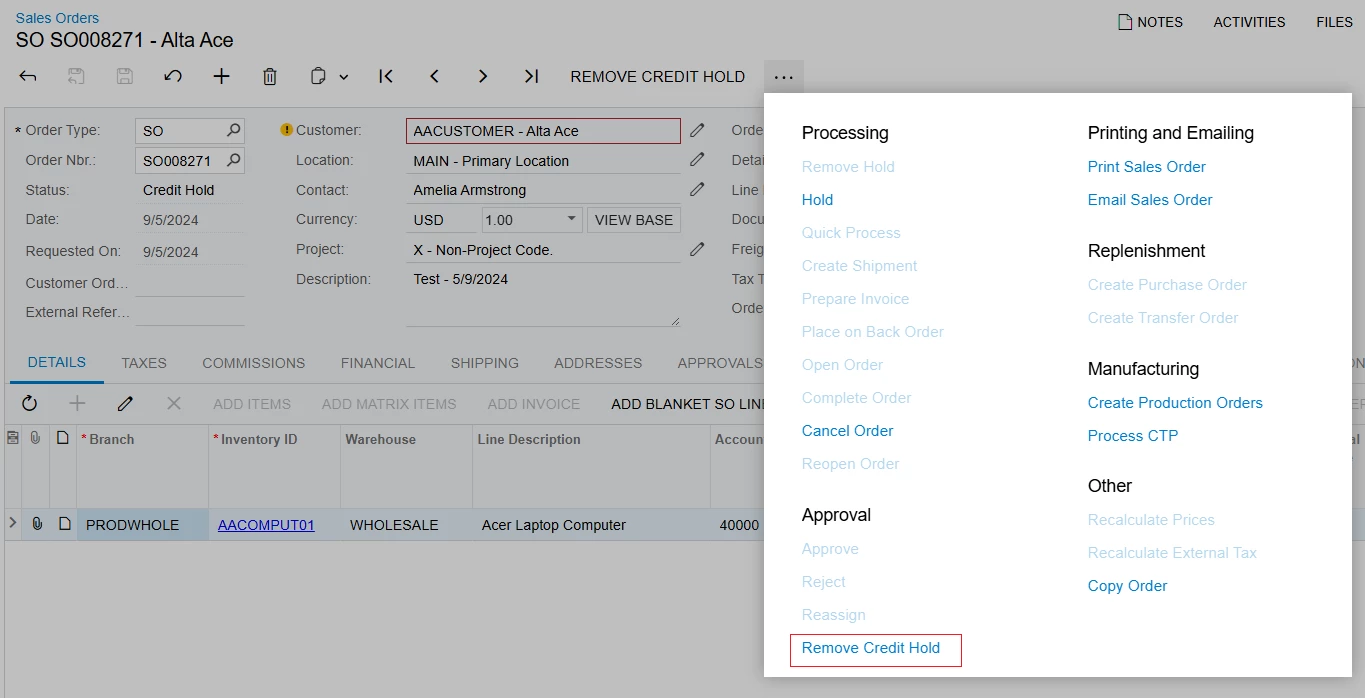
Please try creating Access Right for Management-level Users by performing "Remove Credit Hold" for these cases.


Best Regards,

NNT


Forum|alt.badge.img
  • Author
  • Jr Varsity II
  • May 8, 2025

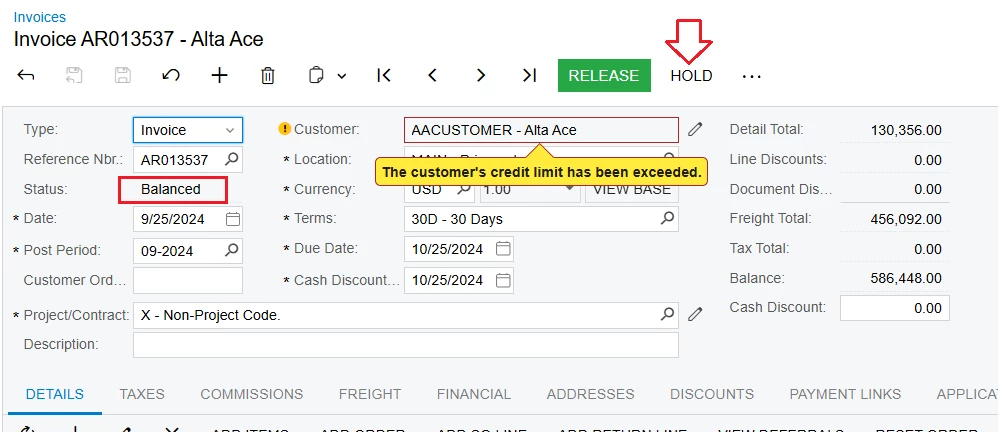
@nhatnghetinh Thank you for your response. I am asking about Invoices, not Sales Orders. The invoice is in Balanced status, so there is no Credit Hold to remove there - the error occurs when I try to release the Invoice:


nhatnghetinh
Captain II
Forum|alt.badge.img+11

Hi ​@PBSA 

Try doing the following:
Step 1: On Invoice with status as "Balanced" > Click "HOLD" 


Then click "REMOVE HOLD"


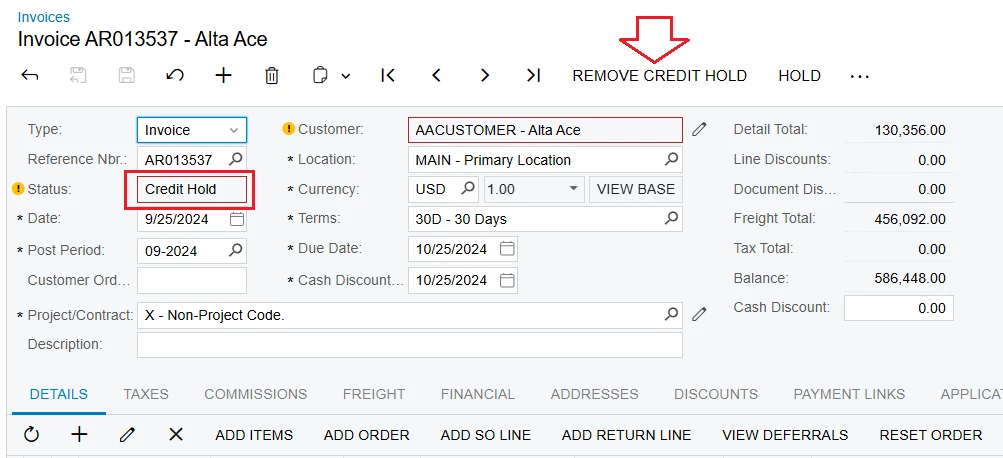
Step 2: Now the status of Invoice is "Credit Hold" > Click "REMOVE CREDIT HOLD" > Then Click "RELEASE"


Best Regards,

NNT


Forum|alt.badge.img
  • Author
  • Jr Varsity II
  • May 9, 2025

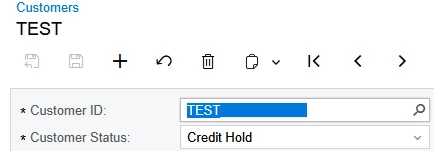
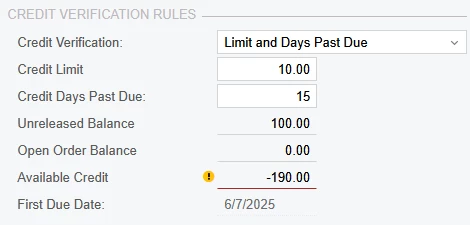
@nhatnghetinh I appreciate your help, again. That method does work with the “credit limit exceeded” condition on a customer, but it does not work when the customer is in “Credit Hold” status:


Here is my sample invoice in Balanced status:

After I press ‘Hold’:

And then after I press ‘Remove Hold’:

The invoice never goes into a Credit Hold status, even though this customer has also exceeded their limit:


Chris Hackett
Community Manager
Forum|alt.badge.img
  • Acumatica Community Manager
  • July 3, 2025

Hi ​@PBSA were you able to find a solution? Thank you!


Forum|alt.badge.img
  • Author
  • Jr Varsity II
  • July 3, 2025

@Chris Hackett No, we couldn’t find a way to make the system work how we expected. We either have to rely on the automatic SO credit hold method or get accounting to manually remove customer’s credit holds whenever anything needs to move forward.