Answer

Load records from file - Opportunity Details (Unit Cost) not working.

  • November 6, 2025
  • 8 replies
  • 50 views

When my users are trying to upload Unit Cost from the file upload the data is not being uploaded.

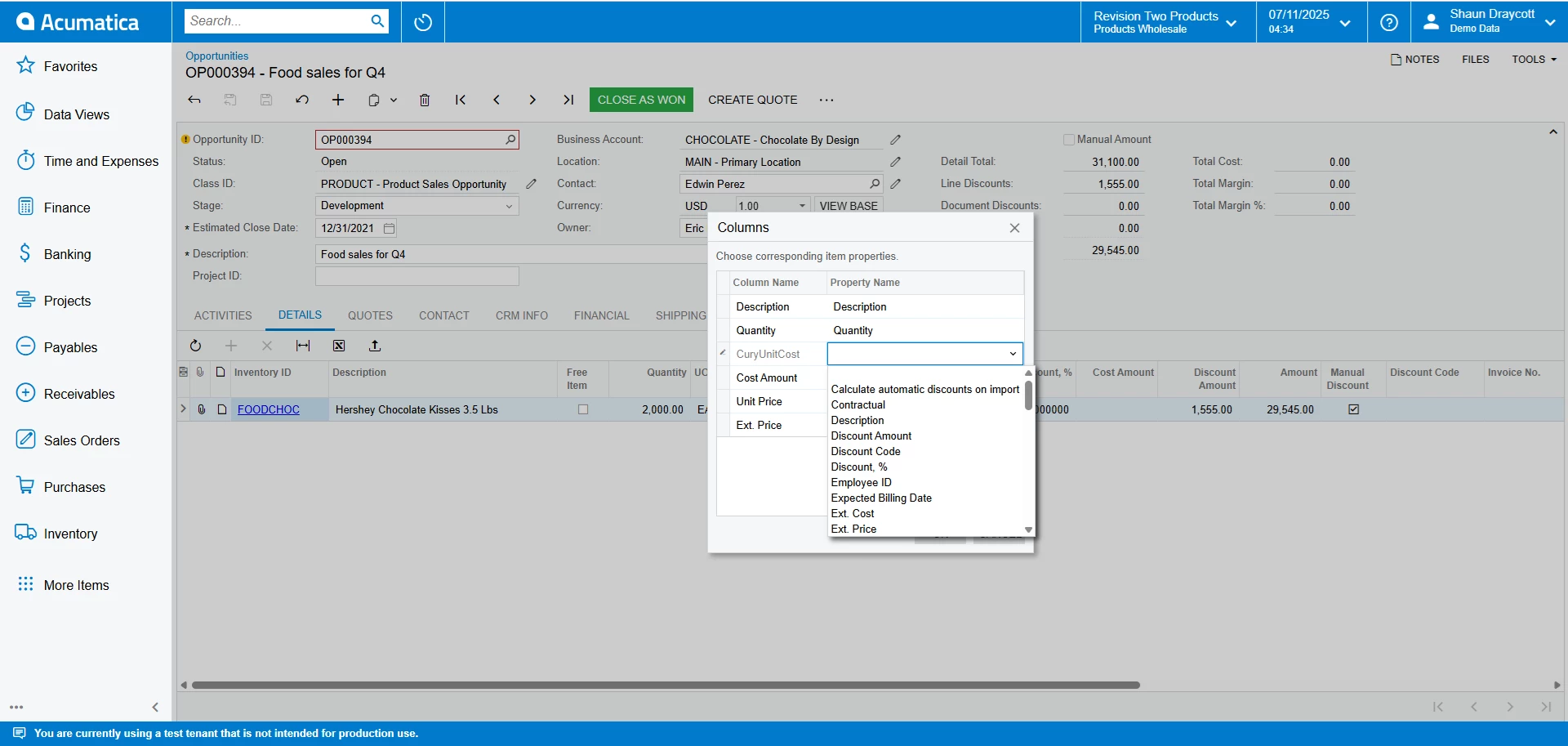
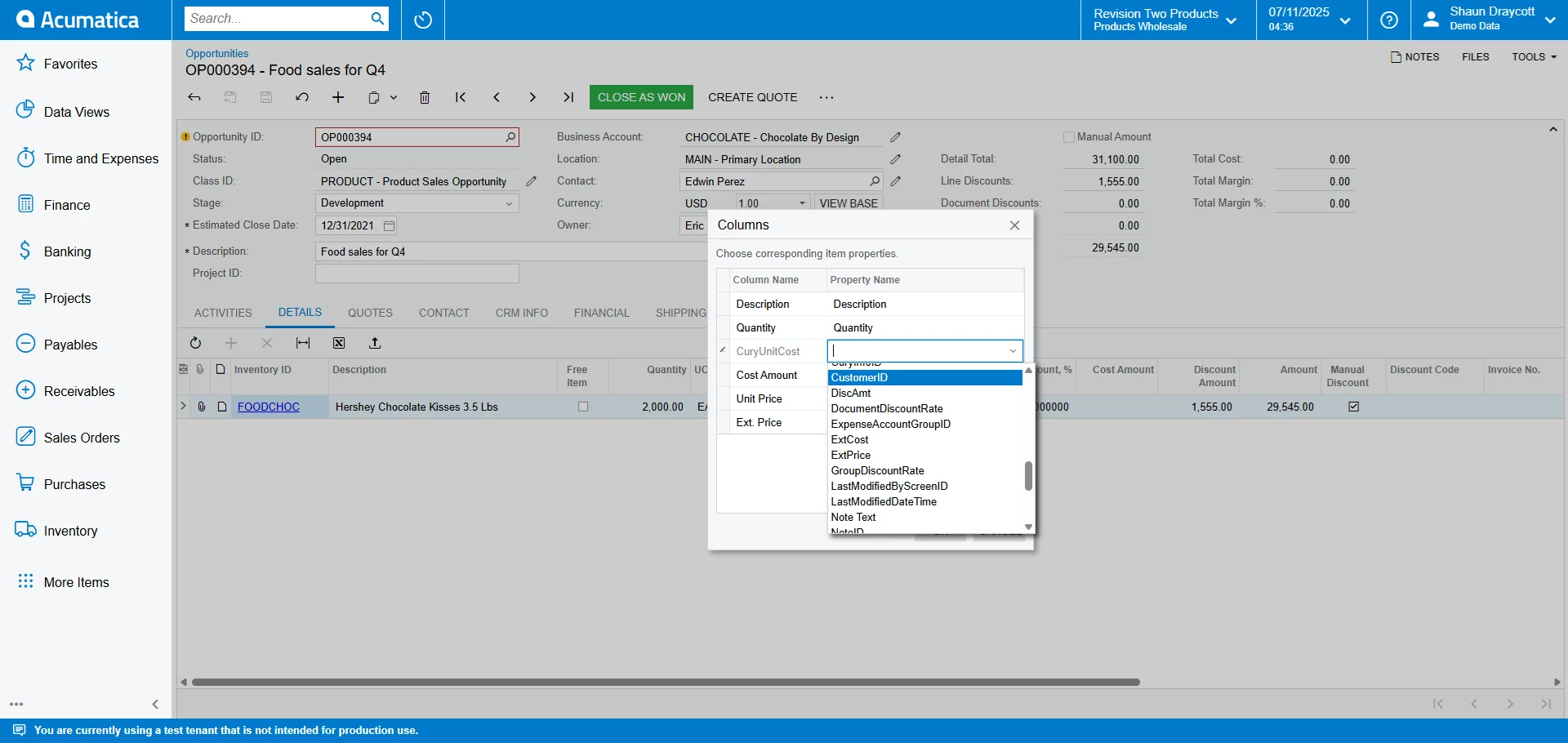
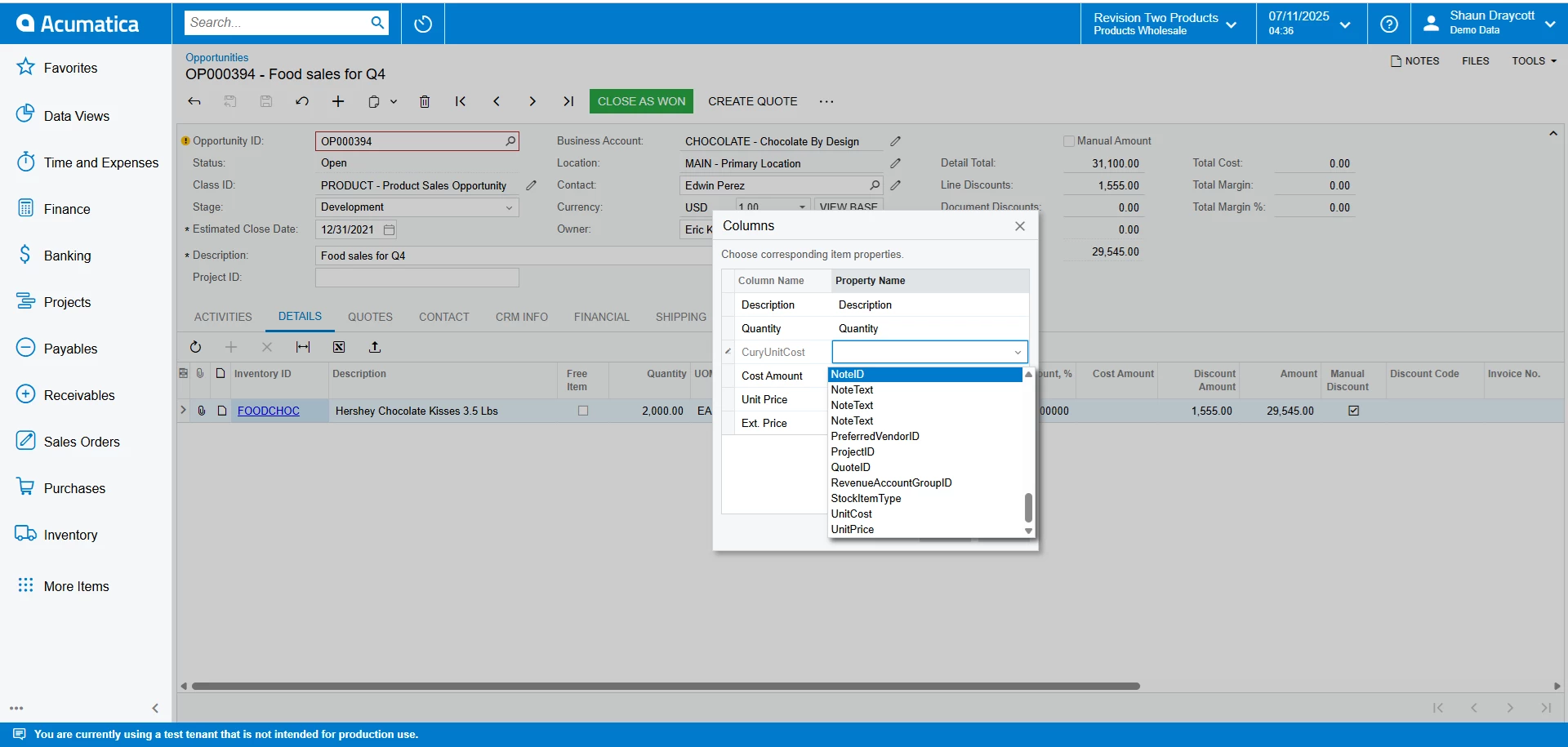
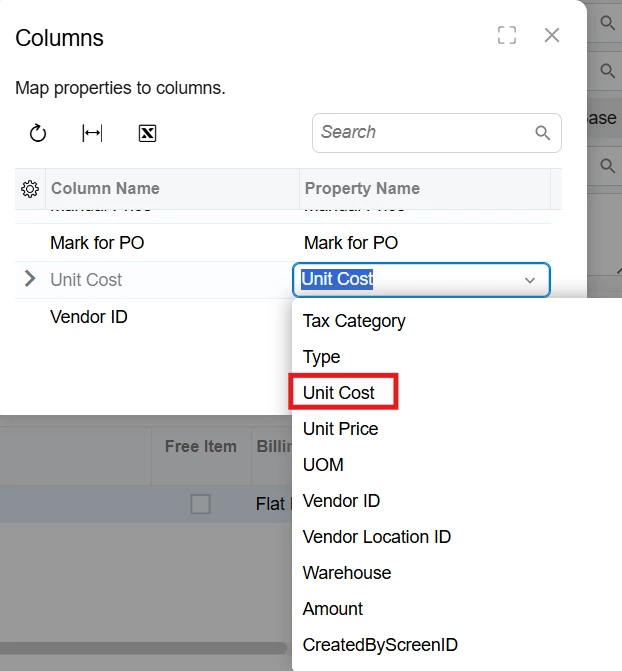
Unit Price works fine and I have noticed on the Columns mapping screen that Unit Price appears twice under Property name (Unit Price) which works and (UnitPrice) which does not. For Unit Cost I only have (UnitCost) listed and not (Unit Cost). I cannot find which Import Scenario fixes this. 

I have tried amending “Import Opportunites from Excel” scenario to add Unit Cost but it still does not appear in the mapping screen.

Best answer by lauraj46

Hi ​@sdraycott ,

I’m not sure why it’s missing since this should be a standard field.  I would definitely recommend checking with your reseller or Acumatica.  There may be a customization on the screen or something else going on.  

Laura

8 replies

lauraj46
Captain II
Forum|alt.badge.img+8
  • Captain II
  • November 6, 2025

Hi ​@sdraycott ,

Are you trying to populate this value for an existing stock or non-stock item?  The Unit Cost is only editable on the Opportunity Detail screen for lines that are not associated with an existing item.  The import scenario mapping would be Details → Item Cost.

Hope this helps!

Laura


  • Author
  • Freshman I
  • November 6, 2025

Hi Laura,

Yes, these are manual lines which do not have matching Inventory IDs.


lauraj46
Captain II
Forum|alt.badge.img+8
  • Captain II
  • November 6, 2025

Hi ​@sdraycott ,

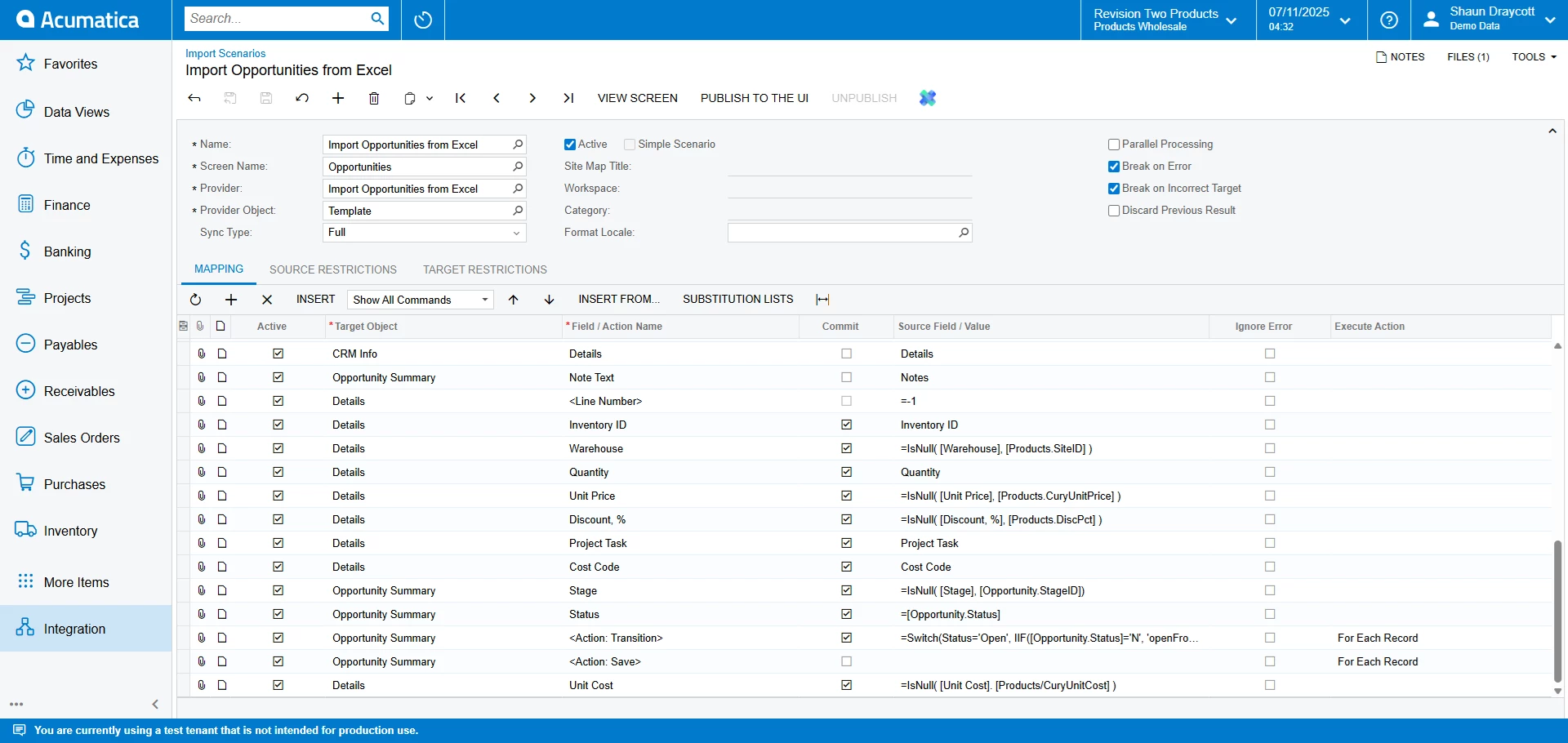
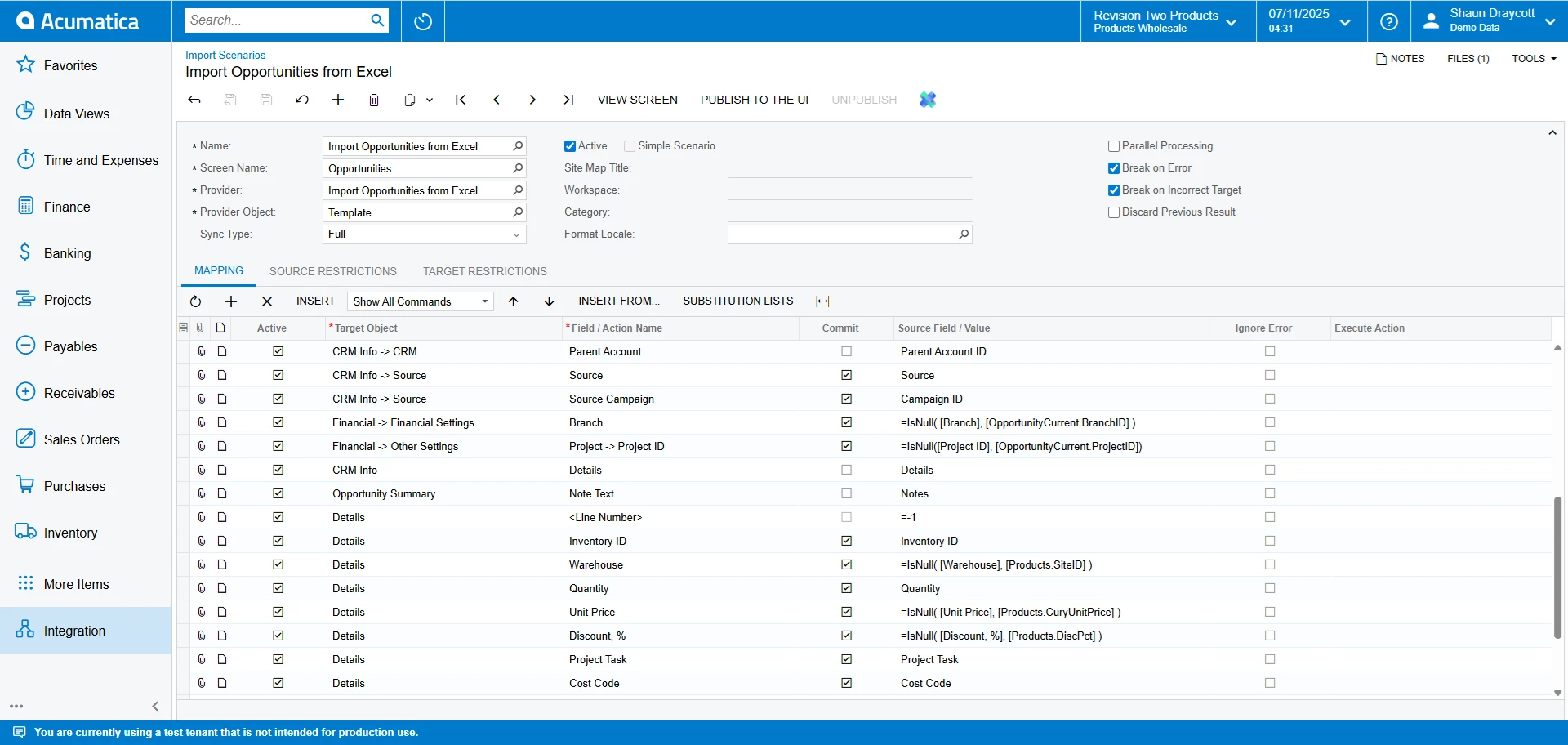
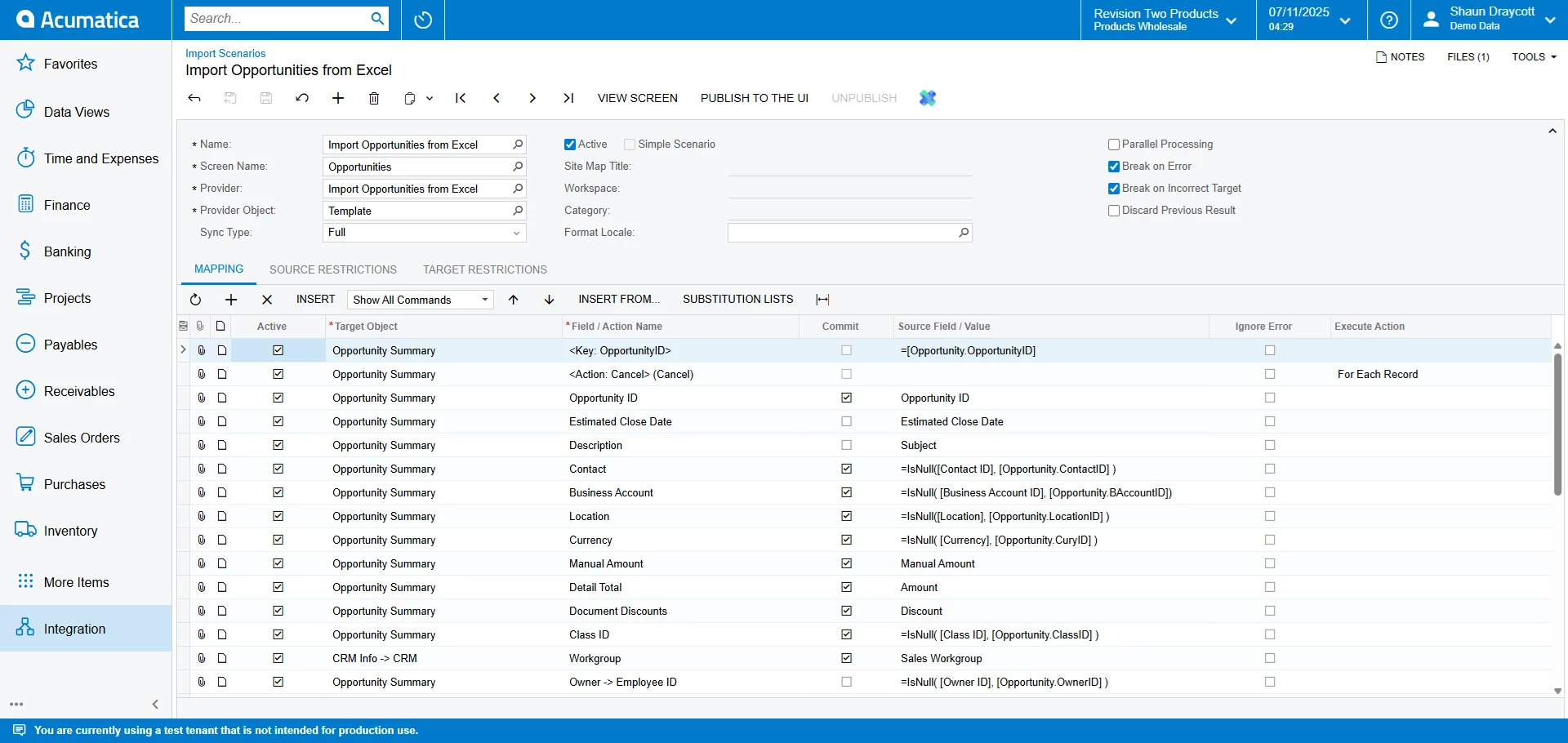
Please post either the XML or a screenshot of your import scenario.

Laura


  • Author
  • Freshman I
  • November 7, 2025


lauraj46
Captain II
Forum|alt.badge.img+8
  • Captain II
  • November 7, 2025

Hi ​@sdraycott ,

Thanks for the screenshots! 

Import scenarios are used in Acumatica to upload or process data from the ‘Import by Scenario’ or ‘Process Import Scenarios’ screens.  For example, the scenario ‘Import Opportunities from Excel’ could be used to load opportunities and the corresponding detail lines from an Excel spreadsheet.  Changes to an import scenario do not affect the operation of standard screens.

That being said, I’m not sure why you don’t see the standard ‘Unit Cost’ field on the import mapping from the Details tab.  The easiest way to create an import template for a tab is to click the Excel icon and export existing data.  I did this and found that the correct field name for price and cost are Unit Price and Unit Cost.  If your import spreadsheet has these same headers then they will be mapped automatically.  Otherwise, the user should be able to pick them from the dropdown.  I added a new line in my test (without an inventory id), and the cost was imported correctly.  I’ve attached the import template that I used to test.

Are there any customizations on your Opportunities screen?  If not, and the Unit Cost field is missing on the mapping, then I would recommend checking with your VAR or opening a support case with Acumatica.

Hope this helps!

Laura


mohammadnawaz51
Jr Varsity I
Forum|alt.badge.img+4

@sdraycott Can you try if you are able to upload this.


  • Author
  • Freshman I
  • November 7, 2025

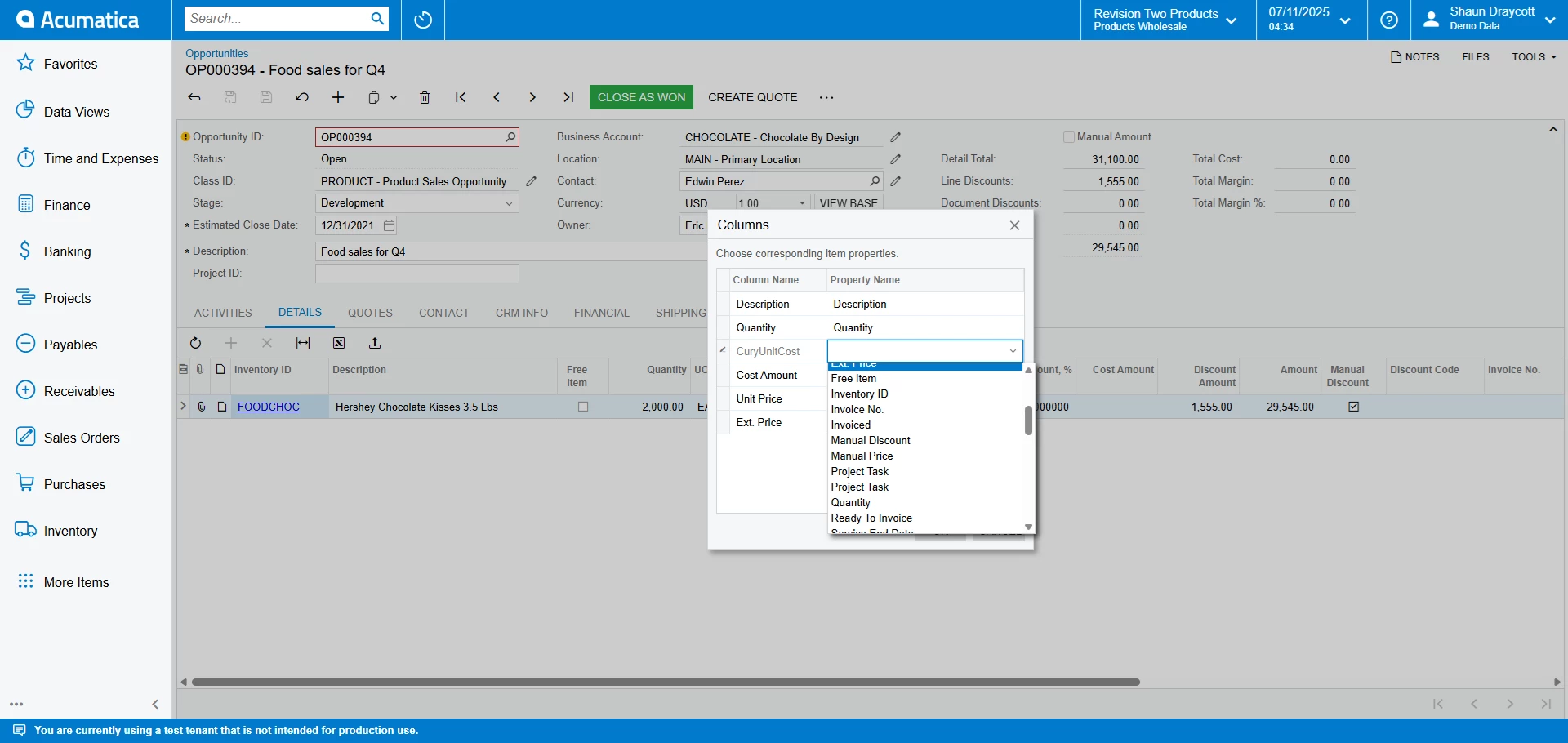
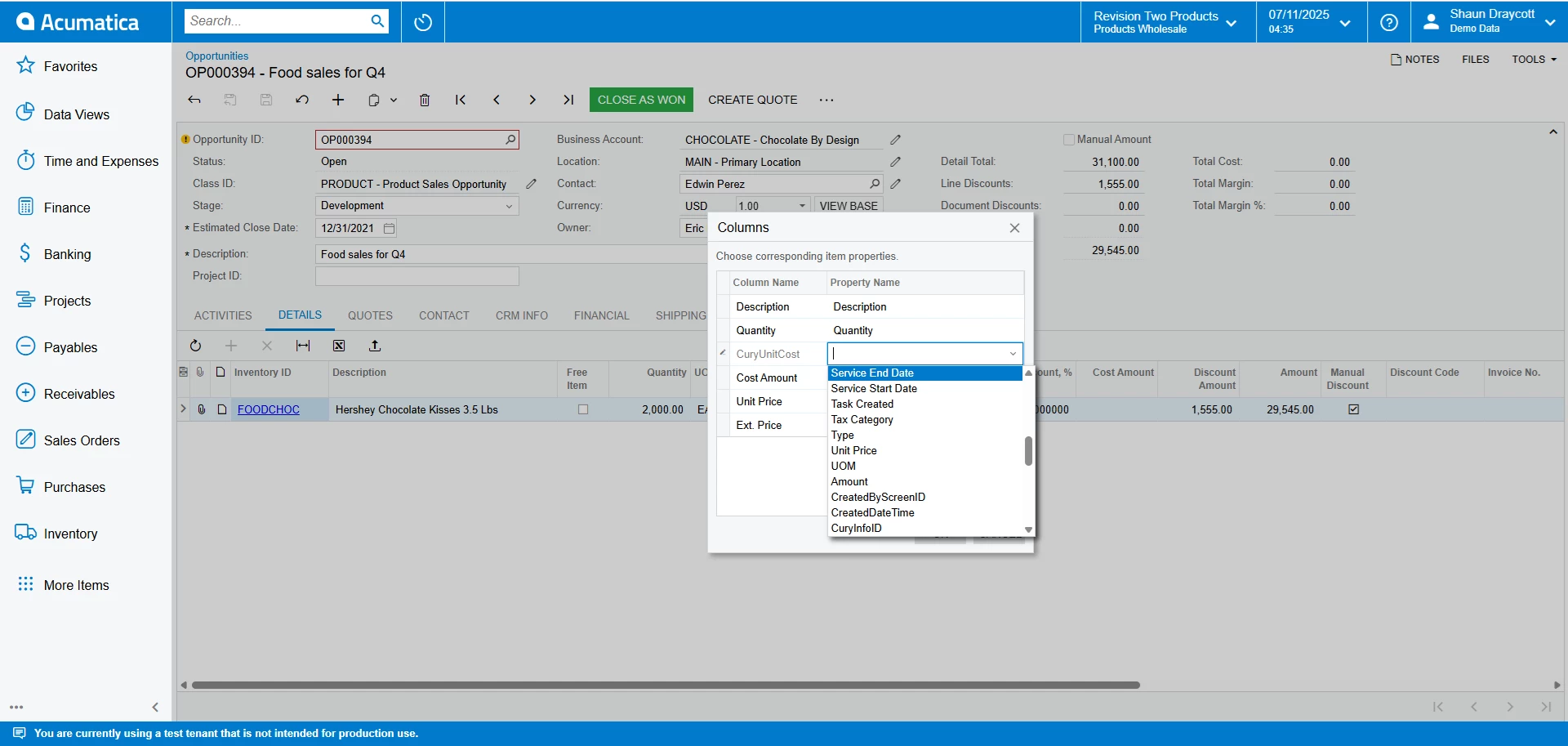
The templates still not map the unit cost. You can see from the screenshots that “Unit Cost” is missing from the fields and only “UnitCost” exists which does not work.

Is it possible to add it or do I need the reseller or Acumatica to fix?


lauraj46
Captain II
Forum|alt.badge.img+8
  • Captain II
  • Answer
  • November 7, 2025

Hi ​@sdraycott ,

I’m not sure why it’s missing since this should be a standard field.  I would definitely recommend checking with your reseller or Acumatica.  There may be a customization on the screen or something else going on.  

Laura