

Hi all,
In Acumatica Accounts Receivable → Print Statements processing screen, the system is not processing when a large number of records are selected using the Process or Process All buttons and throwing the attached error. This issue occurs specifically in the Modern UI.
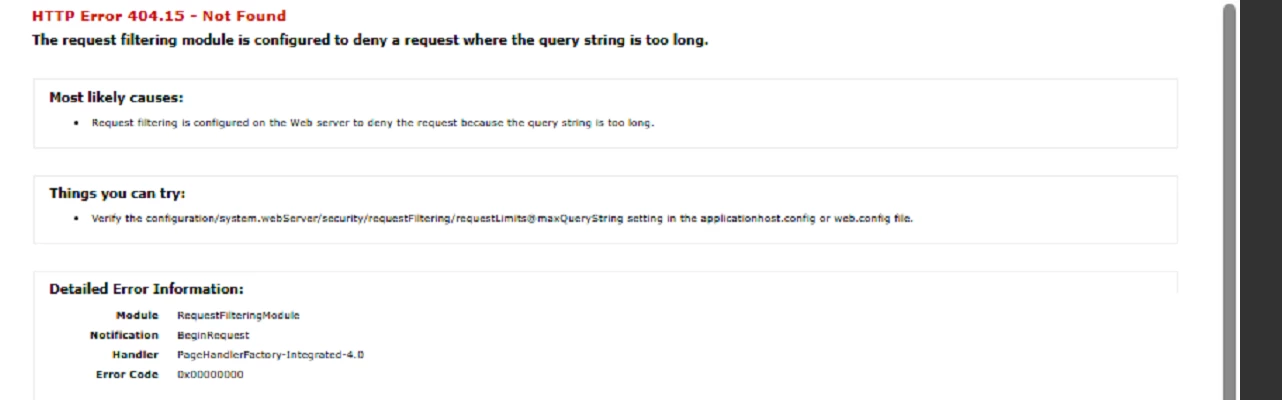
I attempted the following troubleshooting steps in my dev environment, but the issue still persists:
-
Modified the maxAllowedContentLength and maxRequestLength properties in the Web.config file
-
Modified the Maximum Query Length setting at the IIS level
Any input to help identify the root cause and suggest a solution or recommended configuration to handle large record processing in the Modern UI?
Thanks in advance!
Premalatha N


