
Answer

How to Change Vendor Location ID

  • October 15, 2025
  • 4 replies
  • 53 views

Michaelh
Pro I
Forum|alt.badge.img+2

I had an employee create a bad Vendor Location ID. This ID was used in a transaction, so I can’t delete it. I need to change the Location ID code to something no one will ever use.

I have inactivated it, but import scenarios bypass that status and bring them in as a vendor location to stock items etc. So how do I change this ID to something else inside of Acumatica?

Thank you!
Best answer by bwhite49

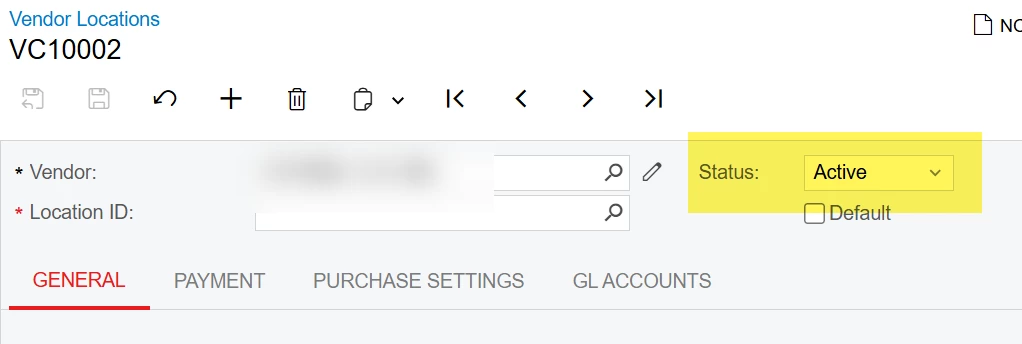
I ran into this issue recently with customers and was surprised to find there is no CD rename functionality. You can’t rename locations like you can with Baccounts and items.

All you can do is deactivate the location and delete all of the contact info from that location


4 replies

mohammadnawaz51
Jr Varsity I
Forum|alt.badge.img+4

@Michaelh can you create a new one by deleting old one?


Michaelh
Pro I
Forum|alt.badge.img+2
  • Author
  • Pro I
  • October 15, 2025

This ID was used in a transaction, so I can’t delete it.


bwhite49
Captain II
Forum|alt.badge.img+10
  • Captain II
  • Answer
  • October 15, 2025

I ran into this issue recently with customers and was surprised to find there is no CD rename functionality. You can’t rename locations like you can with Baccounts and items.

All you can do is deactivate the location and delete all of the contact info from that location


Michaelh
Pro I
Forum|alt.badge.img+2
  • Author
  • Pro I
  • October 15, 2025

Which won’t block an import scenario from adding it to the vendors table in Stock Items. Looks like my next stop is the Product Ideas forum, thanks!


