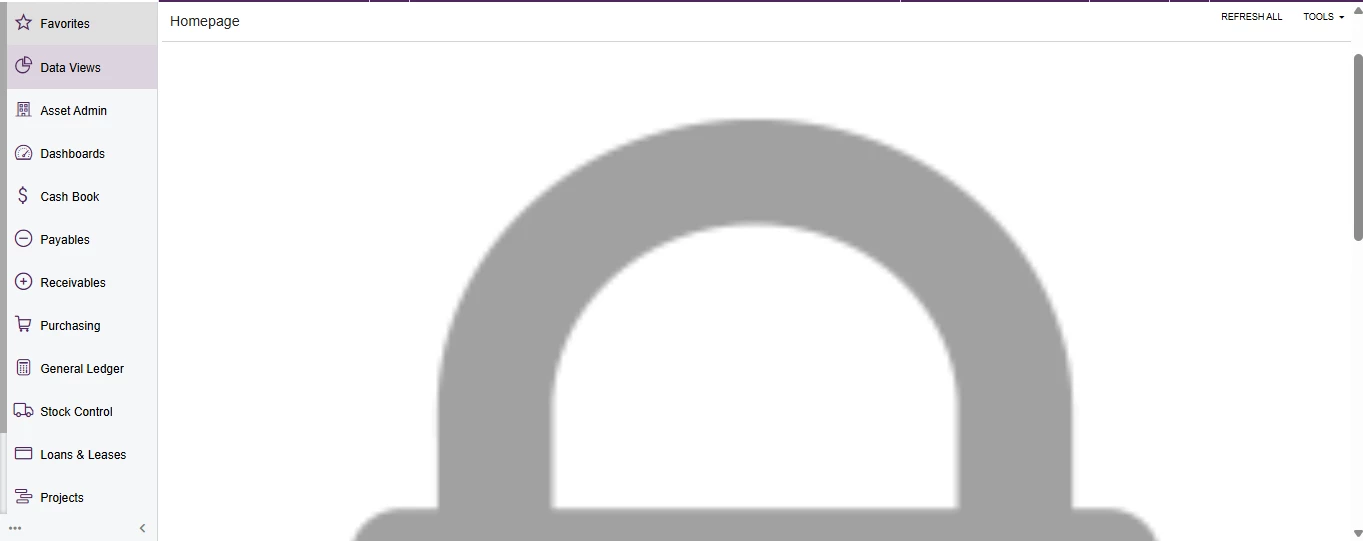
Image1
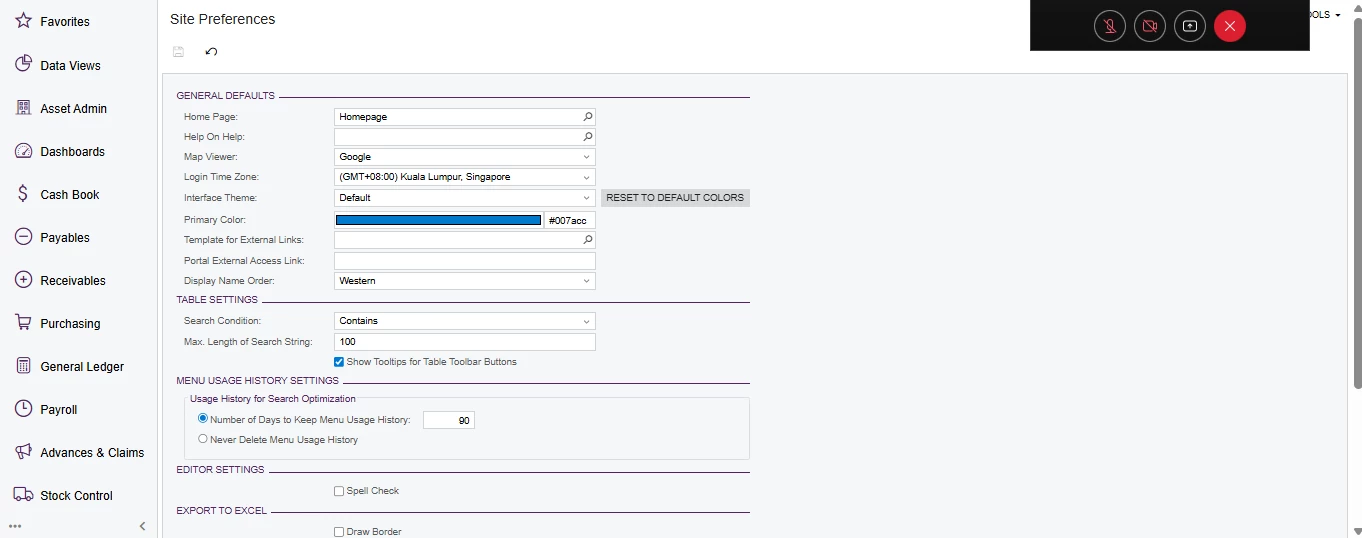
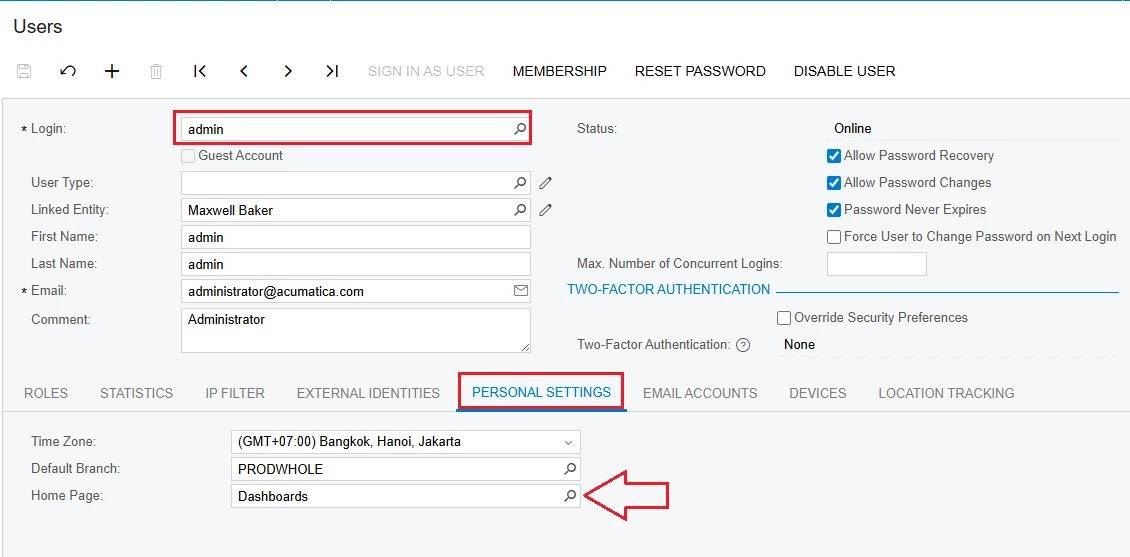
mine is 2024 R2 , i would like to know how to setup home screen as first homepage to all user ? i already navigate to site preference and set homepage there, but after i login as user, what they will see as first page was acumatica default welcome screen as showned below:
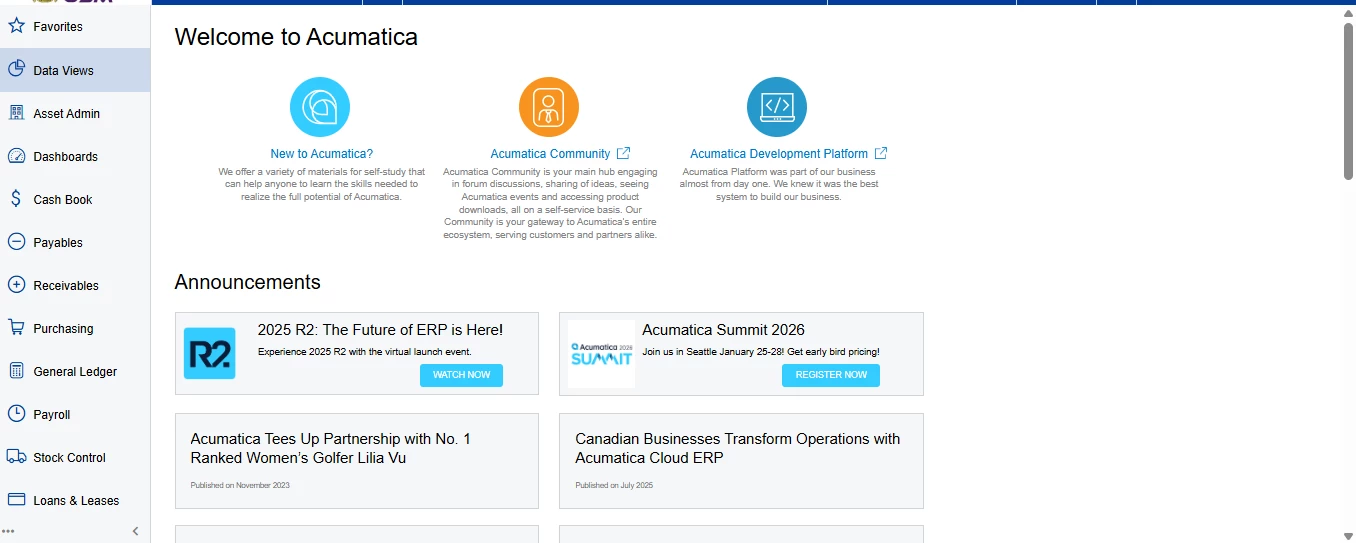
Image 2
after i click home button then only showned as “Image 1” .
And then i tested by assigning “Wiki Author” role to any user ID which that role provides access rights for creating Wiki articles, then only that user with “Wiki Author” role can see the homepage article i published earlier on wiki.
Can somebody help me ?
- I need to know how to configure this so that users can access my ‘homepage’ in view-only mode, without assigning any roles that allow them to edit the Wiki content.
- How can we configure the system so that the first page displayed to users upon login is the homepage containing my Wiki article?
Thank you.