Solved

Business Event for New Item Creation

  • December 29, 2025
  • 4 replies
  • 42 views

Forum|alt.badge.img+1

Hello! The goal of this Business Event is to send an email notification out when there is a new item created. And in the email body, I need to include the Preferred Vendor and Vendor Inventory ID from the Vendors tab on stock item. 

I have set up my Generic Inquiry, Email Subscriber, and Business Event as follows. The issues I am running into is:

  1. When a new item is created with two preferred vendors and different vendor inventory IDs, how can I have both vendor inventory IDs shown in one email, instead of the Business Event firing two separate email, one for each vendor inventory ID? Event better, if:
  2. I can have the email send out the vendor inventory ID where the vendor is selected as ‘Default.’ If neither is selected as Default, then send both in the same email.

I welcome any ideas, thank you so much! 

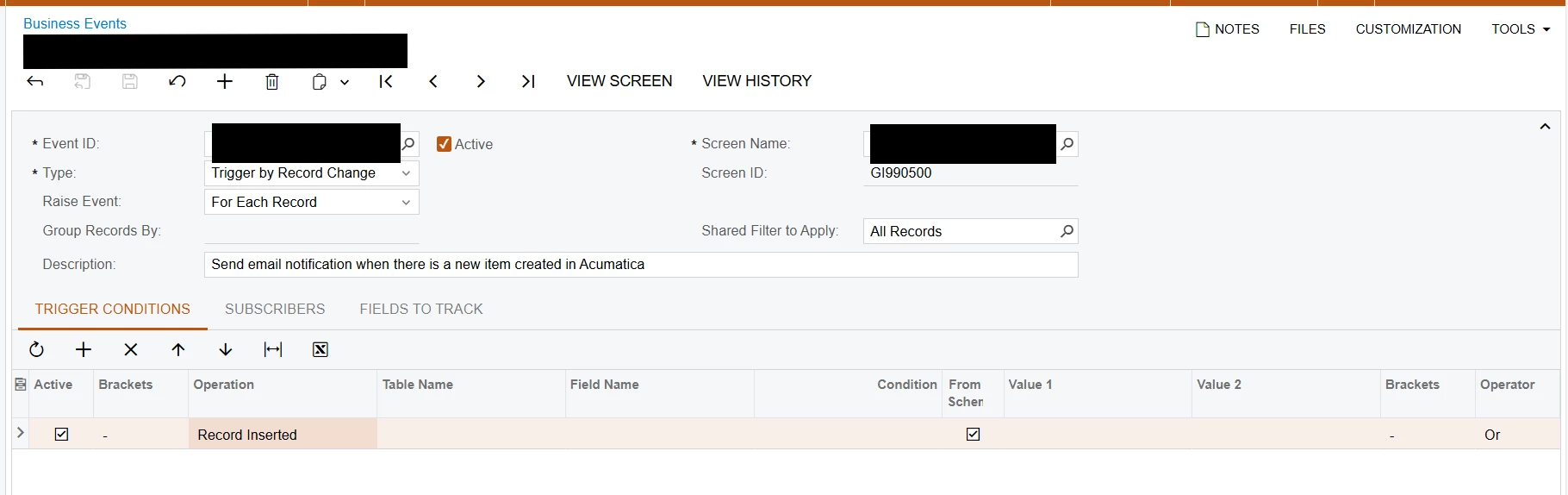
Business Event set up:
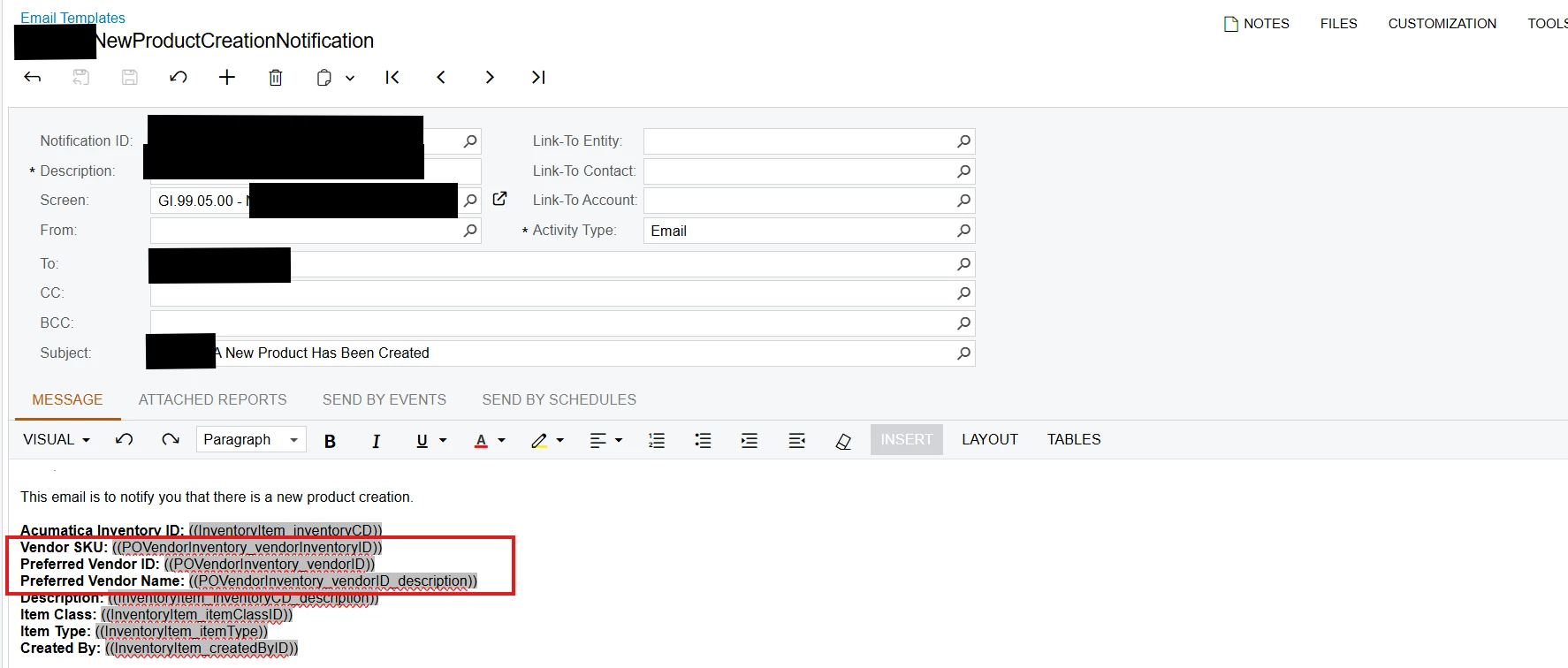
Email Subscriber set up: 
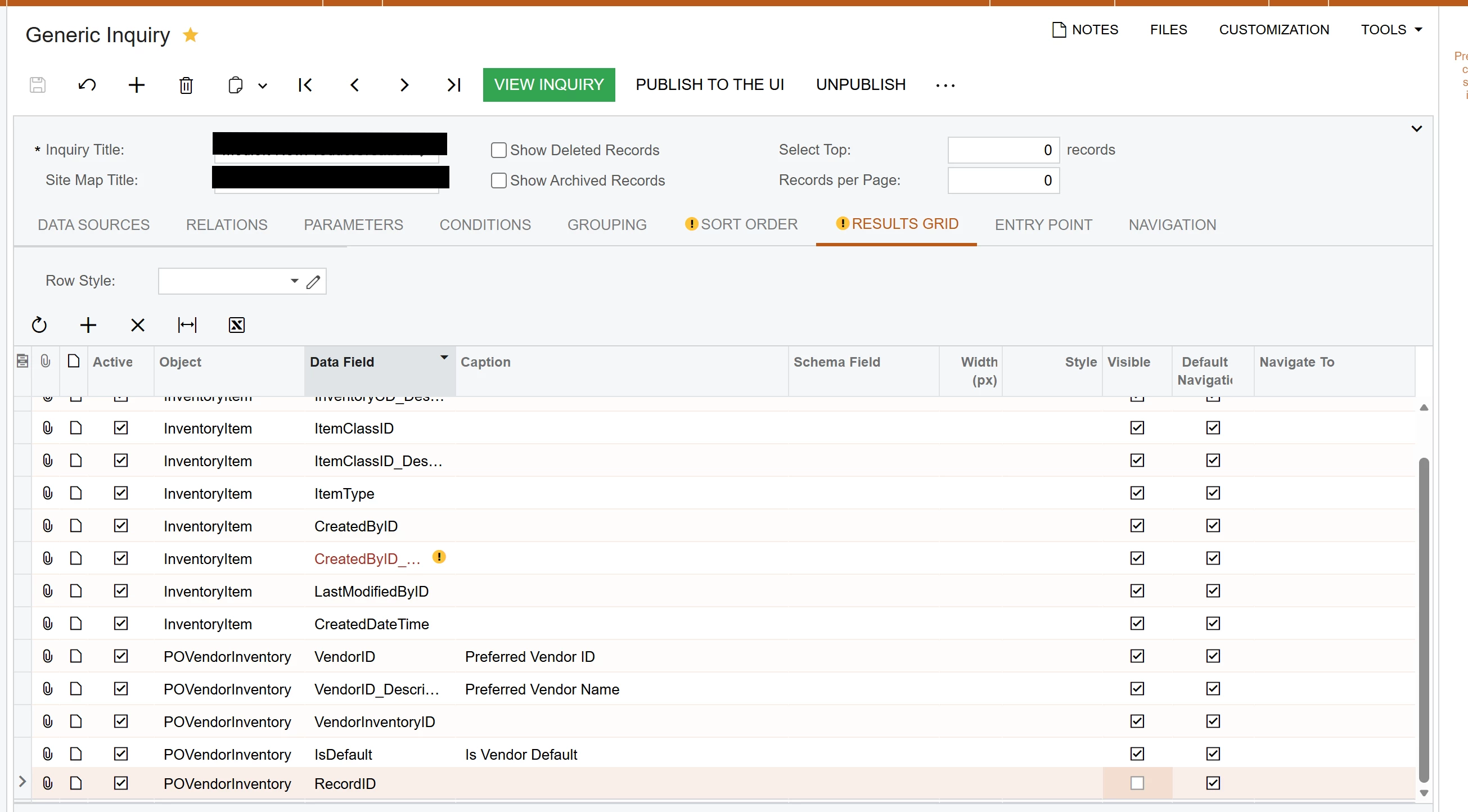
Generic Inquiry set up:


Best answer by mohammadnawaz51

@jzhu can you update the raise event for all records?


4 replies

mohammadnawaz51
Jr Varsity I
Forum|alt.badge.img+6
  • Jr Varsity I
  • Answer
  • December 29, 2025

@jzhu can you update the raise event for all records?


Forum|alt.badge.img+1
  • Author
  • Semi-Pro III
  • December 29, 2025

Hi ​@mohammadnawaz51 Thank you, that did limit the email to one. However, is there a way to tell the business event to send the email and only include the vendor that has ‘default’ selected? 


mohammadnawaz51
Jr Varsity I
Forum|alt.badge.img+6

@jzhu You can limited the default vendor ID In the GI Only.


  • Freshman I
  • December 29, 2025

if you need to including everything in the same email, you need to make sure info should be available in GI. As we using data source as GI, if info exist in GI, you should be able to select it in email template.