Question

Assignment and Approval Maps - AP Approval

  • November 12, 2025
  • 5 replies
  • 49 views

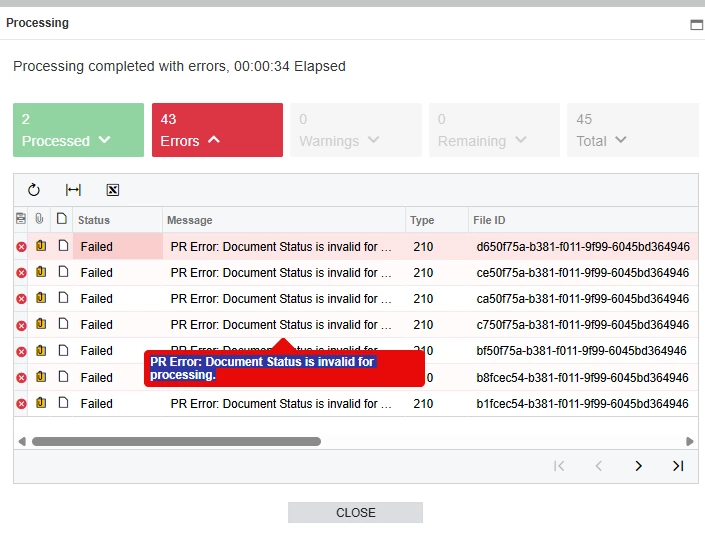
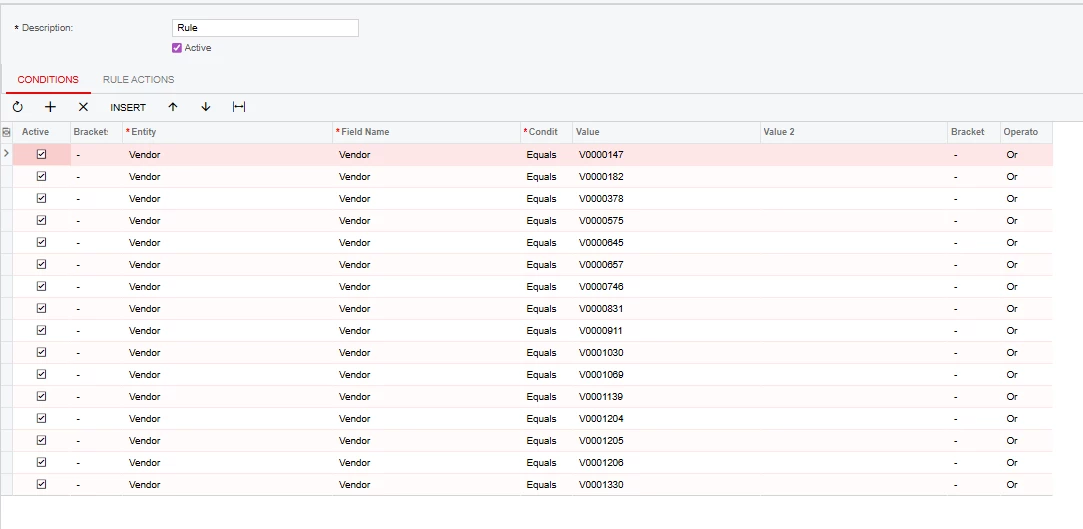
I am trying to set up my AP Bill Approval Map to ignore all of our vendors that are carriers. They come through via EDI and have a separate process that they must go through. When I turn on the Bill Approval, my EDI invoices receive an error. How can I code my map to ignore these vendors?


5 replies

nickcerri32
Jr Varsity III
Forum|alt.badge.img+1
  • Jr Varsity III
  • November 12, 2025

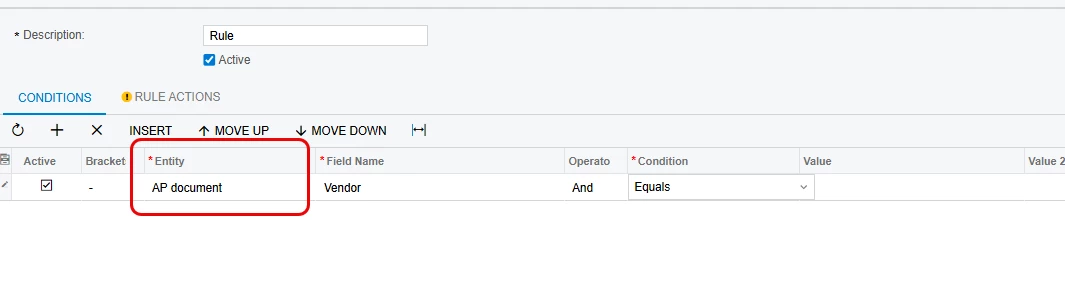
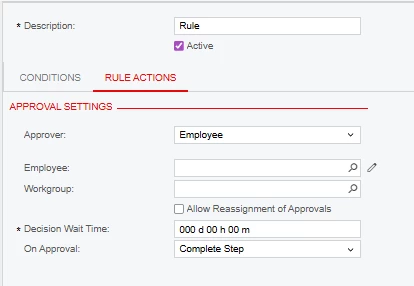
@tpittman - Can you provide a screenshot of the error?  For Bills, I would typically set the Entity to AP Document and then pull the Vendor from there.  You mention “to ignore” in your comment - do you want the approval to trigger when the vendor is any one of the vendors you’ve identified or is NOT one of the vendors you’ve identified in your screenshot?  The Approval map will ignore (Not trigger) any AP Document that DOES NOT satisfy the criteria you’ve laid out.  If you do want the approval to trigger, you’ll also need to select an employee and/or workgroup or else it will reference the Step Conditions If No Approver Found field which default to “Go to Next Step.” 


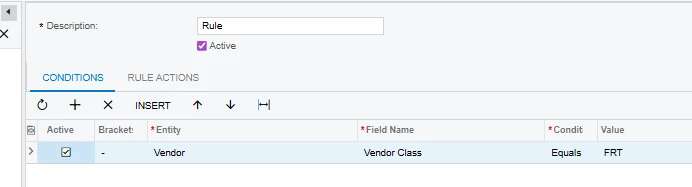
As an aside, can the vendors you selected be included in a separate Vendor Class?  That would make the approval map a bit simpler.


  • Author
  • Freshman I
  • November 14, 2025

I updated the mapping to look for Vendor Class per your suggestion, however this is the error I am receiving:


I would like the mapping to to require approvals for any vendors with the FRT class.


nickcerri32
Jr Varsity III
Forum|alt.badge.img+1
  • Jr Varsity III
  • November 14, 2025

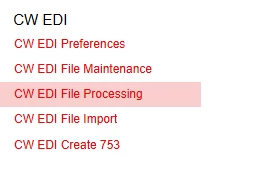
@tpittman - Which processing screen are you receiving the errors on?


  • Author
  • Freshman I
  • November 17, 2025

SPS Commerce EDI


nickcerri32
Jr Varsity III
Forum|alt.badge.img+1
  • Jr Varsity III
  • November 17, 2025

@tpittman - I’ve got a client using SPS but those site map names appear to have been modified. What is the screen ID?  I need to know what the screen’s function is.  If it’s attempting to release all ap bills, irrespective of their status, then the error is because the status of the bill is “Pending Approval” and won’t be processed.  The approval map simply identifies the criteria for transactions on a particular screen to enter the approval map, but 3rd Party integrations may need to be further configured to ignore these.