


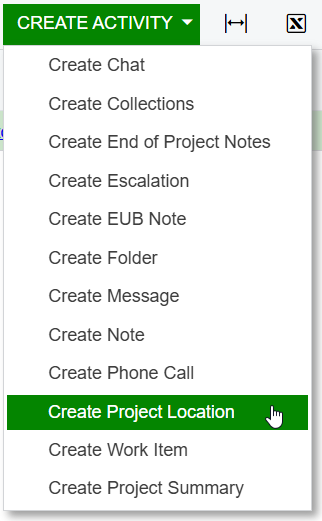
Is there a way to set the Activity screen to not have the "Track Time and Costs" and "Billable" check boxes marked when creating a new activity from a project? We would like to have it that the user would have to check the boxes if they apply instead of them automatically being checked to start.
Solved
Activity Screen - Track Time & Billable check boxes
Best answer by dspennacchio74
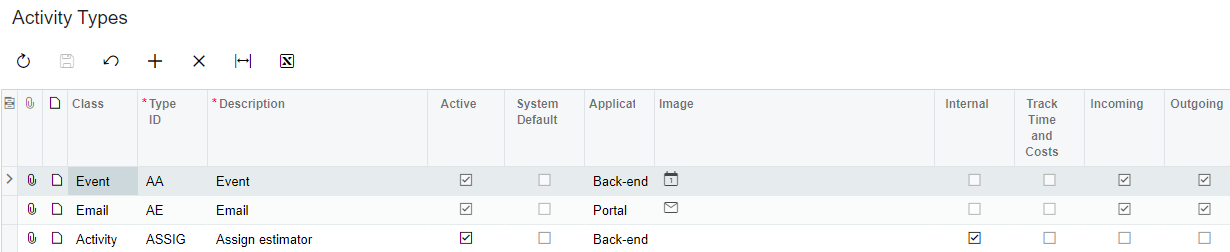
We default the Activity Type with checkbox for “track time and costs” to make sure the activity shows up on the project.
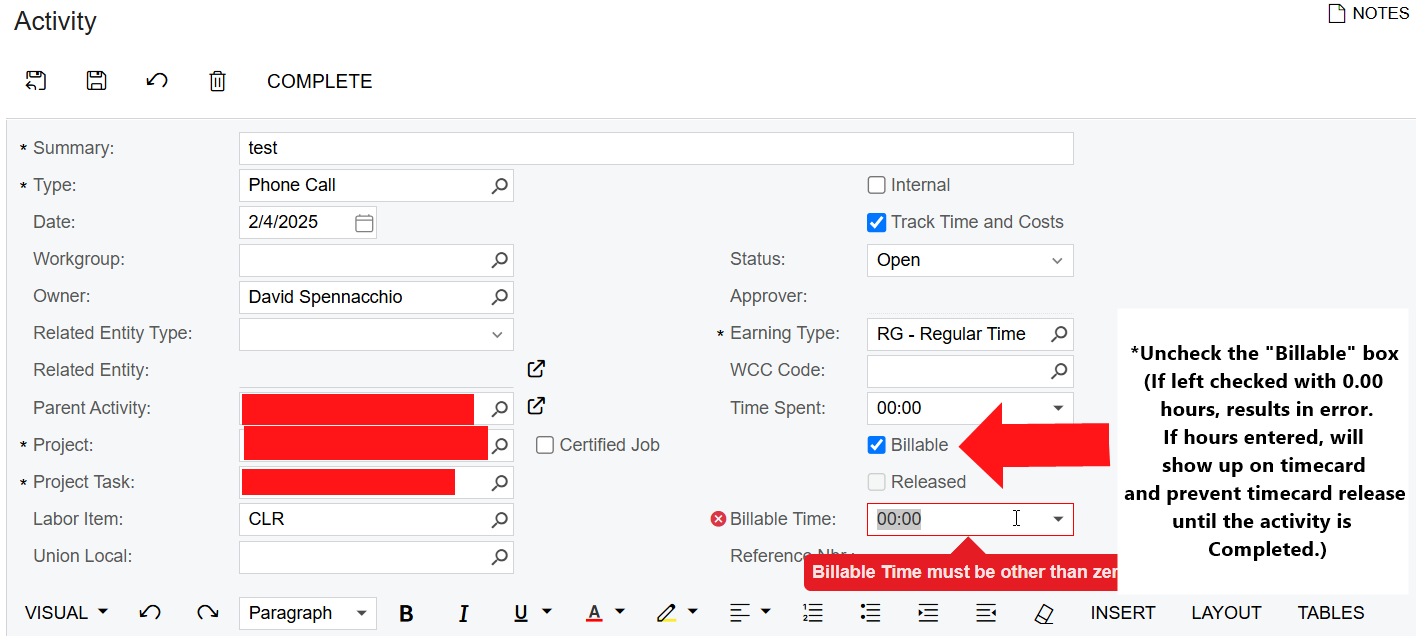
The issue is the billable box is automatically checked as well.
There should be an option to have this defaulted as False = not checked.
If an employee enters an activity on a project, and then forgets to uncheck the billable box, they receive an error and then they just have to uncheck the billable box to get the activity to save.












Login to the community
No account yet? Create an account
Social Login
Login with your Acumatica accountEnter your E-mail address. We'll send you an e-mail with instructions to reset your password.