How can I configure PM301000 screen permissions so that a specific role can only:
-Insert new projects (header level only),
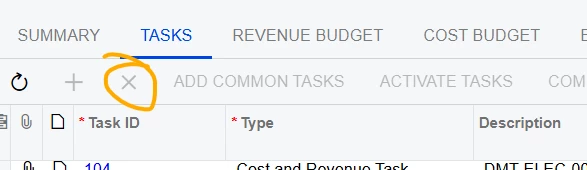
-Delete lines in the following tabs: Task, Revenue Budget, and Cost Budget,
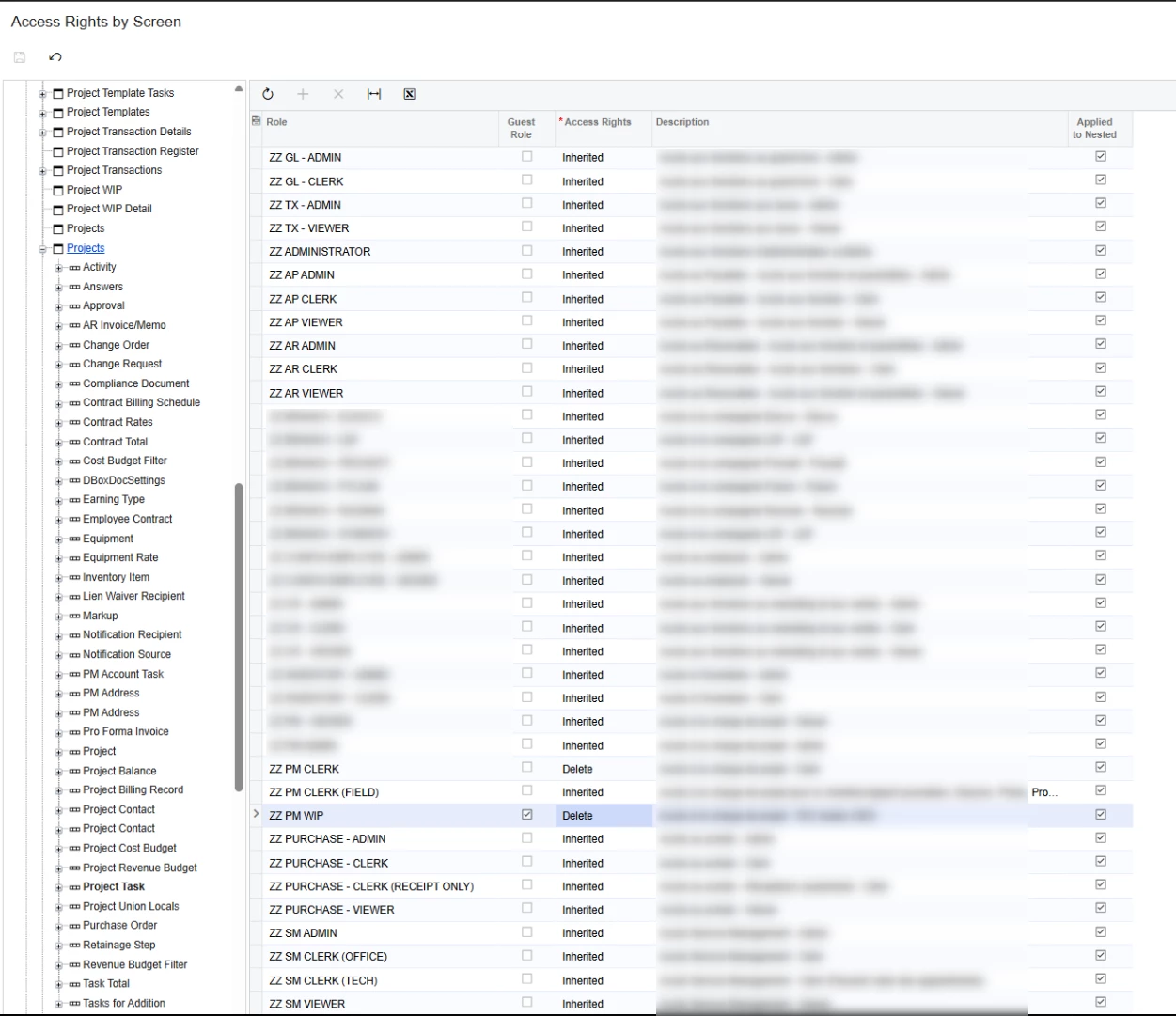
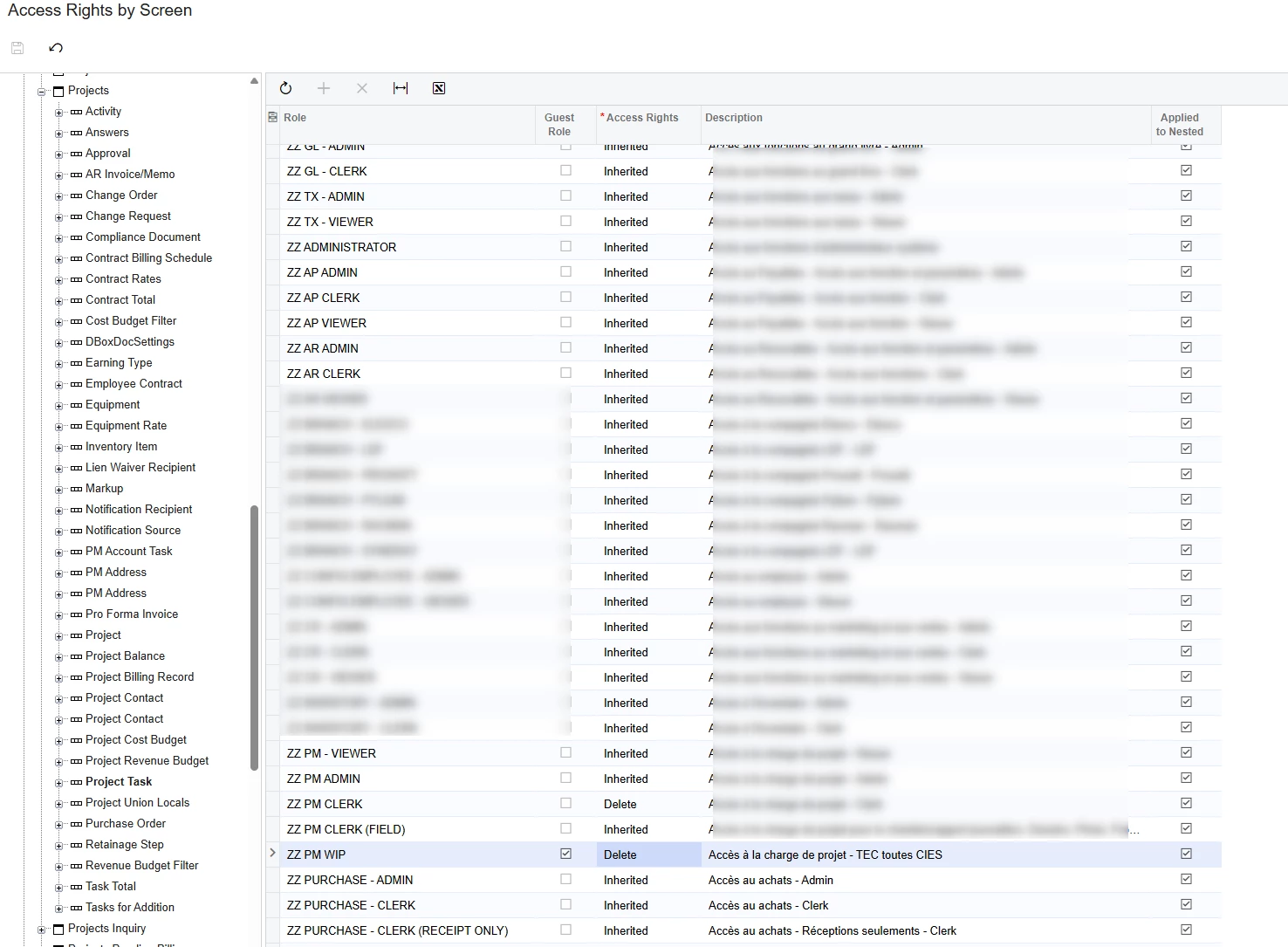
I’ve tried setting “Insert” access for the Projects screen and “Delete” for the related detail screens (Project Task, Project Revenue Budget, and Project Cost Budget), but users can still delete existing records.
What would be the best way to achieve this behavior?
Thank you!.
PM301000
Best answer by Ed Goodman
@raphrf
Acumatica does not support the increase of access rights at lower levels.
If you want the role to be able to delete in the detail screens, you will need to set access to Delete for the Projects screen, then set the pertinent fields at the lower level to Insert access.
Acumatica does not support the increase of access rights at lower levels.
If you want the role to be able to delete in the detail screens, you will need to set access to Delete for the Projects screen, then set the pertinent fields at the lower level to Insert access.