Answer

Not being able to access the Product Idea section

  • January 14, 2022
  • 25 replies
  • 271 views

wxbrian
Jr Varsity II

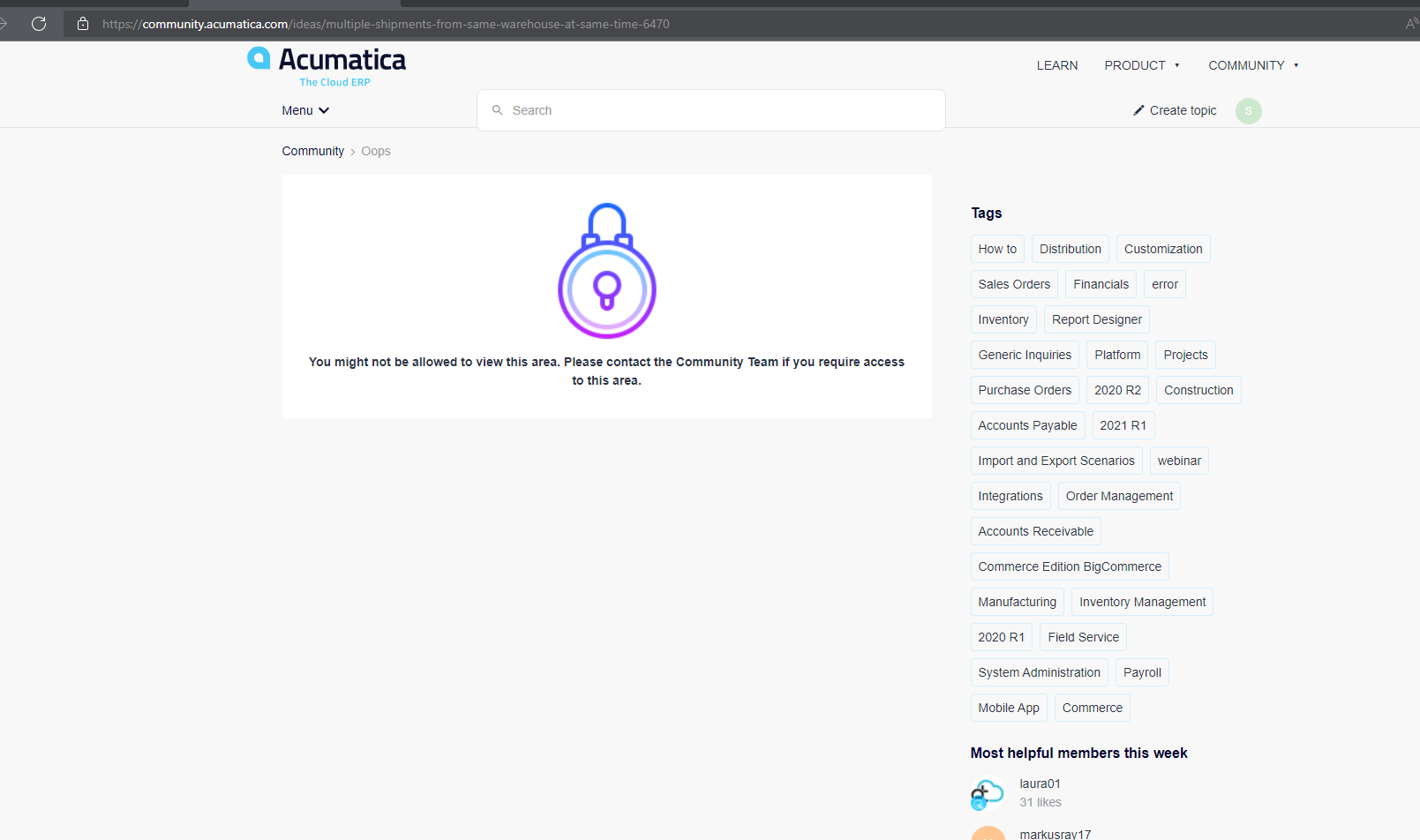
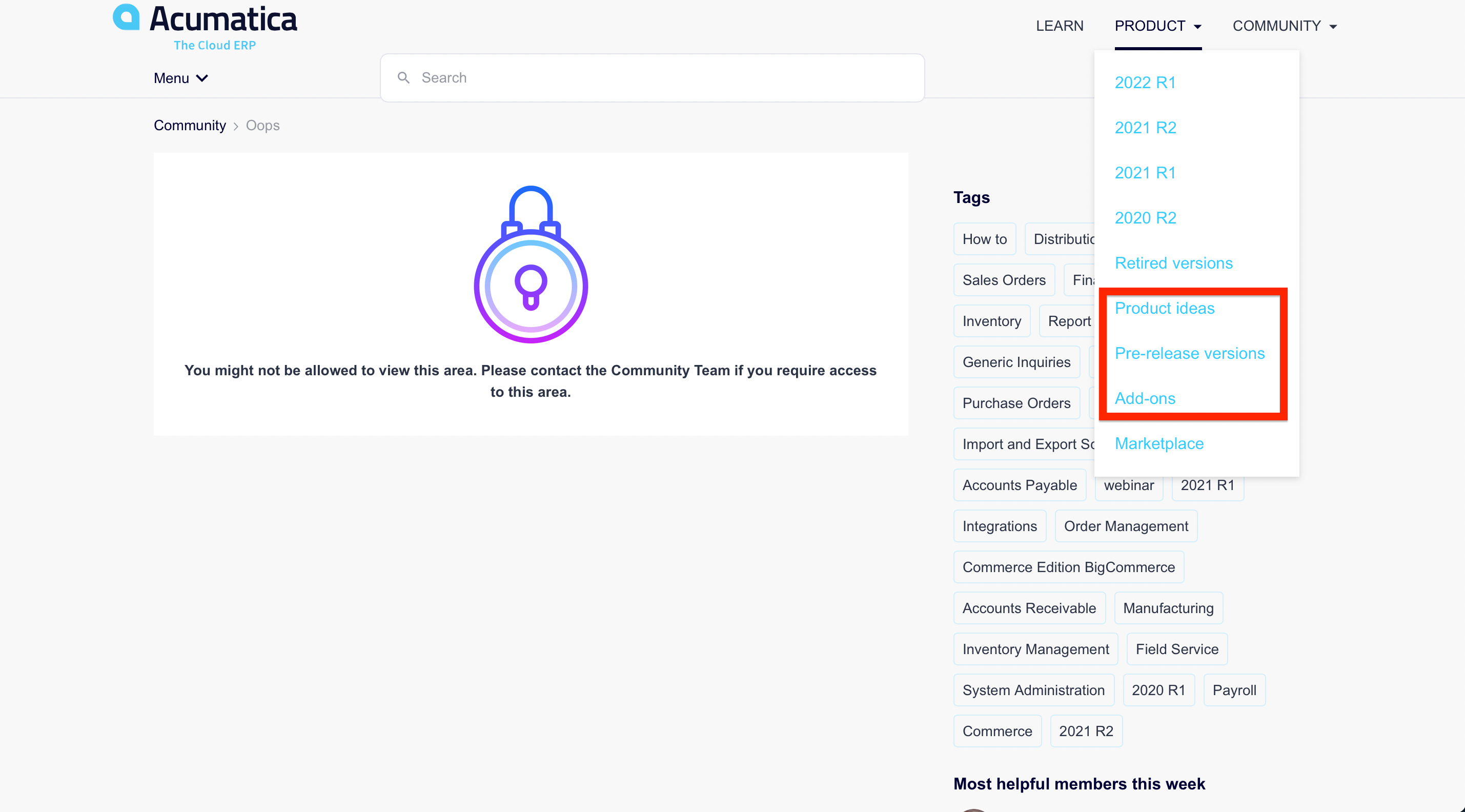
Hey Everyone, I recently created my account using my company email but for some reason I can’t access the product ideas section on here. Everything else is fine but when it comes to this area of the community I get the following message: 
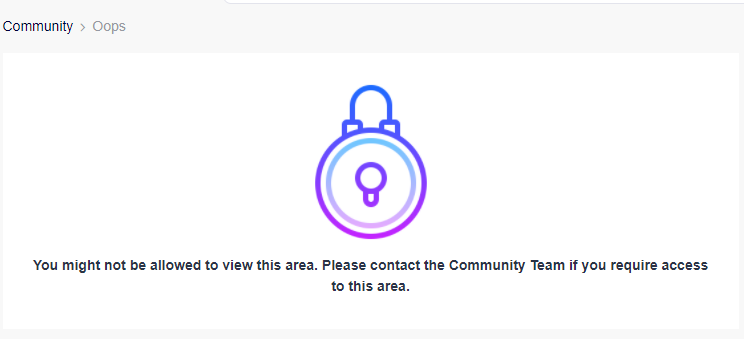


Have anyone experienced this before or could give me a hint on how to get access to the product Ideas? I shared this message with some of my colleagues here that also have access to the portal and they don’t recall going through this error.


Thanks y’ll in advance!

Brian 

Best answer by Chris Hackett

Hi @wxbrian - It appears your company didn’t get attached to your profile initially. We have fixed it. You will need to sign out and back in for the change to take effect here on the community. Cheers!

25 replies

Chris Hackett
Community Manager
Forum|alt.badge.img
  • Acumatica Community Manager
  • Answer
  • January 14, 2022

Hi @wxbrian - It appears your company didn’t get attached to your profile initially. We have fixed it. You will need to sign out and back in for the change to take effect here on the community. Cheers!


wxbrian
Jr Varsity II
  • Author
  • Jr Varsity II
  • January 14, 2022

Thank you so much @Chris Hackett, I just signed out and back again and I see that I have gained access to the product Ideas page. Thanks for your help.


  • Freshman I
  • April 20, 2022

I am having the same issue as listed above (not able to access Product Ideas section).  Can someone assist me?  


Chris Hackett
Community Manager
Forum|alt.badge.img
  • Acumatica Community Manager
  • April 20, 2022

Hi @Sbertsch - It appears your company didn’t get attached to your profile initially. We have fixed it. You will need to sign out and back in for the change to take effect here on the community. Cheers!


Forum|alt.badge.img+3
  • Captain II
  • June 1, 2022

Facing the same issue. Kindly provide solutions/suggestions.


Chris Hackett
Community Manager
Forum|alt.badge.img
  • Acumatica Community Manager
  • June 1, 2022

Hi @Harshita  - this account only has “registered guest” access because it’s not tied to a business account. If you have another account tide to your business account you should use that for full access. You may also check with your business account owner and have them add this account (email) to your business account. They should make sure to also provide you with the required access rights when they add. 


Forum|alt.badge.img
  • Freshman II
  • June 27, 2022

Hello, I’m also having the same issue. How can this be fixed?


Chris Hackett
Community Manager
Forum|alt.badge.img
  • Acumatica Community Manager
  • June 28, 2022

Hi @cberwaldt - -It appears your business account didn’t have the correct role assigned in CRM. I fixed that but you will need to logout/login to the community for it to take effect there. Please let me know if you have any questions. Thank you!


Forum|alt.badge.img
  • Freshman II
  • October 26, 2023

Hi @Chris Hackett , could you please help me? I’m having the same issue as @wxbrian . Actually, we work in the same company. Thanks!


  • Freshman I
  • October 26, 2023

Hi @Chris Hackett , make that 2. I also don’t have access to some community discussions. Looks like the same issue. Could you take a look at my account as well?

I also work with @wxbrian and @GastonRuggeri  

Thanks!


Forum|alt.badge.img
  • Freshman II
  • October 26, 2023

​Please could you add @karunafrontier as well? thanks!


Chris Hackett
Community Manager
Forum|alt.badge.img
  • Acumatica Community Manager
  • October 26, 2023

Hi @karunafrontier , @RamsayCh , @GastonRuggeri - I reached out to support on this as there were so many of you. Here is their response: “We have corrected all the accounts with this domain.” You will need to sign out / in to the community for the changes to take effect.


  • Freshman I
  • May 30, 2024

Hello @Chris Hackett! Would you be able to add me as well? I work with @GastonRuggeri , @RamsayCh , and @wxbrian above. Thank you!


Chris Hackett
Community Manager
Forum|alt.badge.img
  • Acumatica Community Manager
  • May 30, 2024

Hi  @PeterAdams - I have updated you. 


  • Freshman I
  • September 13, 2024

Hello @Chris Hackett! Would you be able to add me as well? I work in the same team as Peter, Chris, Brian and Gaston. 


Thank you so much

Haochen 


Chris Hackett
Community Manager
Forum|alt.badge.img
  • Acumatica Community Manager
  • September 13, 2024

Hi @WeiHa I have added.


Forum|alt.badge.img
  • Jr Varsity III
  • February 21, 2025

Hi ​@Chris Hackett 

Same issue here if you can help.

Thanks!


Chris Hackett
Community Manager
Forum|alt.badge.img
  • Acumatica Community Manager
  • February 21, 2025

Hi ​@CAS2809 - You will need to work with your partner or Acumatica Support as this change needs to happen in Acumatica CRM. At present you are not attached to a business account. They need to do that and assign you the proper role.


  • Freshman I
  • May 20, 2025

​Hi @Chris Hackett, I am in the same team as ​@wxbrian, ​@PeterAdams, ​@GastonRuggeri, and ​@RamsayCh. I am having the issue posted here by Brian. Would it be possible to add my profile to the same company account? Thank you in advance! 


Chris Hackett
Community Manager
Forum|alt.badge.img
  • Acumatica Community Manager
  • May 20, 2025

Hi ​@salarsays - I have updated


  • Freshman II
  • May 23, 2025

Hi ​@Chris Hackett, I am also having trouble accessing product ideas and KB. My user seems to not be linked to my business account. I am a current customer of MYOB Acumatica and am really hoping it is possible to have access to the forum. My partner support provider has recommended contacting the community support directly. Is this something you can help me with? Cheers


Chris Hackett
Community Manager
Forum|alt.badge.img
  • Acumatica Community Manager
  • May 23, 2025

Hi ​@AndrewBaihn - I believe that's addressed here: 


Forum|alt.badge.img
  • Jr Varsity III
  • June 24, 2025

Hi ​@AndrewBaihn - I believe that's addressed here: 


Hi ​@Chris Hackett , 

Bit confused here, I’ve read the linked thread and have noted WillH’s response, could you please confirm:

So essentially customers (companies who have purchased MYOBA licenses as end users) cannot access the knowledge base.

However, if you are a consultant/MYOB Partner, you can get access to the Knowledge Base.


I am in the same bucket as ​@AndrewBaihn, my MYOBA consultant said for me to ask “Acumatica” for access. I have seen in the community (and this thread) some people granted access and some not.  


Thanks.


Chris Hackett
Community Manager
Forum|alt.badge.img
  • Acumatica Community Manager
  • June 24, 2025

Hi ​@johnh3 - I'm afraid there's nothing I control with this. Your role in Acumatica portal controls access in the community. Those who were fixed have the appropriate role in the portal so can gain access. If they don't, then they need to work with their partners for the information. 


Forum|alt.badge.img
  • Jr Varsity III
  • June 25, 2025

Hi ​@johnh3 - I'm afraid there's nothing I control with this. Your role in Acumatica portal controls access in the community. Those who were fixed have the appropriate role in the portal so can gain access. If they don't, then they need to work with their partners for the information. 

Thanks ​@Chris Hackett, our Acumatica consultant is not a partner, but they believe that MYOB is (we are a NZ based customer), so they have contacted MYOB in this instance.